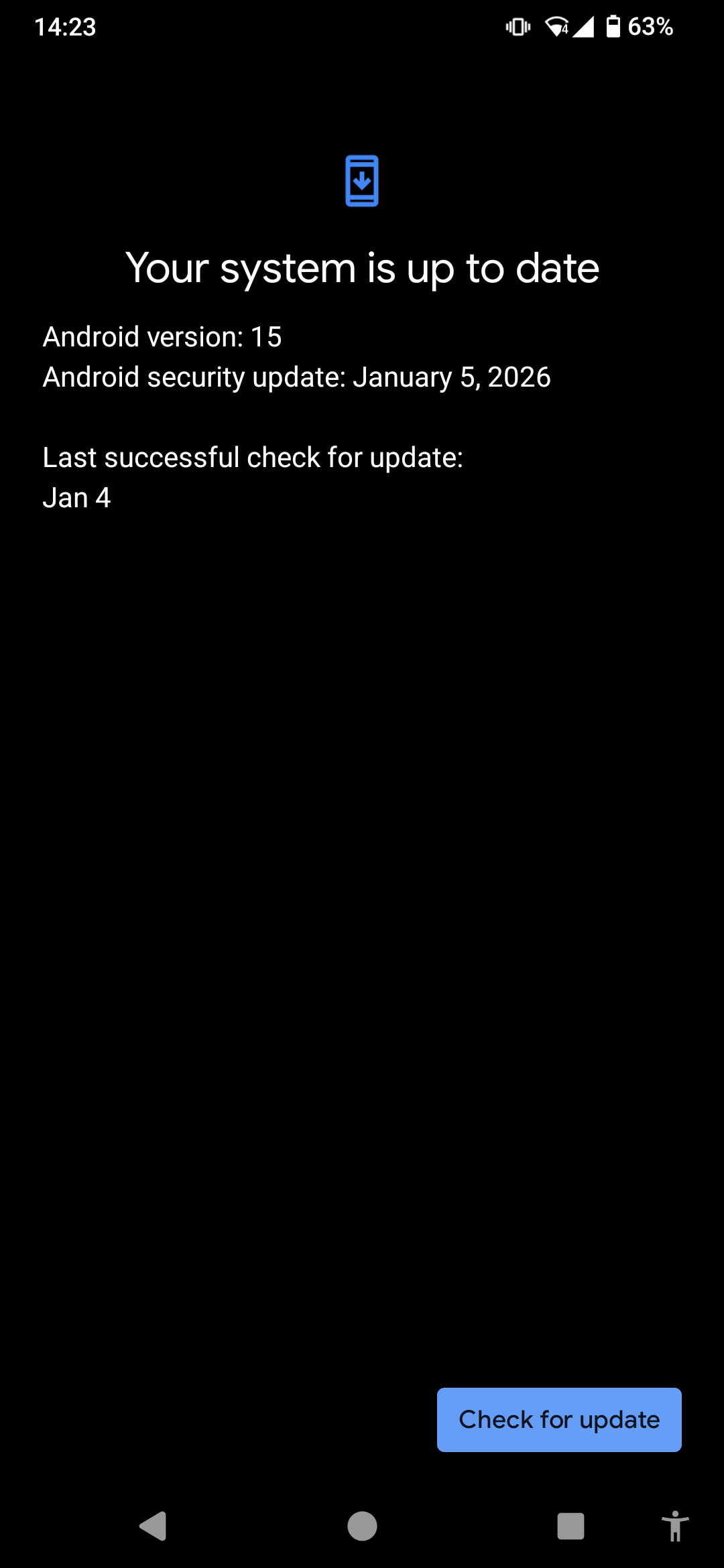
We will begin releasing a security patch update for the Fairphone 4 from today, January 6.
This will be a staged rollout, so you may not receive it right away.
Software Version Information:
Model: Fairphone 4
OS Version: Android 15
Software Version: FP4.SREL.15.14.4.20251229152255
Build ID: FP4.SREL.15.14.4
Security Patch Level: 5th January 2026
Update size (from previous version FP4.QREL.15.14.3): 16.87 MB (16867123 bytes)
From Android 13 (FP4.TP31.C.0143) it’s larger 1,576.07 MB (1576068723 bytes) & will update to Android 15
For Orange France & Belgium Fairphone 4 users, as specified here, your latest available update is FP4.TP32.C.0144.
For those who installed the previous update: You are already on an up to date security patch, so no need to update to this one. You will receive a new Security Patch Level with the next update.
If you’re experiencing any issues, please reach out to our Customer Support Team via the Repair Portal who are prioritizing these cases.
I am a bit surprised that this software version apparently stems from 29 December 2025 (“…20251229…”), but includes security patches from yesterday, 5 January 2026. I’m a layman, am I missing something here? Perhaps this should read 5 November 2025 (just like the retracted 15.15.2 update)?
That’s a great observation. It is actually quite standard across the Android ecosystem for these dates to appear different.
In general, the process works like this: Android security patches are made available to manufacturers ahead of the public release date. This should allow teams to integrate the necessary security code into their specific software builds and complete a testing phase before the update is rolled out to users.
The Security Patch Level (SPL) date is a label that identifies the specific package of security fixes included in the update. The Build Date marks the point when that version of the software was compiled. It is a standard practice for a build to be compiled and then undergo a verification process before it is released, which is why the dates often don’t match.
I can confirm that this update does indeed include the January Security Patch Level.
I’m having an “Installation problem” (no error code) going from 15.14.3 to this version. Rebooting did not work, and the lack of an error code makes it hard for me to troubleshoot any further.
It is worth noting that I’ve had to manually install 15.4.3 from Ubuntu Touch, which was a painful process requiring me to run all the flashing commands from here by hand while intercepting fastboot at boot time (it didn’t want to create the needed partitions unless I did this) - unsure how this affects the update.
For the record, I’ve tried to manually reinstall 15.14.3 using the provided .sh script, only to exit with error code 256 after finding the device in fastboot.
It seems there was no update of the kernel/boot image. For the very first time, I did not have to re-root my FP4 after the OTA and was able to install Magisk to the inactive slot
The most frequent cause of an installation problem is one of the partitions not matching the expected checksum, which might be a remnant of the Ubuntu Touch installation, or something that happened during your manual install (or boot modified because of root, but that doesn’t seem to be the case here).
Run adb logcat -c && adb logcat > logcat.txt before trying the update again and look for some clues in the output, the installer should tell you why it’s failing.
Hmm I think it might fail around this part of the script:
# Get the current status of the bootloader
# Note that the output goes to stderr, so we need a redirect
DEVICE_INFO_OUTPUT=$("${FASTBOOT_BIN}" -s "${ANDROID_SERIAL}" oem device-info 2>&1)
What happens if you run fastboot oem device-info yourself?
If that produces errors there might be an issue with the USB port / cable (happens quite often), or a permission issue for the user running the script.
Quick check-in: the update that cause problems for a few users (FP4.QREL.15.15.2) should no longer be available to download.
If you still see a download prompt for it, please do not install it. Instead, reboot your Fairphone 4, then go to Settings > System > System update and install the latest security patch FP4.SREL.15.14.4.
If you think FP4.QREL.15.15.2 is already downloaded on your phone, please contact support before rebooting.
If you were affected and have not contacted support yet, please reach out as described here so we can sort this out with you.
This is not very clear: Is this just a security update for those on A15? Or is this (also) the OS update from A13 to A15 for all those still on A13, for instance due to Orange incompatibilities?
4 days later and I haven’t seen it offered (Orange user, still on A13), so I’d suspect the former. Could you please confirm?
And in that case, what about the Orange users?
After all Orange is the leading mobile operator in France, Moldova, Romania, Slovakia and Poland, and the second in Belgium, Luxembourg and Spain, so I’d think there are a lot of Fairphone users using it, and those who escaped the initial upgrade patch are still on A13, over two months after Fairphone’s email that “Android 15 for the Fairphone 4 is here”…
Hi @KurtF the last software release that is available for Fairphone 4 users on Orange France & Belgium is FP4.TP32.C.0144 as confirmed here. I’ve also edited the Release Notes to clarify this.