FP 3+ doesn't show files after connected to PC

My new Fairphone 3+ won’t show any files/folders when connected to my computer (which is running on Windows 10).

Here is what I did so far:

  • checked the cable (for data exchange)
  • enabled file transfer on the phone
  • tried PTP (Photo Transfer) instead of file transfer
  • cleared media storage and waited a few minutes before connecting again
  • cleared external storage and rebooted

All the above are from other threads in the forum.
For my phone (which is three days old) it remains the same: The device is recognized, but the folder is empty.

Any additional advice appreciated!

Update:
I uninstalled MTP/ADB and all older devices and rebooted Windows. Result: The FP3+ is now not recognized at all. So I downloaded Android SDK Platform Tools as described here in the forum: USB File Transfer Mode and still no new result. So givin’ it up for now, but please still feel encouraged to reply to my question!

Hi Cinnamon,

which folder have you found to be empty?

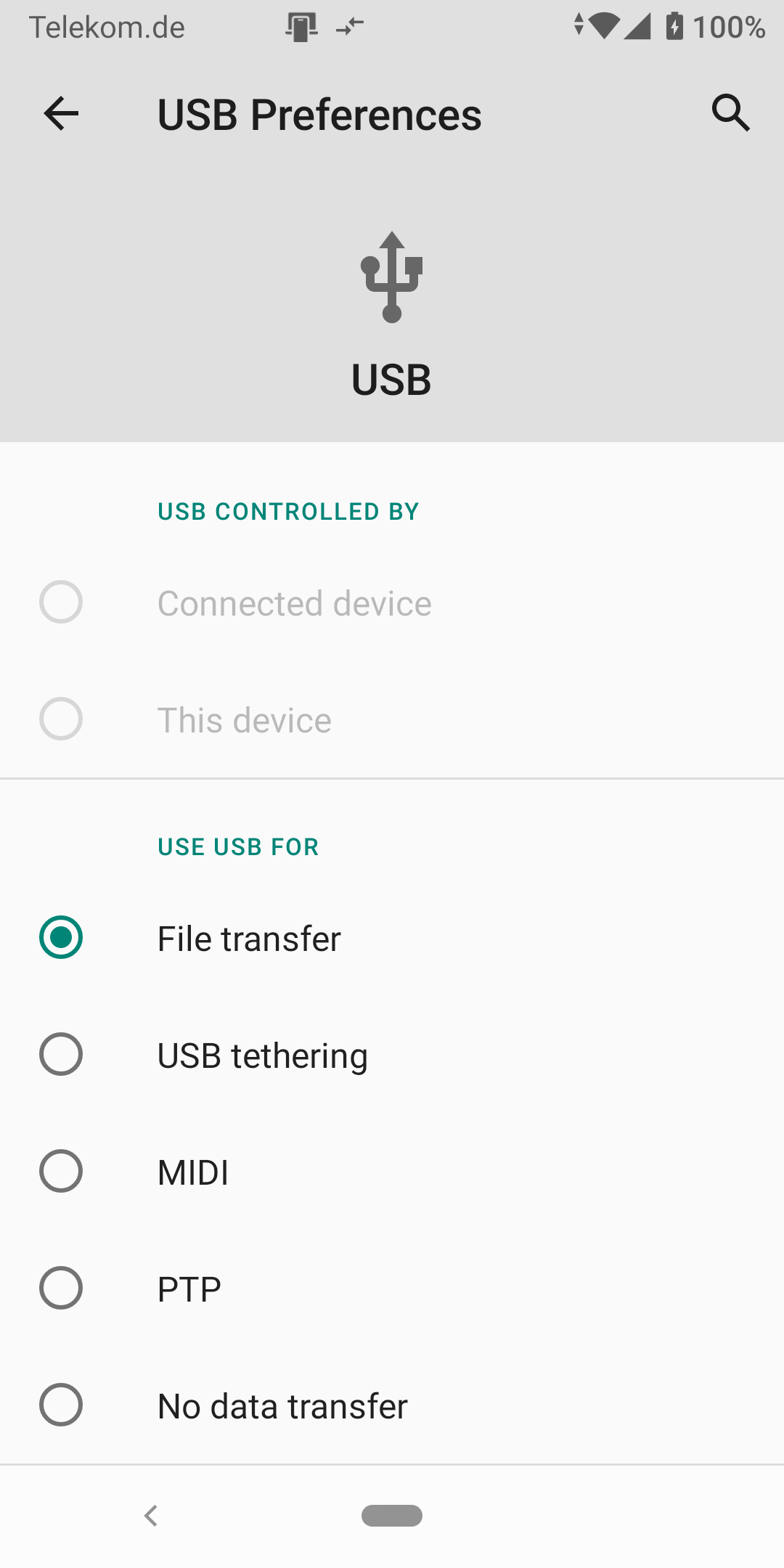
When I connect my FP3 running Android 10 to my Windows 10 PC and swipe down on the home screen, I get the following choices for the USB connection:

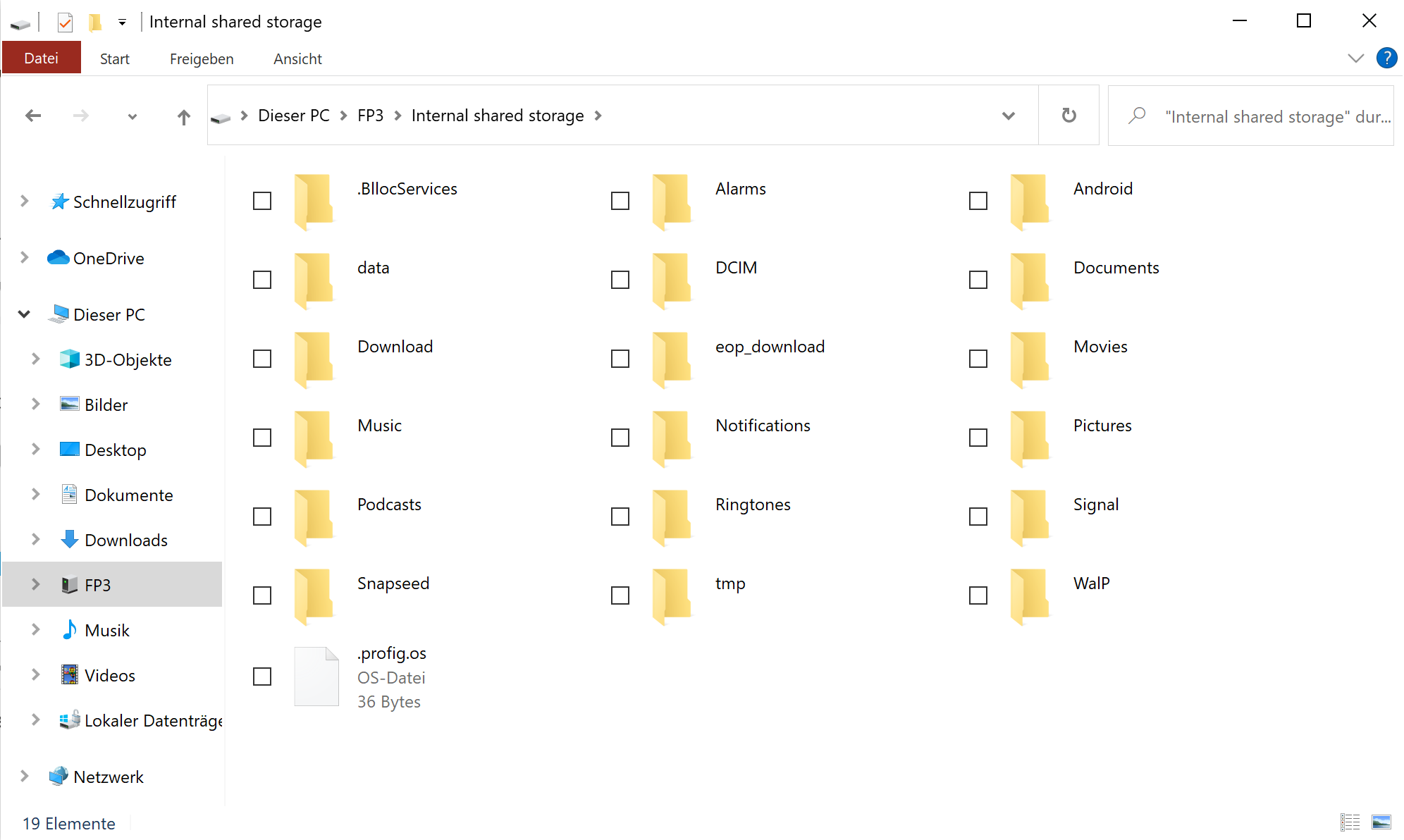
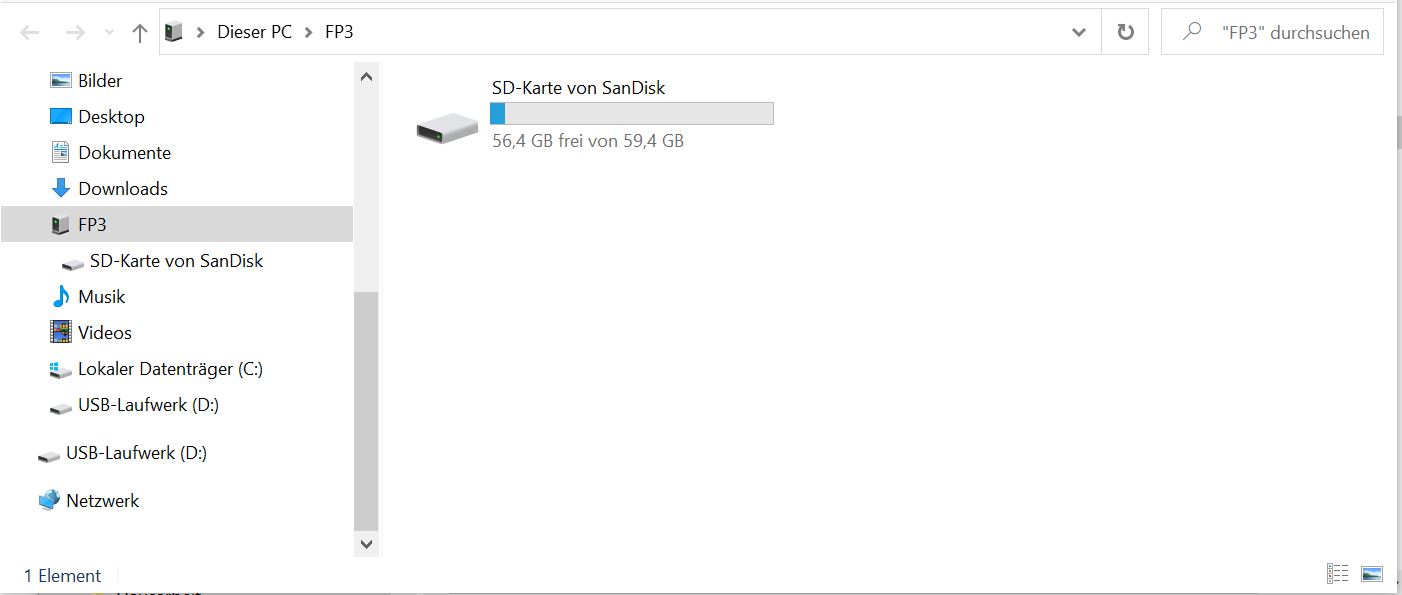
Windows explorer then mounts the FP3 and shows the internal storage and my microSD:

I can then browse the phone’s internal shared storage

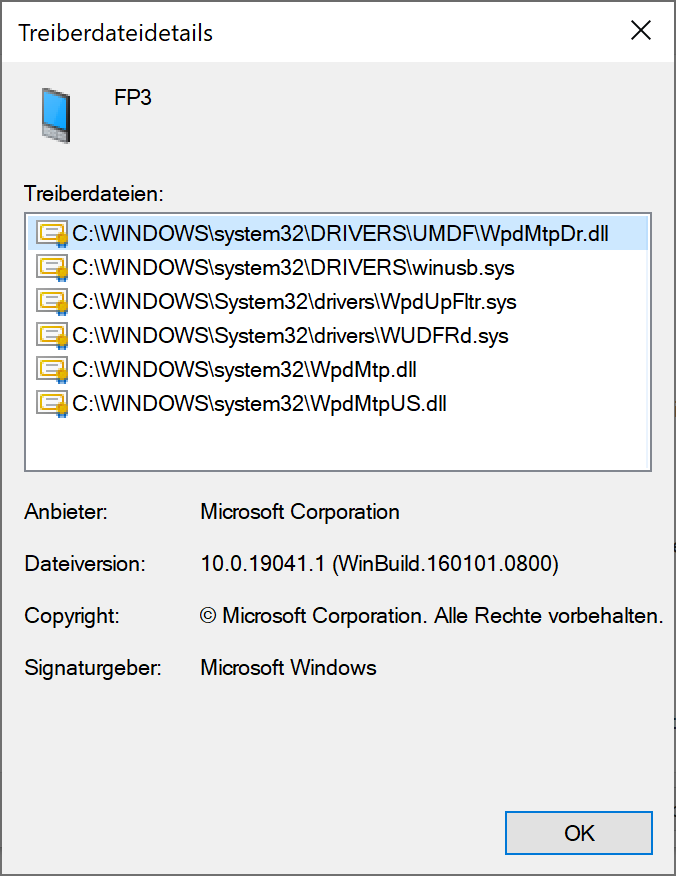
and find e.g. my photos in /DCIM and my screenshots in /Pictures. As far as I can tell, only standard Windows drivers are being used:

Good luck with getting your new FP3+ (did you really receive it earlier than September 14?) recognized!

Best wishes,
Thomas

Hi Thomas,

thanks a lot for your reply! Yes, I preordered the new FP3+ from a local retailer and to my surprise received it much earlier than expected.

Considering my request:
I now enabled USB debugging (through developer options) with the following results:

  • ‘File transfer’ (like in your screenshot) still won’t bring any results. Literally nothing happens, I can’t see the phone on my computer.
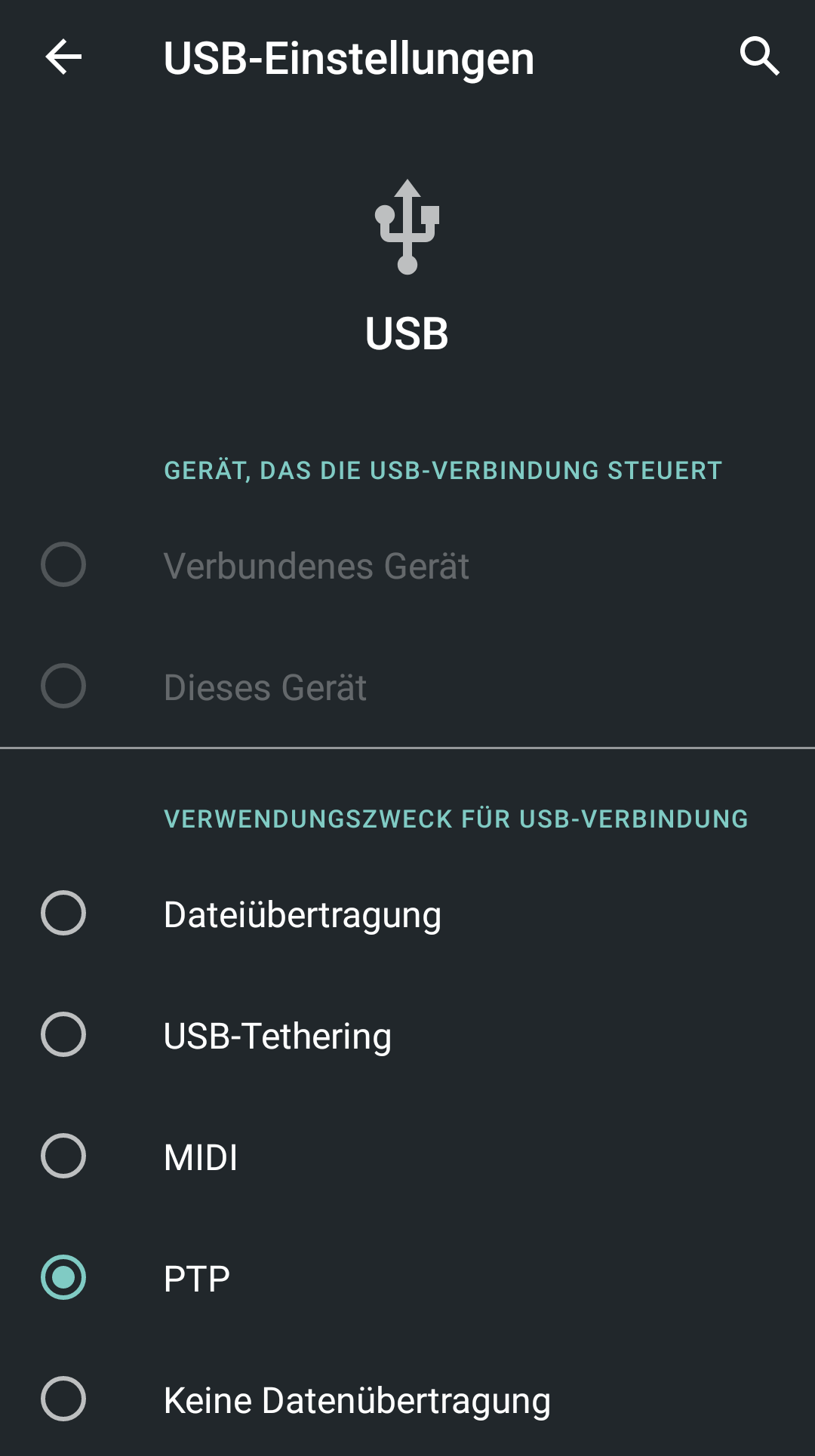
  • Chosing “PTP” the phone pops up on my computer, but only the SD card appears and not the internal storage.

I guess the problem is on the PC side here. Could you please try it with another Windows 10 machine?

Best wishes,
Thomas

Hello Thomas,

yes that’s right. I checked with another windows 10 computer and it’s working fine.
So at least the phone is alright I guess.
Thanks a lot for your support!