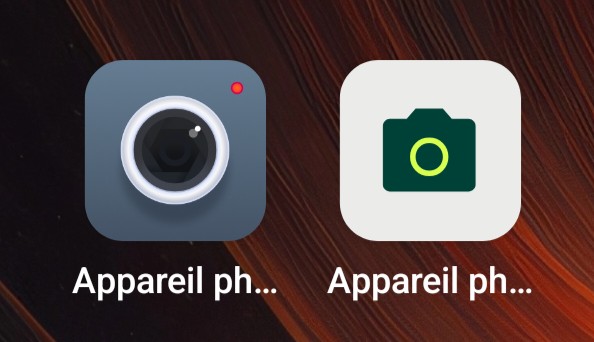
In one of the latest OS updates it got installed another system camera app (right hand icon). It’s far better that the previous one, and I would like to open this new one by default when double clicking the power button.
I am almost certain, but just to make sure: Your Fairphone runs Murena’s /e/OS operating system, right?
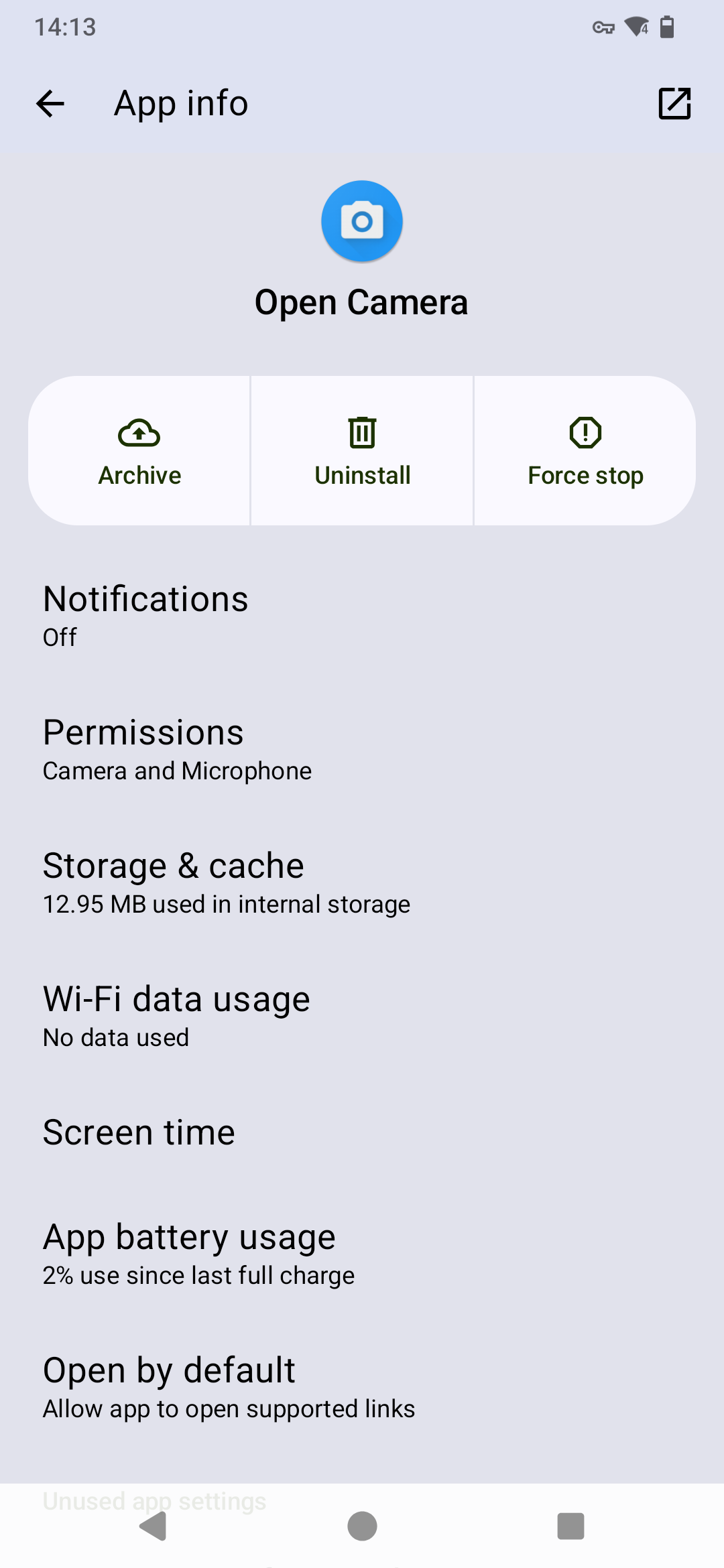
Murena originally delivered the FP6 /e/OS with their own default camera app (the icon on the left) based on the Open Camera app. Later, they made Fairphone’s own camera app available on /e/OS for the FP6 as well.
I running also this kind of problems. By default the phone use e/OS camera app, but the Fairphone camera app can be enable in Apps>General>Fairphone Camera. This option only appeared in FP6 with developers options activated previously. Anyway, my Fairphone camera app seems to not work at all since the last update ( you can take photos but those aren’t literally anywhere, no dcmi, no gallery app ,no where).
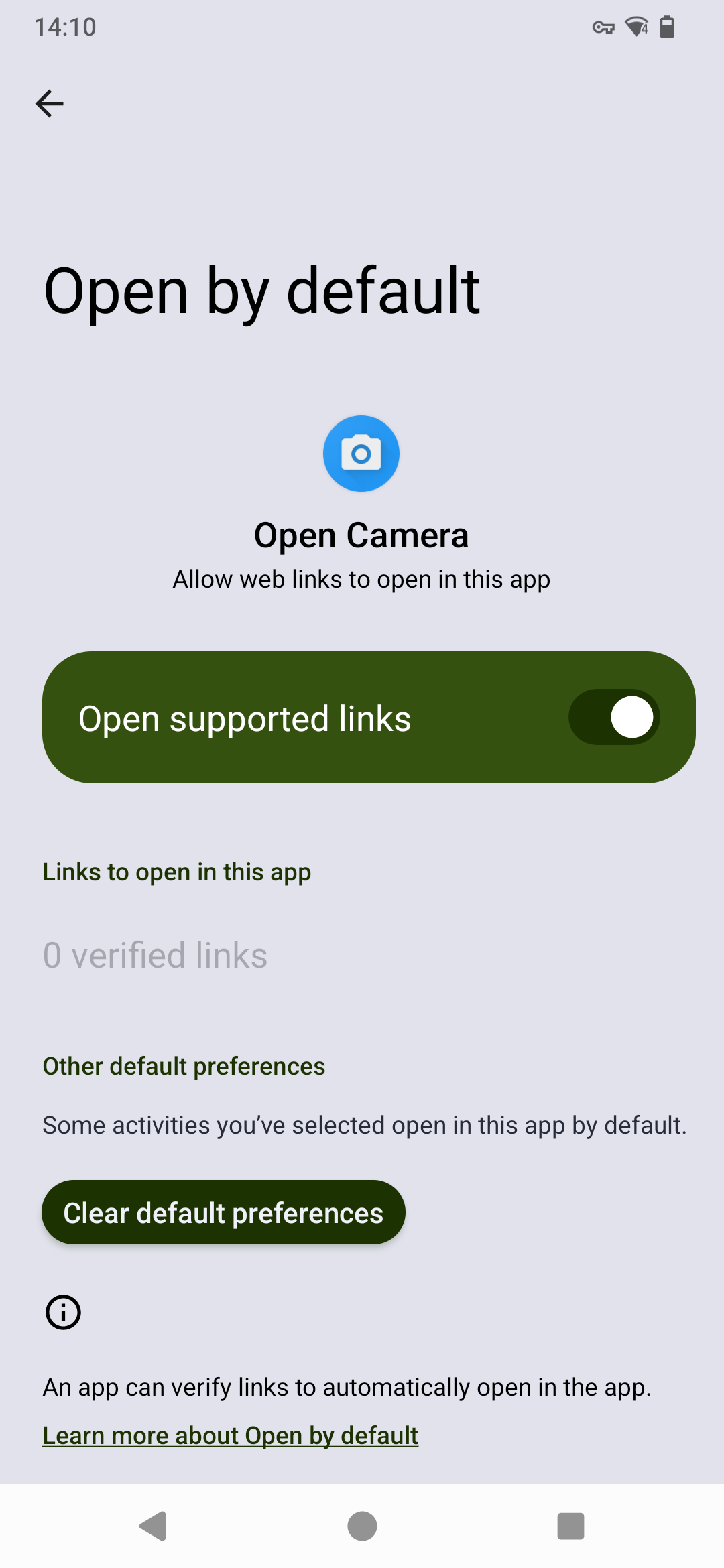
The best solution its uninstall the fairphone camera app or disable it from App default selection.