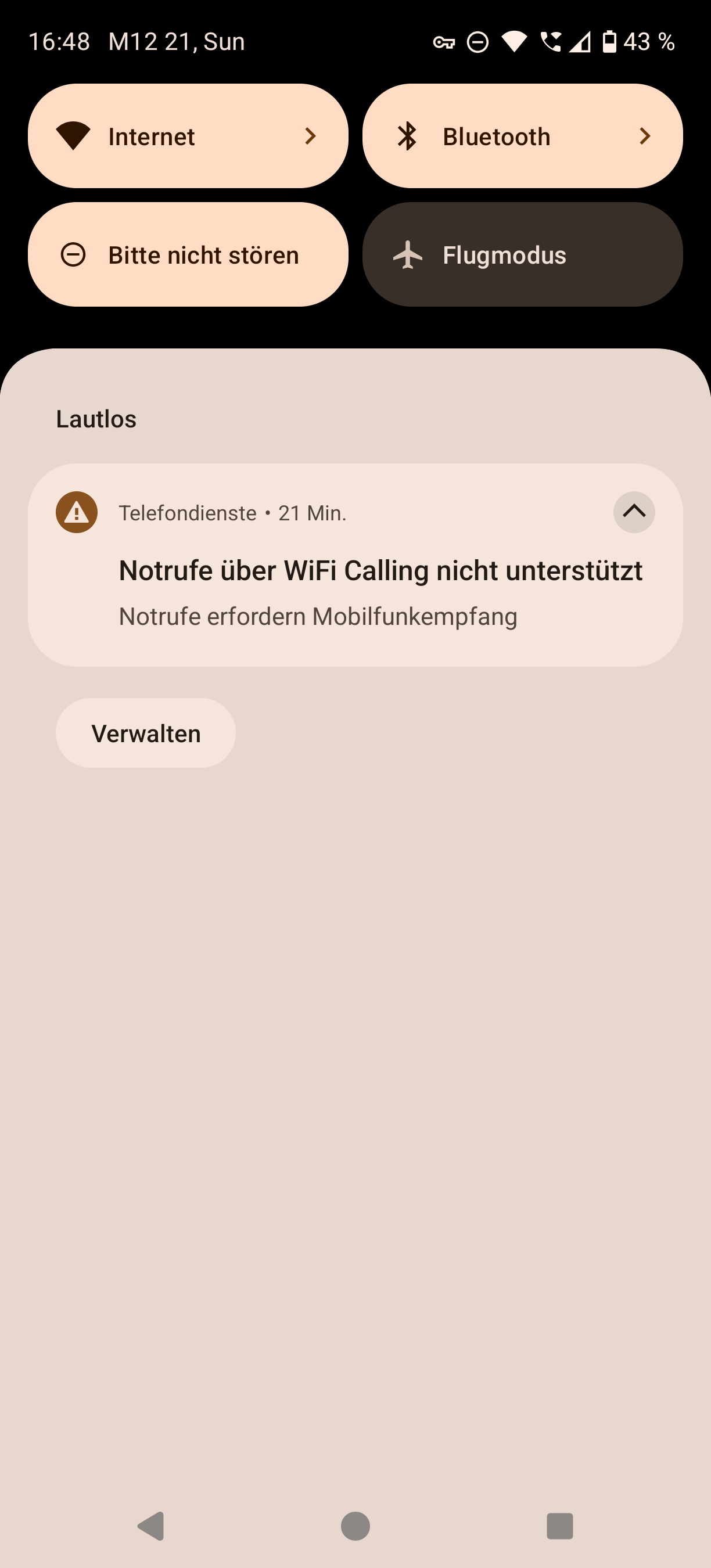
Can I force the update or download the file and flash it manually?
The phone was bought directly from Fairphone, I do not understand why a provider has any say in holding back updates, or how that even works.
Can I force the update or download the file and flash it manually?
The phone was bought directly from Fairphone, I do not understand why a provider has any say in holding back updates, or how that even works.
To avoid another round of discussion
https://forum.fairphone.com/t/how-software-rollout-is-handled/128246/2
You can force it by using a SIM of a provider who already gets it and you can manually update, however if your bootloader isnt unlocked already it will wipe all data.
Edit: as per your previous posts you have a FP6, the update is for the FP5?
Thanks for your answer, I haven’t meant to sound aggressive. The update is for a FP5, my FP6 already received its update.
I would switch shortly to e.g. and back to DE. For me with DE I see it correct.
Just reboot the phone. I had this happen as well.
That worked indeed. Thanks!
Still no update available (22.12.2025) on FP5 with Klarmobil / Telekom Germany. May be they stopped all Rollouts because of holiday season?
Telekom always takes their time. A week is not unusual.
But true, with the holidays we could be unlucky to not get it this year anymore…
I did a workaround by adding a deactivated SIM card from Vodafone and deactivate the esim from Telekom. With that the update was available. After the update I activated the esim again and removed the Vodafone SIM.
@Fairphone_CM, that’s untrue (at least, with com.android.internal.systemui.navbar.threebutton selected):
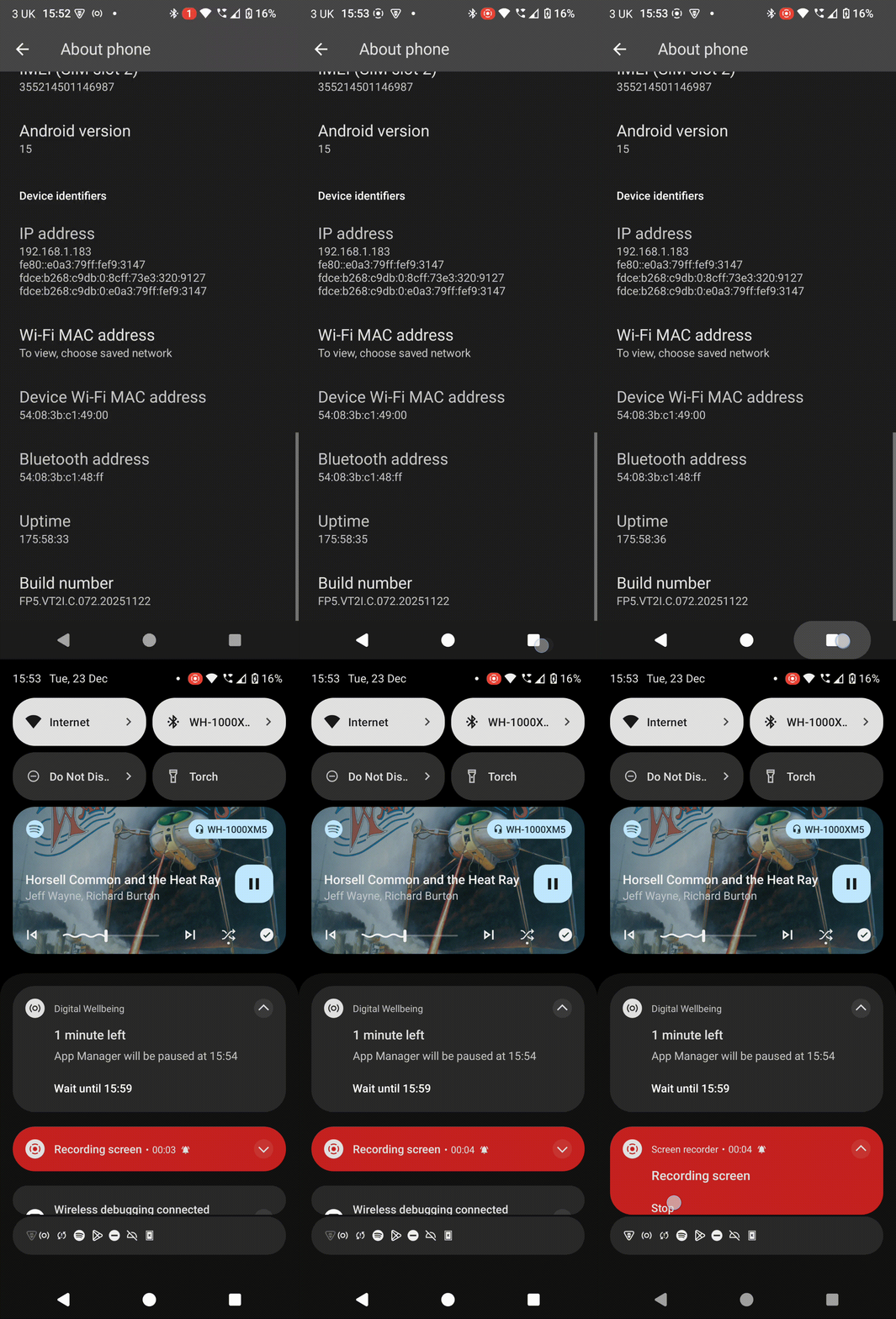
12-23 15:51:39.893  4505  5698 D OverviewCommandHelper: the pending command queue is full (3). command not added: 4
12-23 15:51:39.895  1851  3151 V WifiDialogManager: Received action: android.intent.action.CLOSE_SYSTEM_DIALOGS
12-23 15:51:39.895  1851  3151 V WifiDialogManager: ACTION_CLOSE_SYSTEM_DIALOGS received, cancelling all legacy dialogs.
12-23 15:51:39.900  3274  3274 I vol.VolumeDialogImpl: mDialog.dismiss() reason: volume_controller from: com.android.systemui.volume.VolumeDialogImpl$7.onDismissRequested:3
Considering that issuetracker.google.com/issues/204650736 remains ASSIGNED, it couldn’t be true.
I wonder if these patch notes refer to the problems desktop mode causes with app switching. I’m too busy to test
@Nabalazs, I’ve:
#!/system/bin/sh
settings put global force_desktop_mode_on_external_displays 1
settings put global enable_freeform_support 1
settings put global force_resizable_activities 1
…so I doubt that it remediates it, if enablement of those preferences even causes it.
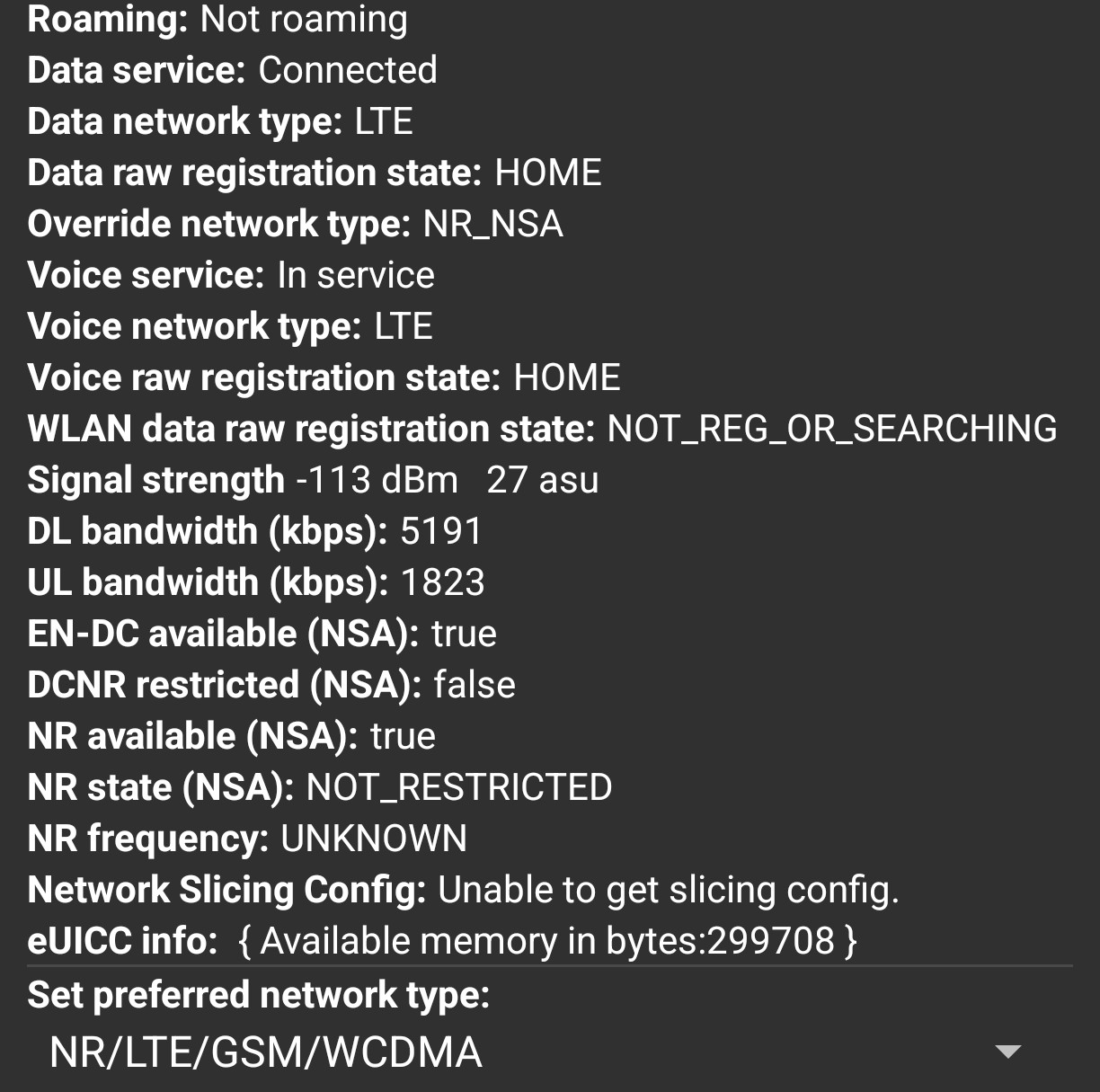
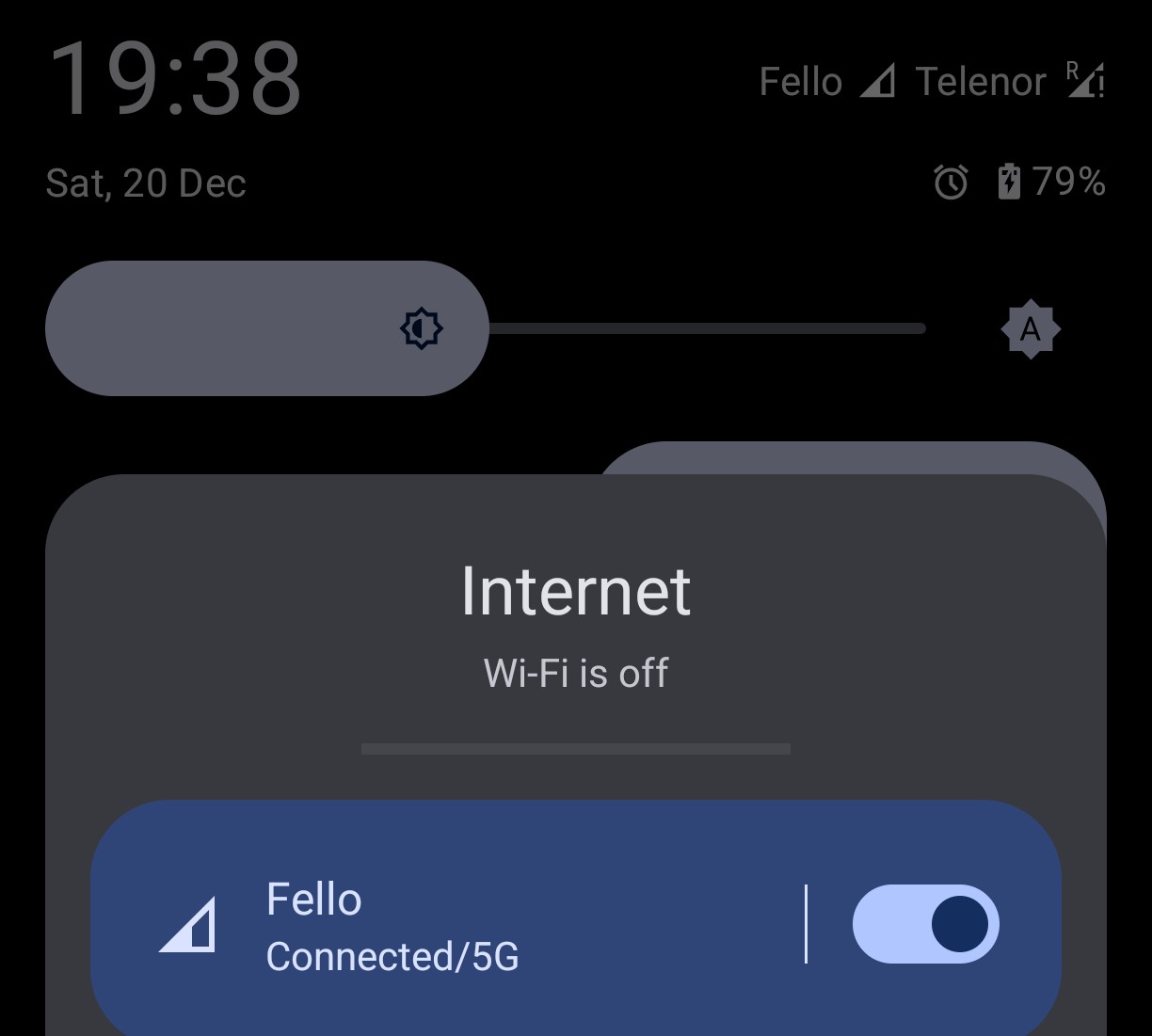
After the update, something has changed with 5G. In any case, since then I only have 4G in the status bar. 5G networks are available, but I am no longer connected to them. How should I interpret this seemingly contradictory information? Before the update, I was practically always shown 5G. But it doesn’t really matter whether the FP5 has 5G or not, as there is only 5G-NSA here. What about users who have 5G-SA?
Same here 
Intreset test failed: errorcode = 4
Have you tried switching back and forth the preferred network access technology? I typically limit my phone to 4G, but for testing purposes I used 5G only two days ago (already after the update) and that worked without any issues.
Yes. That doesn’t change anything. Maybe everything is fine and it’s just the display that’s confusing? It shows 5G and 4G at the same time, depending on where you look. 5G NSA means that you are connected to 4G and 5G at the same time. If I switch to 5G only, it doesn’t work at all. Of course, there is no 5G SA in the area.
Thanks for your input.
Since this update my WiFi periodically stops working and the phone only uses LTE.
WIFI is enabled but no networks appear and any apps like wifiman don’t show any radio data.
Disabling WiFi turns it off, but I’m unable to turn it on again.
Rebooting the phone resolves the issue.
No issues at all before the update.
What is the outcome if you enable aeroplane mode and then disable aeroplane mode instead of rebooting?
Thanks for this update. I’m very happy to see fixes for every issue I could think of. The recent apps misbehaving was very annoying but luckily happened rarely. The other fixes are just good QOL.
Happy holidays!