To find more information about updates, please visit this page on software longevity. You can also find our support article on how to check and update your software version here.
Update went well
Update available but failed to download or install
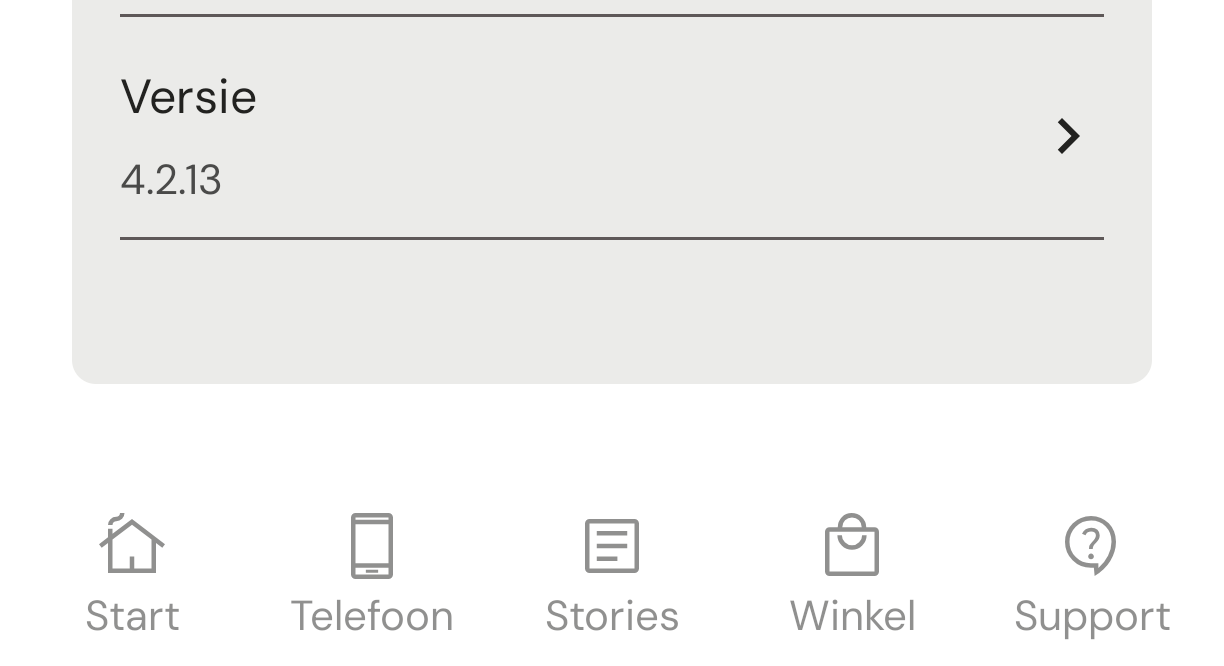
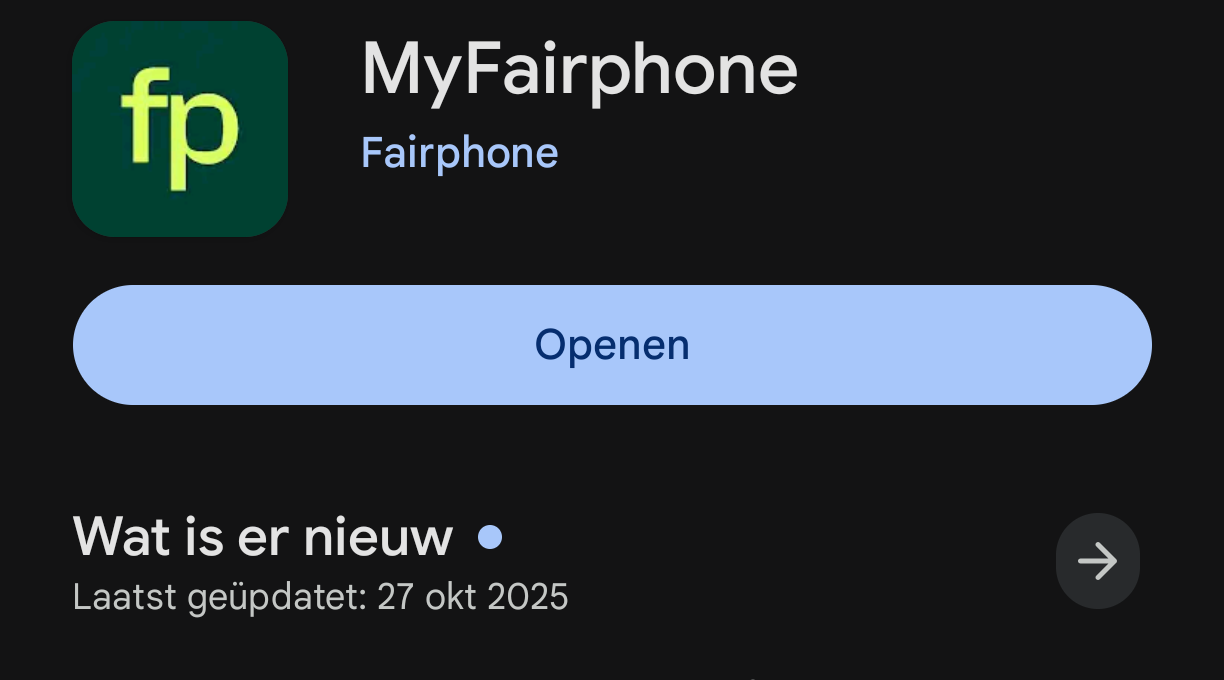
I am not sure if that was updated now. My listed version is 4.2.13 but the Play Store claims the update was done in October and the changes mentioned in the PlayStore (like the battery manufacturing) I think had already been introduced before the today’s update.
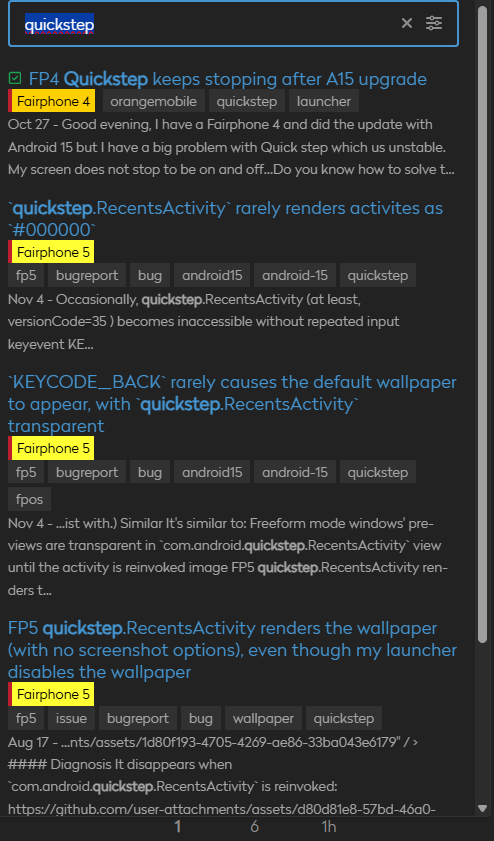
There are a lot of threads in the forum about QuickStep.
This launcher is not stable and contains a lot of bugs.
A simple forum search will confirm this:
Unable to change wallpaper (it constantly reverts to the default wallpaper).
Unable to add widgets.
Crashes on startup.
II replaced it with Fossify Launcher, or Eblan Launcher (which I’m currently testing and which looks promising).
I don’t see the update yet, after Deutsche Telekom did not block the recent updates, they might be back to it with this one
(and still not using Deutsche Telekom, just their network)
My partner has this update on their Fairphone 5 last night, and today they are unable to access any Google services, including the Play Store, Google Wallet NFC payments, and many other apps can not load any content (YouTube, Facebook, etc).
This doesn’t appear to be a networking issue, as some apps retain communication just fine (e.g. Element, Discord).
Hi, just brainstorming here cause you seem to be the first one reporting this.
I think I would check the network connections even though as you said it is not clear as some apps are working.
Just the usual: APN, SIMcard settings (one, two simcards, the age, etc), any difference if on wireless, any roaming toggled on/off, 5G, 4G, and of course back up everything just in case
It’s definitely not the network itself, as on both 5G and home wifi some apps work and transmit/receive just fine, where as others just can’t load anything at all. The Discord app can post, and receive new posts. The Element app can send and receive messages, and browsers can load content just fine.
But the majority of apps, including the Play Store, can’t load any content. Interestingly, even checking for system updates fails to connect and times out.
Ok, now that I’ve had a look at it it seems like it was their VPN.
Toggling the VPN on and off through the quick-menu/tiles was not changing this weird behaviour. BUT opening the VPN app itself and disconnecting there did resolve the problem, and then reconnecting after worked without issue too.
Thanks for the help and sorry for the false positive.
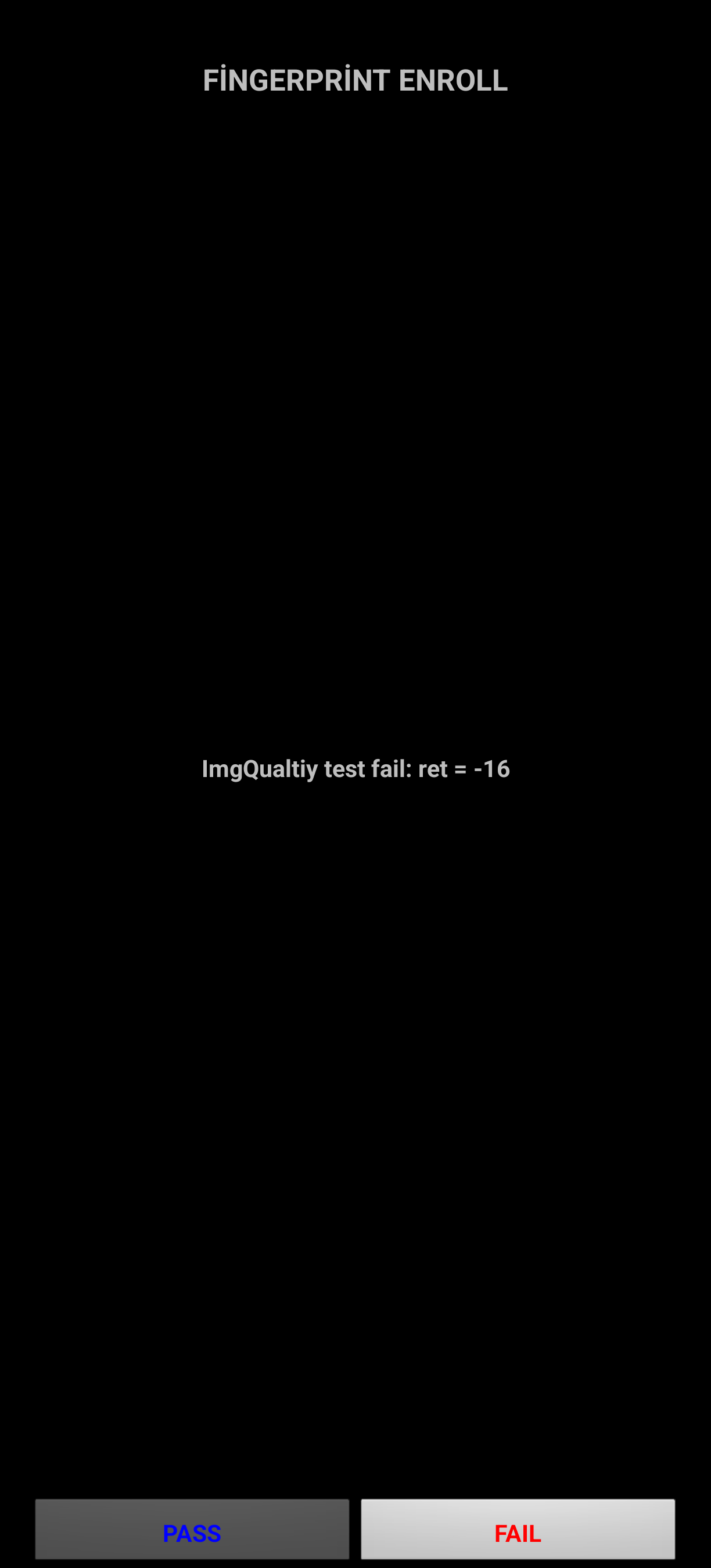
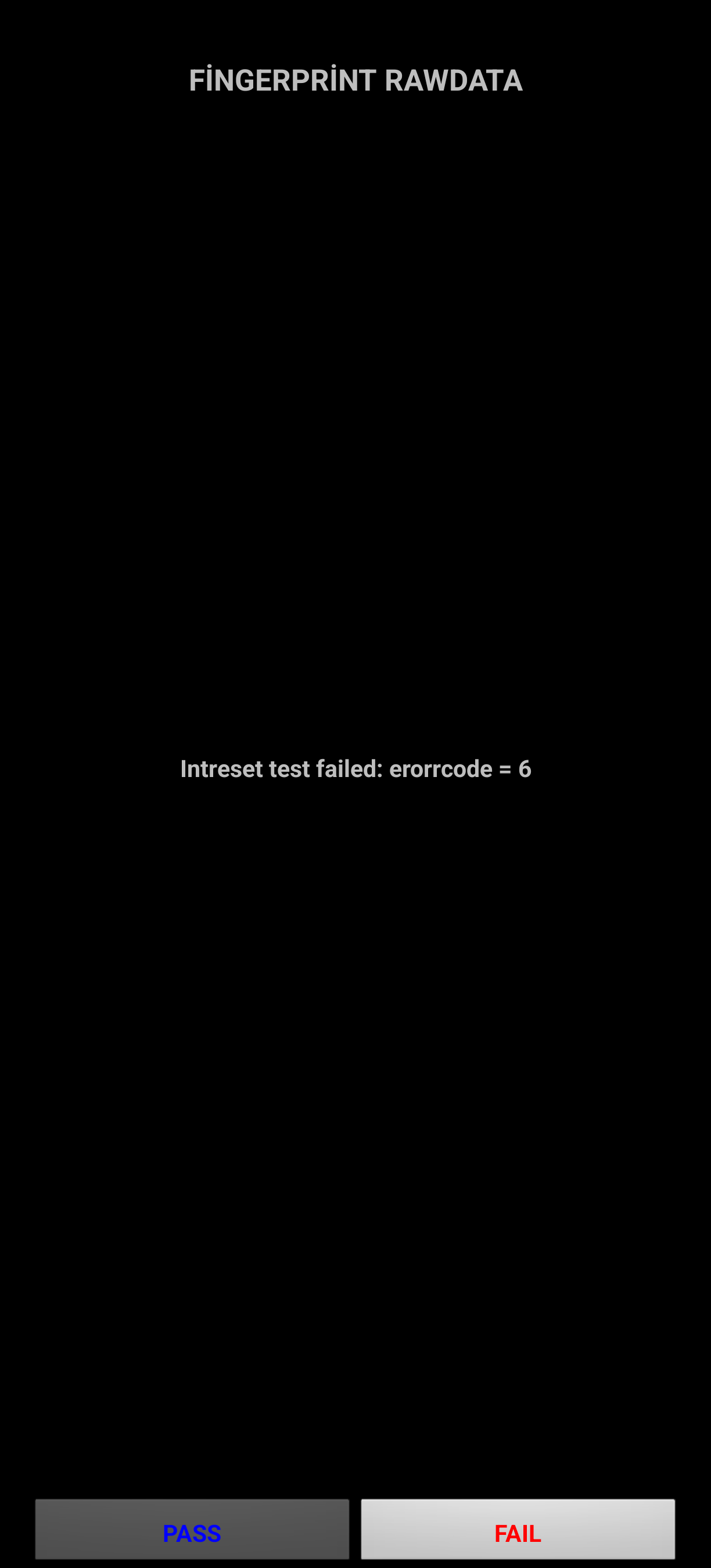
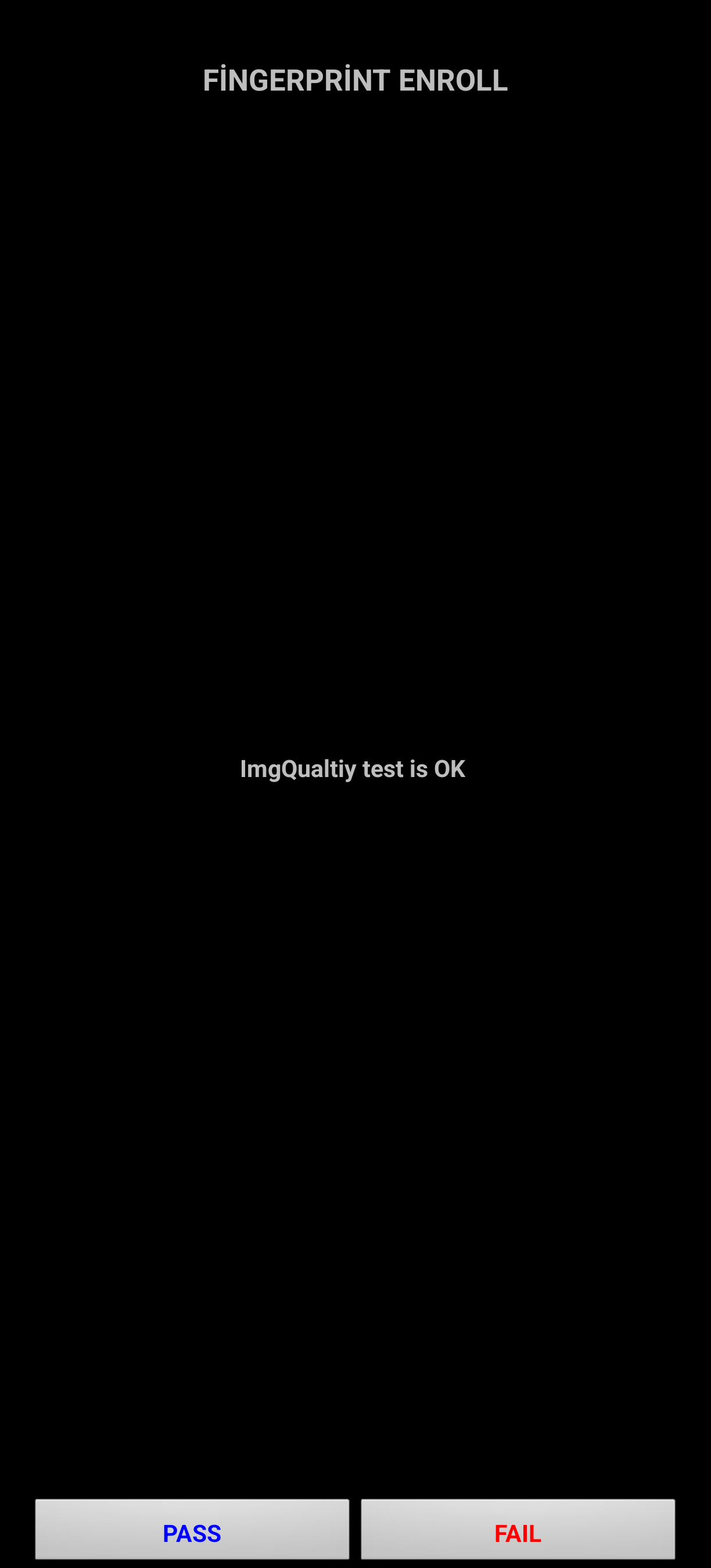
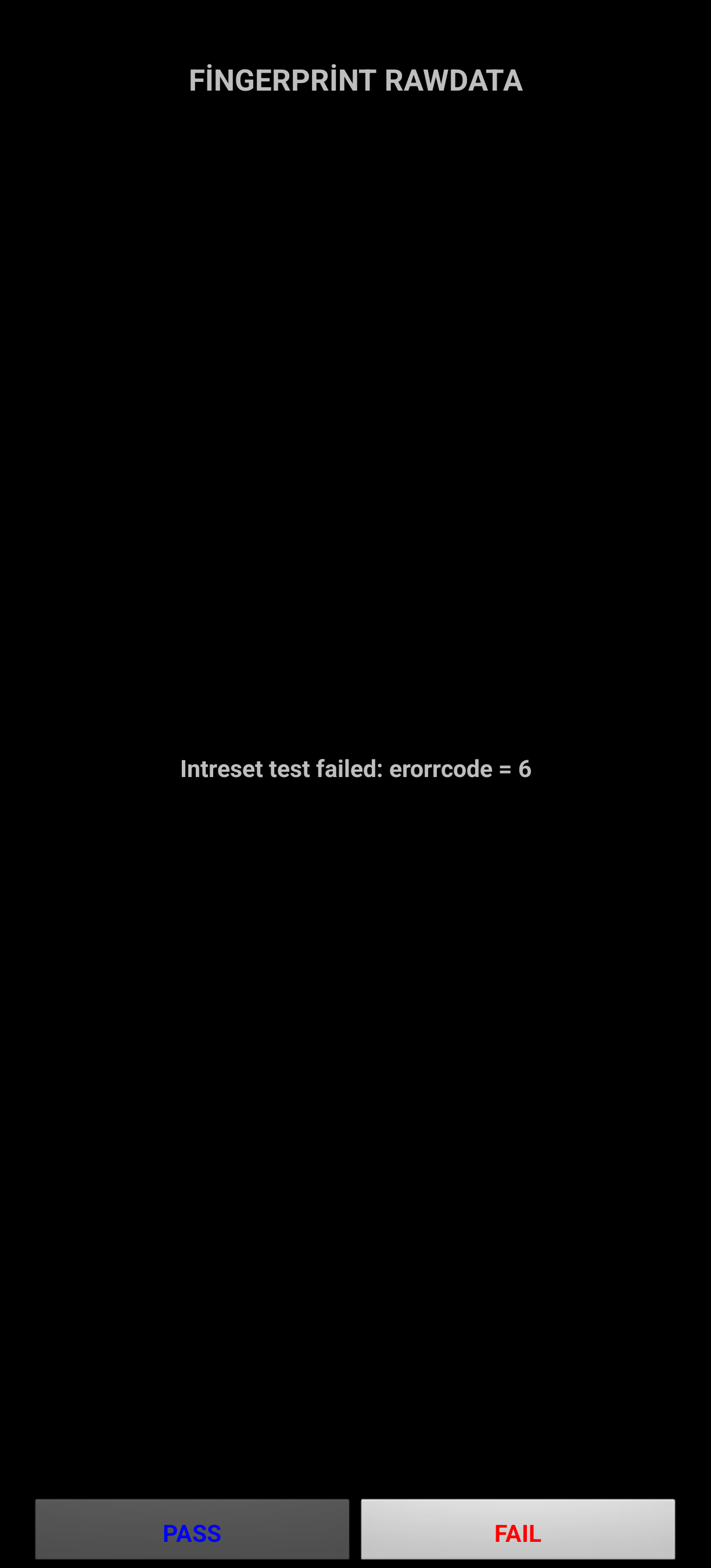
My fingerprint sensor does not work properly since the update. It works sometimes and sometimes not. The screenshots below are from two tests from different times after the update.
 Resolved issues:
  Other improvements: