Yes, I’ve just reproduced it
(I’ll try to reboot, and see if the issue persists)
Yes, I’ve just reproduced it
(I’ll try to reboot, and see if the issue persists)
Yeah, I also noticed it (and two or three other people in this thread also did).
Is it worth reporting it separately? (Just to make it clear to Fairphone that this issue is affecting everyone)
It may be necessary for some time to pass for indexing.
It’s been > 8 hours, so I’m afraid it’s not an indexing issue.
Best is to report it separately, the more people report it, the sooner it gets flagged.
I rebooted the phone. Today I found out, that the wlan connection works at work, so it seems it’s not a problem with the phone. My wlan at home seems to have some config parts that Android 15 doesn’t like.
I’ll have to investigate that…
Perhaps you have to renew the permission for your Fairphone in the modem/router.
Security is the most likely issue. You may still be on AES or older. This is governed by the router, not the phone.
I remember having to change at some stage. Make sure your router is offering WPA/WPA2-Personal or better. You should have a parameter proposing a list such as
WPA 3
WPA 2/3 Transitional
WPA 2/3 Compatibility
WPA 2 - AES
etc. You’ll have to find the highest that’s compatible with your various connected devices. The option I’ve put in bold works well for me.
There may be a separate setting of the router for each band (2.4 GHz, 5 GHz, etc.) in which case you could for example leave the 2.4 GHz on WPA 2 - AES for an old printer, and select a better security for your higher band(s).
Another potential issue to check is device MAC address vs. randomized MAC address.
My experience after the upgrade:
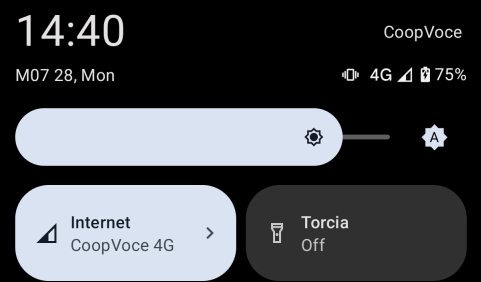
Every time I receive a notification event (WhatsApp, Orgzly, Kdeconnect, but not Telegram or SMS) the network name appears on the top left corner, despite I have disabled it and until I pull down the notifications.
Also often when occurs these behavior the date/time information (I’m italian and use the phone in italian) appears in english (see screenshots). To recover I need to switch the language two times, solves util the problem occurs again. Also “M07” seems so strange, like an error
Edit: telegram don’t triggers
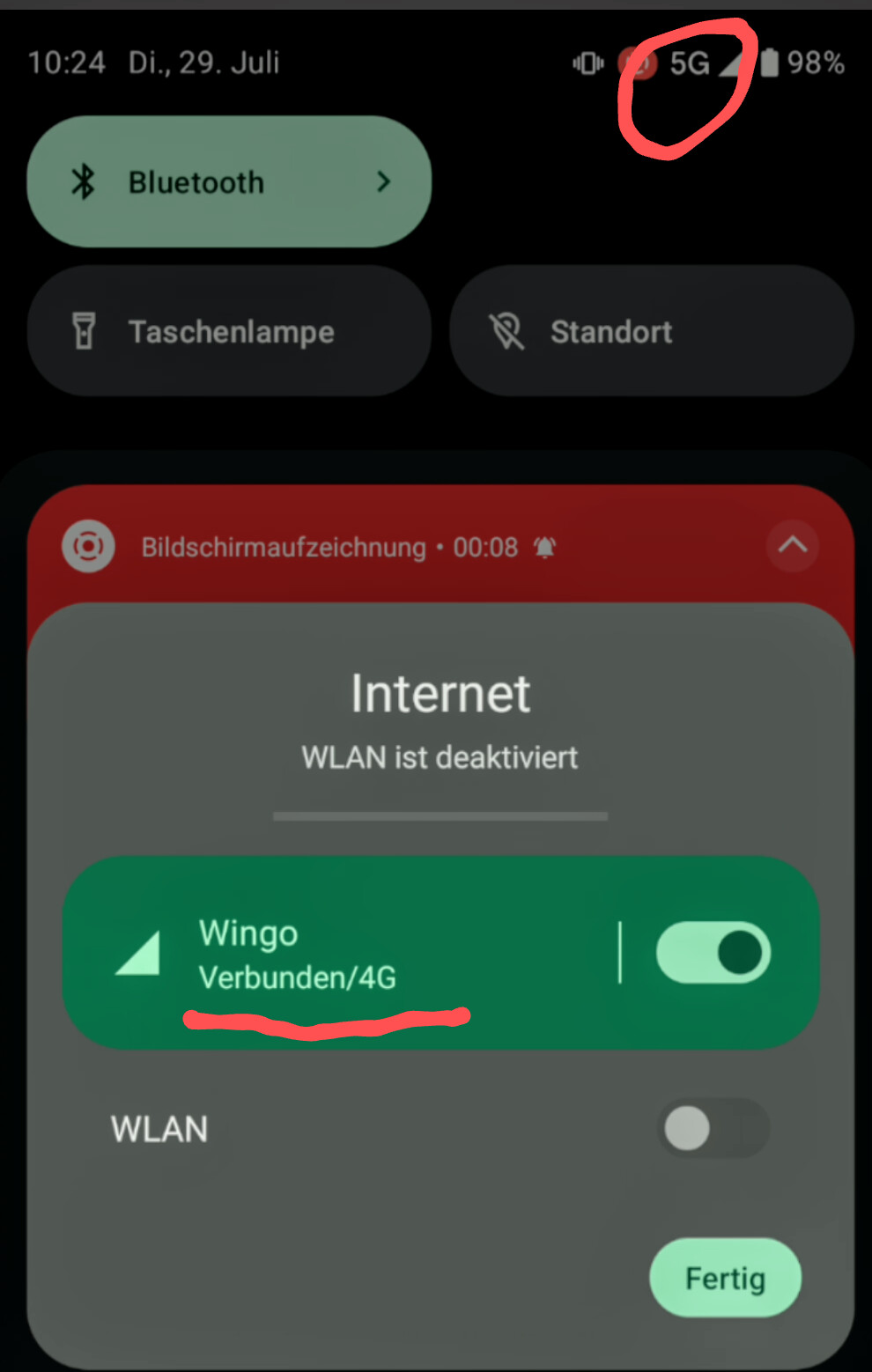
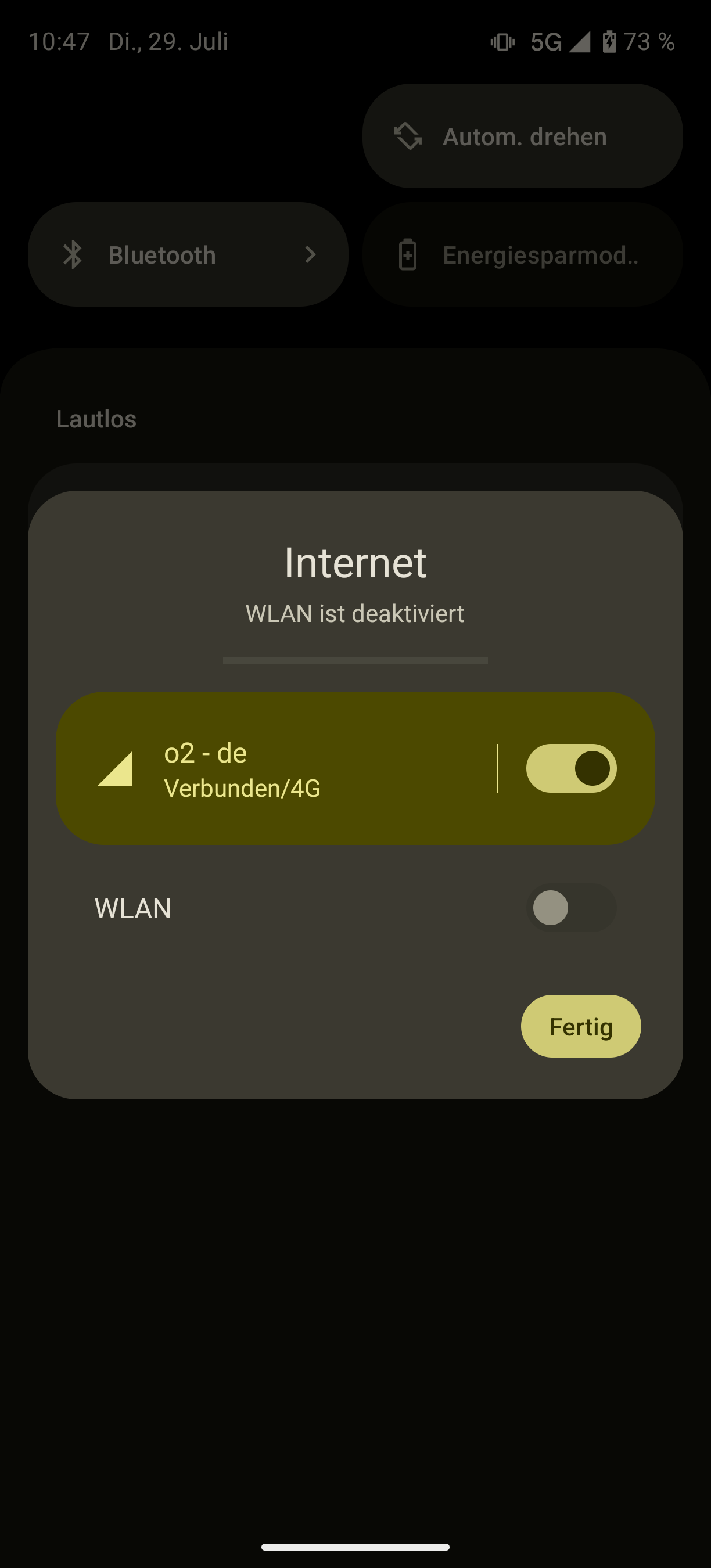
That happens with 5G-Nonstandalone (NSA) as far as I understand.
In that case it’s connected with 4G with supplemental 5G bands.
At this point, only one operator supports 5G-Standalone with the Fairphone 5:
https://support.fairphone.com/hc/en-us/articles/9976566660241-5G-Support
For me both are showing 5G using Telekom Germany.
Interesting, is that 5G NSA or SA?
I think you were almost right  But it is interesting what worked with Android 14 and stopped working with 15.
Both, my 5GHz and 2GHz channel were configured to CCMP+GCMP encryption ciphers…had to activate CCMP256 and GCMP256…then it started working again. Authentication was already WPA3/WPA2 PSK.
Now the only thing left is the missing “recent apps” button down in the middle.
The “disable Desktop mode” resolution isn’t fitting for me…desktop mode is already disabled.
At an other point in my house it switch to LTE. So see both LTE and G5 hope this is helping.