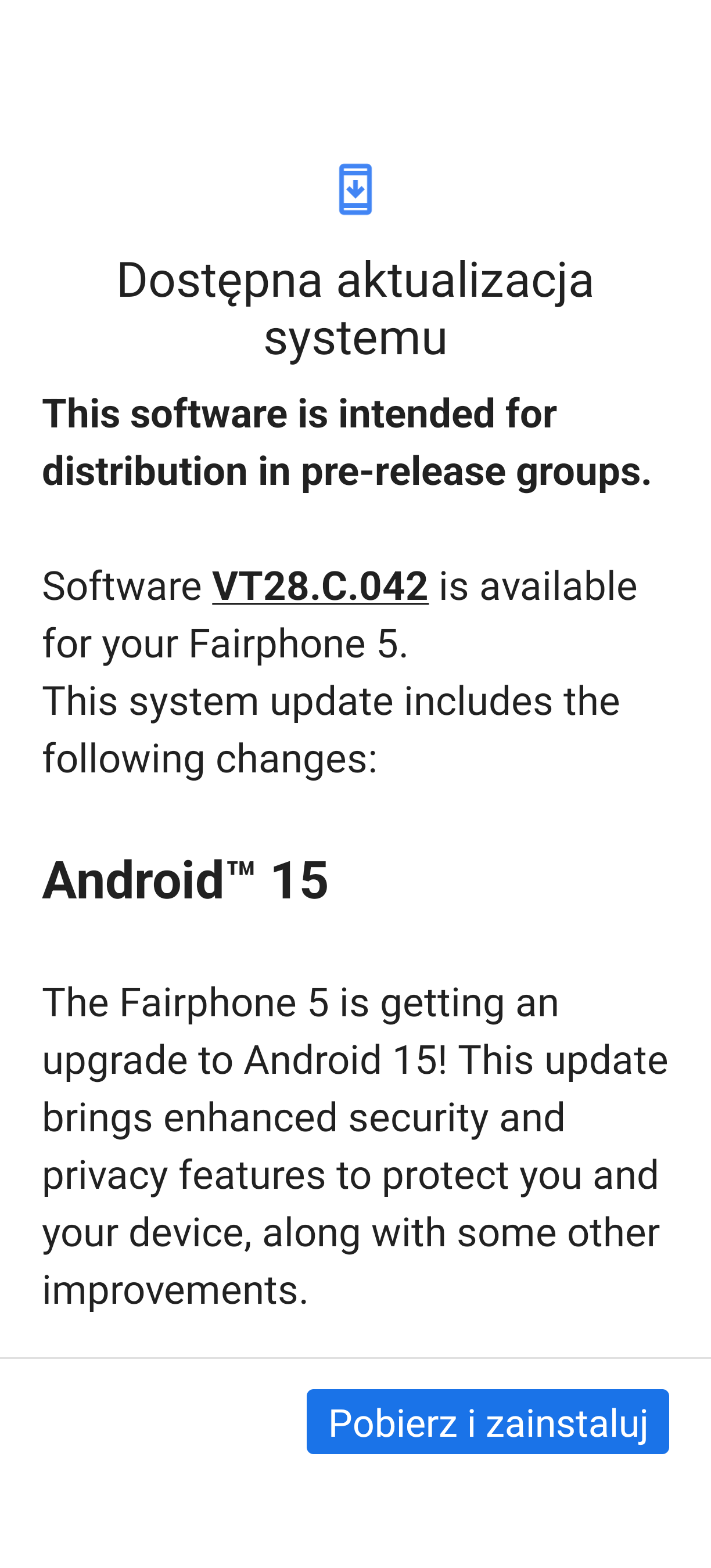
Release date: 21 July 2025 Android version: 15 Security patch level: June 2025
Changes:
The Fairphone 5 is getting an upgrade to Android 15! This update brings enhanced security and privacy features to protect you and your device, along with some other improvements.
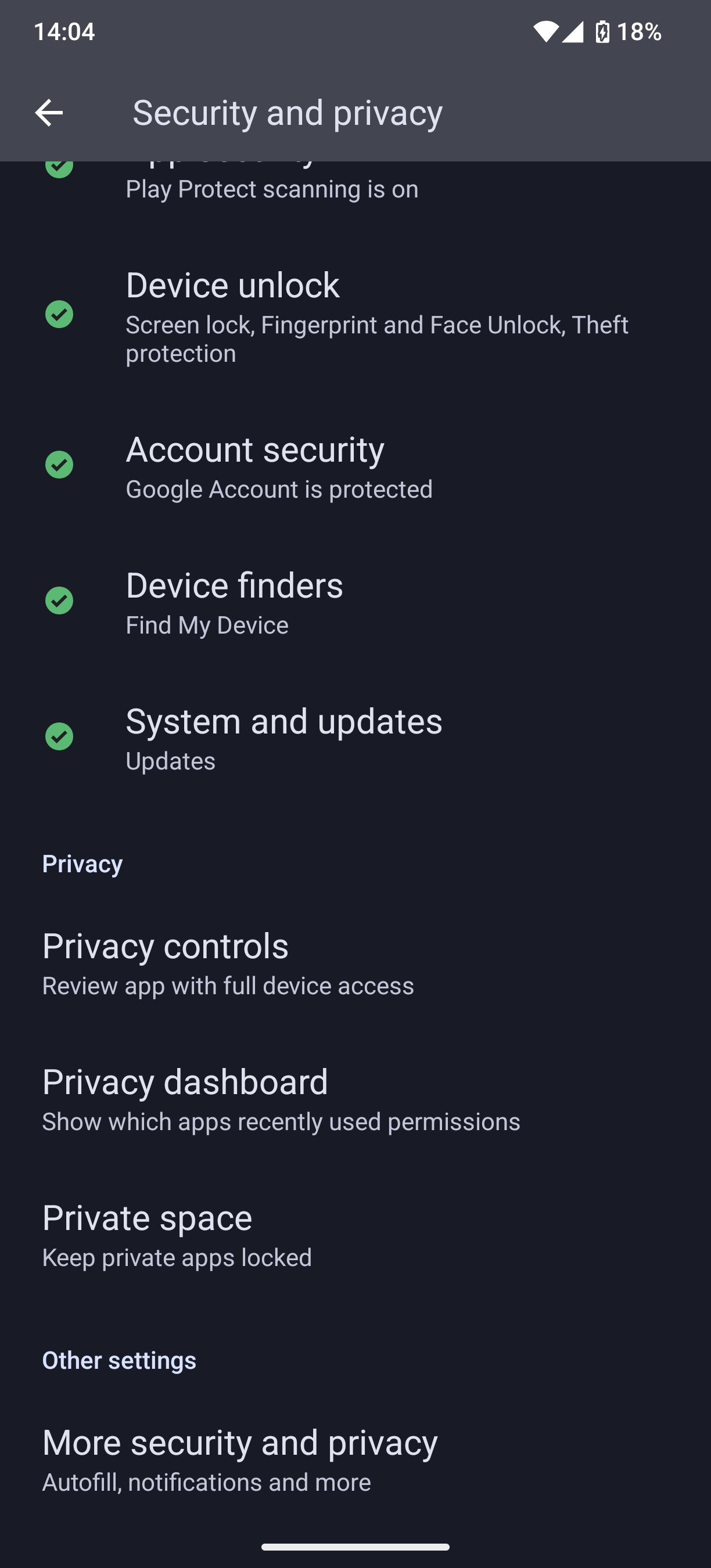
Private Space
Create a separate private space with an additional layer of authentication to keep sensitive apps, like social, dating or banking apps, away from prying eyes.
Passkeys integration
Passkeys was first introduced by Google in Android 14 and is now available on Fairphone, including the recent updates as part of Android 15 which supports one-tap sign in.
Theft Protection
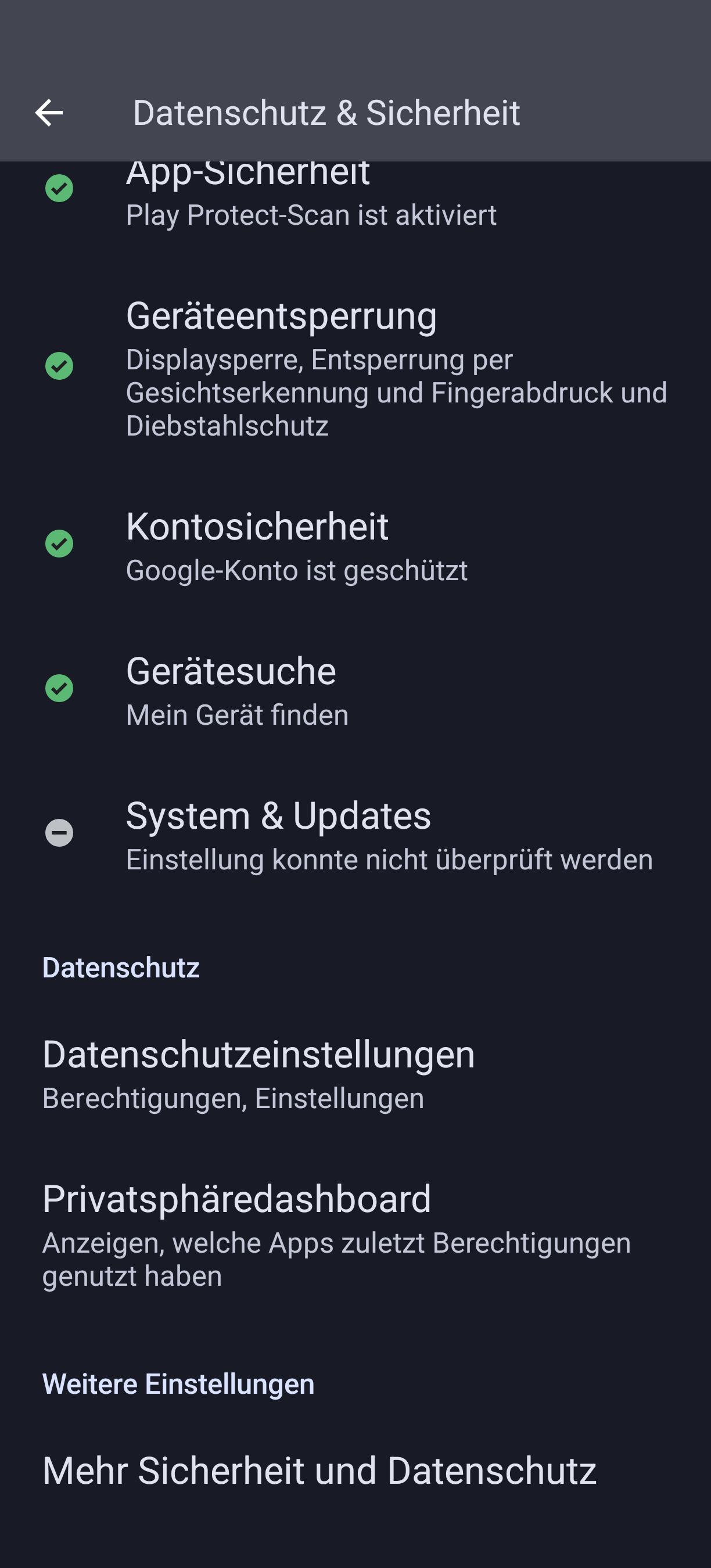
Theft Protection is a hub for proactive security features and tips that help keep your devices and data more secure by deterring theft and providing quick recovery in the event of a stolen device.
Small Quality of Life Improvements:
New 4x5 grid option for home screen
Option to increase contrast
Disable sending device name wifi
Partial Screen Recording
Interactive control center Bluetooth panel
App Archiving
Set your default wallet app
You can now remove the search bar from your homescreen to get additional space to place icons
how about new annoyance: long and scrolling mobile service providers name at top left edge of the screen when unlocked. too many icons clock and stuff filling up the space but mobile providers network name or what thats called is always being shown in a scroller. can I turn off this annoyance? thanks.
There is a toggle to turn that off. But I’m noticing some inconsistent behavior. When I got an SMS, the provider name appeared. But when I pulled down the notification shade, then pushed it back up, the provider name was gone.
Edit: might not even have to do anything with SMS. Just generally any notification you interact with, turns on the provider name. Definetly a bug.
Yeah that caught my eye too. But I just shrugged it off. Hopefully it’s a case of unchanged text, not an accidental release of a not quite fully cooked update.
I have the searched option, too. To another point in the Thread: I had the same behavior with the provider name but for me i think i fixed it with disable and enable the option in the settings since then it’s gone. I’m at the Deutsche Telekom network i installed the update with a O2 sim no problems occured since then.
 Private Space
 Passkeys integration
 Theft Protection
 Small Quality of Life Improvements: