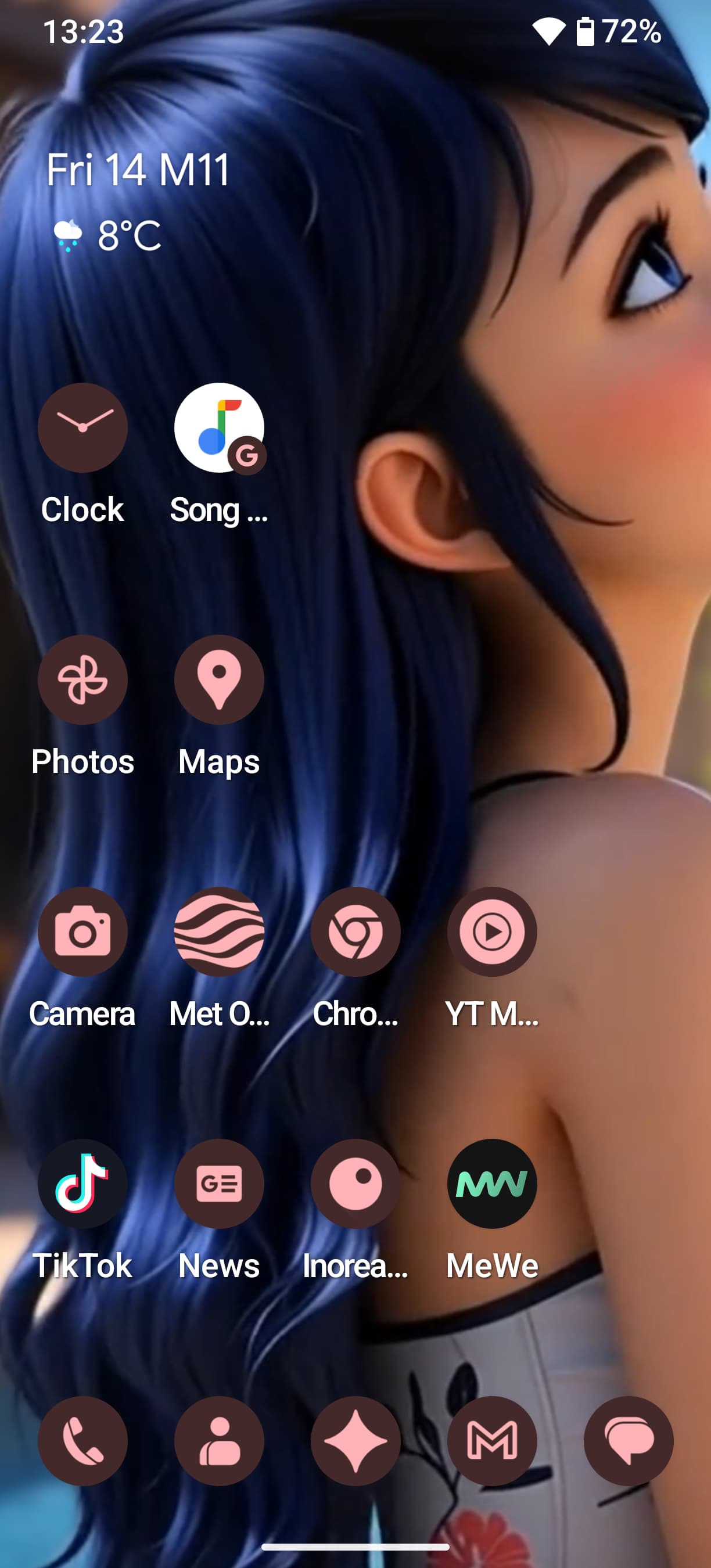
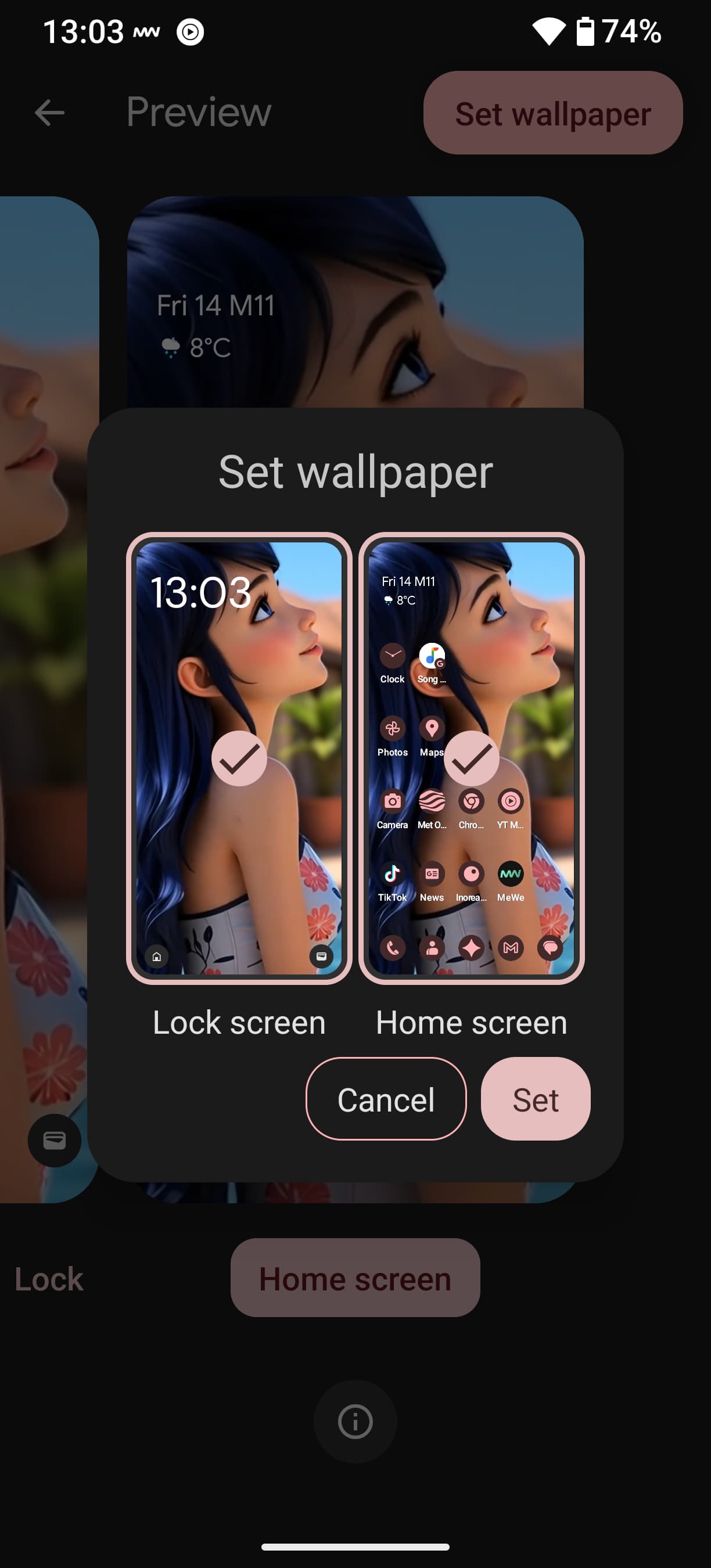
I applied the given solutions : set the 2 wallpapers separately, one for the lock screen and one for the home one.
Nevertheless, after the phone get plugged for charge, wallpapers are automatically set to the default ones again. For me the issue is unfortunately still present …
I managed to automatically change them with a macro, but it’s not the way to solve the issue.
Hi! FP5. Same issue for me. Setting wallpaper to an image then it sometimes adjusts the image to the left without my action. Then eventually every time it changes back to this blue default image. @Fairphone_CM Fairphone can you please fix this as this is an issue for many people?
I’ve been trying to set up a wallpaper from my photo files but it won’t stay for more thant a few minutes. Everytime it goes back to the “by default” background.
To set it up, I usually go to “Files” > Photos> “use as backpaper” and it works but only for the first minutes.
As anyone been experiencing the same issue ? Is it a problem with my method or with the phone ?
I have tried and tried to change my wallpaper on my FP5, now on A15, and it doesn’t survive a restart. Or at least it often doesn’t. Turn it back on and it’s showing the stock FP one again. On the occasions when it does survive, it shifts it off to one side, not respecting the edit I have made in the Wallpaper settings. I have tried to search for this, but don’t see anything. Anyone know anything about this? A fix?
Just to be clear, you have defined the wp separately for the home screen and then for the lock screen?
It can be the same image used in both cases, but the configurations need to be done apart.
Yes, thanks - but that really isn’t the issue. It screws the image on both Lock Screen and Home Screens. Or it just goes away on both - not either one or the other, both. I think it’s a bug. When I set up the phone I did it from scratch, not via a Restore, so that rules that out. Be interesting to see if anyone else has seen this happen here.
My images always stay the same (either I use the same or a different one for lock and home screen - yet I always set the separately, hope it makes sense).
But they move slightly between the screens which is mildly annoying (I use a calendar wallpaper and can’t see all the dates).
I am on pear launcher and using fossify gallery to set the wallpapers/or the launcher
Thanks - yes, if I use my Octopi Launcher, I have no trouble, which makes me think it’s down to the supplied Quickstep one. I’ll try again. Maybe the image has to be exactly the right size (even though the ‘adjust’ function via Wallpaper settings allows for moving it).
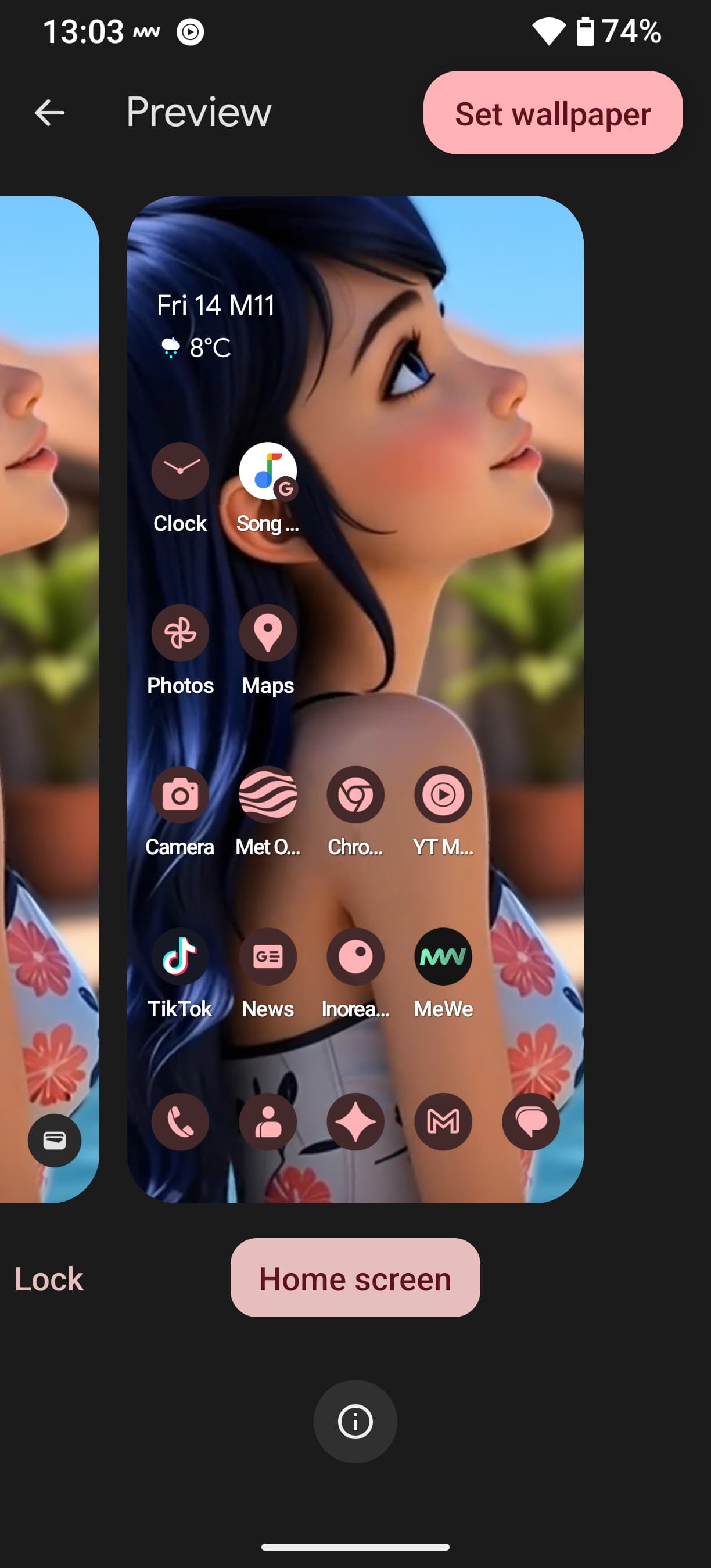
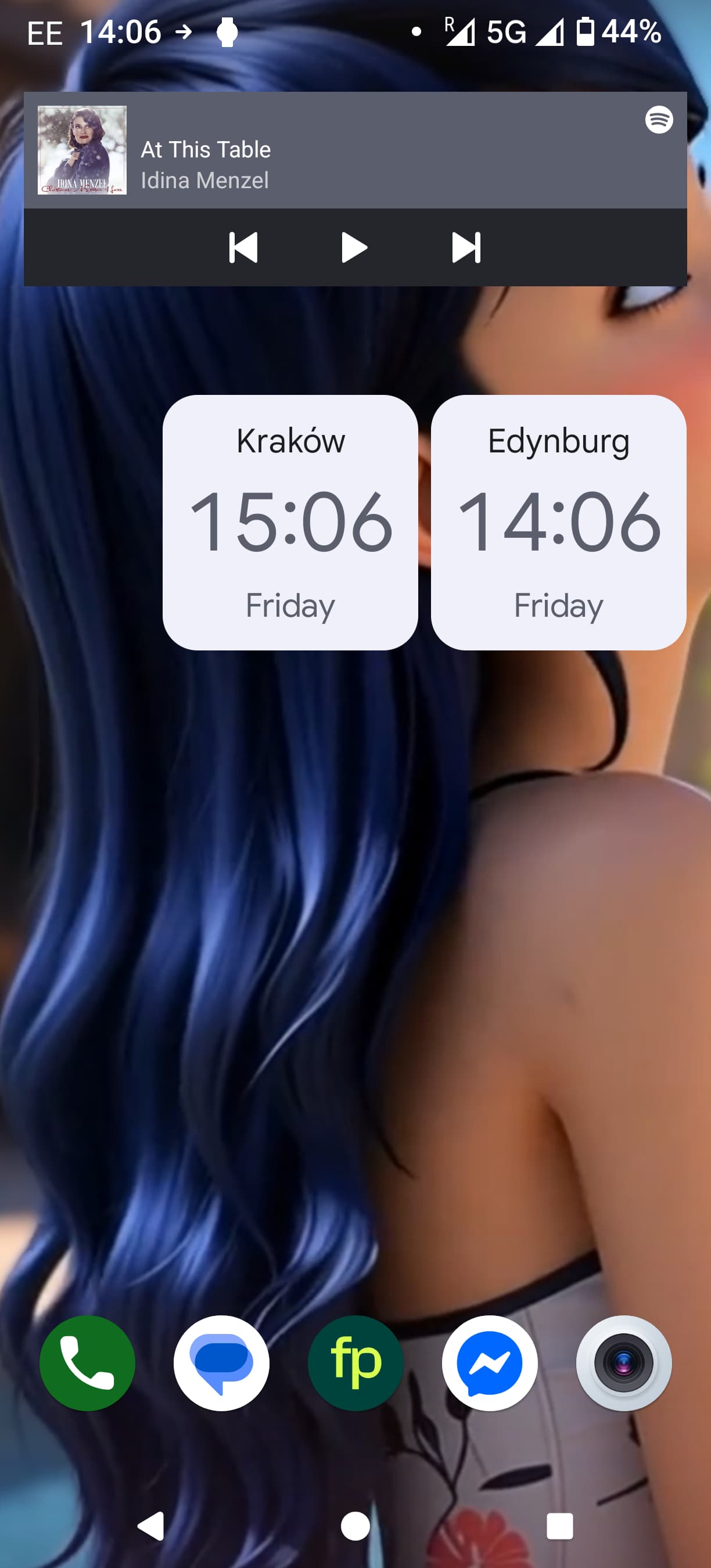
Here is what happens, see. This is the original photo I want to use. I put it in place. I adjust it so her nose in on the screen. go back out. It seems to stay for a while on Lock Screen and Home screens as it should do, then I go about my business opening apps and getting on, then after a few minutes, I go back to the homescreen - and see the Launcher do a ‘refresh’ and then it’s offset again.
Yes, for me too - very slightly. So on the second screen I can see slightly more of the face. But nothing like how it should be. Well, Unless maybe I set up 10 home pages - by the time I get to the 10th I could see her! This is why I wonder if shaving a bit off the left hand side of the image may fix it. Testing ahead.
I played a bit with those shifting images, wanted to have at least one screen with a full calendar;-) tried resizing images, didn’t really help.
But if I use the (pear) launcher to set a wallpaper (instead of a gallery), I get it properly aligned (only) on the screen I set it from.
Thanks for trying. Yes, if I use my favourite Launcher, Octopi, it behaves perfectly well. Which takes me back to it being a bug in the Quickstep Launcher - especially after I clearly saw it blink/refresh then the image was shifted. Oh well.
I have the same problem on my Fairphone 5 with A15 where the Niagara launcher is installed. However on two other hardware, both with the Niagara launcher, Samsung Galaxy A9+ with A15 and the Fairphone 3 with A13, the behavior doesn’t happen. The setup with two different wallpapers doesn’t help me.
I think this is due to the FairphoneOS base launcher.
Quickstep is to blame.
There are many threads on this subject.
I managed to solve my problem by installing Fossify Launcher.
 …
…