The port looks fine, I even tried to do a full opening of the phone, nothing seemed damaged or unpluged. This is so disappointing, anyone have an alternative contact to bypass the not responding support ?
You could try the repair request website now
Already tried, it’s just opening a ticket to the support
Hi, it should also allow you to create a return ticket - if you decide to take this road.
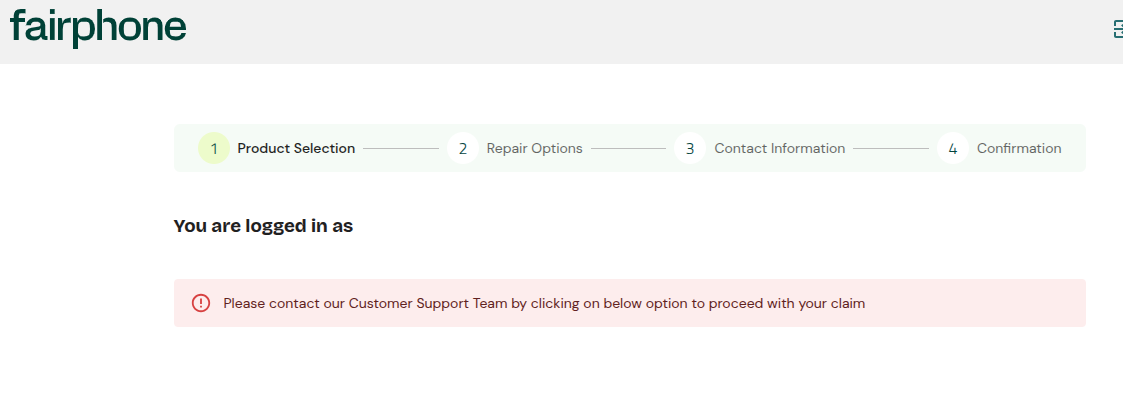
And here’s what I got when I try to log in before that step, this is ridiculous :
But this is pointless as I bought my fp6 from Murena, I have to ask them first (which I did) and then they will ask fairphone (which they did but they does not respond to them I guess since I’m still waiting for that pdf shipping label l!bsfmqsNFDQ:FD<S!)
Hi sorry i forgot you got your phone from Murena. I guess you need to get it sorted through them, I am afraid.
It looks the same topic as Fairphone 6 suddenly died Don’t know how to merge them. But looks many of are getting them dead, and so far it looks all of them where green (probably random coincidence but also could be bad batch).
After six weeks, my Fairphone 6 suddenly died. It was sitting on my desk and when I tried to open it nothing happened. I tried removing the battery and the sim card, and tried long pressing different combinations, but nothing. Is there another way to get it back to life again? Perhaps USB debugging?
Ach that’s very annoying! If it doesn’t have power I don’t think usb debugging would work in this instance unfortunately
Can you try this please:
Attach a USB cable to your computer and then plug it into the phone while pressing Vol+ and Vol- button.
I think it’s really dead because nothing happens. It doesn’t even show up when running lsusb, while my FP4 backup phone does.
You should send it to after sales service so they can fix it under the warranty 
Same problem here.
Was charging at the office and when I grabbed it, it was all dead. No way to power up, tried different chargers, different cables. Hold power on, hold power on + volume up, and dead.
Taking it to the store I bought it today and hoping they fix as I do not have a backup now and won’t be able to transfer from old phone, as it is dead…
Same here. I have no solution but I can share some observations.
Fairphone 6 running latest software. On September 2nd at night, I plugged it in before bed. It showed 13% battery and the little lightning bolt showing that it had started charging. I had it on “eco-charging” (slow charging) mode.
In the morning I woke up and the phone was dead. Here are the symptoms:
- Screen is black with no backlight
- No response when pressing power button or any other buttons
Here’s what I tried :
- Plugged my USB C charger into a different device, the charger works as expected.
- Tried using a different USB C charger. The other device charges, the Fairphone 6 does not. So at this point it is for sure the phone.
- Used a toothpick to clean the USB C port. There was a tiny piece of dust. I repeated steps 1 and 2 after this. Still an issue with the phone.
- Hold the power button for 20+ seconds with charging cord plugged in. Screen does not light up.
- Repeat step 4 but without the power cord plugged in.
At this point I wonder if it may be a battery issue. If the phone was at 13% the night before, maybe it drained and failed to charge. I opened the phone and disconnected the battery and measured it with a multimeter. It shows 4.2V which is effectively 100% charge.
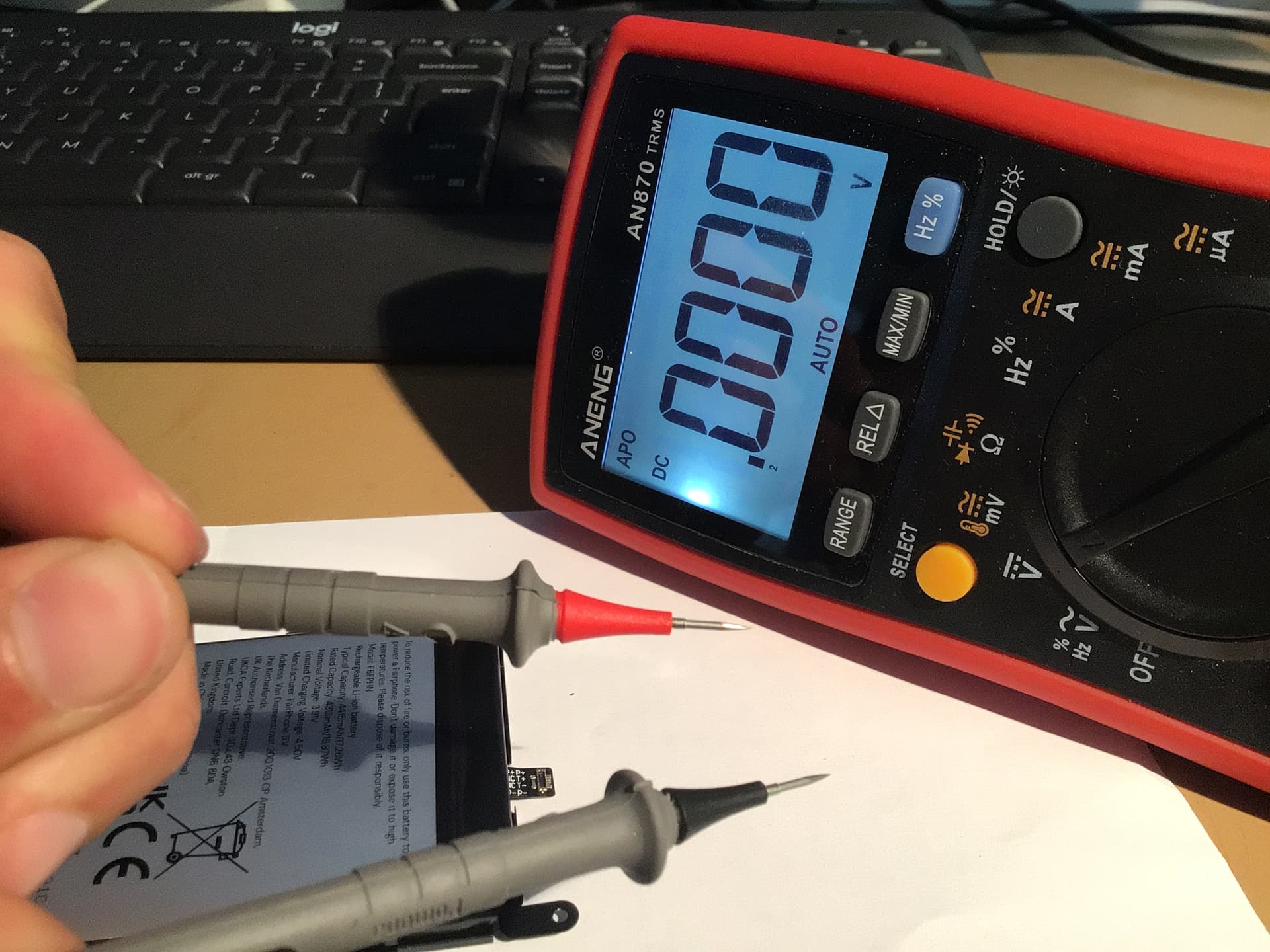
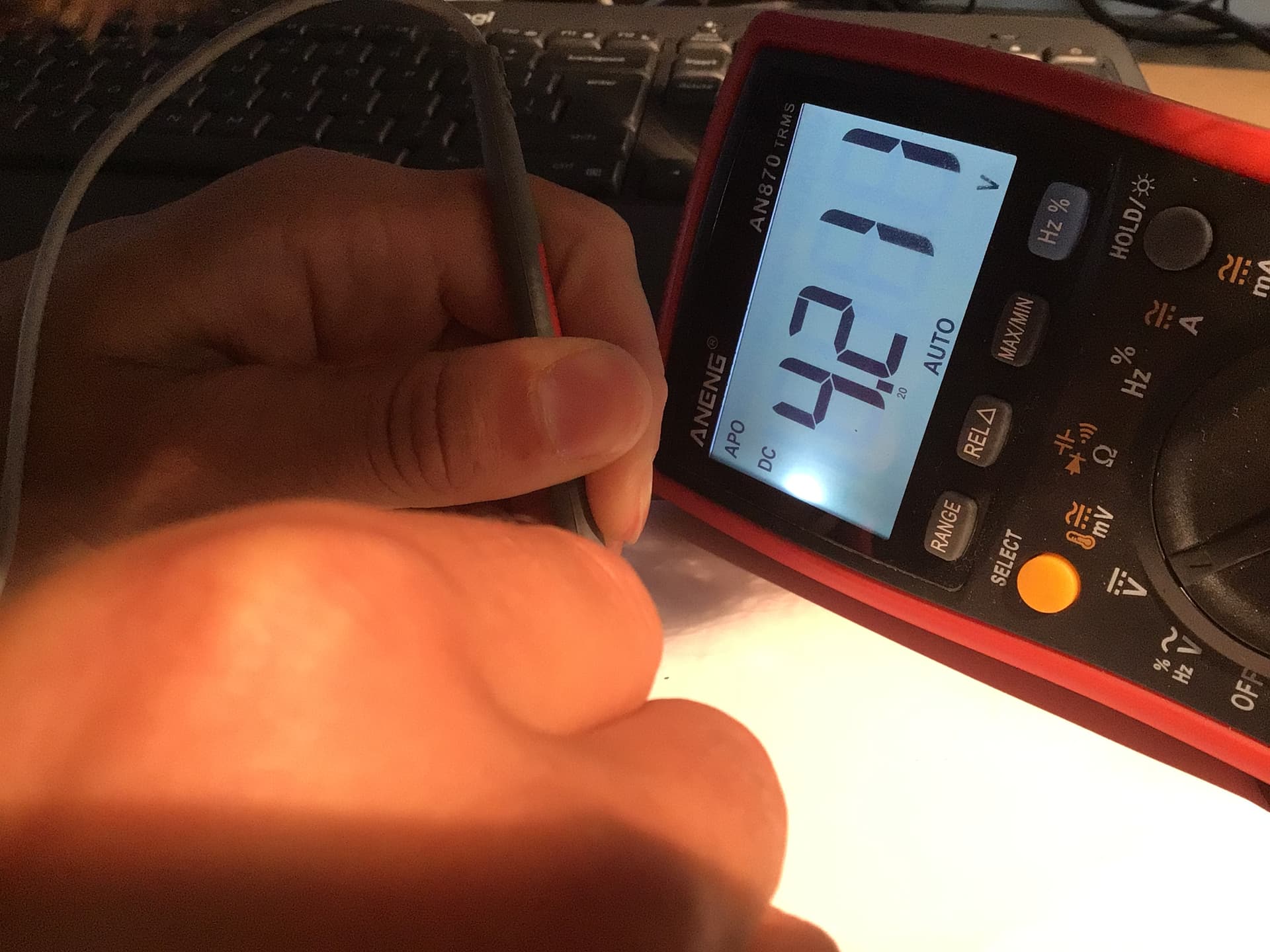
I also found what looks like a power fuse (correct me if I’m wrong) and checked the continuity. If it indeed is a fuse, it is continuous as expected. I believe this at least rules out a battery issue.
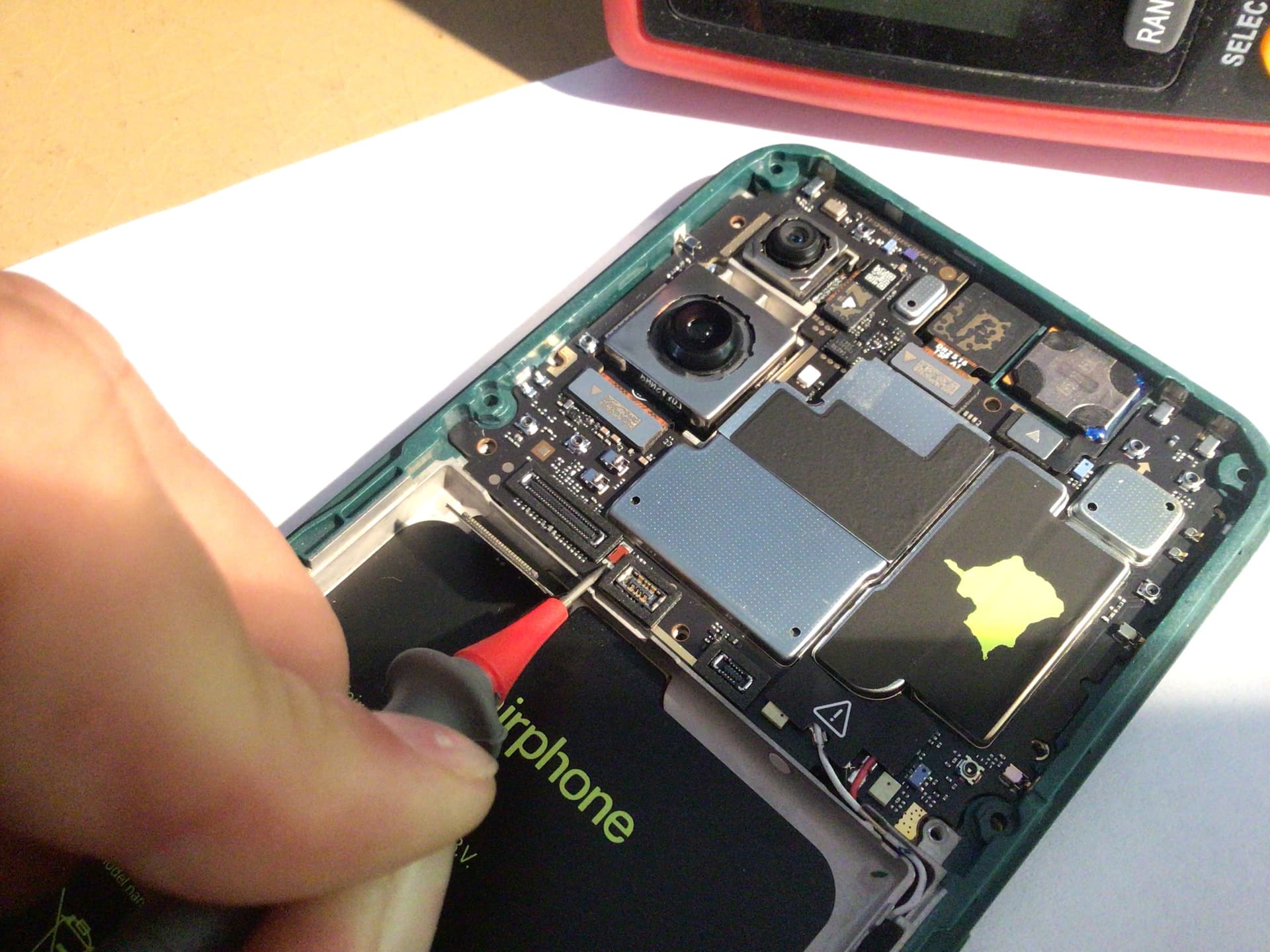
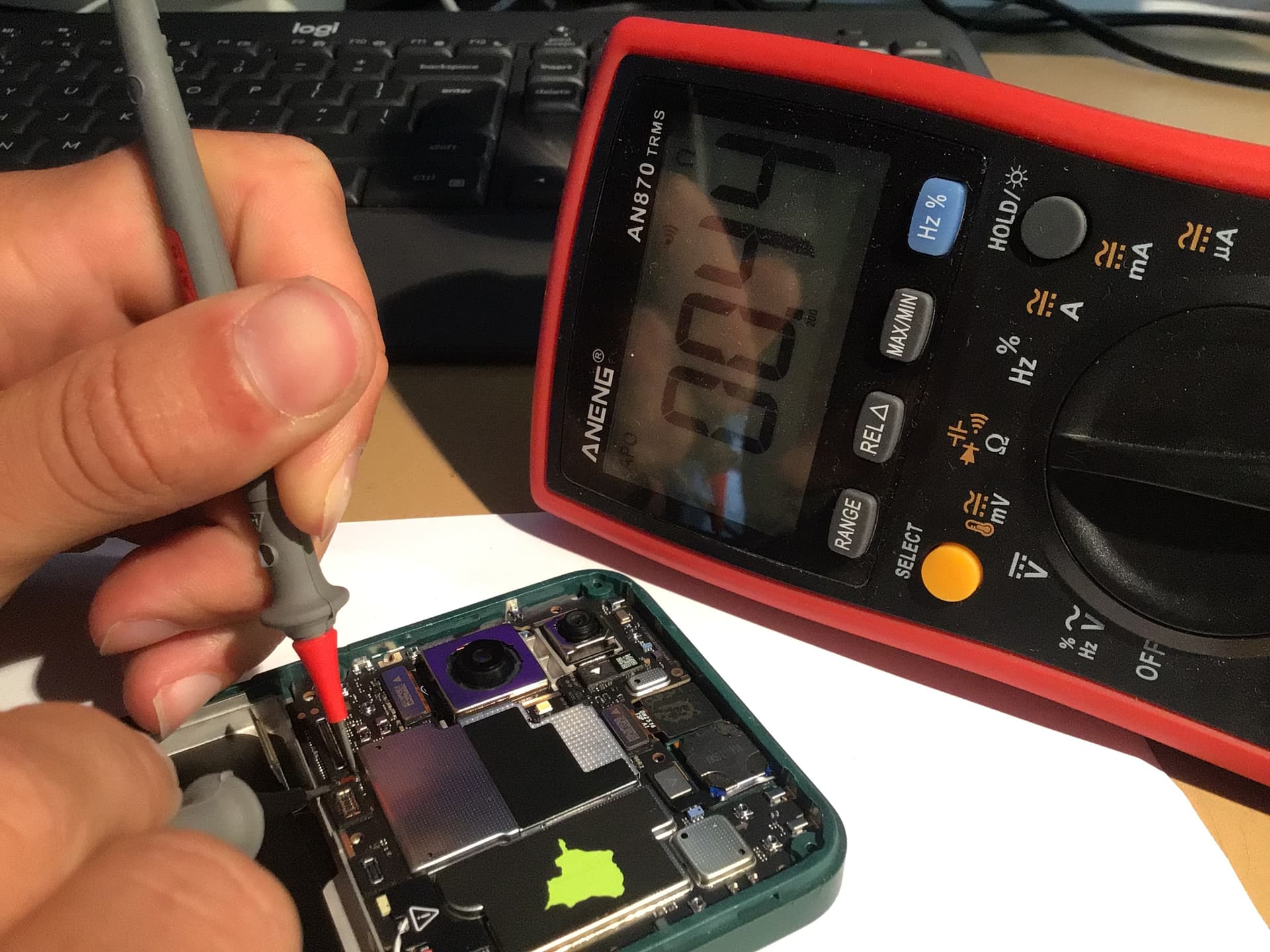
Looking briefly at the rest of the phone, I did not find any components that looked like they had failed.
The only thing that did stand out was a burnt edge along one of the SOCs. In the photo below, along the left edge of the surface with the QR code sticker:
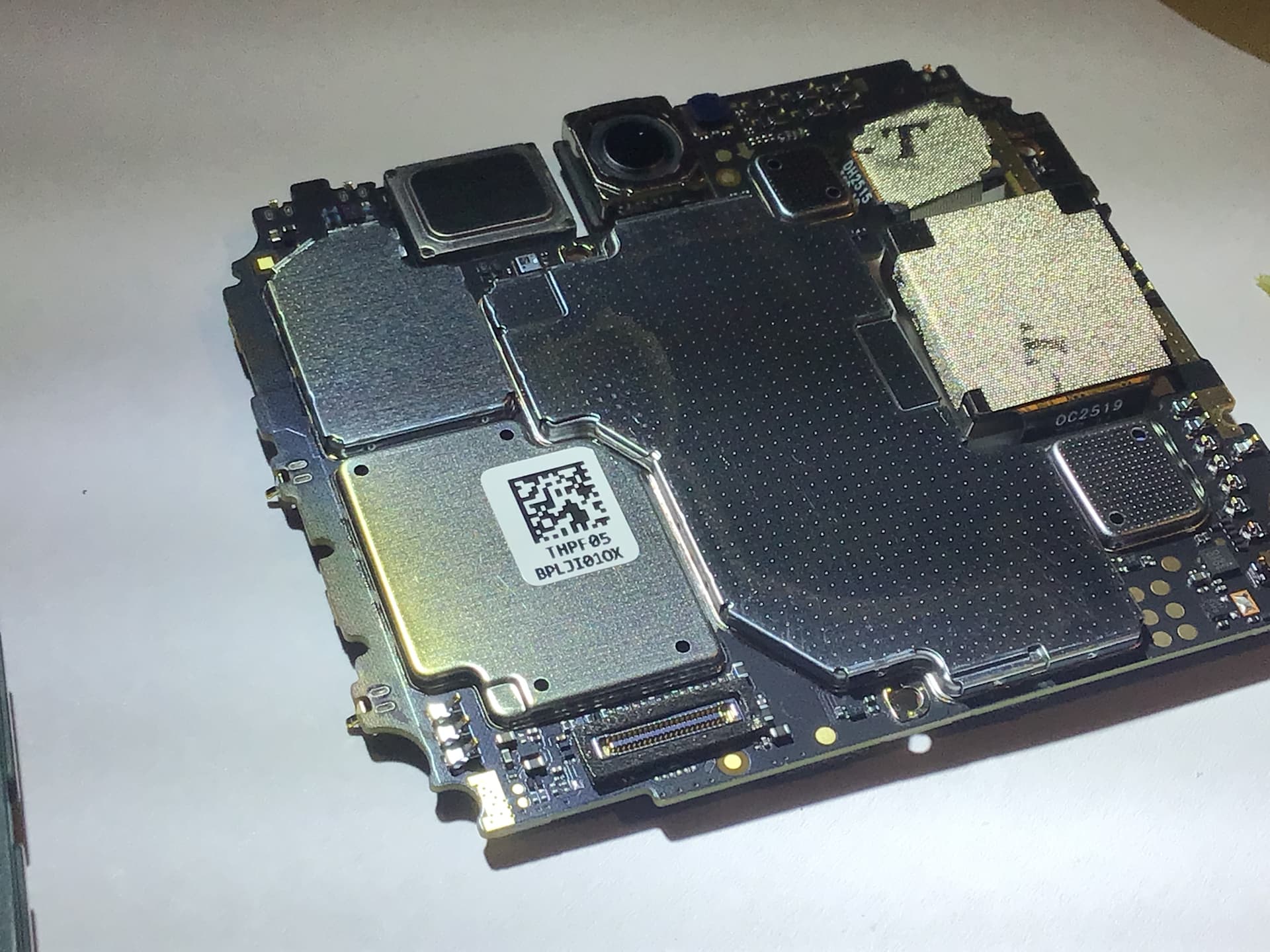
I have noticed over the past few weeks that the phone gets hot in that area (upper quarter of the screen), as another user noted.
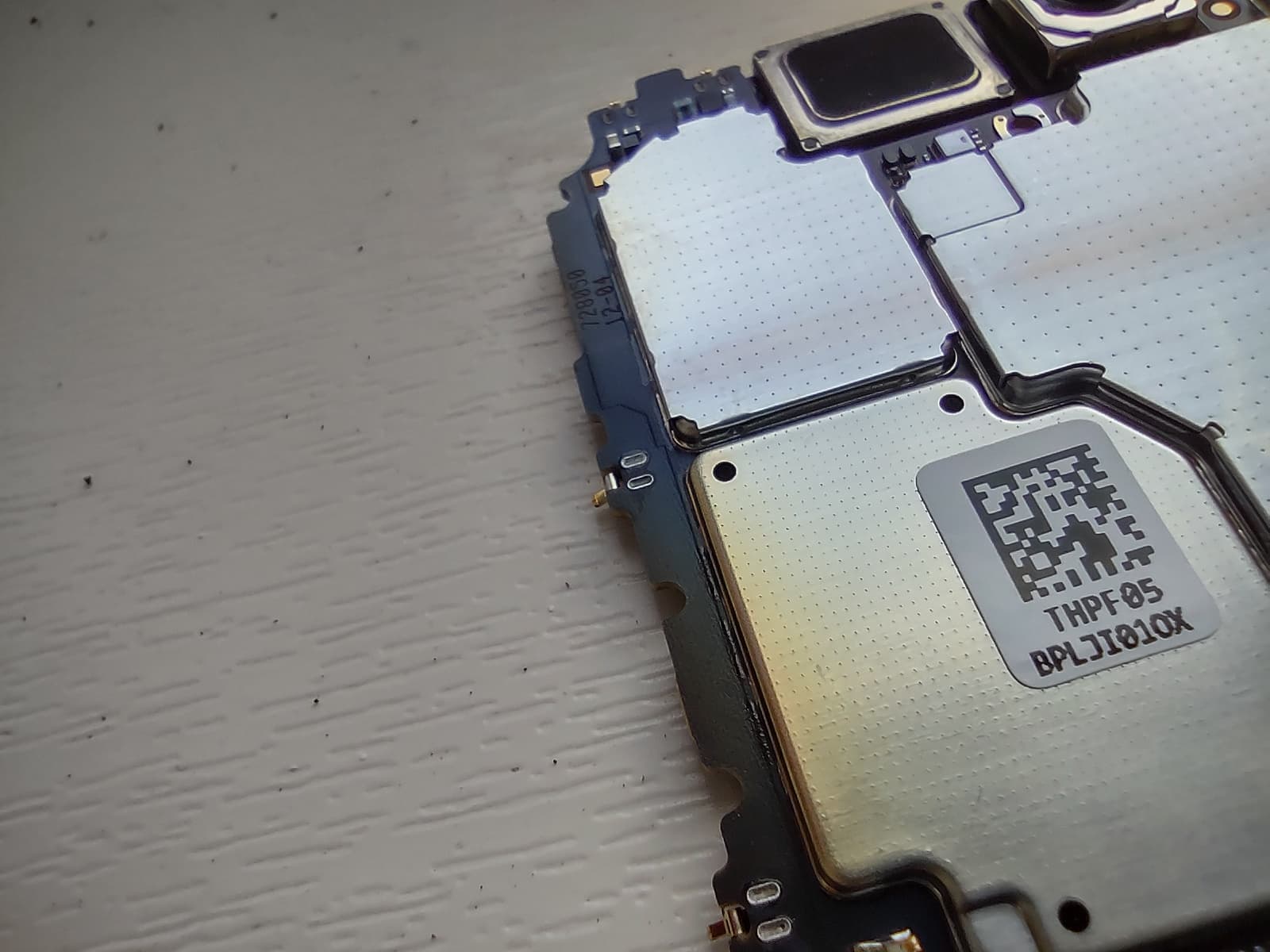
I also noted that there is no use of thermal paste anywhere. Apologies for the poor image quality. But I am not sure how necessary/important that is.
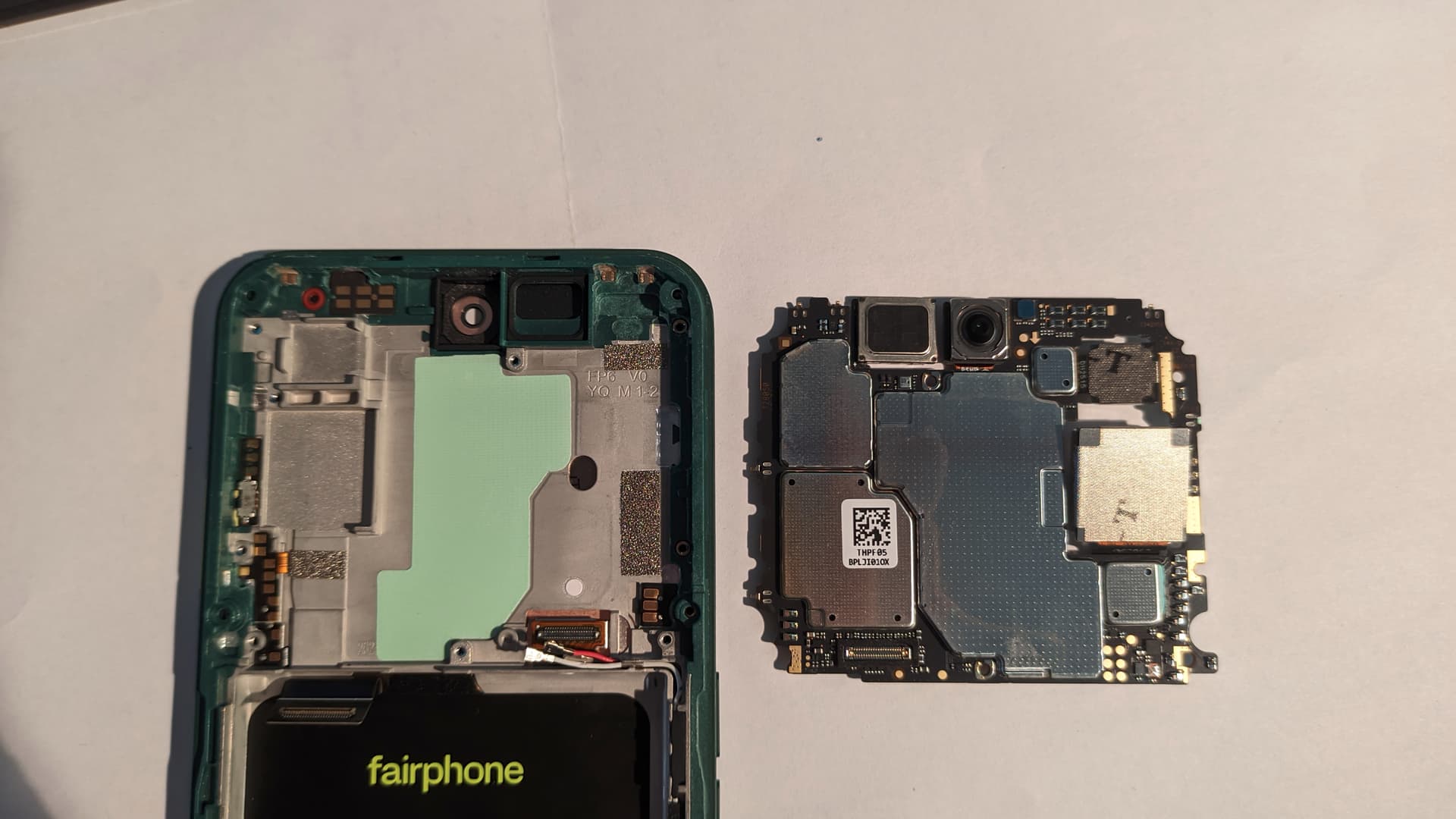
You didt a really good job to vigger it out, i indeed can only say that the middle/top of the screen is getting really hot when charging the phone! On eco mode then you will say that the charge go slowly!
Thanks! Yeah I’d expect the eco mode charges slowly - in my experience this is also true. But maybe there was already some damage done from previous fast charging sessions. Who knows…  For now I filed a repair support ticket and will ship the device back to Fairphone.
Yeah i understand please keep us posted if you want?And tnx for your post here!
Great job!
I don’t know you, but I am a bit scared even if I get a new one as replacement that this will happen again.
Mine died in a fast charger even if using eco mode, which makes me think it can be that it gets it too hot. So will stick to slow chargers after… I don’t think hardware would have changed between batches
Anybody knows what is the module which got discolored on the picture?