Repair it is then 
FP5 started its voyage towards France already….
Hi,
I had this issue (liquid or debris in charge port on inserting charger), and found a possible solution I have not seen in this thread yet.
My phone had the symptoms:
- insert charger → liquid or debris in port error
- remove charger → ok to use usb port
Wall of Text/TLDR at the bottom:
Judging from this, the phone could be detecting a loose connection because some pins are not connected. (At this point, it could still be a short though)
I removed the USB-C connector from my Fairphone 5, and I noticed that ground is connected via a mechanical contact. The counterpart on the bottom PCB is somewhat of a spring.
I measured the connection via a multimeter, but it was continously contacting and resistance measured at ~0.3 ohms, so seemed fine (unfortunately the golden point next to the spring is not for measuring, you have to use a fine tip to get just to the bottom of the spring). However, on inserting a cable and viewing from the side, one could see that there was movement of the port, and contact may have been broken or high resistance may have occured.
To confirm my theory, I tested what would happen if taking the usb-c port out of the phone, just connecting via the ribbon cable, and then charging. Aha, liquid or debris in port detected!
TLDR: I cleaned the tab on the USB-C port and bent it a little downwards to have more contact pressure, and now my FP5 charges perfectly.
That tab is located on the left when looking at the USB-C port module from the top such that the QR code is visible, and the USB-C Connector points downwards.
Aha ! Good finding 
Hi @lunar-seal
I have the exact same issue, with the symptoms you described. However after a clean up of the usb-c connector it did not resolved the issue  does it means my usb-c port has to be replaced?
There have been so many people complaining about this that I guess the support should have a way to troubleshoot the issue.
Open a ticket and see what they reply.
And maybe write it here for others to know 
Ciso,
Max
the funny part is that while trying to get support from the “My Fairphone” app, I found myself with an inactive screen just after I clicked the “Diagnose and repair” button… I’m a fairphone fan, but they are very well known for their unhelpful support and based on my own support experience with my FP3, I prefer to avoid that road.
I will just buy a new usb-c module, but thanks for the encouraging message
I agree the support has always been the weak point in the Fairphone project, far too slow to reply, but things may have changed recently, I know they are more reactive now.
I’d try…
Ciao,
Max
Hi,
I had the same issue as the above - I attempted to go through the diagnostics options on myfairphone but as the user above did, I was also met with an inability to process the ticket!
I sent a contact submission form with the above issue but it means I can’t even process a ticket to try and get the fix I need, meanwhile the phone is sporadically unusable due to lack of charging capacity!
Hello and welcome to the community forum
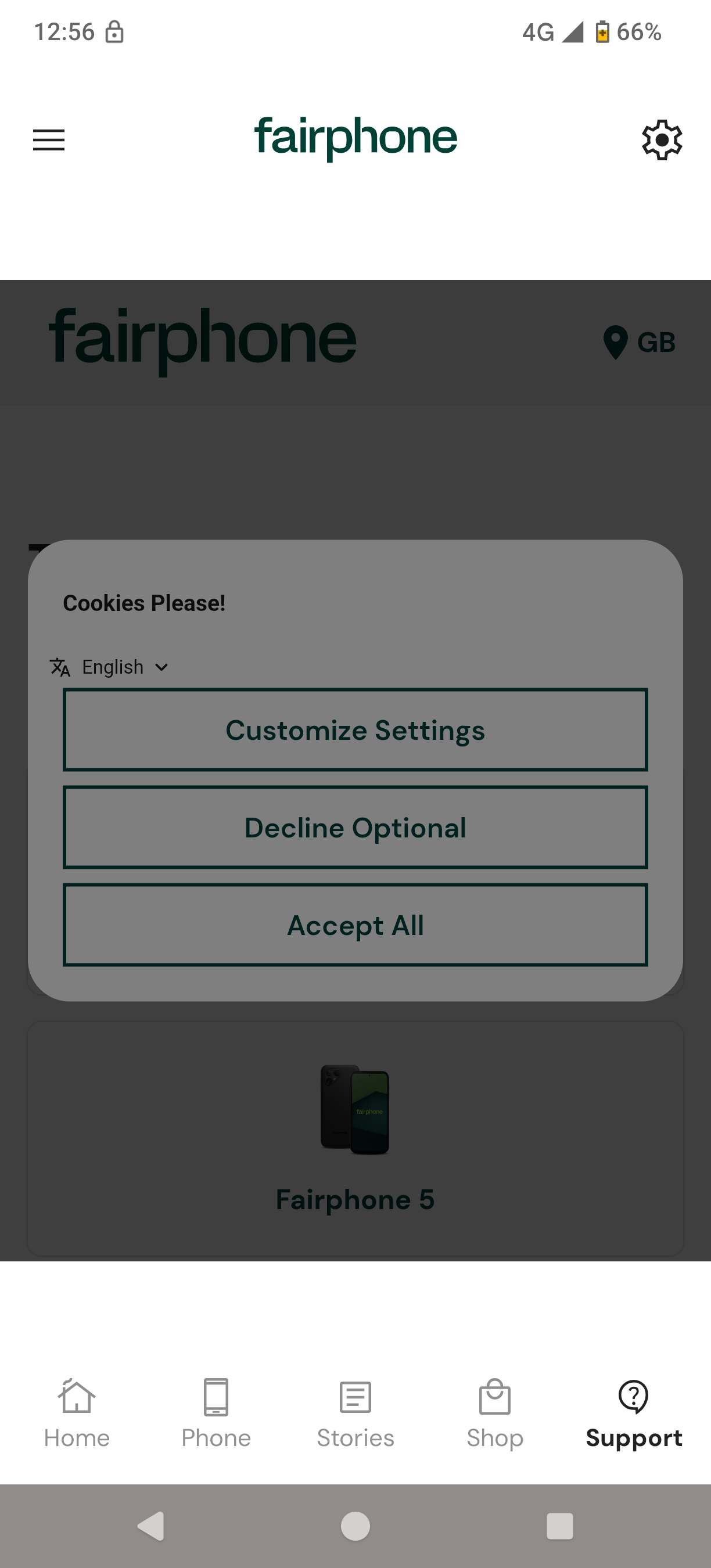
I am afraid the self - repair portal is not displaying properly within my Fairphone App.
How about you check the same portal in the browser? I have a very encouraging experience to share, this week I submitted the ticket on Thursday evening and got the reply on Friday noon.
Good luck
I have the same problem on my FP_6_. And it only came up after I installed the upgrade to /e/OS 1.4.2. Therefore my guess is that this is a new “feature” of Android 16? and therefore /e/OS.