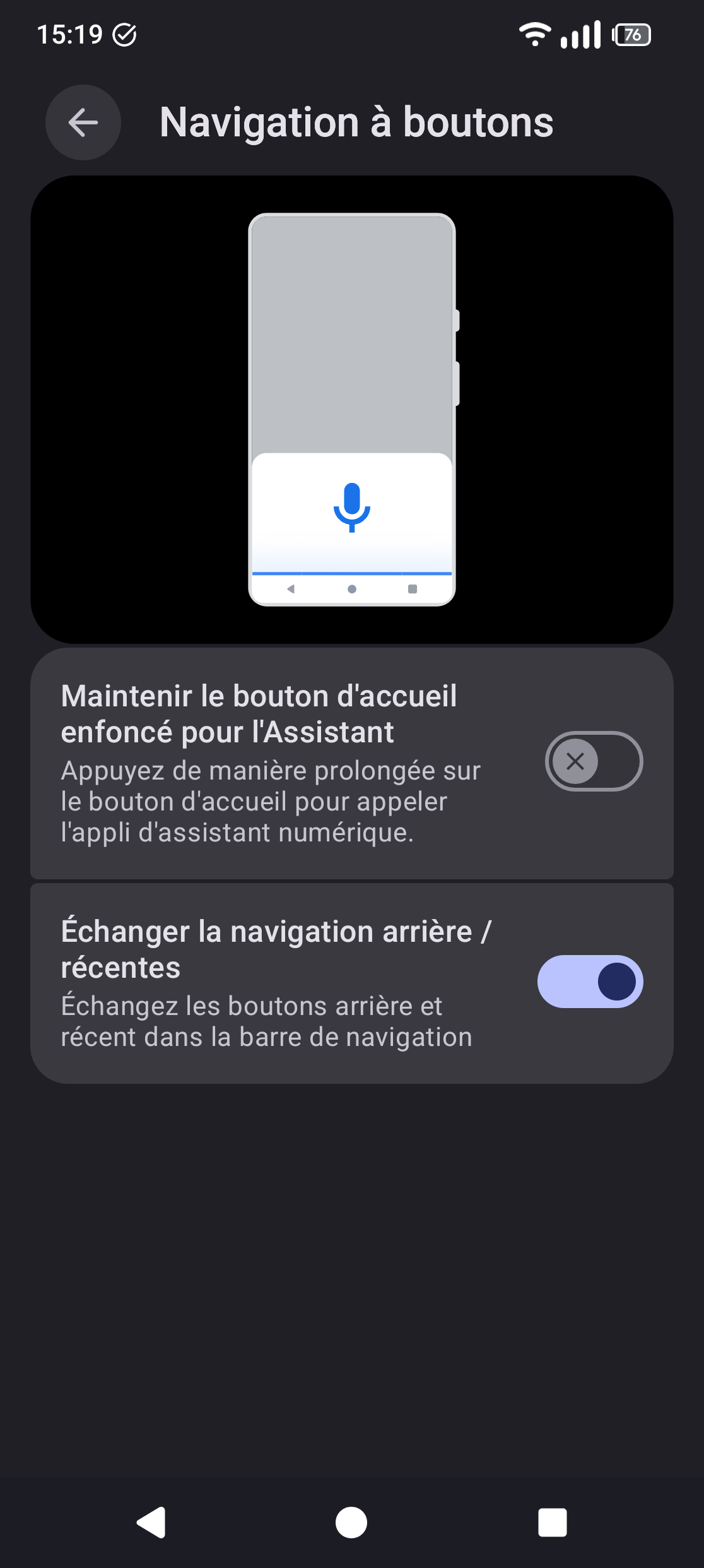
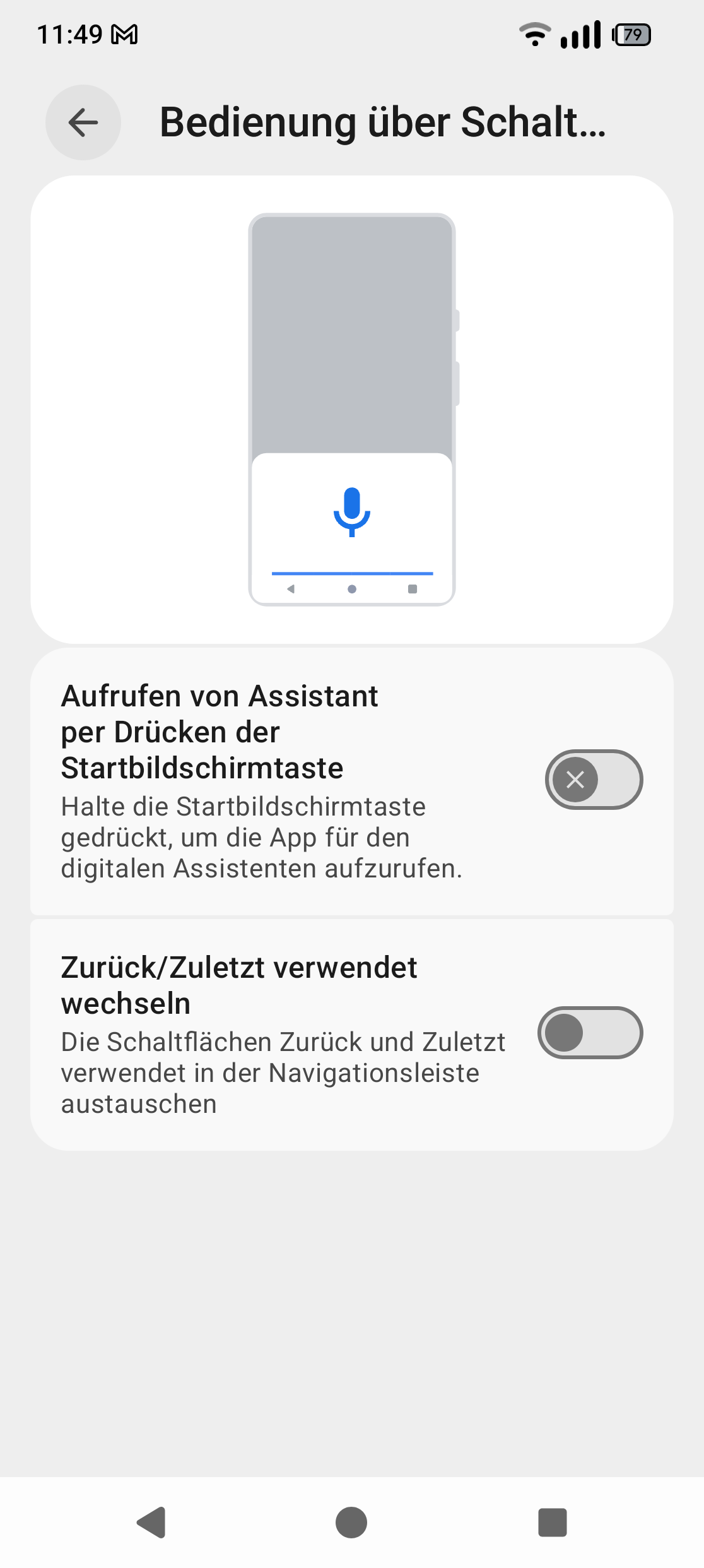
Since last update, the ‘‘return’’ button (arrow) and the ‘‘show recent app’’ button (square) at the bottom of the screen are stuck in the original position (arrow to the left, square to the right) and I’m unable to invert their position by selecting the corresponding option in the parameter. This option was working perfectly fine before the last update.
This is the build version I’m currently on : FP6.QREL.16.48.0
I’m having the same problem. I can’t find an option to invert the button location and I’m very angry about Fairphone not having any proper customer service!
The links Ingo provided with his search are incomplete. This topic has also been discussed here Keyboard overlapping buttons - #14 by ulweal .
And again, complain about Google not Fairphone. And I also want my Android 15 back.
I also noticed that the button order that I had before the update (recent apps on the left and back button on the right) had reversed, so I tried to change them back, but this option doesn’t work. A bit annoying.
Maybe it’s a Google glitch in the first place but there a definitely phones outside the Fairphone world whose bottom buttons work properly even under A16.
I’m new to the forum and I’ve subscribed as I’m looking for a solution to this specific issue, which I’ve also noticed with the Android 16 update. I look forward to a solution from FP
Same issue for my Phone. Late Update doesn’t avoid the problems. Should have read the Forum first. For me this is painful. Didn’t saw any workarounds or fixes. Did I overseen anything?
The update went well but now my “3 button navigation” is swapped from what I am used to. This is the order of the “3 button navigation” I am used to which I have used since I have the Fairphone 6:
Hi and welcome to our Community forum, Flederratte!
I’ve moved your post here. It’s a known issue and we can’t help you. That needs to be fixed in an upcoming update, nothing we users can do anything about.
Before updating I had my navigation buttons swapped so that the back button is on the right side. The setting is still there under Settings → navigation mode → 3 button navigation → Swap back/recents navigation but toggling it on or off doesn’t change anything…
thanks for moving my post to the correct topic. I was confused where I could ask about this problem. Thanks for the info. I hope it will be fixed soon.
Hello. I have the same problem with my Faiphone 6. It’s very annoying. I just wanna tell you that I tried to switch it with adb command (adb shell settings put secure sysui_nav_bar "space,contextual;home;back,space") but it didn’t work either.
I don’t want to root my phone just to solve this. Hope there will be a fix soon.
Hello, I’m using the “old-way” of navigations with the 3-button layout, however since the last software update to Android 16 I’m unable to change their order.
You have the default “return-home-window” order, but I’ use the reversed one (window-home-return), and it doesn’t work when I try to enable the dedicated parameter in the settings. Do you know if it’s already a known issue ?