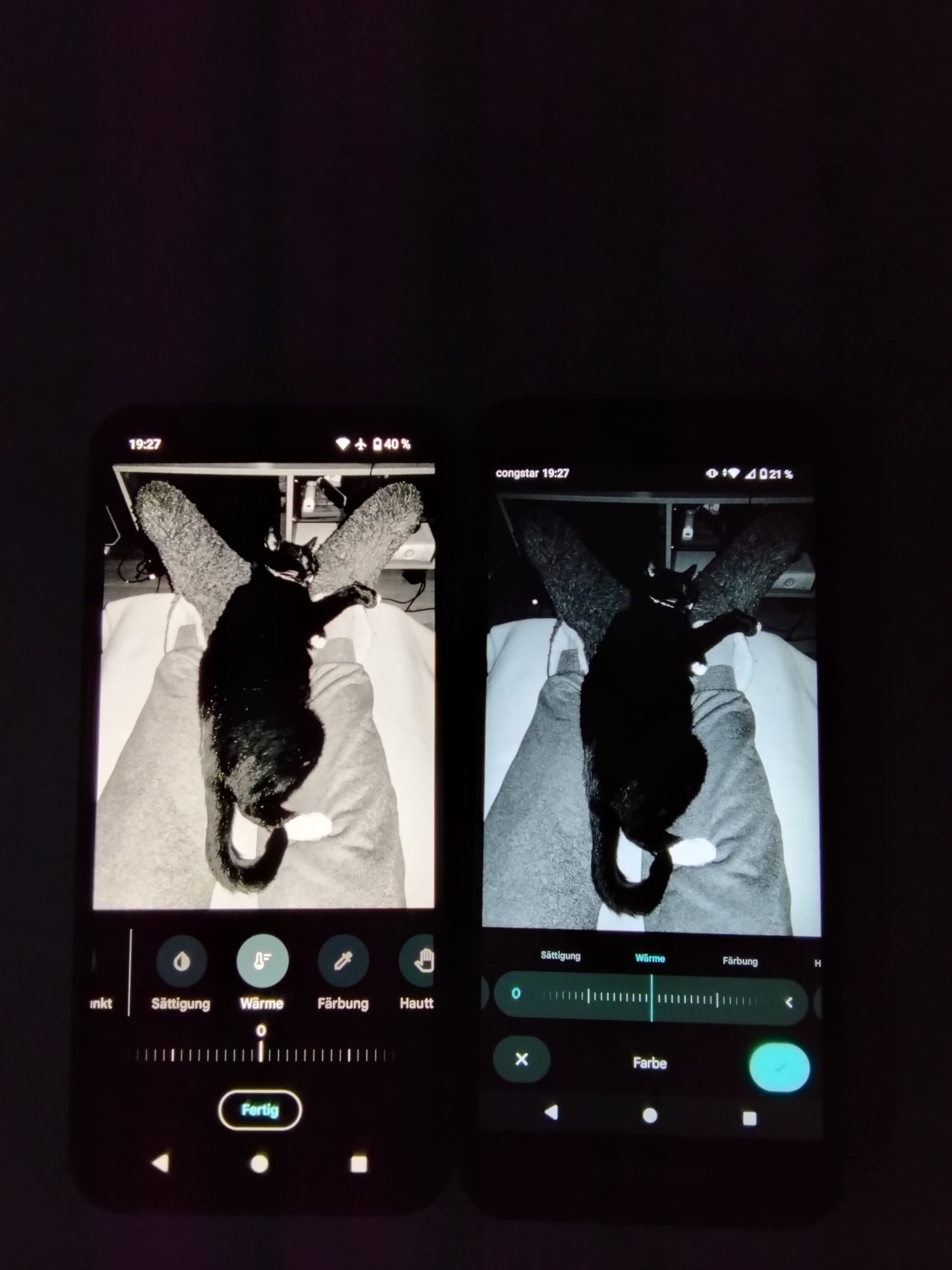
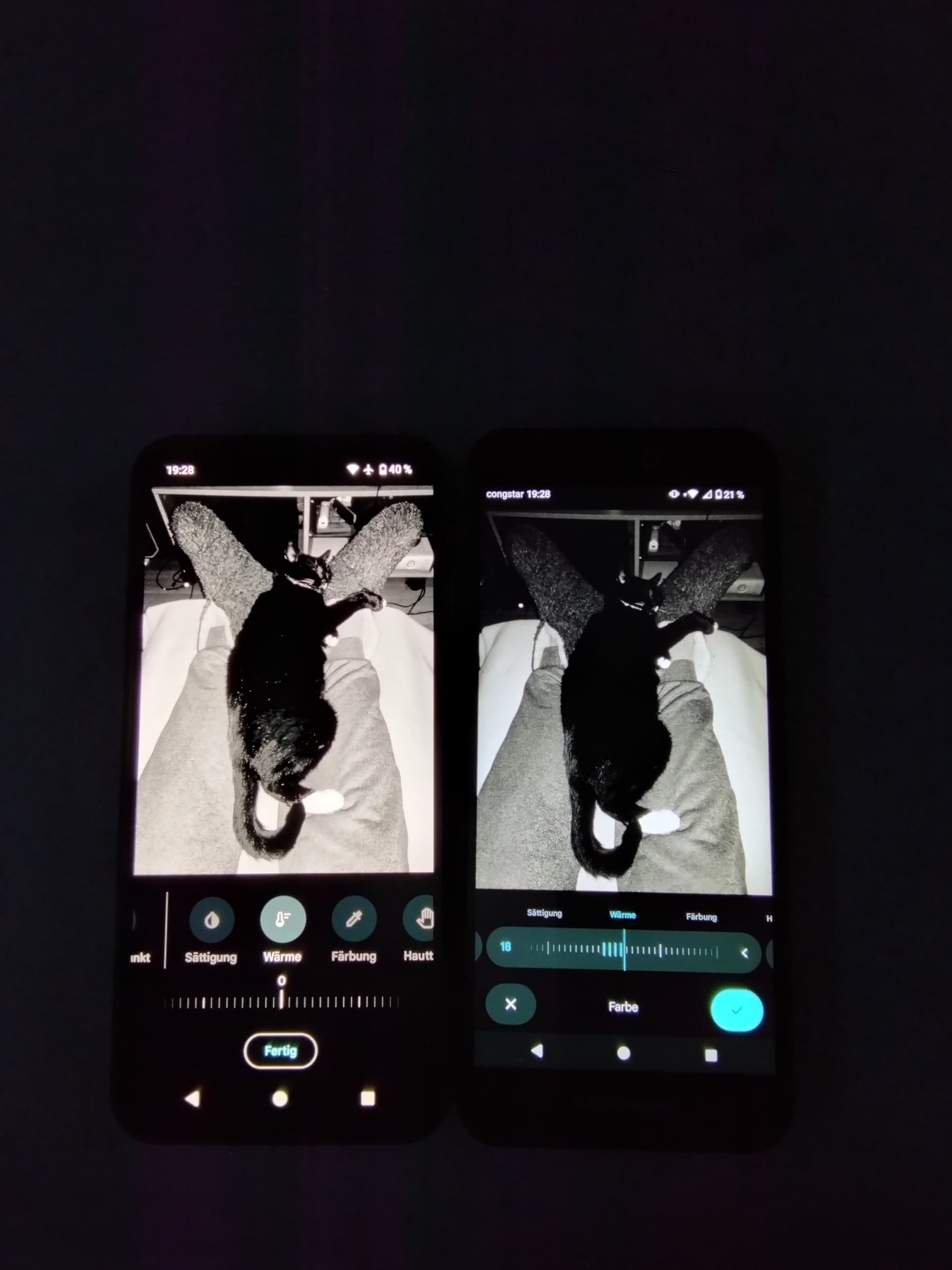
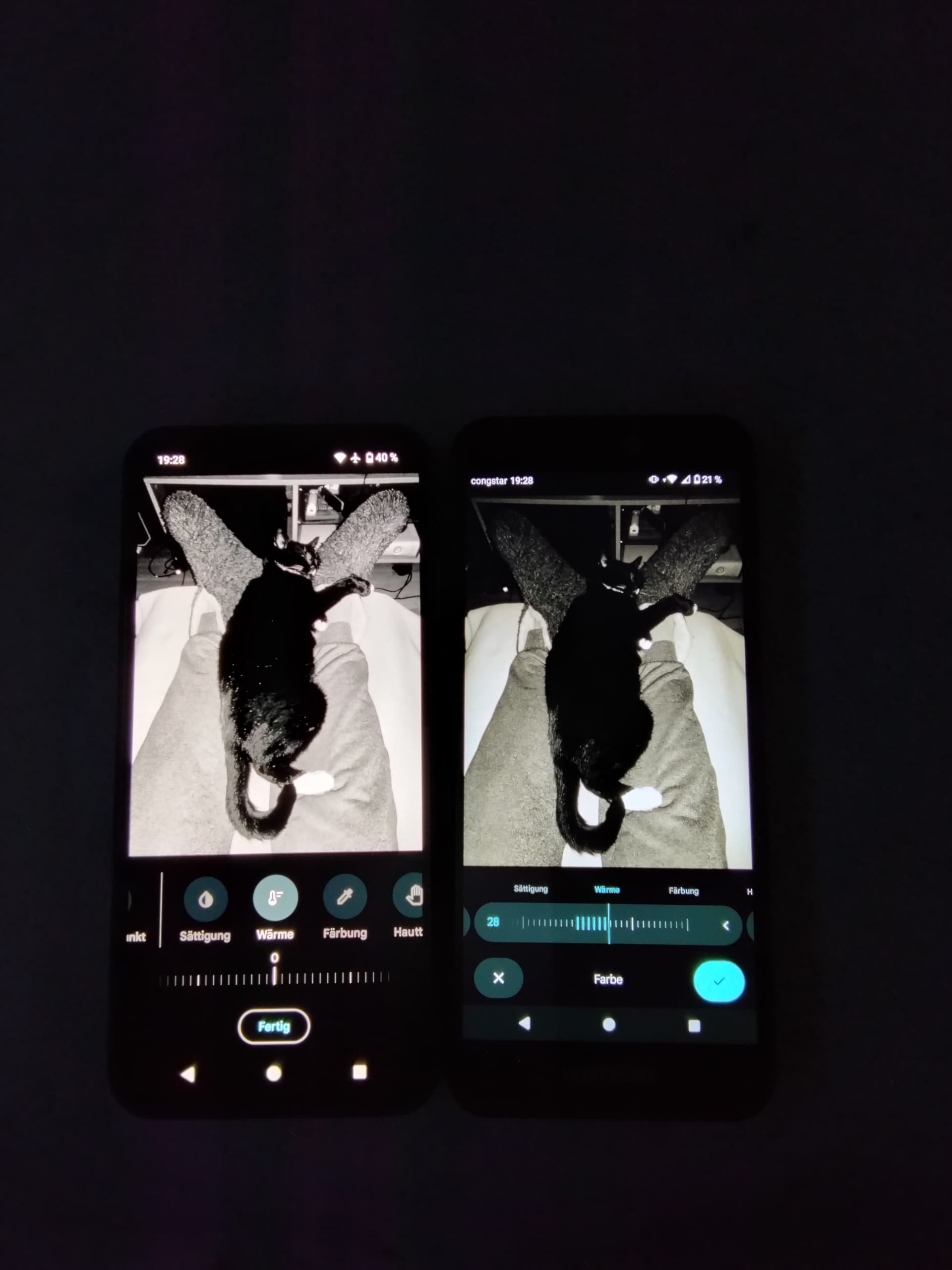
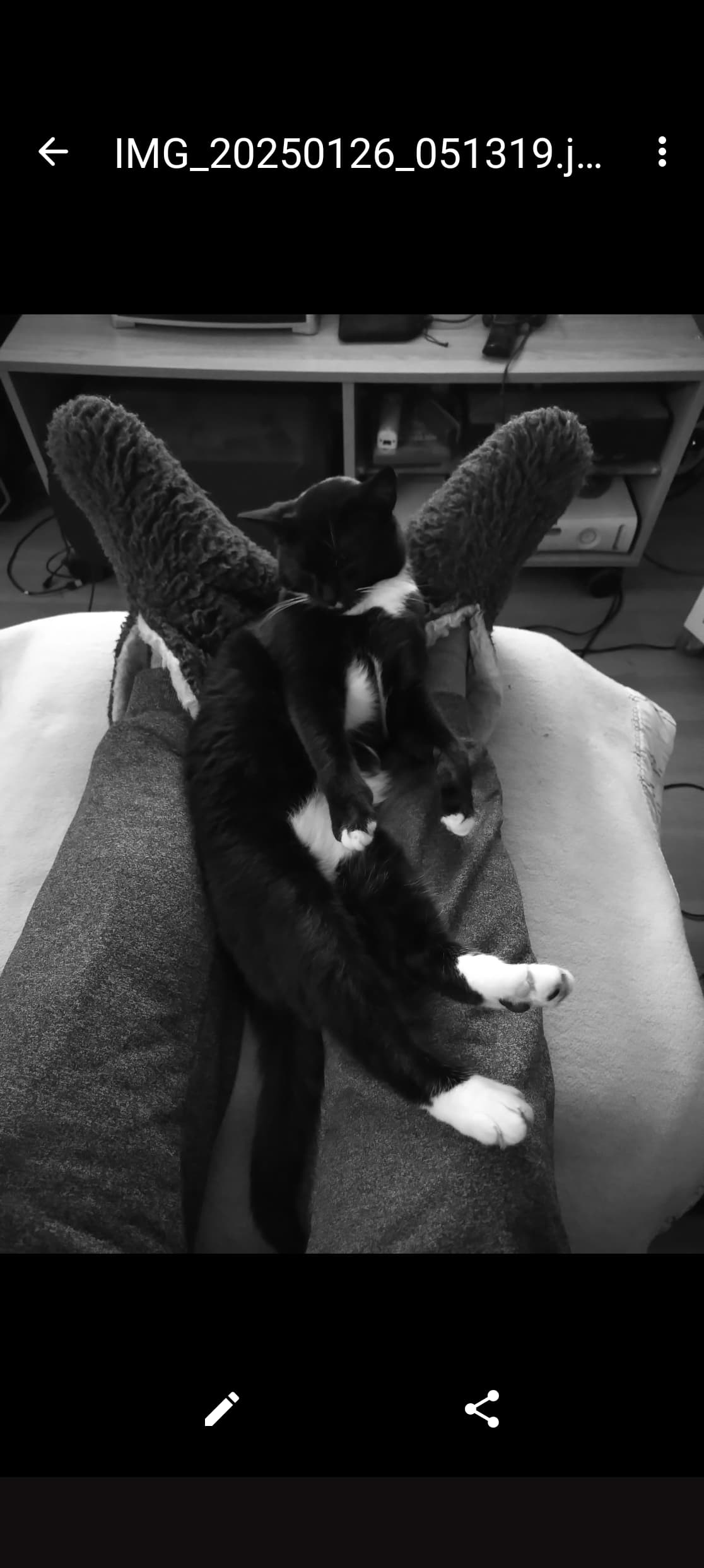
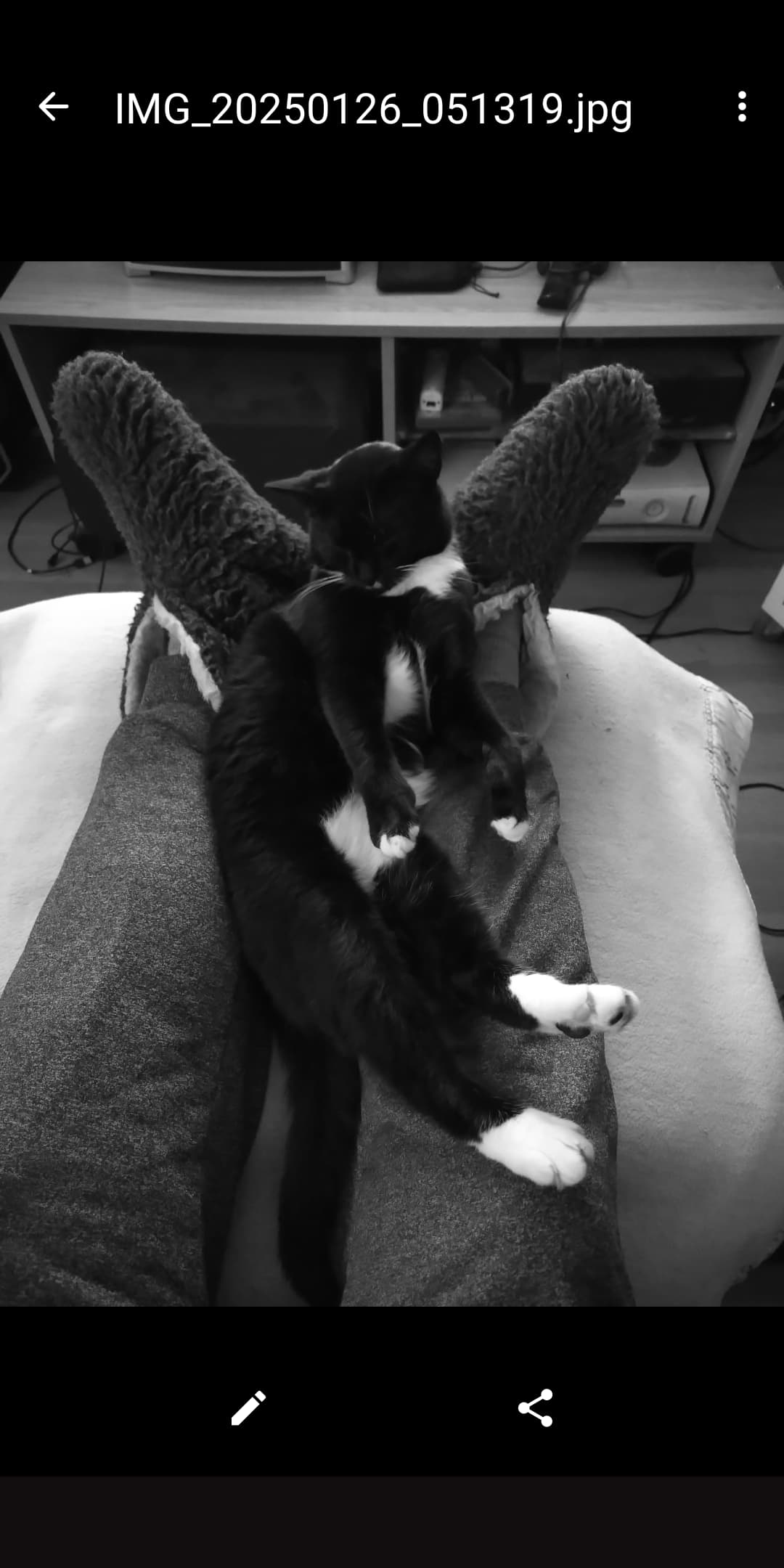
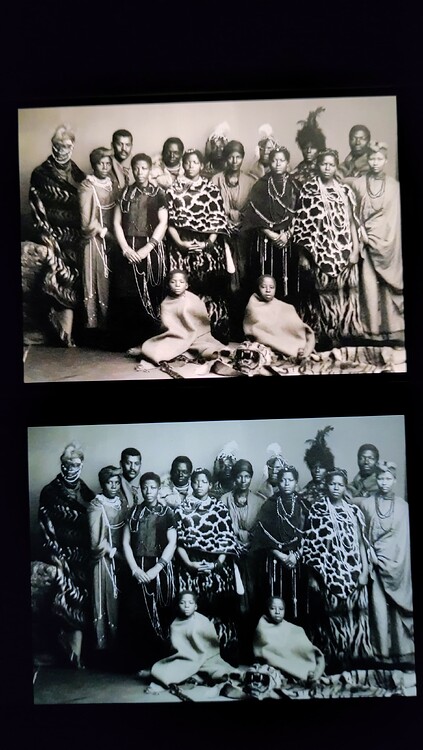
Don’t know what to make of the chamois tint. Looks wrong to me.
Edit: Sorry to say that, but there seems to be something really off with your FP6. This tint will affect color representation too! I’d kindly advise you to check if it’s caused by a configuration mishap or a hardware defect.
I would like to say- thank you all very much for your support and efforts, i really appreciate that. I just received notification that the new FP6 should arrive by 6 p.m. As soon as it arrives and I have set it up, I will let you know and upload new screenshots
New FP6 arrived, same problem, so it seems that this is on me. If this is the standard screen then i have to look for another phone, i cant stand that it shows no white but only sepia-blurred white. tbh im really surprised, i expected the screen to be better than the one of my FP3+. @OldRoutard could you please tell me what you meant with more sophisticated methods? Is there anything that can change the screen color besides the standard options? This would be my last hope, if there is an App that can change it im going to keep the FP6
edit- i tried a few apps to change the color, they do work in general but no matter how i adjust it, i cant get rid of the sepia, its annoying and i feel stupid
I use Google Foto. Nightlight is off, contrast default, colors on adaptive (with natural and especially boosted the tint is worse).
And i know how dumb that sounds, but there is a foil on the screen by default? I can not see that a foil is applied, i tried to nibble at the speaker above the camera and on the edges but it does not seem that there is a foil
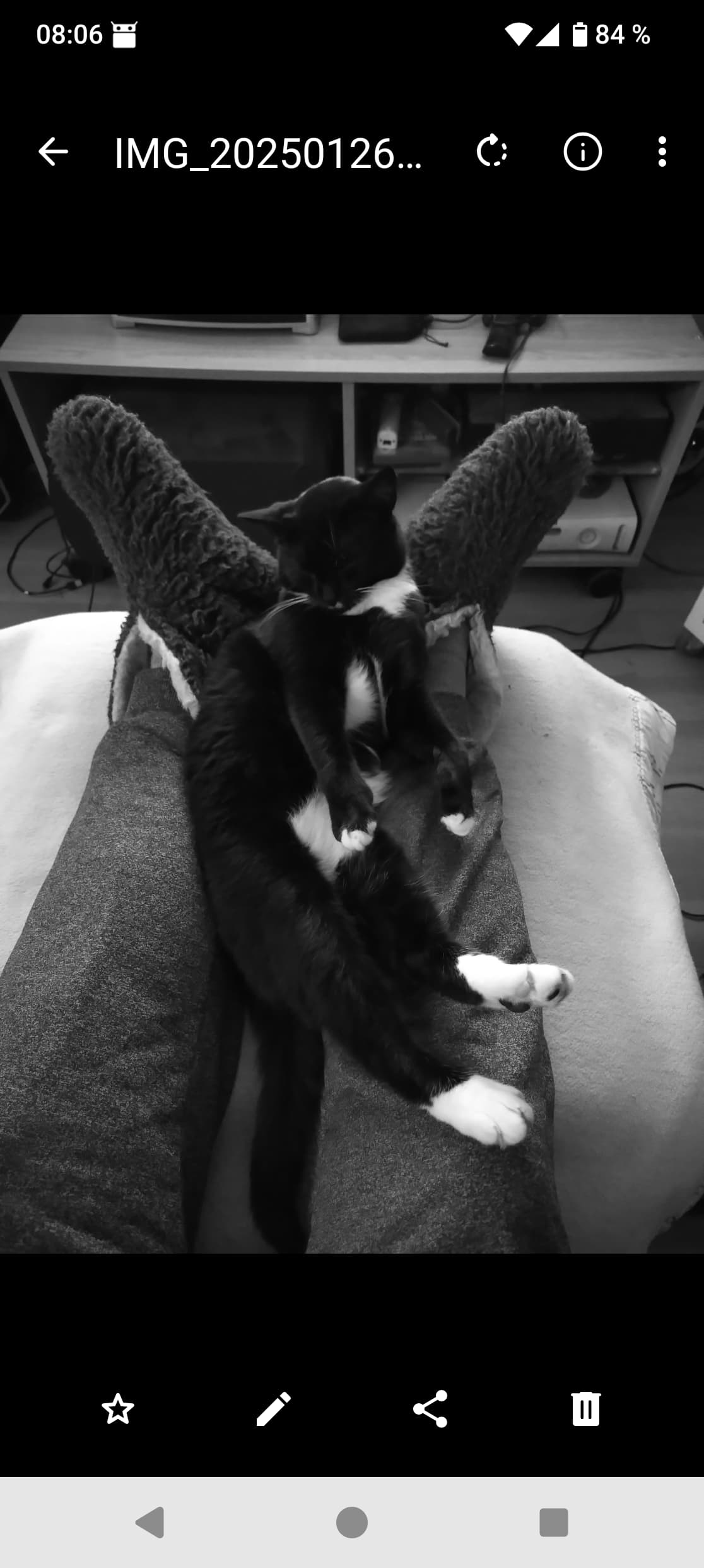
A screenshot is not what you see with your eyes on your screen, but what the processor send to the screen, a screenshot will look the same from any device for the same image once displayed on the forum.
You must use an external device to take a picture of the actual image displayed by the screen.
Adding to that, to be relevant the compared images should be taken with the same APN on the same shot.
Maybe that’s what you see (specially if you use Fairphone to post and read here), but a screenshot is not relevant to show others what your screen actually displays.
Same goes for last two images from @RMW , they are exactly the same (and same as your and the original from @hoschi247 ) because they are screenshots, not actual images displayed by the LCD panel of Fairphone 3 and OLED panel from Fairphone 6.
Posting screenshot is no use to show others what your screen actually displays, it’s not relevant.
If 1000 persons with 1000 different smartphones download the @hoschi247 image and then take a screenshot and post it on the forum we will get 1000 cloned images.

 Don’t know what to make of the chamois tint. Looks wrong to me.