It would be nice if Fairphone owned up to mis-listing the security patch date, and looked after customers caught out by it…
2 Likes
@Fairphone_CM I fully agree with @MarcRoberts when phones brick, due to wrong info from FP it should not be the customer to pay for the repair.
5 Likes
Any news here?
I have 2 open tickets about this case. No reaction.
@Fairphone_CM
2 Likes
Do you have any tips on how to get help from murena on this? I’ve opened a support ticket and haven’t gotten a response.
Have patience. I sent my first support email on like, Oct. 10th, and got my first response on the 14th. I still have not had the situation resolved. If they offer you a refund, take it. They offered me one, then went back on it and said I wasn’t eligible later.
They are still working on setting up a program to have phones reflashed, so it’s going to be awhile yet.
Here’s a snippet from the latest email:
In the meantime, for customers who have disclosed their intent for cancellation within the 14 day delivery period.
They may choose to return the device but only after /e/OS is re-flashed on the bricked device.The device should be in perfect condition, i.e., free from scratches or dents on the side or any other damages.
I hope these details will be helpful.
This sounds like Murena doesn’t have the ability to unbrick the devices they sell. On top of that, someone in the US can’t send a Fairphone 6 into Fairphone’s official repair center. So any of us who are in the US with a Fairphone 6 stuck in fastboot have no option for unbricking
Hi,
I have a Fairphone 6 running /e/os 3.2, with a locked bootloader. I would like to go back to the stock ROM.
This /e/OS 3.2 version includes the Android security patches available as of October, 1st 2025. Stock ROM includes security patches as of August, 5th 2025.
My question is: can I roll back to stock ROM if I do not lock the bootloader? If so, will I be able to lock the bootloader again after next Fairphone update (if the security patches are from after October, 1st)?
Thank you
Yes normally thats no issue
If the same or newer, yes it should, however check get unlock ability before, search the forum for info, most from FP4 topics
1 Like
Thank you for your answer. I did go back to stock ROM without locking the bootloader and so far so good. Of course I can’t use my banking app, but I couldn’t use it on /e/os either.
I suppose you’re fully aware that locking the bootloader will do a factory reset. So after doing that you’ll have to setup your device again from scratch or restore a decent backup if you have one.
Wanted to mention it, just in case… 
3 Likes
Hello, thank you for the clarification. I’m aware of that, and I’m even planning to flash my Fairphone via ADB when the new version is released, before locking the bootloader. Just in case.
1 Like
Just got whacked by this issue myself about 2 hours into owning the phone, which was a disappointing experience to say the least. I’ve raised an RMA for the phone to be reflashed but does anyone know what Fairphone’s support timescale is like?
Hello
just to clarify - you used the self-repair portal to request a RMA?
Yeah, went to support.fairphone.com and raised a ticket. Whenever they get back to me I guess we’ll figure out if it’s warranty converted or not and if not what a repair would cost
Hi
I don’t think it will be covered by warranty, but anyway I would like to be very precise here, you can raise a ticket using a form or you can go via self-repair portal
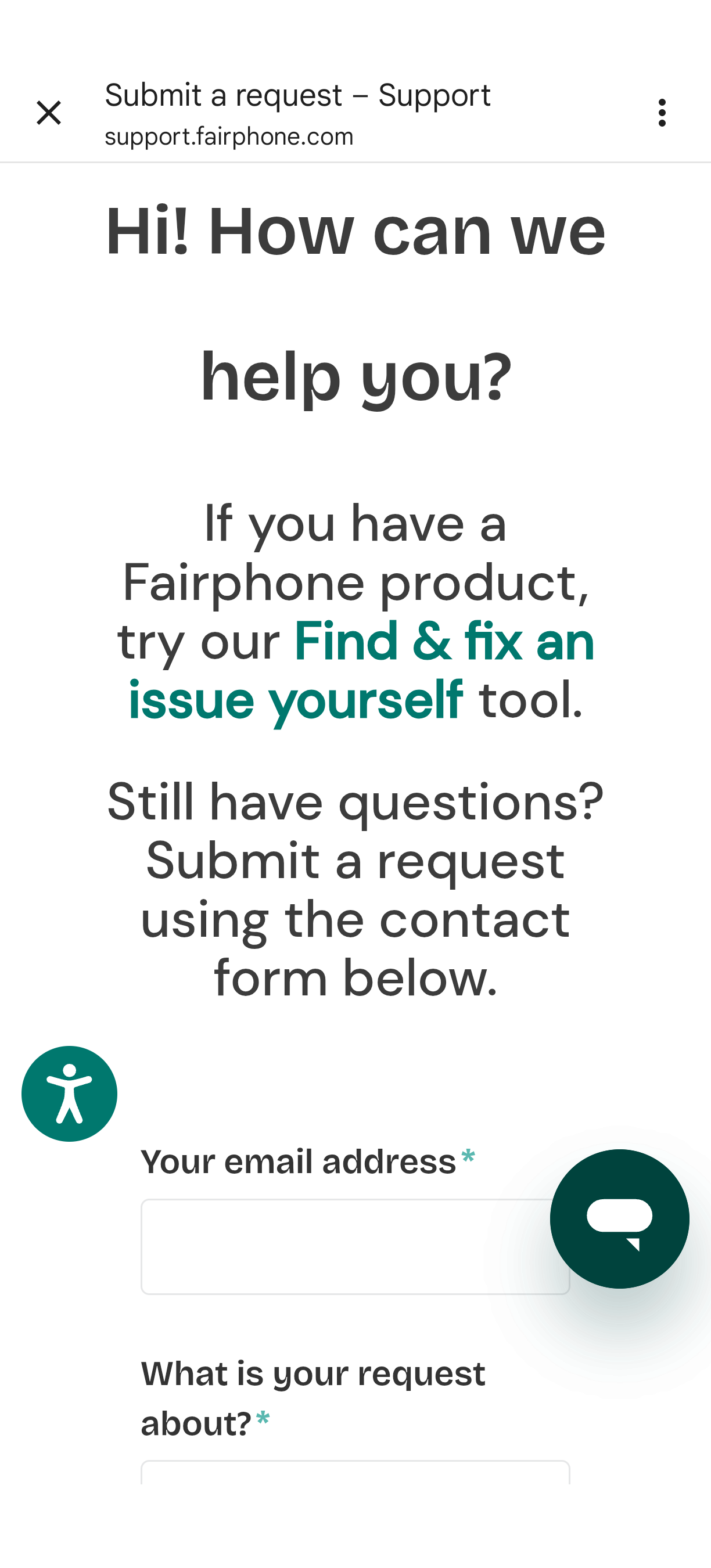
Could you please confirm which one you did?
1 Like
The form I believe, I’m starting to get the sinking feeling that there are multiple different unconnected support channels?
Regardless it raised a ticket on the fairphone zendesk instance if that helps
There are three connected ways to reach support.
The fastest: the online chat or a self-repair portal. The form you submitted generally also suggests self-repair.
The slow way: submitting a ticket.
I would then suggest going through the self-repair portal, as bolded in my screenshot.
Or perhaps I should be more precise here as well.
A self-repair portal should allow you to request a repair - in some easy to diagnose situations, that is why it is the preferred option now.
But if the situation is not so easy to diagnose, it might create a ticket for you and you would need to wait for customer support agents to process that.
1 Like
Hi,
just to let you know that I have been able to lock the bootloader without flashing my phone, just OTA update, and get_unlock_ability was at 0 before doing it.
Can you enaable OEM unlocking in the settings now?
Just to emphasize: when get unlock ability is 0 locking the bootloader comes with a risk to brick when anything goes wrong.
Yes it does work. Tried it, and OEM unlocking is enabled.
1 Like