I was able to install LineageOS 17.1 and add microG via Magisk and NanoDroid. It’s working just fine:
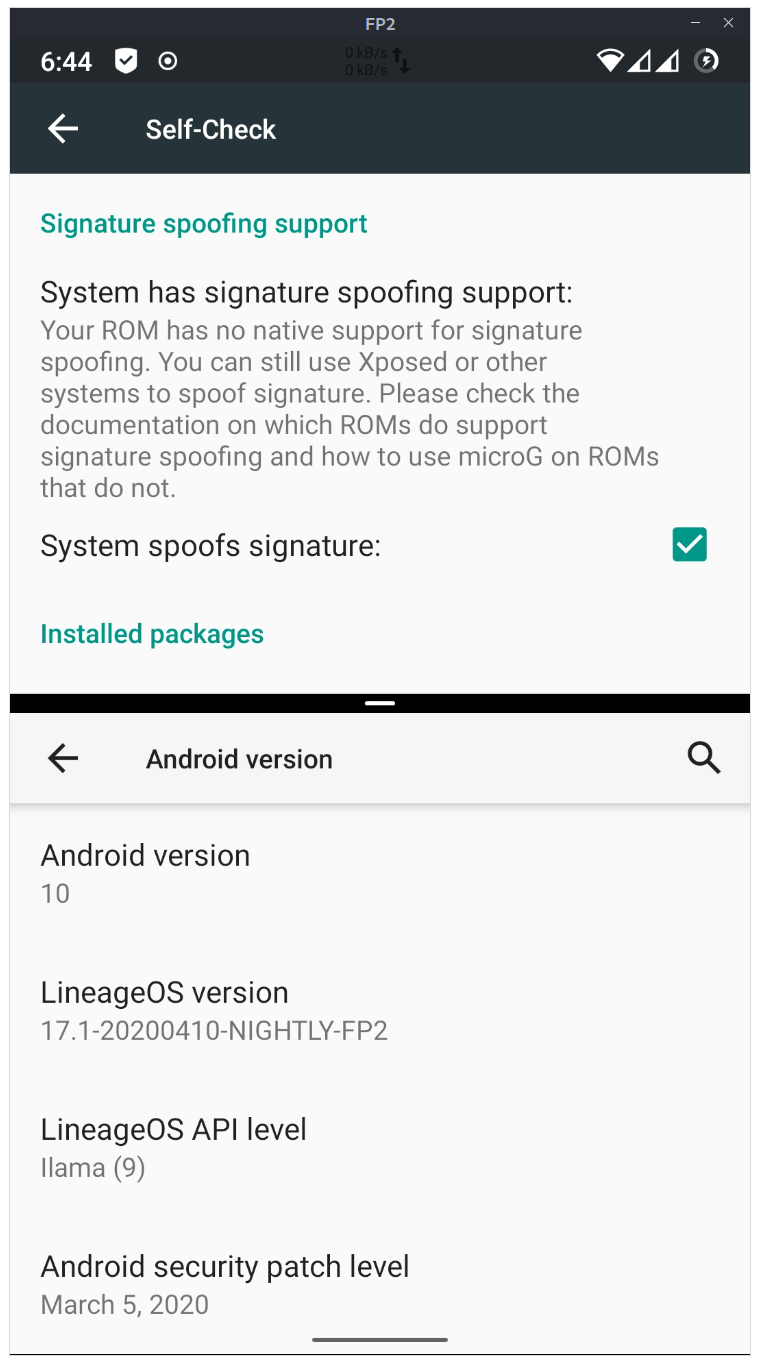
How-To:
-
Flash LineageOS 17.1 Nightly Build
-
Flash Magisk v20.4
-
Reboot into System
-
Reboot into Recovery and flash NanoDroid MicroG (https://downloads.nanolx.org/NanoDroid/Stable/)
-
Run Signature spoofing patcher for Android Q while Phone is in Recovery (from https://www.reddit.com/r/MicroG/comments/fywiix/signature_spoofing_patcher_for_android_q/)
-
Reboot and enjoy LineageOS 17.1 including MicroG
Hints: The Patcher gave sometimes gave me an error message (mount: can’t find /system_root in /etc/fstab). If you get these message just outcomment all lines in the script (mount section) with “/system_root”. Then it should work.