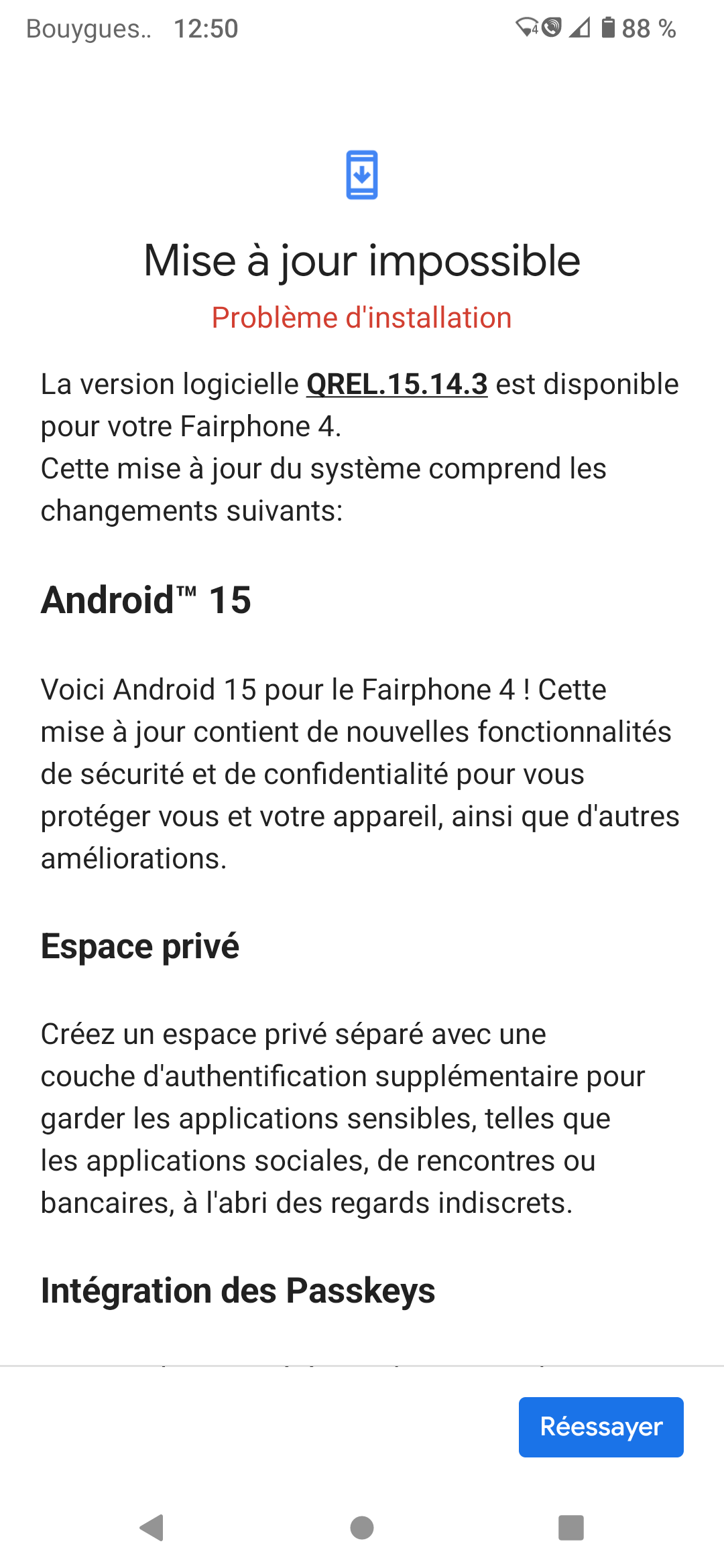
Hi. The A15 OTA install fails with a red message. I used to update A13 with this method without problem.
Which rooting method did you use? Magisk?
Yes I used Magisk. Yes I used Magisk.
https://topjohnwu.github.io/Magisk/ota.html
Short summary:
- uninstall the patch in Magisk, do not reboot the phone
- apply the OS update, do not reboot the phone
- in Magisk select “Install to inactive slot after OTA” and reboot via Magisk
Thanks a lot, it worked !
1 Like
Lucky you, this never works for me, I do not know why. I have to re-root after every OTA
I had the problem with losing root during update process on my FP6 a few days ago. But I’ve rooted my device with Apatch, which was new for me, so maybe I made a mistake.
But all my phones before were rooted with Magisk, and the above mentioned method always worked for me without losing root.
Glad that I could help you and thank you for the feedback!
This topic was automatically closed 90 days after the last reply. New replies are no longer allowed.