If I connect the phone to my Computer-Display by USB-C. I can see FOS starting and get this screen:
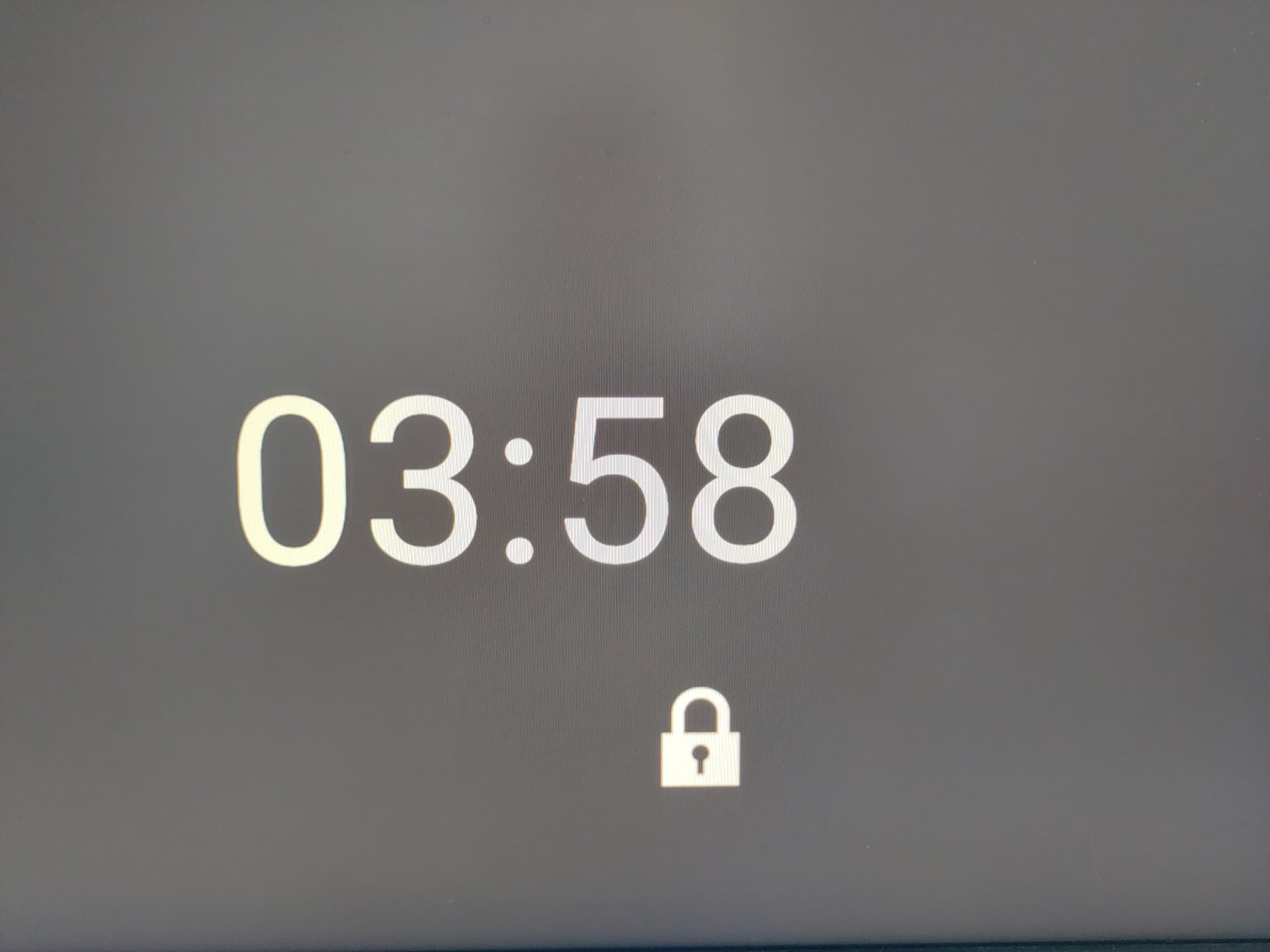
Does it mean, that a PIN exists or something else ? I don’t have a dock available at the moment.
Some research using my Fedora VM:
$ edl modules oemunlock enable
.
.
Capstone library is missing (optional).
Keystone library is missing (optional).
Qualcomm Sahara / Firehose Client V3.62 (c) B.Kerler 2018-2024.
main - Trying with no loader given ...
main - Waiting for the device
main - Device detected :)
sahara - Protocol version: 2, Version supported: 1
main - Mode detected: sahara
sahara -
Version 0x2
------------------------
HWID:              0x001630e100210001 (MSM_ID:0x001630e1,OEM_ID:0x0021,MODEL_ID:0x0001)
CPU detected:      "sd7250"
PK_HASH:           0x1c3d8d7ea24e435d7b540e0ffb34aa4bd57421c5f3570eef54f354610953a24c8e1930b57cc9349edaeca2466671c27f
Serial:            0x5e14XXXX

sahara
sahara - [LIB]: Couldn't find a loader for given hwid and pkhash (001630e100210001_1c3d8d7ea24e435d_[FHPRG/ENPRG].bin) :(
Already known: There is no specific loader for FP4 available. But there is also no generic loader for sd7250 (Snapdragon 750G).
Good news: No special edl-cable needed. Just press Vol+ and Vol- simultaneously and plug the USB-cable and you are in edl-Mode:
Feb 03 18:36:44 master kernel: usbserial: USB Serial support registered for Qualcomm USB modem
Feb 03 18:36:44 master kernel: qcserial 1-3:1.0: Qualcomm USB modem converter detected
Feb 03 18:36:44 master kernel: usb 1-3: Qualcomm USB modem converter now attached to ttyUSB0
Did anyone tried to obtain any hidden fastboot oem commands from the bootloader using ghidra ? Carlo Maragno did this some year ago.
I ask, because the FP5 has the useful (undocumented)
fastboot oem allow-flashing
command in some bootlader versions.
As mentioned here
Here are the commands
Hi everyone,
I’m in exactly the same boat as @FPbonn :
$ lsusb
...
Bus 001 Device 016: ID 05c6:9008 Qualcomm, Inc. Gobi Wireless Modem (QDL mode)
...
and
$ edl modules oemunlock enable
...
sahara - [LIB]: Couldn't find a loader for given hwid and pkhash (001630e100210001_1c3d8d7ea24e435d_[FHPRG/ENPRG].bin) :(
On top of that, Fairphone support won’t send my secondhand Fairphone 4 to the repair center—even if I pay for it myself—because I don’t have the original invoice. 
Would it be possible to retrieve a Fairphone-signed firehose loader from a working Fairphone 4 and then load it onto the bricked Fairphone 4 using EDL?
Do you have any information on this method?
Not having an invoice is unfortunately very common, if purchase a phone 2nd or 3rd hand.
For legal reasons it’s not possible to get a signed edl loader from Fairphone, Cordon or Qualcomm - see discussion.
The loader isn’t part of the firmware/OS, it has to be supplied externally to do anything meaningful with EDL, and as @FPbonn pointed out without contracts/NDAs you won’t be getting one, unless it leaks at some point, which is pretty unlikely for a niche device.
Hi everyone, @hirnsushi @FPbonn I’m about to buy an other second-hand FP4 for €290. The bricked one will be used for parts (while I wait for a signed loader). My plan is to install LineageOS on it, which I’m very happy with on my tablet. I already have a photo of the original receipt, just in case! During the installation process, I plan to check “get_unlock_ability: 1”—which I think corresponds to “OEM unlocking ON”—after every reboot.
Do you think there are any other variables I should keep an eye on?


You cant lock your bootloader whrn you install LOS thats not supported by LOS thus
Is irrelevant in this case
I learned that the hard way. It’s right here:
Q = “Can/should I relock my bootloader?”]
R = “Few devices allow for it and even less work properly after that. Relocking can result in actual unusable devices, so be warned!”
Q = “I have relocked my bootloader and can’t get my device to work anymore. What now?”
R = " Sorry, as per the question right above, we don’t support this usecase and there may not be a good way to recover. XDA, other similar forums or a search engine may be of use." 
So the best thing to do is to leave the bootloader unlocked and ignore the warning messages that pop up at startup. Am I really in more danger with a locked bootloader?
Good news: after opening a new support ticket with Fairphone, I finally got my FP4 covered under out-of-warranty service. My first unsuccessful ticket was even merged with the new one.
My FP4 was shipped today via UPS to Cordon Electronics. I’m waiting for the quote for the unbricking. Fairphone estimates €30-40 plus shipping costs. 
For my next installation attempt, I’m asking the question again:
Thanks to everyone for your answers.
This has been discussed here did you try to find it? Some say yes, some say no, so I say do some reading and make your decision.
a pro / con discussion : why relocking ?
My FP4 just came back from Cordon Electronics.
The unbricking cost me €51.96, including tax and shipping. That’ll teach me to think I can do everything myself on a Fairphone. There are still a few hidden industrial secrets left. 
Thanks to everyone for your help. 
Ola todos,I’m getting back to installing a free version of Android AOSP on a PF4 running Android 15. This time I’ve chosen the /e/ distro; I’ll see if I lock the bootloader afterwards.
I think this might be a new thread I’m going to start:
From Android 15 to /e/OS 4.0 on FP4