Welcome to the forum!!
That unfortunate, but I have no idea.
You might be one of the first to have this problem,
What could help is telling what version your are running currently.
Also if you haven’t tried it yet, rebooting the phone might fix it.
If that fails you might just want to enter a support ticket.
Could be that they release a fix for it if you’re not alone with the problem.
Else a factory reset could be suggest in your case (my guess), so have a backup of the stuff you can’t live without.
There are other active members in the forum that have better answers for you, but they are not always online.
(with version I don’t mean android 15, that is a part of the full version description)
Hi.
I do encounter the very same issue, and I’m positive it started with the update to the last Android build version FP6.QREL.15.151.0.
This isn’t the only issue I’ve seen with this version, but that’s the most visible.
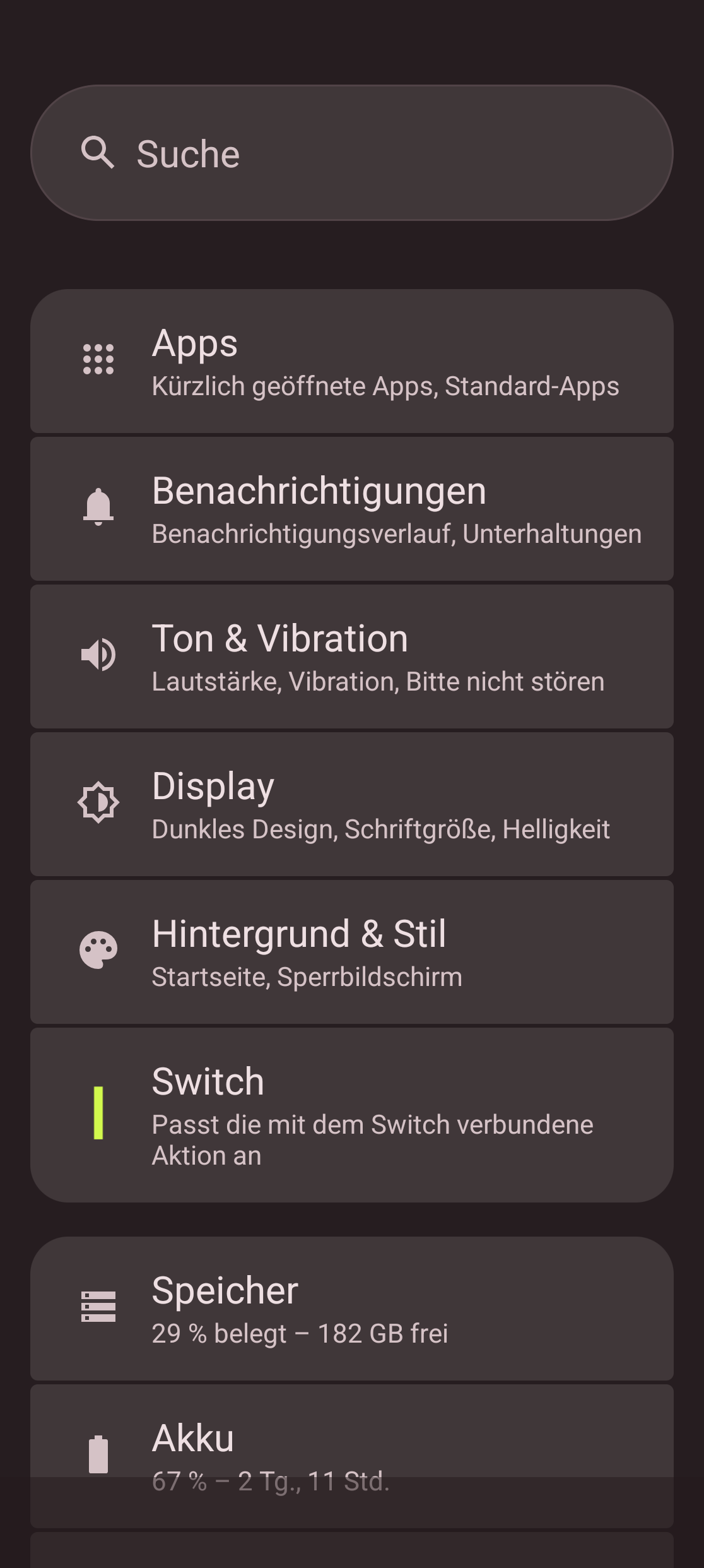
For me, the Switch button was associated with Airplane mode. It use to work a threat before the update. But now, not only does it not work anymore (saying the switch button is a no-op), but the Switch menu in the Parameters just dies immediately when trying to access it.
Any chance to have this fixed anytime soon?
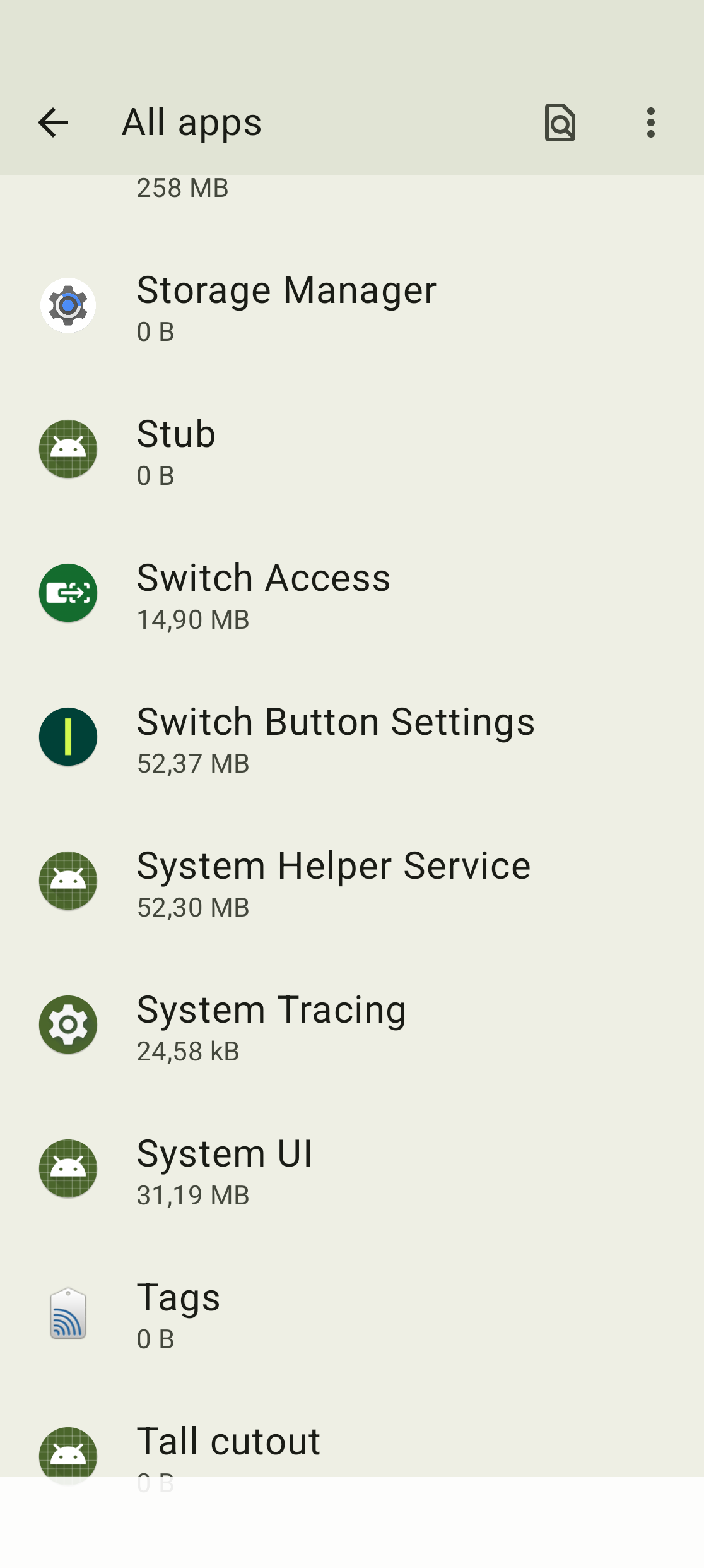
Have you already reset your switch button settings? Go to Settings > Apps > See all … apps > Show system (three dots in the top right corner) > Switch Button Settings > Storage and cache > Clear Storage / clear cache to try if this makes a difference.
I just tried that, along with doing the same with the “Fairphone Moments” app as well. And clearing storage and cache for both has permitted me to:
Being able to get to the Settings > “Switch” setup menu, which was dying before;
Change the setting from airplane mode to flashlight;
Having the flashlight reacting as expected to the Switch button;
Setting back the behavior to airplane mode;
Having the button toggling airplane mode when switched on and off as expected.
I’m mentioning the flashlight step as clearing the caches has not been enough for getting back the behavior initially set (meaning airplane mode). I guess resetting to something different so that the system took it into account was necessary.
Anyway, my issue with the Switch button looks like it’s fixed.
Edit: Never mind! I had only cleared the cache and not the storage - it works again now
I am having the same issue, cleared the cache for both the Switch and the Moments app, but it isn’t fixed. The switch has not effect and when I open the settings menu it immediately closes. Anything else I should try?