Software Update: FP6.QREL.16.61.0.20260401182351 📲

Dear Fairphone community,

Tonight, April 28, 2026, we are starting to roll out a software update for the Fairphone (Gen. 6):

Software Version Information:

  • Model: The Fairphone (Gen. 6) / FP6

  • OS Version: Android 16

  • Software Version: FP6.QREL.16.61.0.20260401182351

  • Build ID: FP6.QREL.16.61.0

  • Security Patch Level: April 5th, 2026

  • Update Size (from previous MR): 58.91 MB (58914980 bytes)

:hammer_and_wrench: Resolved Issues: :hammer_and_wrench:

  • Improved device performance in low battery

  • Improved consistency of vibration settings

  • General UI improvements

We are aware that there are more issues that have been reported and we are working hard on providing fixes in the next updates!

-

Thanks to all the beta testers! :green_heart: If you want to become a Fairphone beta tester you can apply here.

You can find all release notes of the Fairphone (Gen. 6) on our website: https://support.fairphone.com/hc/en-us/articles/24463713641234-The-Fairphone-Gen-6-Release-Notes.

To find more information about updates, please visit this page on software longevity. You can also find our support article on how to check and update your software version here.

IMPORTANT: If you experience any issues with your device consult our Repair Portal. :hammer_and_wrench:

  • Update went well :white_check_mark:
  • Update available but failed to download or install :cross_mark:
  • Update installed and now I am having problems :sos_button:
  • I am not able to see the update yet :white_question_mark:
0 voters

As usual, update available in Sweden on the first day. Update went well and NFC did not enable itself automatically after reboot :tada: :tada:
Looking forward to find more hidden fixes :blush:.
Thanks for all the work!!

Edit: this time 5g got enabled after reboot :sweat_smile:

Update installed in the UK on Lebara network. No initial issues noted here.

Relieved to have that March 2026 security update. It’s a big one.

Ok for me in France.

To those that have it installed already - can you now switch the navigation buttons so that the “back”-button is on the right side? Thanks!

I’m still unable to change the navigation buttons. Seems like we have to wait for the next update.

The update arrived this morning and the installation had no problems.

But now I noticed that the battery still says “connected, not loading” a few hours after I disconnected the charging”.

EDIT: Never mind, it seems a reboot solved this issue.

Now it shows the estimated time instead of “connected, not charging”.

Update went well but the wifi problems are not fixed, it’s very disappointing.

No, issue is not fixed.

While the release notes suggest performance at low battery charging level is improved, it vaguely seems to me the charge level (in battery saver mode) is also more stable. When I had completed the update yesterday at around 19:00 h, the FP6 here was on 76%. Right now, 17 hours later, it sits on 73% (bear in mind this is not my daily driver, has no SIM and almost no added apps in it and has been on aeroplane mode ever since last night’s update). Recently, I had had the impression that the device was discharging at a faster rate even just lying around unused (but powered on).

UPDATE 30 April 13:30 h: Another 25 hours (of inactivity in the same fashion, only three photos taken) and it’s on 69%.

Update went through fine. But now my Sony in-ears frequently go quiet while listening to podcasts (Antennapod). Very annoying and that was never an issue before :frowning:

Perhaps this helps. De-install your Sony in-ears. Reboot your phone. Connect your Sony in-ears again.

I have that issue too, but only with Antennapod and also since the update before. For me it helps to restart the app.

Another reboot seems to have helped for the time being :slight_smile:

Is the battery icon slightly bigger? I would say so but it’s still too small to be seen clearly (specially black letters over gray rear).

Not sure if this was there from the start (of Android 16), but I noticed quick settings can now be accessed by just holding the notification bar (alternatively to swiping down) – on my daily driver FP3 on /e/OS Android 15 this is not possible.

Update went fine but the telephone switched back to 5G. I had 5G disabled, a tip on this forum to prevent a too fast draining of the battery.

Another quick hint: I had to Update from A15 to A16 with the
first A16 update (16.48) before the new one was visible. I was waiting
to see if i could just skip one :smiley:

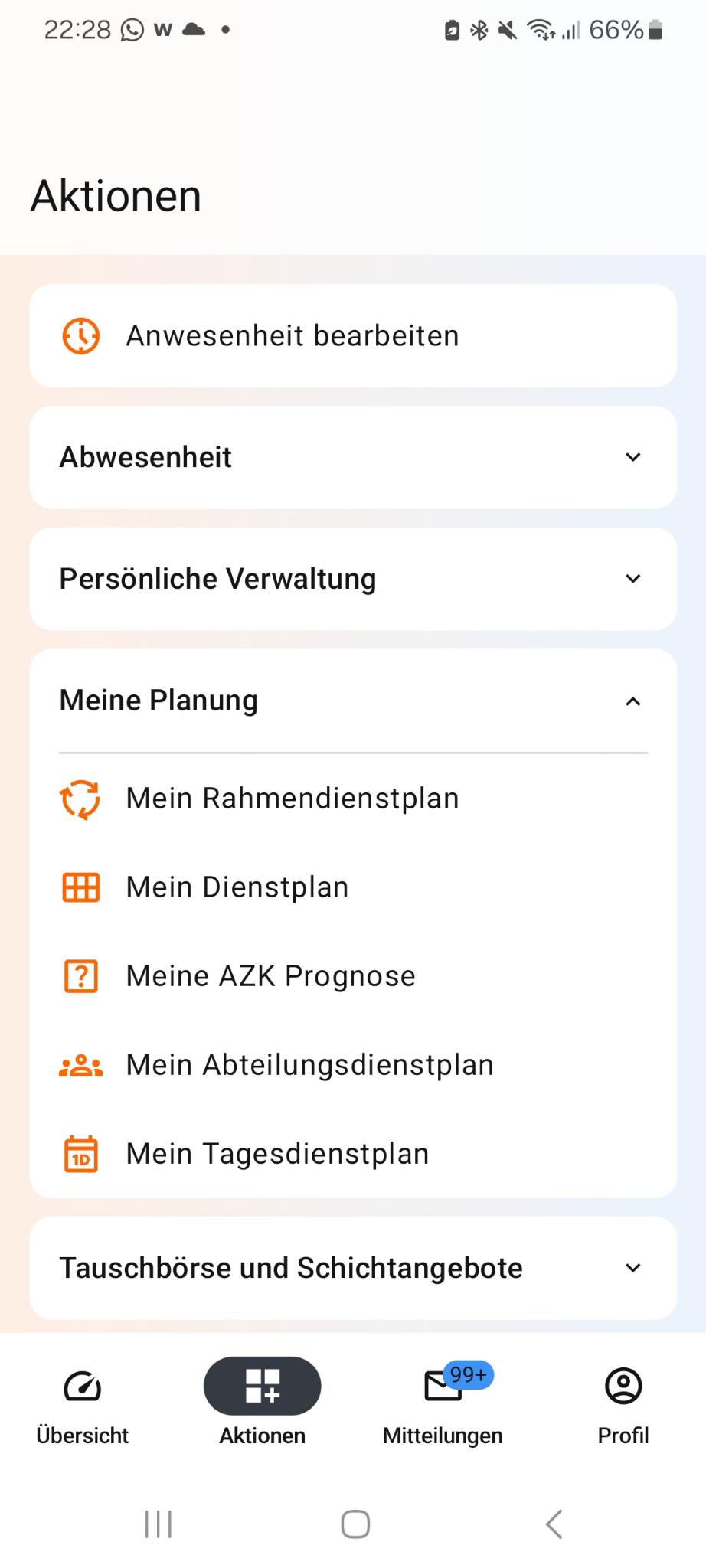
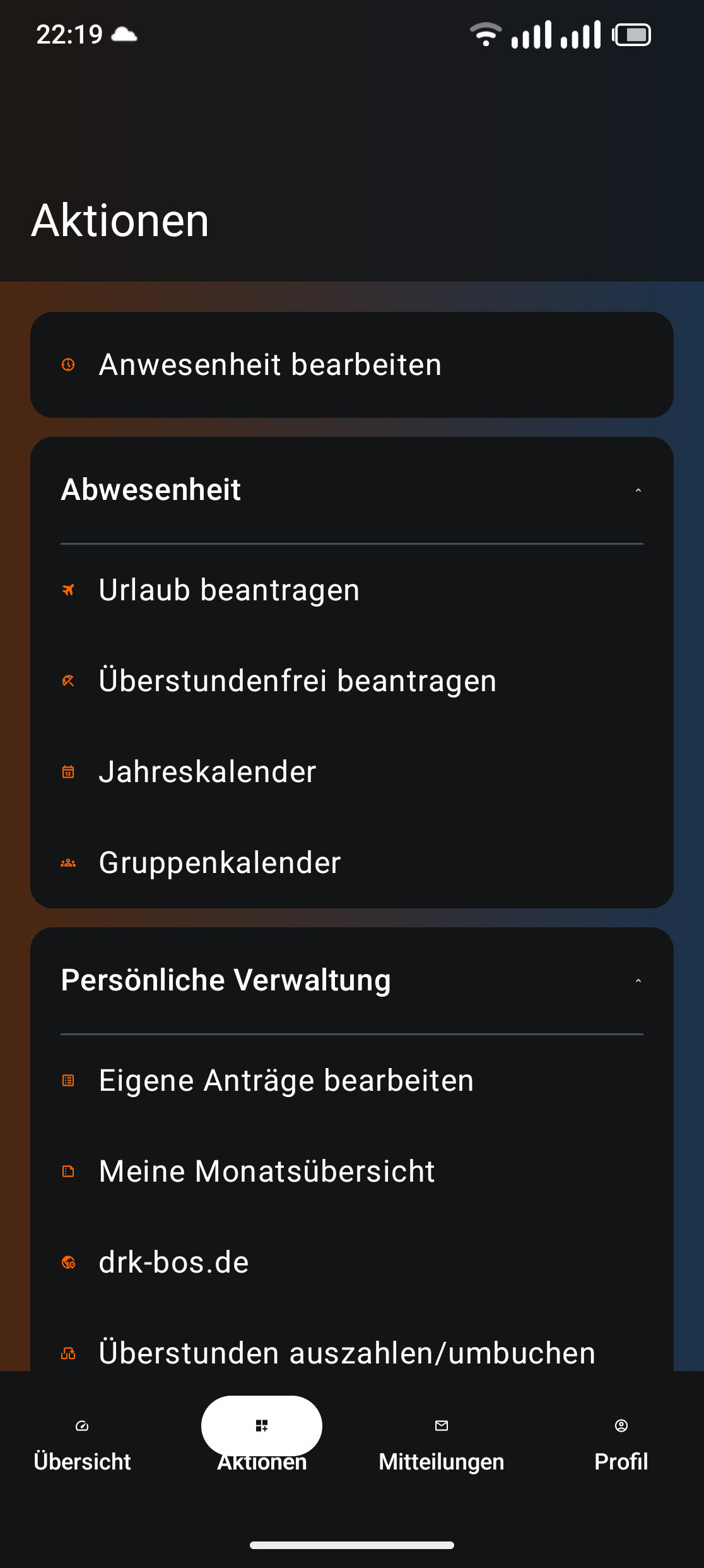
I saw some problems in different apps after the update with the design and layout.

The white one is from a Samsung device, the black from my Fairphone 6.

Did somebody see similar problems?

I looked through the vibration settings and there for me there is no change.

What does this statement means?