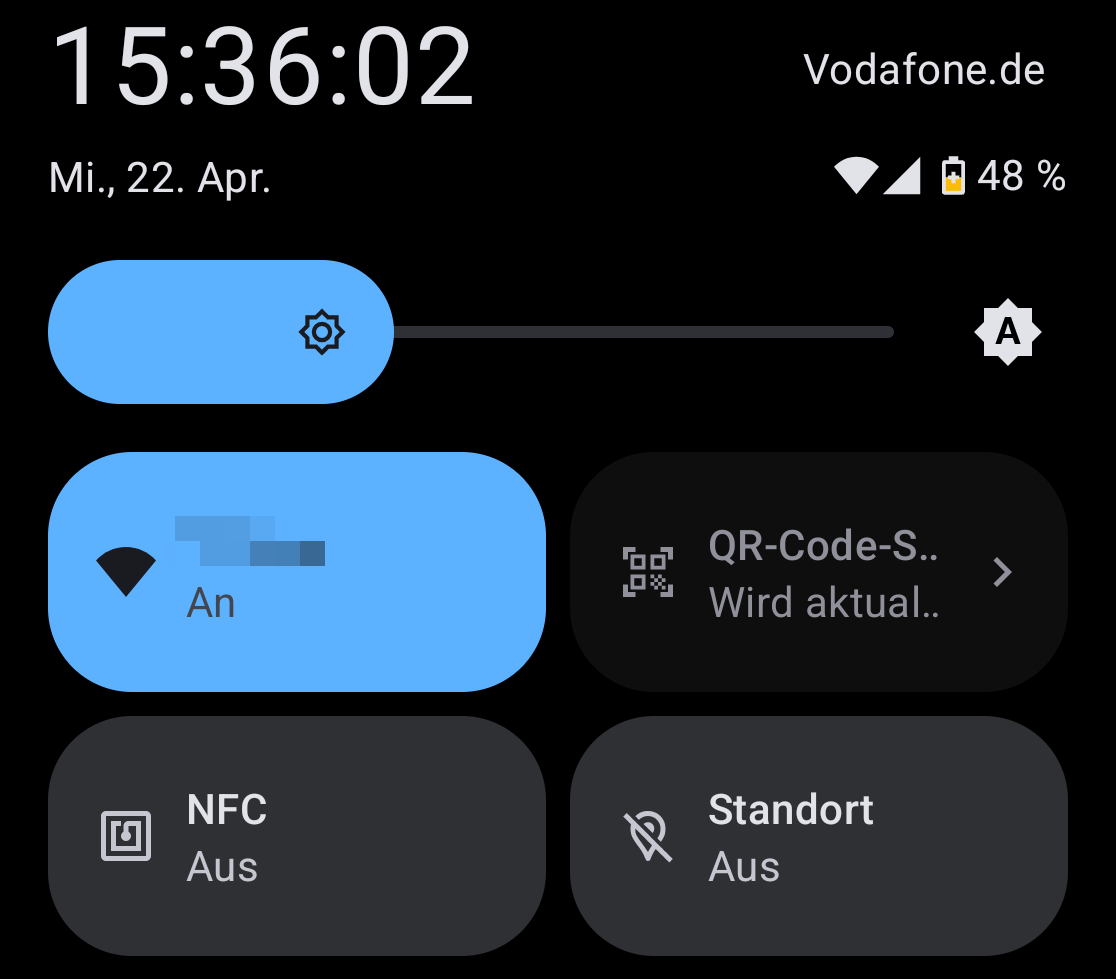
It’s dark, and nothing happens when I click on it. (Never worked.)
/e/OS V3.7 for FP6
How do I repair that button?
It’s dark, and nothing happens when I click on it. (Never worked.)
/e/OS V3.7 for FP6
How do I repair that button?
Normally the button only says '“QR-Code-Scanner”, and when you click on it (unsurprisingly) it opens the camera.
But your button seems to try to say something (“Wird aktualisiert”?). So apparently something is stuck in your QR reading app.
Before contacting support, I would try to:
com.fps.camera)As your use e/OS with which App is this connected? Did you check the e/OS forum if this a known issue with this, I think, quite New OS Version?
I might be wrong but I think this button is the visible tip of a new A15 Android feature (meaning that Android 15 can now scan QR-codes), and after all /e/ is an Android fork.
I’m assuming this because this button appeared on my phone with A15, I already had two 3rd-party QR-reading apps, and apparently this button opens a third, new one. But I might be wrong.
Yes, I searched both forums, found nothing, and asked there too.
I don’t know what that button is connected to. Tapping or holding it doesn’t bring anything up. Is there a way to find that out?
I’ve been having the same issue ever since I got my FP6 with e/OS with the addition that my camera has never recognized or scanned a single QR code as of yet! I’ve tried all of Kurt’s fixes in the last few weeks and still nothing.
I know I could just install a scanner app, but after all the alternative apps I’ve already had to install, it would just be so nice if something pre-installed actually did its job.
Are the two of us the only two that struggle with this? If so, it might be German-related 
I don’t know what that button is connected to. Tapping or holding it doesn’t bring anything up. Is there a way to find that out?
I’ve been wondering this as well. There’s no pre-installed QR scanner app that could be updated or modded. And as I said, my camera doesn’t even know what a QR code is, so somewhere something is borked.
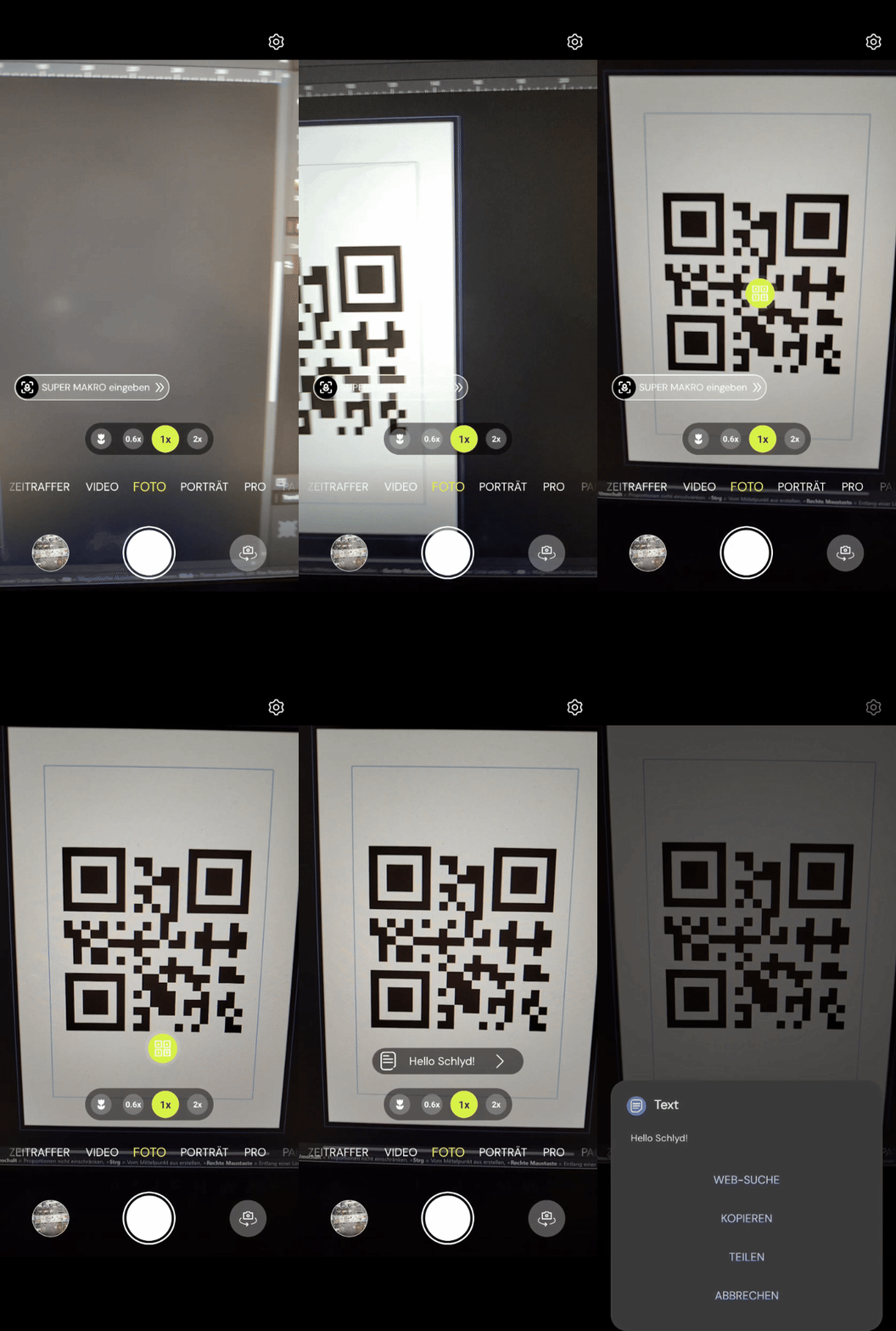
Scanning codes did work for me.
When I bring one into the screen while I have the camera open, it gets read and outputted to the middle of the screen, where I can tab on it.
Most Browser have a scanner included, I always use my Browser