Hi. I received my new Fairbuds this morning. Trying to use them with my Fairphone 3.
Initially they wouldn’t pair. When holding the button on the case for three seconds, the case doesn’t enter pairing mode - the LED doesn’t light up blue. Holding the button on the case for ten seconds and then closing the case doesn’t lead to a factory reset. The only thing that the button works for is a single press and then the LED shows the current battery level. The LED also lights up when charging.
In the end they did pair. I don’t know why they did eventually - I was trying different things, taking the buds in and out of the case, turning bluetooth on my phone on and off, and in the end something worked. But…I had no sound out of the right earbud. Left earbud was working fine.
So I looked at some troubleshooting advice and one of the things suggested was to unpair the earbuds from my phone and reset that connection. So I did that but then I was back to the problem of them not pairing again. Like the previous time, they eventually did pair but I don’t know what made the difference so that it eventually worked.
Anyway…so now they are paired with my phone and my Chromebook but I still have no sound out of the right earbud. In addition, the controls don’t work on the right earbud. The controls work fine on the left earbud.
Hi! Just want to say I’ve had this exact issue that OP described.
Initially they wouldn’t pair. When holding the button on the case for three seconds, the case doesn’t enter pairing mode - the LED doesn’t light up blue. Holding the button on the case for ten seconds and then closing the case doesn’t lead to a factory reset. The only thing that the button works for is a single press and then the LED shows the current battery level. The LED also lights up when charging.
In the end they did pair. I don’t know why they did eventually - I was trying different things, taking the buds in and out of the case, turning bluetooth on my phone on and off, and in the end something worked. But…I had no sound out of the right earbud. Left earbud was working fine.
I am sometimes able to get the bluetooth to work, and sometimes no - I can’t figure out what causes it to work/not work. A bit (!) annoying.
FYI I also had the issue of right fairbud not working. I swapped the right and left batteries, and now the left fairbud doesn’t work, so I’m guessing this is a battery issue. I’ll get new ones!
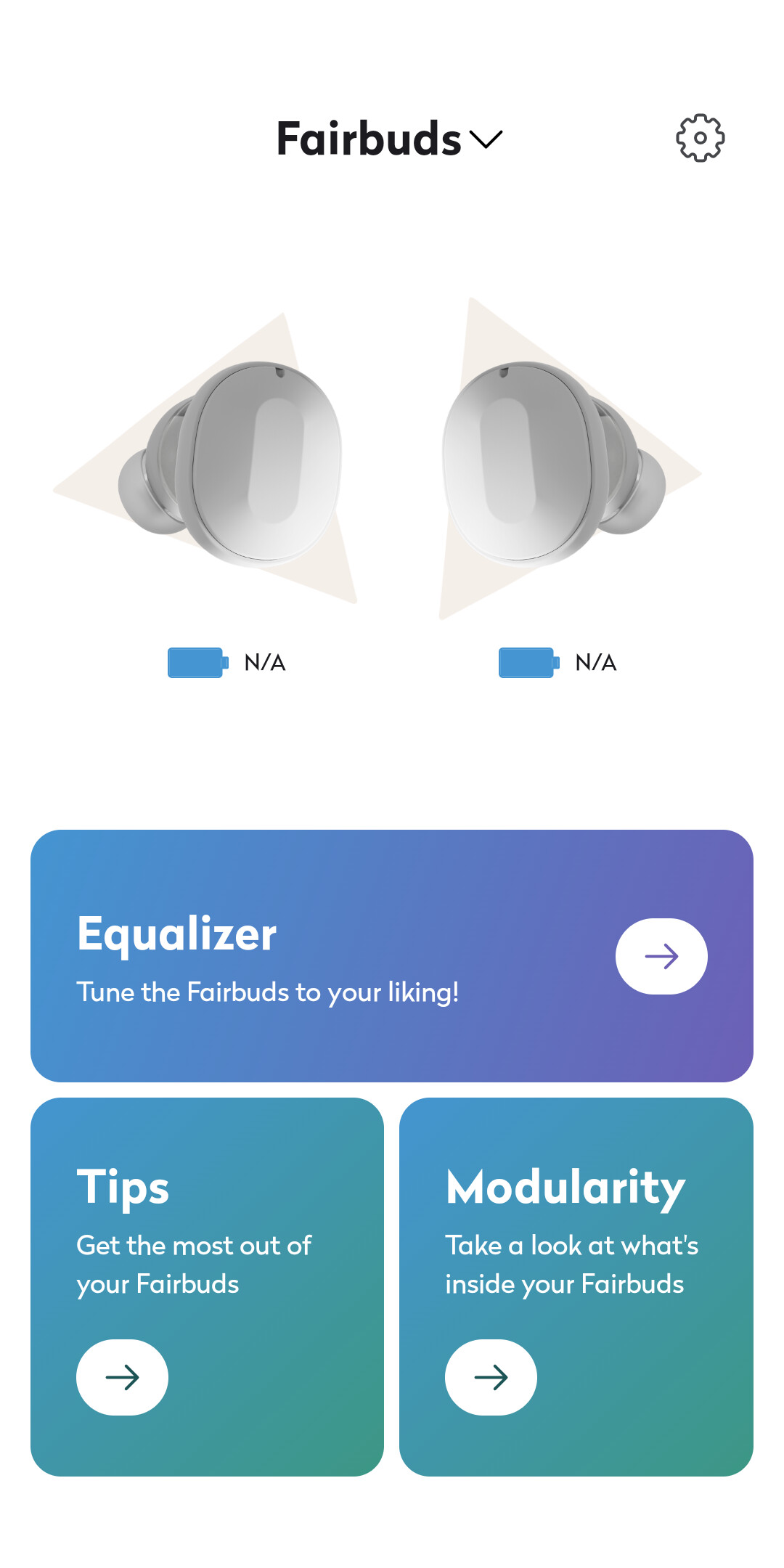
Fairbuds do not pair with the app (I have an iPhone 13 mini) so I cannot verify on the app the level of charge on each bud.
Hi, I have more or less the same issue.
After using the buds for between half to full hour after a full charge, they both disconnect and only the left reconnects.
I tried forgetting them in bluetooth settings a few times but now they wont even pair anymore, the blue led does not light up. Cannot use them anymore.
I believe I’m still within warranty period. I submitted a request through fairphones on 11 June, I followed up again on 19 June and am still waiting for a reply.
Me too still in warranty, I submitted a call more than two weeks ago and received a reply after10 days that they are very busy and will not forget me.
I’ve had problems with other FairPhone products before and the response time has always been very slow.
Now, this will likely be no use to OP, but I had the same problem and customer support and FAQs were unresponsive/useless. Right fairbud stopped working, when I did the factory reset I was not able to re-pair.
Anyway I removed the right airbud-battery, cleaned the battery case with compressed air and put it back, and then it worked again. I suspect the right airbud must have power to pair with the phone, but that the left will continue to work even when the right has a bad connection.
Problem remains the same, after half an hour right one stops.
Finaly, after three months, FairPhone support asked me to send in a new request at their ‘repair’ portal. See how long this will take….
Same problem here too! The right bud did not work after I dropped it from the table to the ground. I contacted support and they were quite quickly responsive. They asked to send the fairbuds to the support company in France where they found out… nothing ! They said the right bud did work and sent them back. Strangely enough, both fairbuds did work when I received them.
Until I dropped the right earbud again (from my ear to the table, so 20 cm max.) and again, the right earbud did not work anymore. I tried to disconnect them from my Fairphone 6 and connect them to my old Huawei: at first I could not enter into pairing mode since the right bud did not work but if I disconnected it form the Fairphone and immediately tried to connect it to the Huawei, I could hear that they were in “pairing mode” and succeded. But here to, the left bud worked but the right bud did not work.
So the mystery is not solved and I would like to know what the support did to make them work again? Is it caused by the little droppings or was it just by chance? I will wait till the battery is dead, try to reload them and see what happens… to be continued.
I guess not dropping it will help Thats the good and bad thing with being repairable, its lets glued and therefore can come loose more easily, however is easily fixable



 Thats the good and bad thing with being repairable, its lets glued and therefore can come loose more easily, however is easily fixable