Official LineageOS 22.1 for Fairphone 3/3+

Can anyone confirm how much the camera of the FP3+ is able to be used on LOS 22.1?
I swapped the FP3+ camera module on an FP3. And the camera app (Aperture) still only makes 3000x4000 pictures (12MP).

Even with the FP3 camera. I don’t see a way to even change the resolution for photos. For video yes. Maybe it’s the usual issues of proprietary driver/firmware for cameras that hinder quality one many phones on custom ROMs?

With Open Camera, I can choose the resolution but still only to 4000x3000.

This has nothing to do with LOS or any app, its just how it works because of pixel binning

Edit: more details

3 Likes

The specs clearly say “48 megapixels resolution with 12 megapixel output” … Fairphone 3 Camera+ Module (48MP) | Fairphone … else, what @yvmuell says. This has been discussed here at length.

1 Like

Thanks, good to know it’s not the usual mess with proprietary software & cameras. Nothing to worry about then :slight_smile:

Good thing it’s not 48M low quality pixels ending in the file for the sake of making bigger numbers. Which would bloat the storage for the same perceptible quality.


What is seen clearly is 48Mpx! :scream: Not even MPs. At least on the EN,NL,DE,ES versions what we see the most clearly is 48MP without the x. And then there is one of the less visible ever link to see the specs. (“Caractéristiques”, bellow the pictures, after scrolling)

But don’t worry, I didn’t buy the module. (it’s not even possible anymore) It’s from my FP3+ with a dead motherboard.
So it wasn’t a complain about being mislead when buy a module.
Until now I had only seen the specs on the LOS wiki and the usual specs sites. When looking for other info. And they all got it wrong…

So it didn’t come to mind it would be something unrelated to the usual custom ROMs cause by sensor manufacturers.

«specs clearly say» To be honest that 48MPs/12MPx thing is likely a more flatterous way by the sensor vendor or the phone vendor to advertise a product. That make better headlines to have the new model go from 12 to 48 instead of «it’s better but camera quality is complex, especially because we changed vendor so look at reviews.»

Which lead the 4 above places (and more, like tech news sites) having the wrong info.

From the link sent by yvmuell:

+1


After digging more, FP3+ press release: Wayback Machine

«rear camera from 12 megapixels to 48 megapixels»
«Camera Modules: 48MP/16MP»
Without more info as far as I can tell.

So here is the source of the confusion for most of the third parties. Thanks deceptive marketing :face_with_symbols_over_mouth: .

General public page for the camera upgrades: Camera upgrades for your Fairphone 3 - Fairphone
From at least end August to December there is only 48 mentioned. Not findable 12 mention.

Module store page: Fairphone 3 Camera+ Module (48MP) | Fairphone Official website
Until at least October, not even actual specs. And only 48MP mentioned in description.


Now the word “camera” will be in this thread. Until now, it wasn’t. And the LOS 21 and 20 threads didn’t seem to have relevant occurrences. So people with LOS thinking the most likely cause of weird stuff related to camera is specific to custom ROMs will have these messages findable.
Until yesterday I had cursor buttons in the navigation bar, but after performing the newest update to 22.2-20250508-microG-FP3 they are gone. I searched every option, everywhere I could think of, but I can’t find the option anymore to activate these cursor buttons. Instead, the button for “Eingabehilfen” is much more prominent now in the navigation bar, but that doesn’t help. How can I get my cursor buttons back again?

2 Likes

@barney: Do you mean 3-button-navigation? Is your navigation bar gone?

In Settings try System > Gestures > Navigation mode: select 3-button-navigation
I hope this helps!

Greetings,
Benny

Yes, this feature was not ported to 22.2 while it was there in 22.1.

1 Like

Thanks, @Benny. No, it is this:

1 Like

Cr*p … these were always one of the first things I enabled in LineageOS and forks of it, they are super useful.
Have to keep an eye on what /e/OS does with this, thanks for the heads-up.

@barney Thanks for the link, I didn’t knew about this feature.

Since upgrading to LOS 22.2-20250507 (FP3) I also have encountered an issue, I can’t record videos at 4k resolution (3840 x 2160 pixel). I use Open Camera (net.sourceforge.opencamera) for videos and photos. Since the upgrade, Open Camera reports the error “failed to save video file” when trying to start a new video record with 4k resolution. If I set the resolution down to FullHD (1920 x 1080) video recording works.

At first, I thought this is app related, but the stock camera app (org.lineageos.aperture) seems to be effected too. Using the stock camera app to record videos will result in FullHD resolution. Can anyone confirm, that the stock camera app records in 4k resolution prior to LOS 22.2-20250507?

Beside this LOS works flawlessly. @TeamB58 big thanks for your ongoing effort!

1 Like

Unfortunately same here. Seems to be the google camera port that I’m using (Version 83
app.grapheneos.camera.play). When using UHD as I ever did before it says “unable to save this video, error code: 7”. Lowering the Resolution makes the app work again.

2 Likes

Thanks for the hint. Same here. Lowering to HD fixed it, 4k is broken at the moment.

Thanks for flagging the issue. Over the last few weeks I did some changes and can proudly tell that FP3 is now CTS compliant.

As part of that, I introduced this commit which seems to be breaking 4K encoding. Reverting this would restore 4K support.

Now, I leave the choice to you. Should I revert this change and restore support for 4K or drop 4K support and be CTS compliant.

Let me know.

3 Likes

Is this the only way, one or the other?
What exactly is the advantage of the CTS-thing?

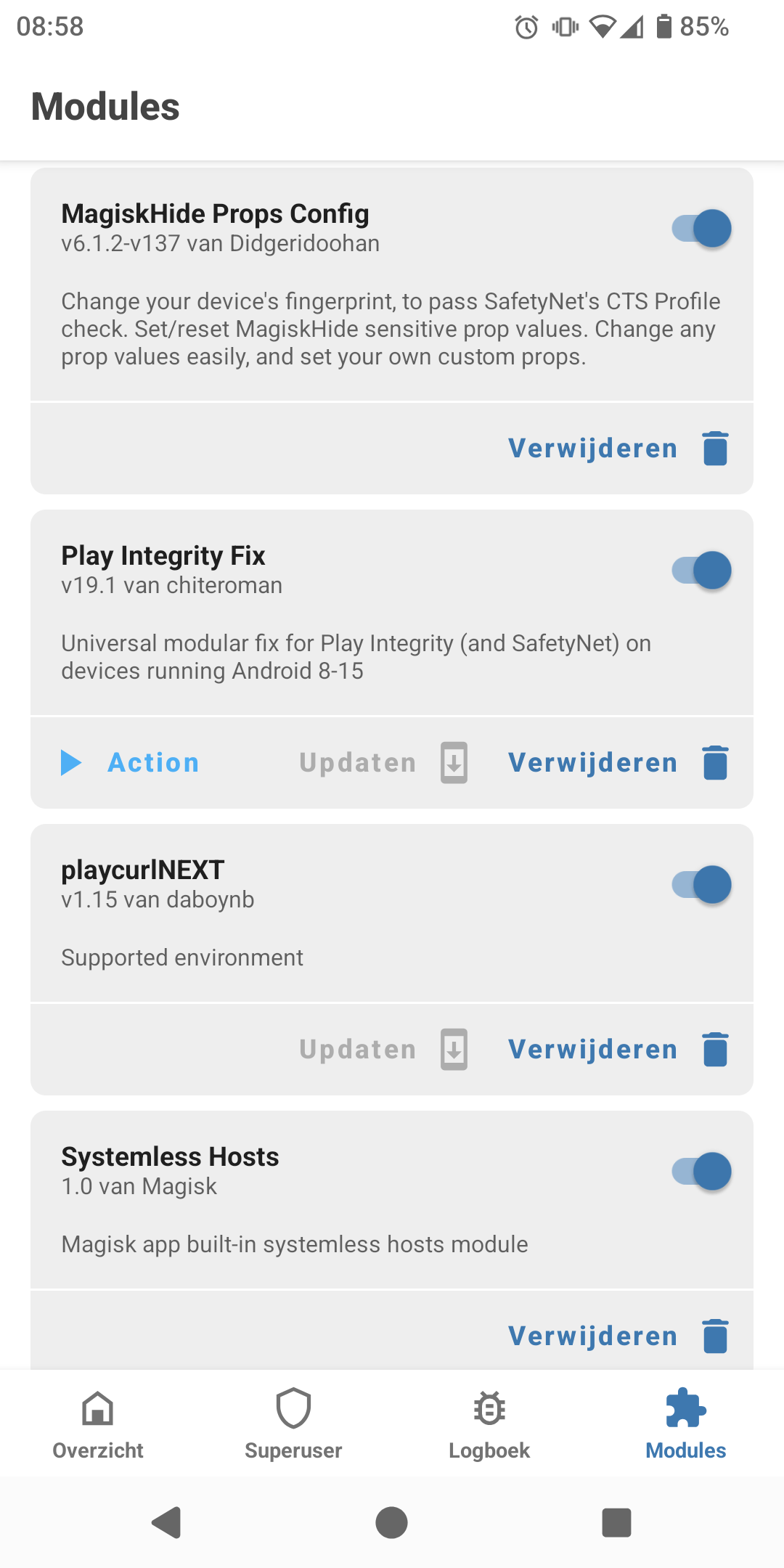
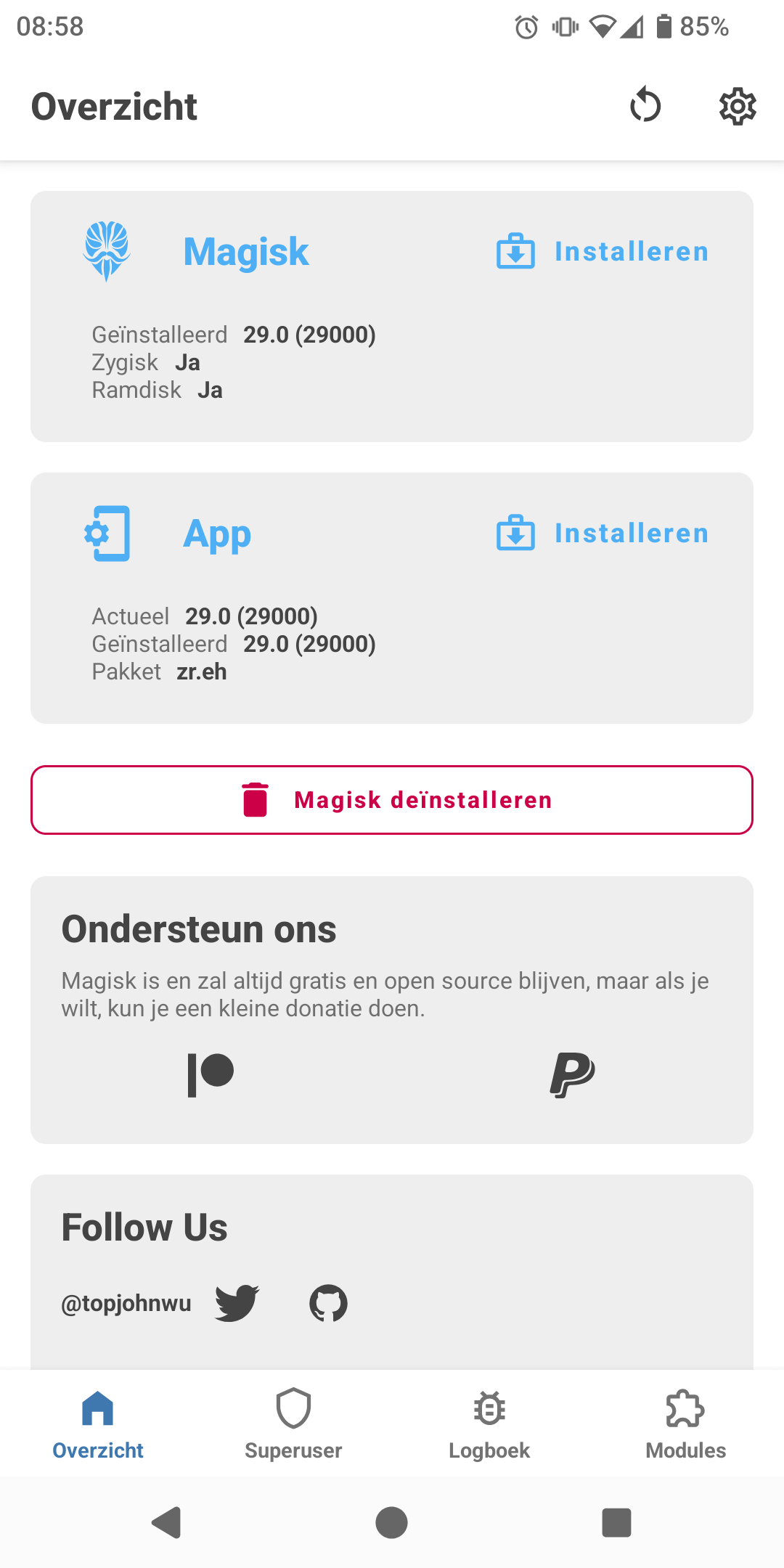
Only problem was the use of GooglePay. It was complaining about my phone being rooted (it wasn’t) but fixed it by, well… rooting it with Magisk and install some fix adon.

Can you be a bit more specific what that “some fix adon” was? I’m trying to get it to work with los 22.2 and so far am hitting snags whatever I try that was supposed to work at some point. Thanks!

Installed these adons:
(Also installed a fix so I do not need to reflash Magisk after every OTA update, but you need to do this once after you can delete this adon: GitHub - mModule/mSurvival: Magisk Survival (addon.d) script for use with custom roms.)


Interesting. All it took was Play Integrity Fix. And I was totally sure I had tried that before… :face_with_open_eyes_and_hand_over_mouth:

Thanks a lot!
/Andreas

1 Like

Open camera does not complain about HD Video, but the resulting Video is broken.
The sound is there, but the Video does not run and the length is shown as close to one hour.

The normal lineage Kamera works fine with HD.

I prefer the old way, I think…

I have no issues with FullHD videos recorded with Open Camera. Playback works just fine (audio & video). Video length is also shown correctly, using org.fossify.gallery (LOS 22.2-20250507).

@TeamB58: I don’t mind losing 4k video ability. But it is confusing if the user can choose 4k as resolution if the software can’t handle it.

1 Like

Something was broken with the 14.05 update. I installed the 22.05 update and now the HD videos work.
Regarding CTS: where is it needed? Somehow I cannot really see the advantage, although being compliant sounds gold.