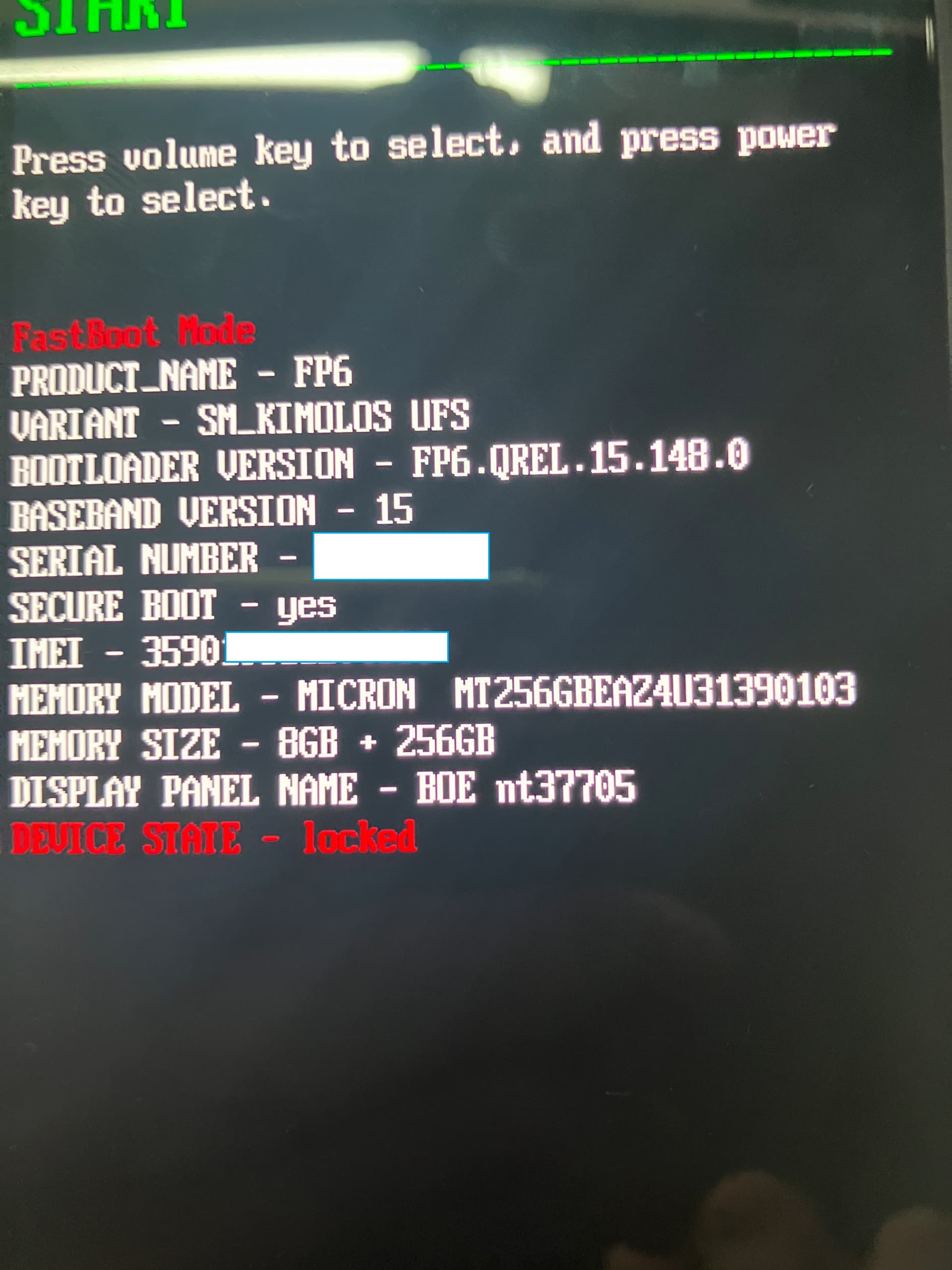
i got the OEM unlock code and filled it in my FP6, but the device still locked
in the bootloder mode, the device is in : DEVICE STATE - Locked
am i the only one experiencing this issues, is there any solution to fix the probleme
Also, the site were you get the unlock OEM code is behaving strangly, every time you fill your IMEI and FP6 serial, you are offered a different unlock code, sounds strange
i tried several time with manual fastboot flashing unlock and so on, no result, it still locked
after the image is downloaded and the flash preparation done by the webinstaller, the device restart in Fastboot mode but webinstaller in unable to connect to FP6 and continue the process
FP6 is Fastboot mode and showing Device State - locked
well thats correct as long as it wasnt unlocked with the proper fastboot command. And ADB is not fastboot, so for windows def update the bootloader (aka fastboot) driver.
I cant help with Linux and will relink the important step for windows to update the bootloader driver manually,as its not clear to me, if you have done this
due to your answer I need to assume that you did not click on the topic I linked you twice and you did not follow the steps mentioned there. Platformtools are no driver. So kindly click on the topic, read it (there is also an EN version) and see if this helps. Again ADB is not Fastboot and it doesnt mean anything if this works.
did you click on the topic and read and update the driver? If not my last call to do this, else I’m out, as its leading to no solution when you are not doing this. Still this step does not unlock the bootloader it only installs drivers you might need when using windows.
Overall it might be good to do some paperwork in general about adb/fastboot, bootloader etc…
As the device was unlocked, i managed to flash it again with linux by using a downloaded version and typing the comand chmod +x flash_FP6_factory.sh && ./flash_FP6_factory.sh