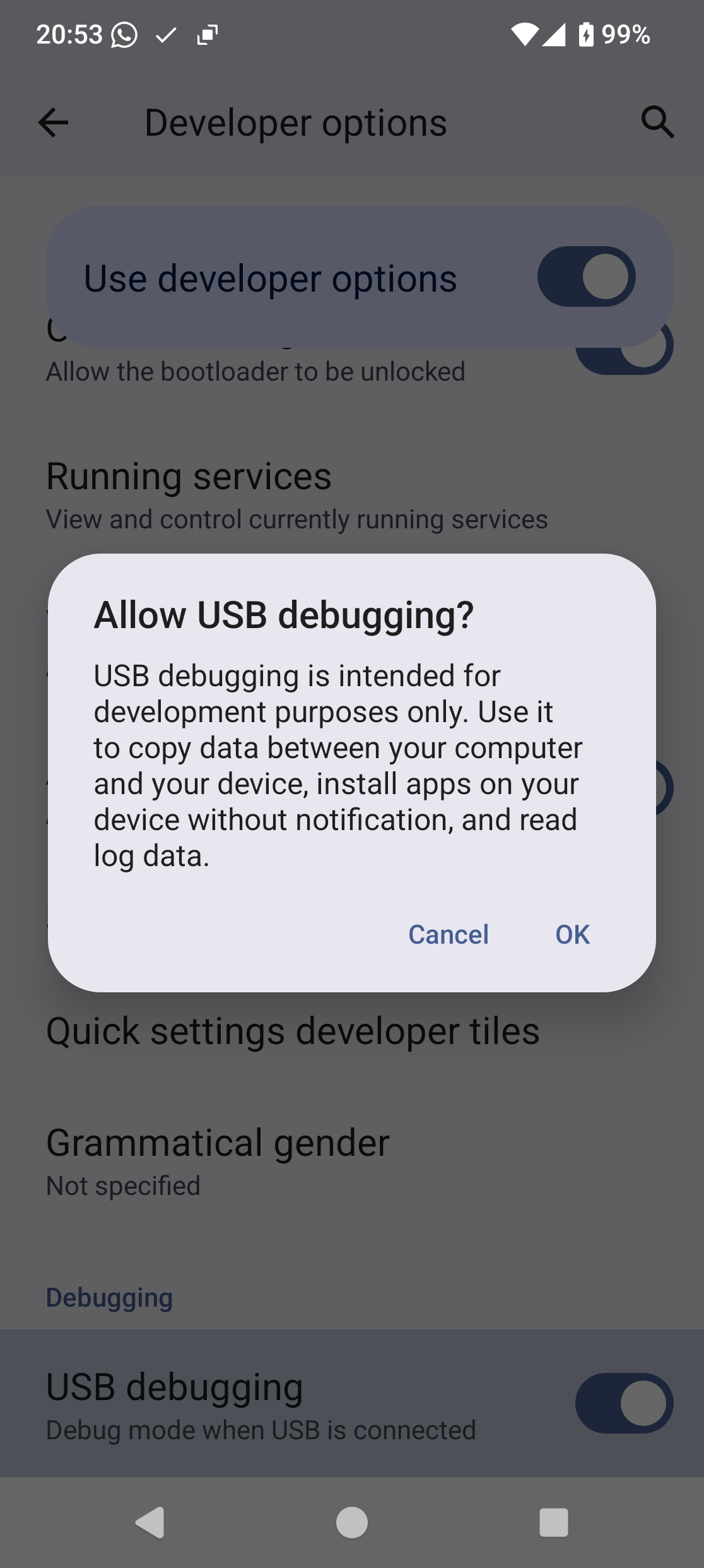
I’m trying to install e/os on a new FP6 using the installer on chrome but do not get the pop-up window on my phone when I try to connect.
I have:
updated system, including security update;
set USB’s not to power off on computer.
turned on developer options, OEM unlocking, USB debugging and set default USB debugging to file transfer;
selected device on installer;
pressed connect on installer; and
in installer pop-up: selected device - “The Fairphone (Gen. 6) -paired”; pressed the connect button.
Nothing happens apart from an activity wheel turning in the first connect button. There should be a pop-up on my phone asking “Allow USB debugging” but nothing happens.
Can anyone see what I’ve done wrong?
Also I see using other installation methods people have sometimes bricked their phone. Is this a risk with the installer I’m using? If so how do I minimise the risk?
yes instructions say set USB to file transfer. if you don’t do this the installer doesn’t see the device.
Ive tried turning USB debugging on and off and rebooting a few times.
Ive now also tried adb and discovered the it cant find the device. I’ve tried Samsung phone with developer options set as above and adb sees this. Also the allow USB debugging pop up comes up on the Samsung phone. Thus I don’t think its an installer issue. There must be something else on the FP6 that needs to be set to allow USB debugging to work.
Thanks Switch. Thanks for question. I’ve looked at device through PC’s device manager. I don’t see anything about adb here but also I don’t see the warning that I’ve read you get if adb isn’t working. What I see through device Manager is the same for my FP6 and Samsung but only the Samsung can be found by “adb devices” on the PC. Not sure if that answers your question.
Thanks for the continued help. Ive tried all those. With the manual installation, I still need adb to see the device. I notice the file manager comes up in the PC when I plug the phone in so perhaps that’s blocking it. I’ve been tied up on other computer nigels for the last couple of days but will have another go at the weekend.
Since this shows us the phone has a working data-connection, the issue should be related to either the debugging-settings on the phone or the adb-drivers on the PC afaict. I am running out of ideas here…
Try:
Updating to the latest FairphoneOS (if you haven’t already)
Do a full factory reset
Again make sure there are no driver issues visible in the PCs device manager
After switching various options on and off in settings, I now get a window open on the phone when USB connected which says “USB debugging detected”. However, adb list still doesn’t see device.
p.s. I’ve also changed autoplay option in windows to do nothing when device connceted. No change.
I’m getting round to the idea of giving up with putting /s on fp6 and instead put it on the samsung. Maybe come back to fp6 in the future.
Had the same problem on my windows machine. Windows recognized the phone, when clicking connect in the web installer, the fairphone 6 was visible. But on the fairphone no confirmation pop-up was shown.
Then I tried it from my Linux laptop, there it worked without problems.
I tried with an old laptop (ubuntu) without success.
I tried again with win11 from another computer, the popup showed this time ! But flashing failed (boot loop after flash) so I flashed it manualy from adb / fastboot and now it’s working perfectly …