Okay SO i have found the pattern i should follow to get the files uploading on my phone :
-
Boot flash_fp6_factory
-
on a CMD aside do fastboot.exe reboot fastboot
-
then do it again
-
on the flash_fp6_factory window, type YES
-
The phone land in the fairphone splash screen with a tiny line “ “Press any key to shutdown”
-
Now the fairphone will not be able to be detected by the script ( you have a loop when typing Y)
-
On the CMD screen type fastboot.exe reboot fastbootd, it will say < Waiting for device > because you are still on the splash screen on the FP6
-
Now press a button on the FP6 and at the same time type Y on the Script screen
-
The fairphone is now detected and the install begins !
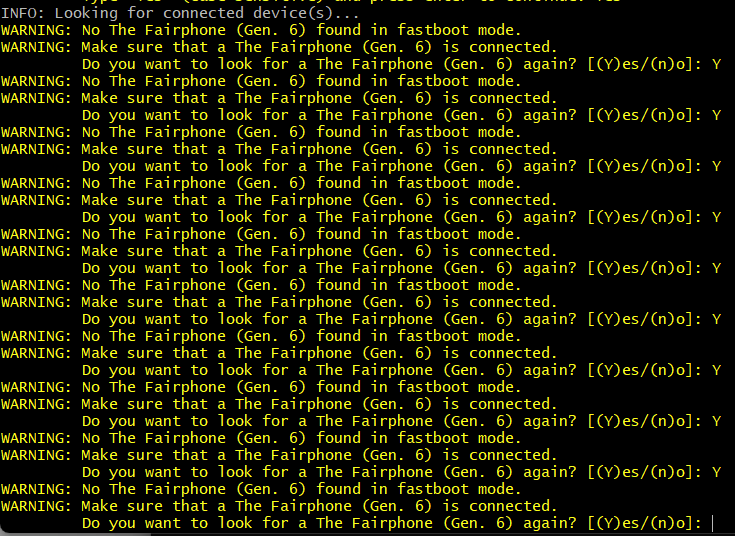
I don’t know if it make sense but it worked for me 
Thank you everyone, i really learn some things here !
As my phone is now on FPOS, i’ll get back to iodeOS forums !
Until next time i guess 
take care y’all