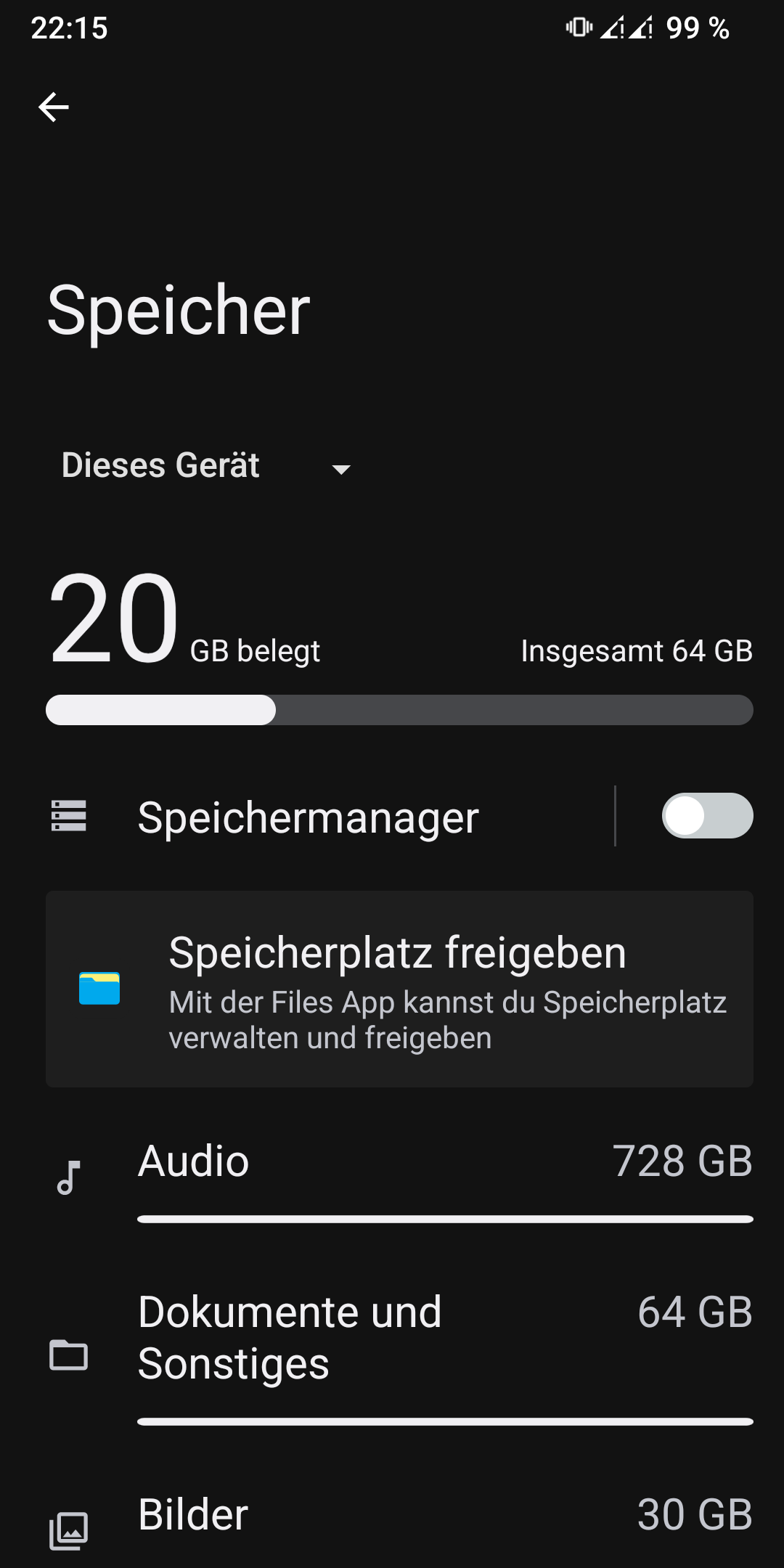
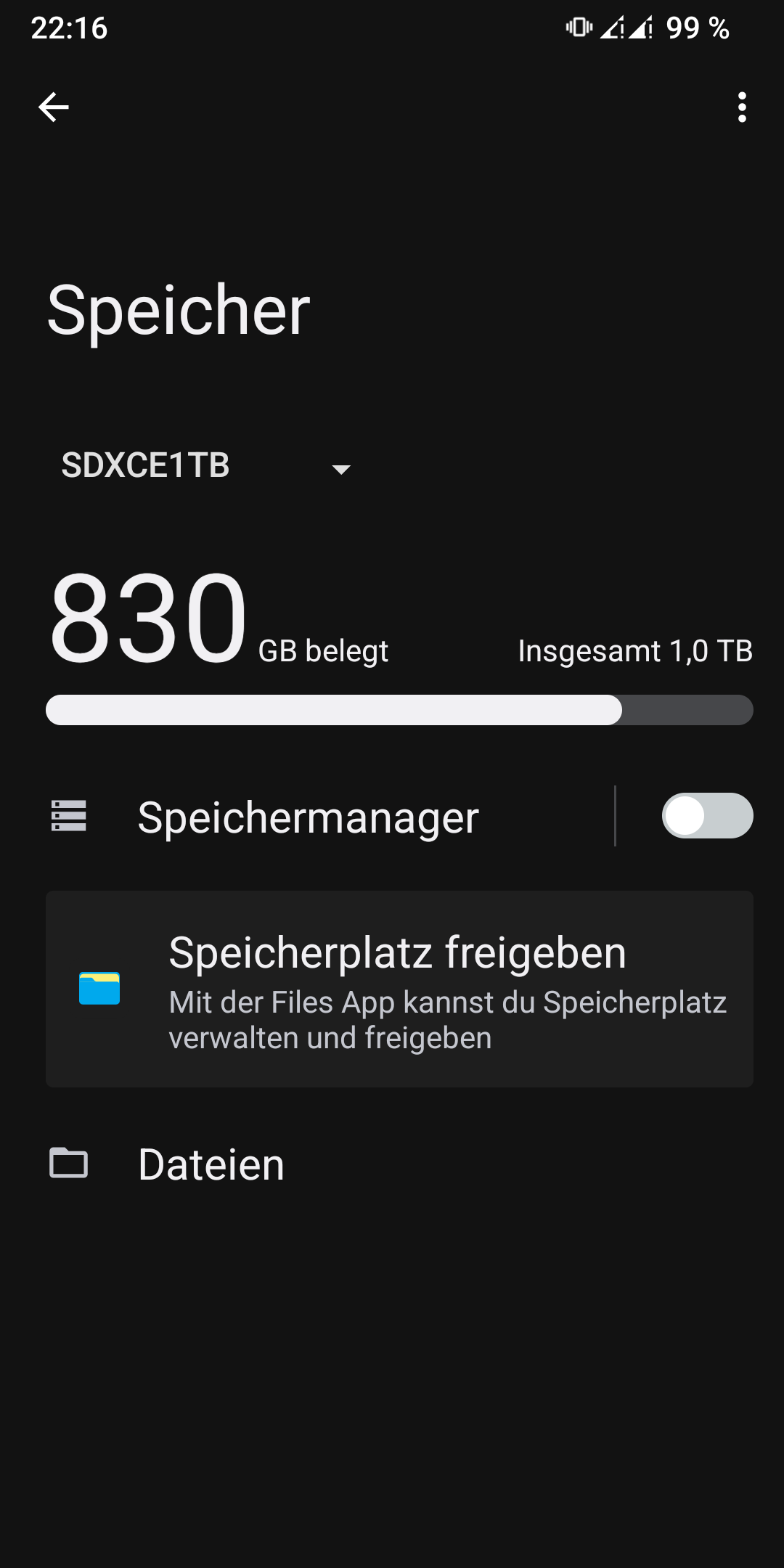
where i can see the memory capacity of the Fairphone memory in the standard filemanager of /e/OS 2.0xxxx?
The capacity of the sd-card is visibly, but not of the fairphone. Also i am not found a complete screen of the memory, where i can take a overview of all capacitys.
I don’t know in /e/, since I use the default Fairphone operating system, but I do know that in the Fossify File Manager app there is that option (besides seeing the size occupied by each folder, which in other file managers, such as the default FP3 one, you can’t see).
Apparently, I have the same setup (FP3+ on /e/OS T Android 13) and it works the way @yvmuell described (Settings > Storage > This device / the name you gave the SD card) , but not in the Files app.
If you still cannot find separate information for internal storage and SD card in Storage settings, you might have formatted the SD card as “phone storage” (internal storage, not recommended). This basically means that the SD card would be formatted to be an integral part of a combined internal storage.