When i receive a call people tend to not hear me. On loudspeaker they don’t hear me very well.
With whatsapp or other apps i don’t have this issue.
If you have any idea on what to look for and how to solve this, it would be appreciated.
When i receive a call people tend to not hear me. On loudspeaker they don’t hear me very well.
With whatsapp or other apps i don’t have this issue.
If you have any idea on what to look for and how to solve this, it would be appreciated.
Welcome to the community forum 
So no problems when it’s you who initiates the call (outgoing)?
Could you report:
Settings > About phone > Build numberThanks for answering.
So no problems when it’s you who initiates the call (outgoing)?
It happen also whith an outgoing call. Now i remember sometimes i muted and unmuted and the mic worked again but the trick didn’t work for a long time now.
EDIT : just in case, the stock phone app version is 219.0.902276293
Does the microphone work any better after restarting the phone?
Make sure that Battery saver is not enabled, and that the battery is correctly charged (> 30%).
only on loudspeaker or also when using old school ear-speaker?
As I understand OP’s initial post,
So worse with earpiece than with loudspeaker.
I dont read the word earpiece above and I will not interpret, thus my question
It’s been weeks. So I had several restart, fully charge the phone a bunch of time etc.
- using earpiece, " people tend to not hear me"
- “On loudspeaker they don’t hear me very well”
This is correct.
EDIT : I almost forgot, no battery saving. It’s always deactivated
EDIT2: to be more precise : with earpiece they absolutely don’t hear me most of the time, with loudspeaker… well i almost need to shout,
with whatsapp, i can talk normally in both situations
Also, it is not linked to network quality as I live in an area where it is really good.
Any chance to test another SIM best from another provider? Do you have earphones with mic to test if it works with them?
Thanks for your responses.
I have some additional suggestions:
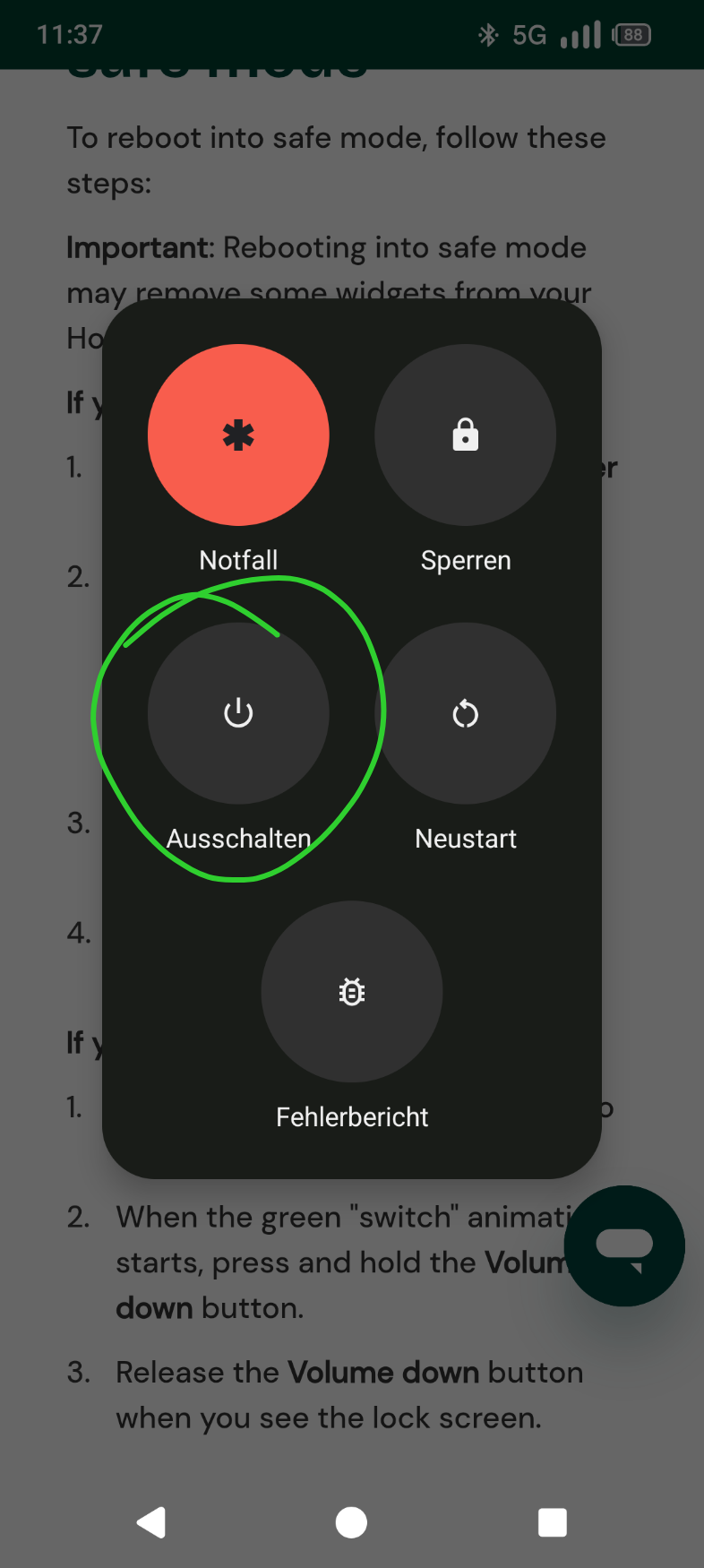
So I never found the safemod, the 2 solutions of the link don’t seem to correspond to what i see on my phone.
And cleaning didn’t work… at first. Gentle or not. But at some point i got a bit tired and did a last ditch attempt before ragequitting. I put a pin un the holes and the left and top mic were apparently obstructed, it works better now. Not perfect but way i can be heard with phone and the sound quality improved on other apps.
But i don’t recommand this solution as i guess i could have damaged the mics