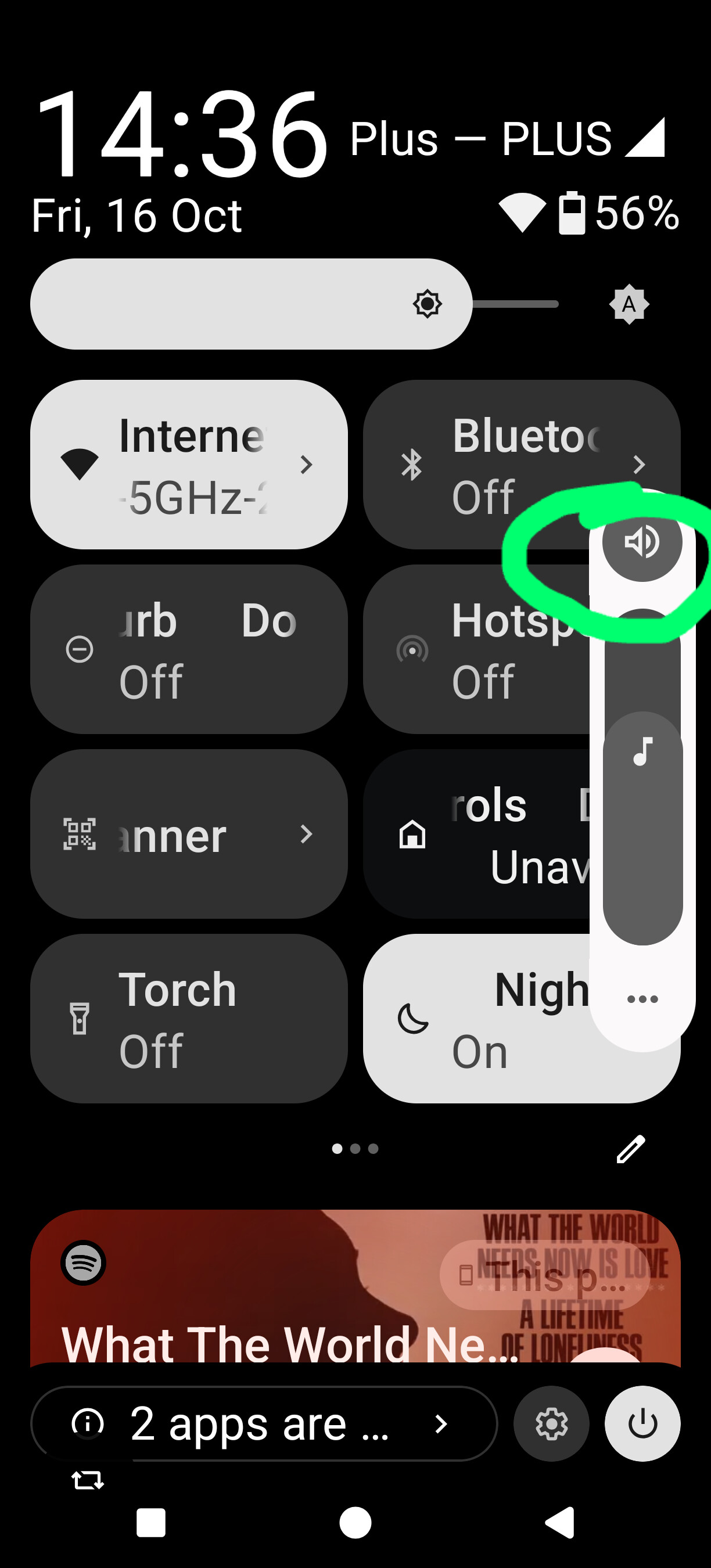
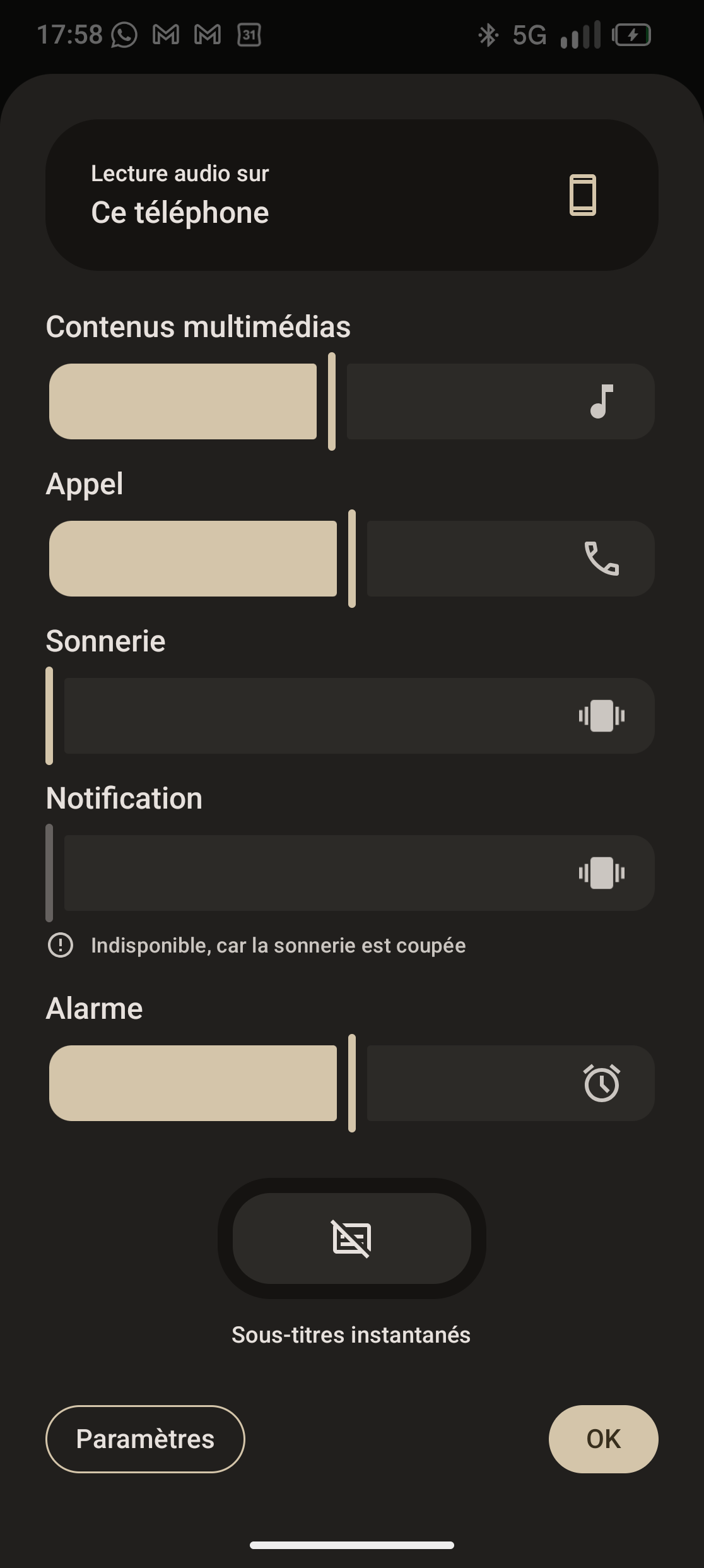
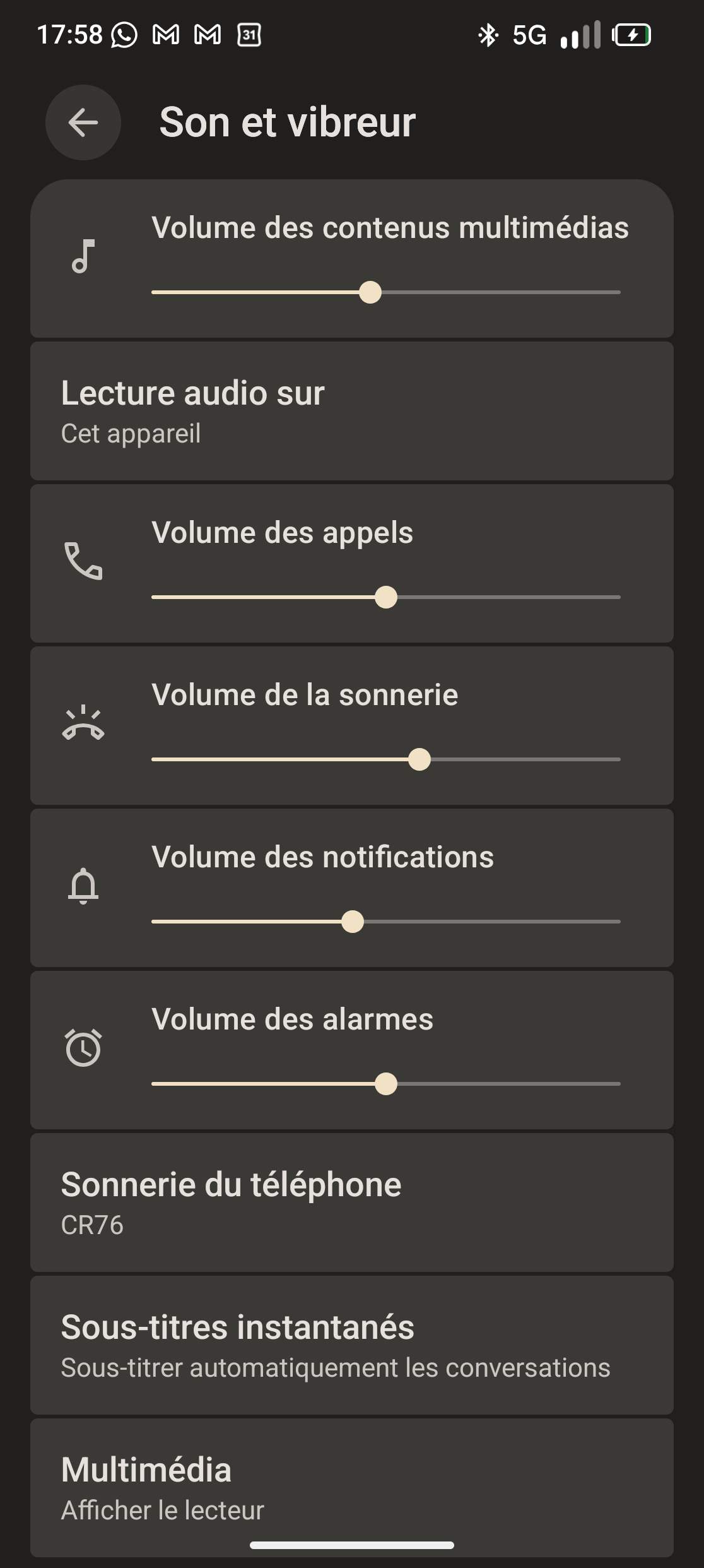
I am writing to report an issue I’ve been experiencing with the sound and vibration functions on my phone. Specifically, I am not receiving any sound or vibration notifications for calls, messages (WhatsApp, Instagram), or any other app. Even when the phone is set to vibrate mode, it does not vibrate at all. However, alarms and other system sounds work perfectly fine.
I have already checked the settings, and everything appears to be configured correctly. I’ve ensured that the volume is up, the silent mode is off, and there are no apps or settings blocking notifications. Despite this, the issue persists.
Hi, welcome to the community. Can you please check if “Do not disturb” mode is not on?
You can check this in Settings > Modes, where no mode should be set to “on”. There would also be a stop sign like icon in the status bar, beside the vibration icon, when a do not disturb mode is active.
Another thing worth checking is Settings > Sound and vibration > Vibration and haptics. Make sure that the setting is on and try adjusting the levels to see if it helps.
I don’t think I’ve transferred any settings from my last phone (Samsung A51), using Bluetooth doesn’t change a thing and I can hear everything expect from the calls.
I’m on vibrating mode but it just doesn’t work, its like im on silent mode, i don’t get any notifications. But even I put the sound on, I don’t hear the calls
I tried all the options and none of them worked, but I remember one time when I restarted my phone it did vibrate a bit, otherwise I don’t remember seeing it vibrate
In that case, it sounds like a hardware fault to me. I would recommend contacting Fairphone and making a warranty claim for a broken vibration motor.
If you end up sending the phone in for repairs, make sure to make a backup of your data, since the phone will be wiped after repair. You can also make a backup and perform a battery reset to make sure the issue is still there after a reset.
The phone should make a short vibration when powering on. If it’s not there, it’s almost certainly a hardware fault.