I’m trying to revert to stock OS from e/OS/ using this guide https://support.fairphone.com/hc/en-us/articles/18896094650513-How-to-manually-install-Android-on-your-Fairphone using Windows 11.
I can’t complete step 3 ‘Flashing with fastboot’.
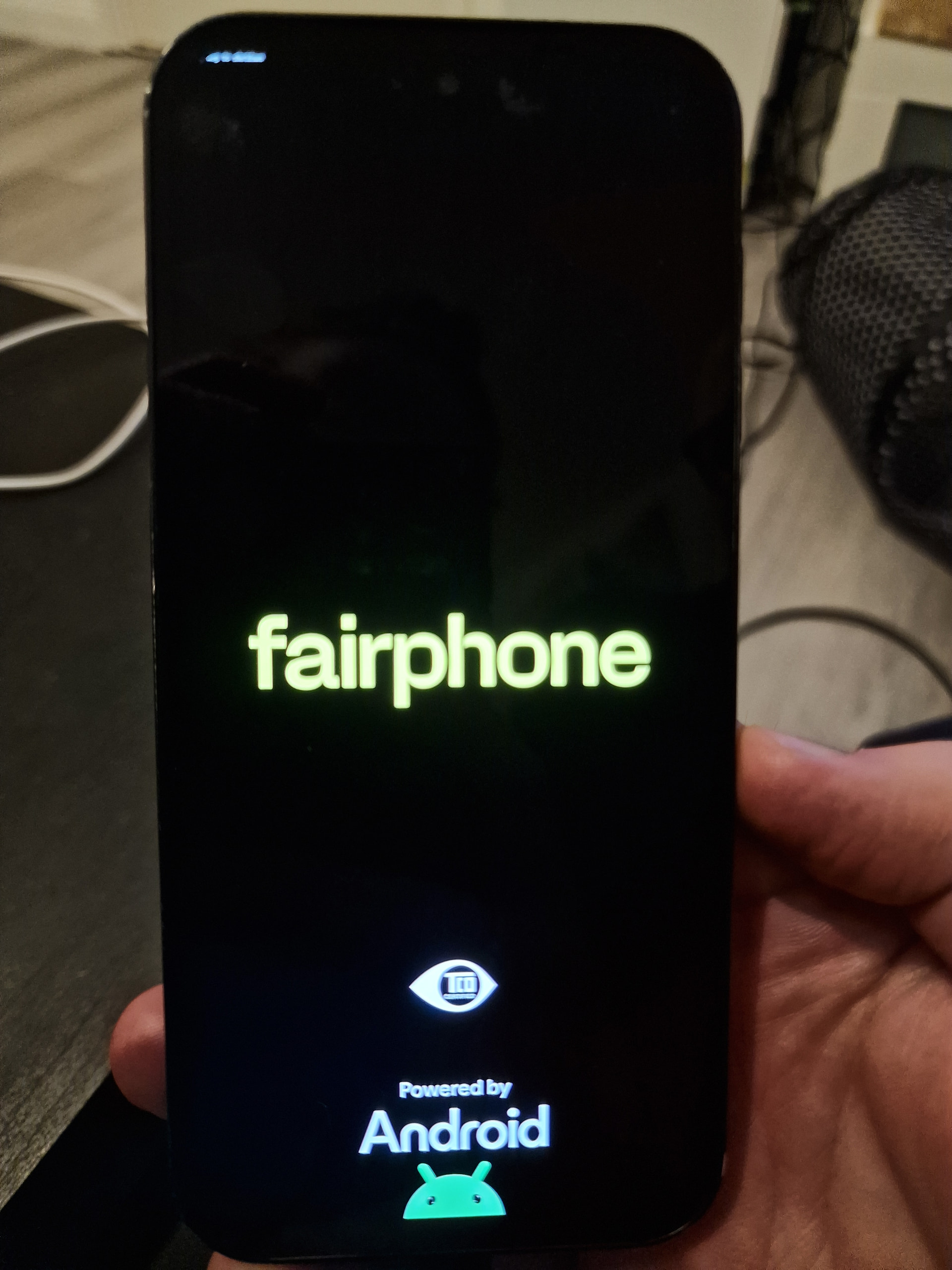
I have the phone in fastboot mode, the bootloader is unlocked. When I run the flashing software with the .bat file, it verifies the install files and connects to the phone. Then the fastboot menu disappears from my phone and is replaced with the startup screen (The one where it says “Fairphone” in large text, and “powered by android” at the bottom with the little droid guy).
While in this screen there is also some tiny text in the top left corner that is not entirely readable, the beginning of the text is not visible because of the screens curved corner. It says something like “… button to power off”. The flashing software is stuck at this point, I’ve tried waiting, but nothing happens. No matter what button I press on the phone, it restarts and boots up into e/OS/. Then when I turn the phone off and boots it into fastboot again the flashing software starts sending the first install file, but it never completes and it’s stuck again.
Any ideas?
Background:
I tried to install e/OS/ with their browser based installer, but it wouldn’t work. So I went with the manual install method: Install /e/OS on a Fairphone FP5 - “FP5”
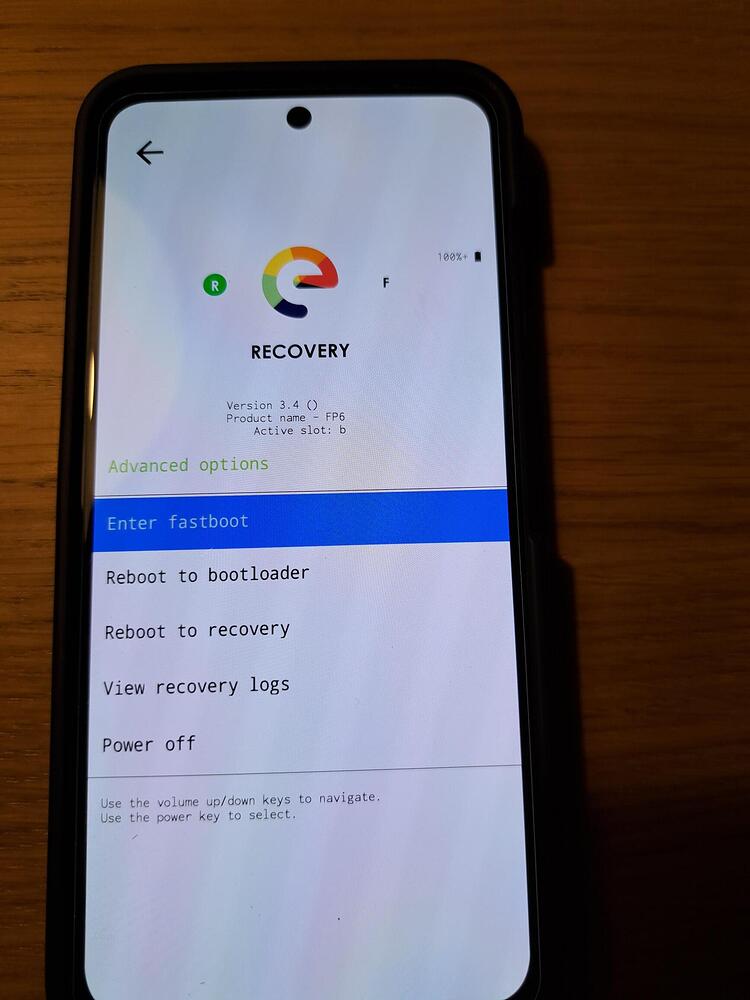
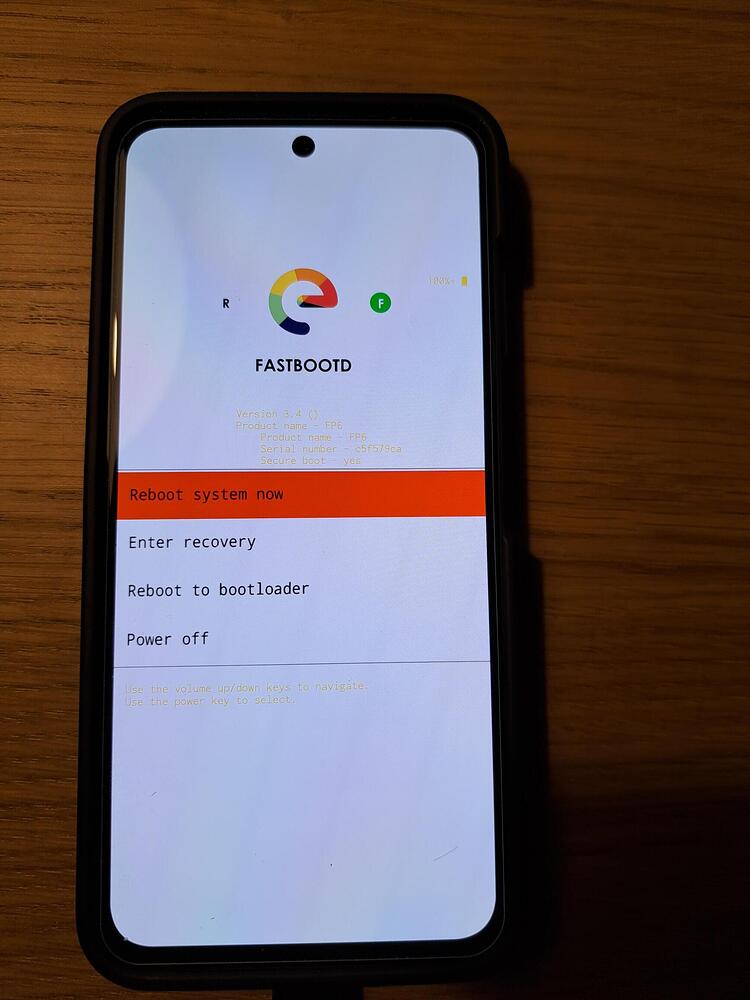
After some trial and error I got it to kinda work. It wouldn’t install in fastboot mode as the guide suggested, but then I read somewhere that it would work in fastbootD mode. So I went into recovery mode and opened the fastbootD mode. And the installation ran as it should (apart from an error at the end that ‘slot A could not be assigned’ or something similar).
Anyway, e/OS/ boots up, seems to work for the most part. But I can’t set a screen lock pin. Apparently I should have removed my google account from the phone before installing e/OS/. I read that adding my google account to e/OS/ would resolve this issue, but it did not. So the other option is to revert back to stock OS, remove my google account, then install e/OS/ again. But that won’t work either as described above. The recovery mode has been replaced with e/OS/ recovery mode, and that does not seem to have a fastbootD mode.
So now I’m stuck with a phone that can’t have a lock screen (and I don’t know if the OS installed entirely correctly, since the installer gave an error message).
Any tech wizard with a kind heart able to help an average stupid person with this mess?
did you tried a second attempt with the Windows Fairphone install script ?
Some users succeed by running the script in regular fastboot until it stop, then switch to fastbootd mode, run the script until it stop, then swich again in regular fastboot mode, and again and again
Also you coukd flash the Fairphone recovery to reach fastbootd…
Stupid sugestion :
install git-bash on your PC that can run the linux Fairphone install script on a Windows machine.
did you tried a second attempt with the Windows Fairphone install script ?
Yes, several times.
Some users succeed by running the script in regular fastboot until it stop, then switch to fastbootd mode, run the script until it stop, then swich again in regular fastboot mode, and again and again
I can’t go into fastbootD mode since it’s not available in the e/OS/ recovery mode as far as I can see.
Also you coukd flash the Fairphone recovery to reach fastbootd…
I would probably f**k something up if I attempted this.
install git-bash on your PC that can run the linux Fairphone install script on a Windows machine.
From what I can tell, the .bat file starts an instance of git-bash and then runs the flash_fp5_factory.command file. The guide says the .command file is for macOS users wich seems odd.
I’ll try running the .sh file manually in git-bash.
It looks nothing like the fastbootd mode i had before installing e/OS/.
I tried fastboot flashing get_unlock_ability again, and now I got this:
(bootloader) get_unlock_ability: 1
OKAY [ 0.001s]
Finished. Total time: 0.001s
Then I tried fastboot oem device-info again and got this: (along with entering droid guy mystery mode again)
FAILED (Write to device failed (Too many links))
fastboot: error: Command failed
I’m not sure it was a good ideo to use fatsbootD to install e/OS…
At least asking AI reveals it can bring trouble with the super partition (not sure if this is correct). So in general did you check what using fastbootD is doing to the phone?
AI has ideas what to do, however as I dont know if this is correct or doing further harm, I"m not going to post here to avoid it creates more issues.
You may very well be right.
Following the official guide for installing e/OS/ it said to use fastboot. But I couldn’t get it to work. After some googling I saw a post from someone who seemed smart who said using fastbootD could work, so I tried that. I’m not very smart, so I did not check what it would do to my phone.
and got the error, some thought was lit in my head that there could be some connection issue between my PC and the phone. So I tried a different USB-port, and now all my problems are gone.
I was able to flash back to stock OS without any wierd workarounds. I was able to remove the screen lock. And I was able to install e/OS/ without using fastbootD or any other workarounds. And with no error messages.