Could you possibly show a picture, what you mean? Because gesture navigation doesn’t have a bar, the three button navigation has. And what’S the hide kesboard button?
What OS is running on your Fairphone btw, Fairphone OS or e/OS?
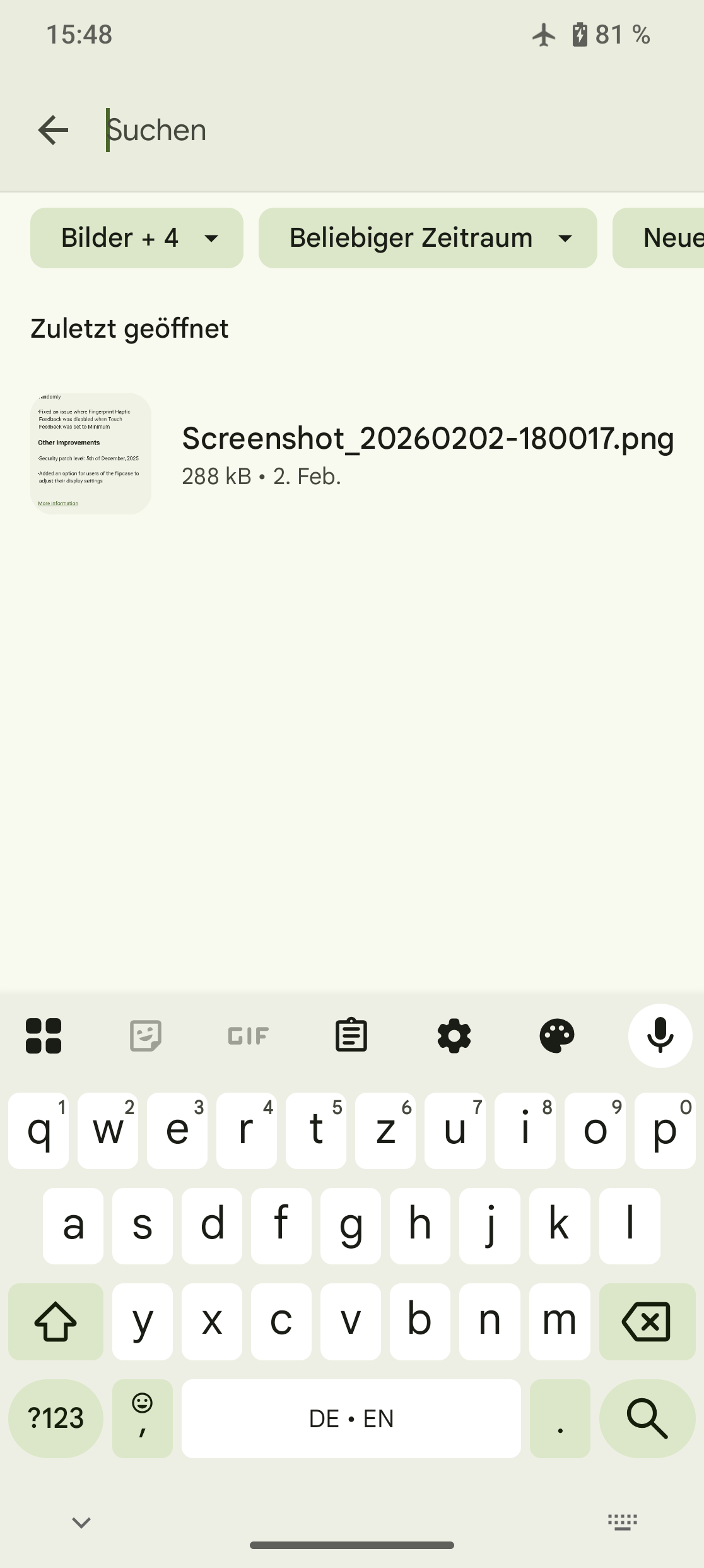
The gesture navigation bar can be seen at the very bottom centre of the picture, the hide keyboard button in the bottom left corner (from an Android OS Fairphone ):
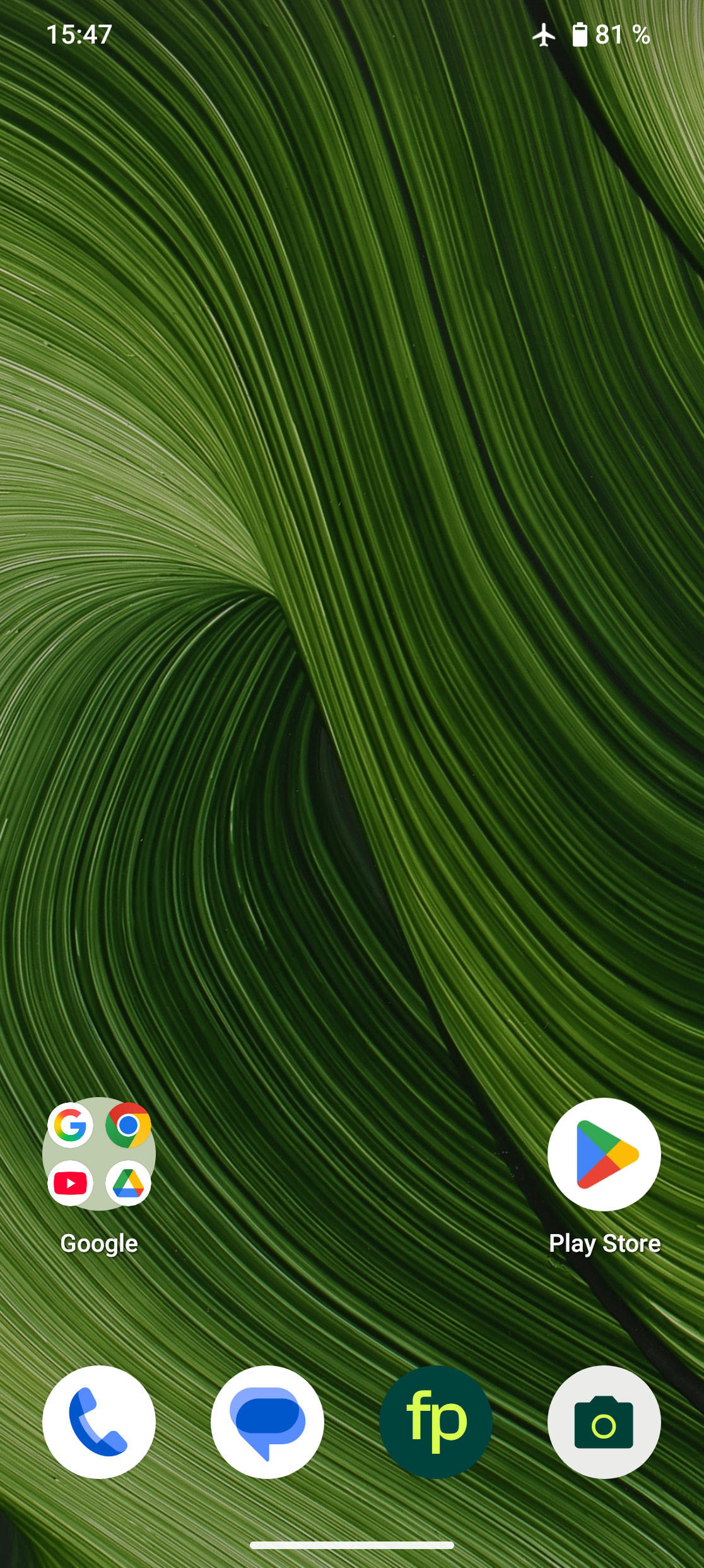
On my /e/OS Fairphone , there is no gesture navigation bar (it was there temporarily for a few versions before, but disappeared again after a recent update).
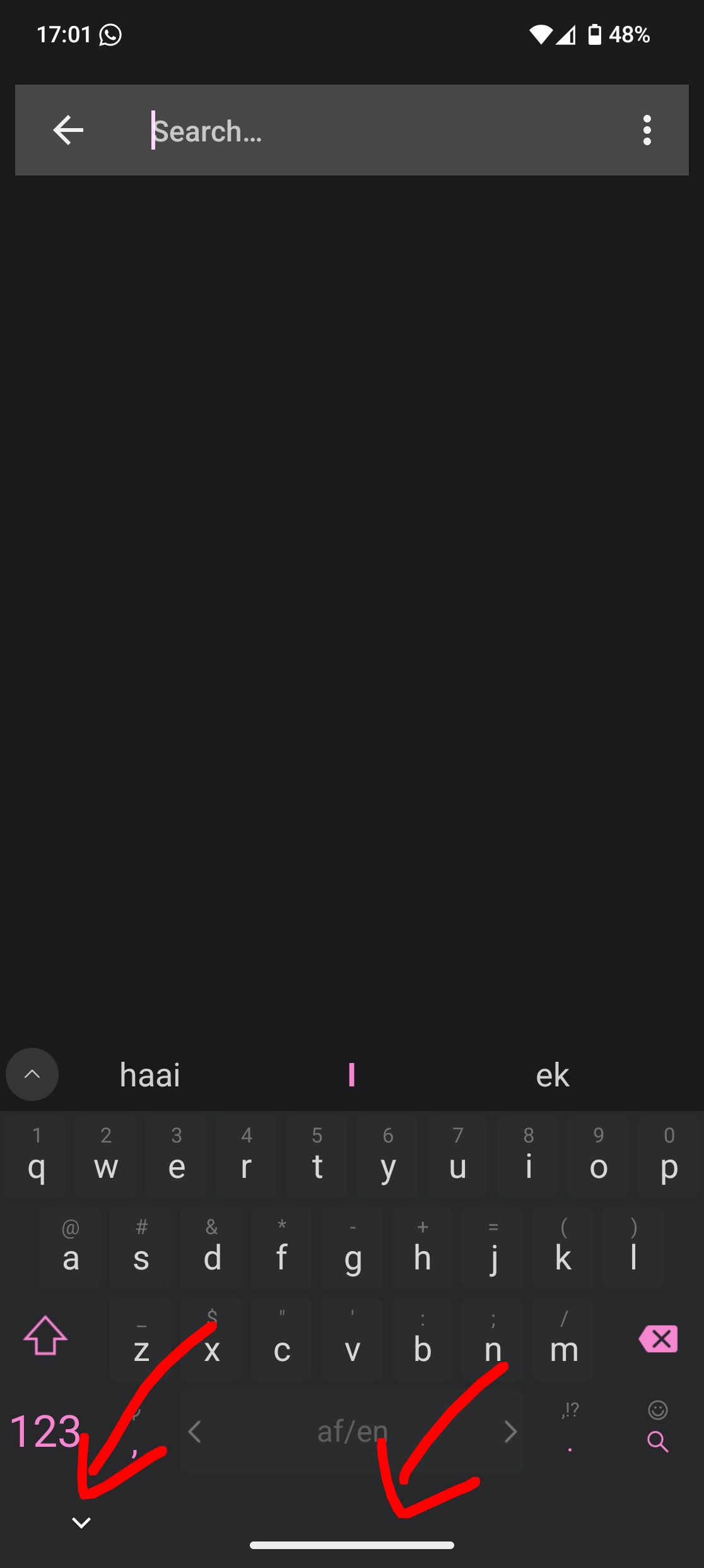
These are the offending elements, the gesture bar is present everywhere, and the hide keyboard button, obviously only when the keyboard is up. Changing keyboards also has no effect on the hide button.
The issue for me is that it takes up that space, and together with the hide keyboard button, it spaces the keyboard up almost a full centimeter, which is making it really frustrating to use and adjust to.
I’m afraid you have to live with it, if you are using Fairphone OS. As far as I could find this is controlled by Google, not by the launcher.
But the ‘navigation bar’ without a keyboard doesn’t take up the same space, it’s just a narrow line.
Landed hear from a search engine. Made an account just to say: yes, yes I want that to go away. What do you mean people want useless superfluous items on their screen "yes siree Bob, please fill my screen with more items than I need." LineageOS had a function to turn this off and I would almost switch to that just to have this go away.
 ):
):
 , there is no gesture navigation bar (it was there temporarily for a few versions before, but disappeared again after a recent update).
 "yes siree Bob, please fill my screen with more items than I need." LineageOS had a function to turn this off and I would almost switch to that just to have this go away.