I just got a fairphone 5 yesterday after is was on sale and I finally decided the price was good for me.
Now, this is my first phone with an OLED display, but from what I heard, usually, burn-in/image retention is not that big of an issue with newer displays, especially not with brand-new phones.
But please correct me if i’m wrong about this.
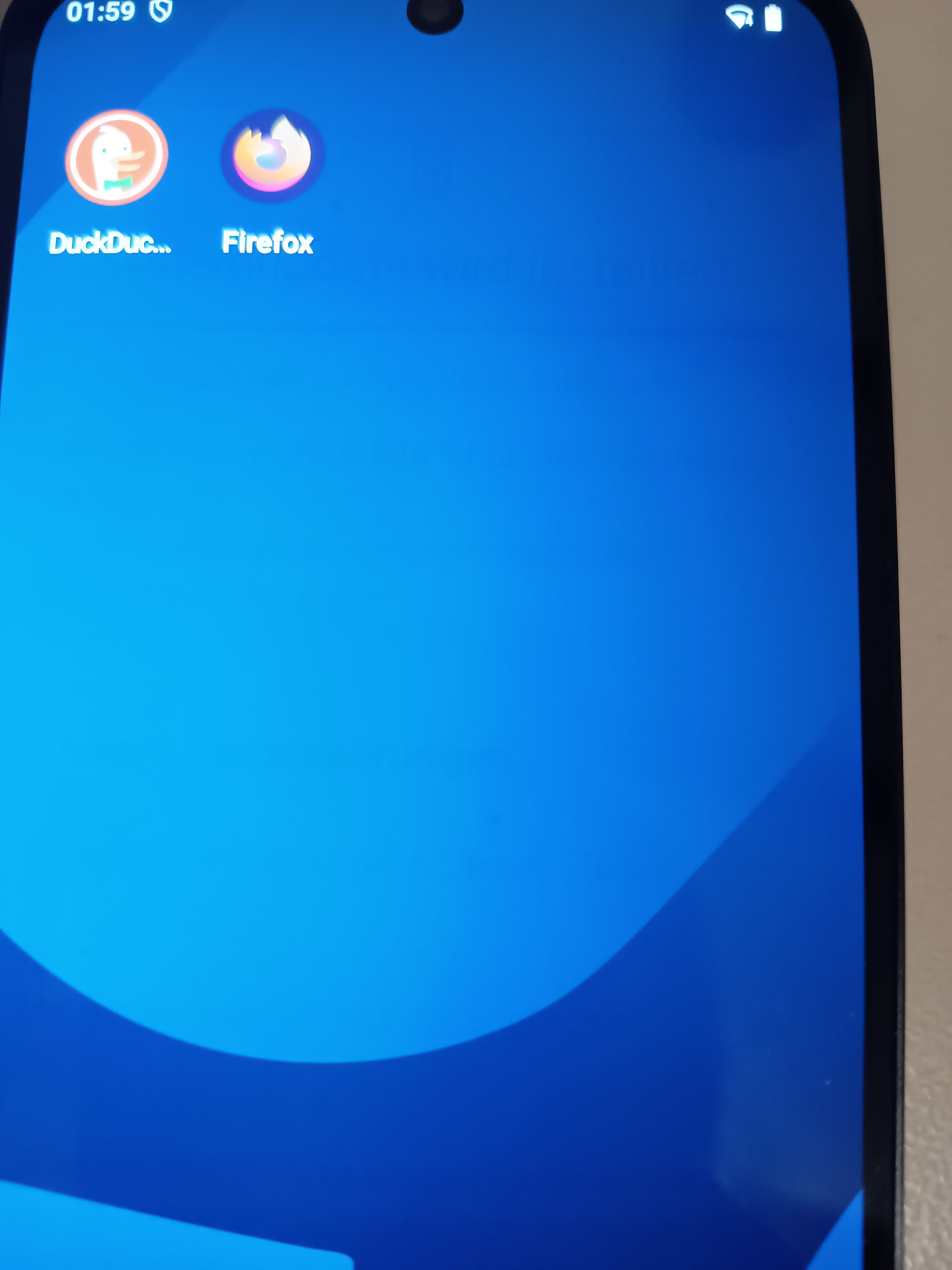
Now, I have not set up the phone fully yet, but while doing a system update and staying on the update sreen for some minutes (with ca 60% brightness), I went back to the home screen and noticed that there was a ghost of the update screen text in the background which I could still read.
Now this gets less over time (e.g. 5 Minutes), but I could still make out some shapes after that (see attached photos taken right after switching back to the home screen, because you can’t make it out that well).
Now, I have not used a phone with an OLED display before, so I wanted to ask if this is just normal behaviour for the FP5 OLED display or if I may have a faulty one, in which case I would RMA the device before continuing more with the setup.
Although I don’t think this is already permanent burn it, as after waiting for a day, it seemed to be mostly gone from what I could tell, but after opening somethign with a gray background after being on the homescreen for a short while (30 sec), I could see ghosts of the shapes of the homscreen app icons.
I’m assuming that you still not be normal.
I think contacting the seller is the best idea in your situation.
The self-repair portal should in principle let you generate a RMA label automatically but I don’t know how it works for purchases outside the FP shop (that might depend on specific seller-FP arrangements).