Good afternoon everyone,
Since the implement of the android 13 version, I can’t no longer open the files, documents, pdf, pictures etc… I downloaded under the previous version.
Does anyone has the same issue and can give me some advices ?
Have a good day !
Welcome to the Fairphone community.
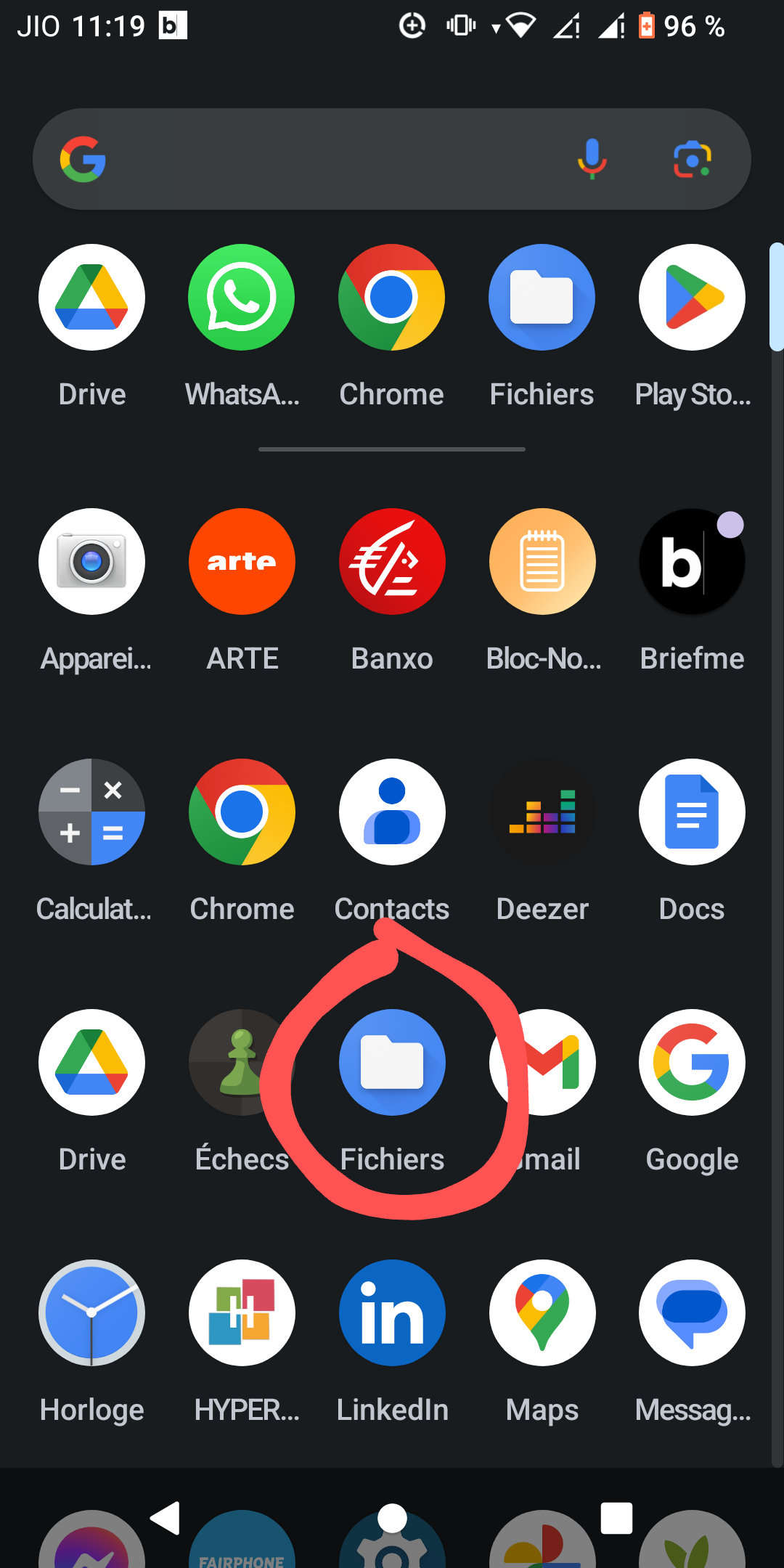
Can you tell us more details please? Where are those files? How are you try to open them? What exactly happens?
Just before, the normal way to read downloaded documents.
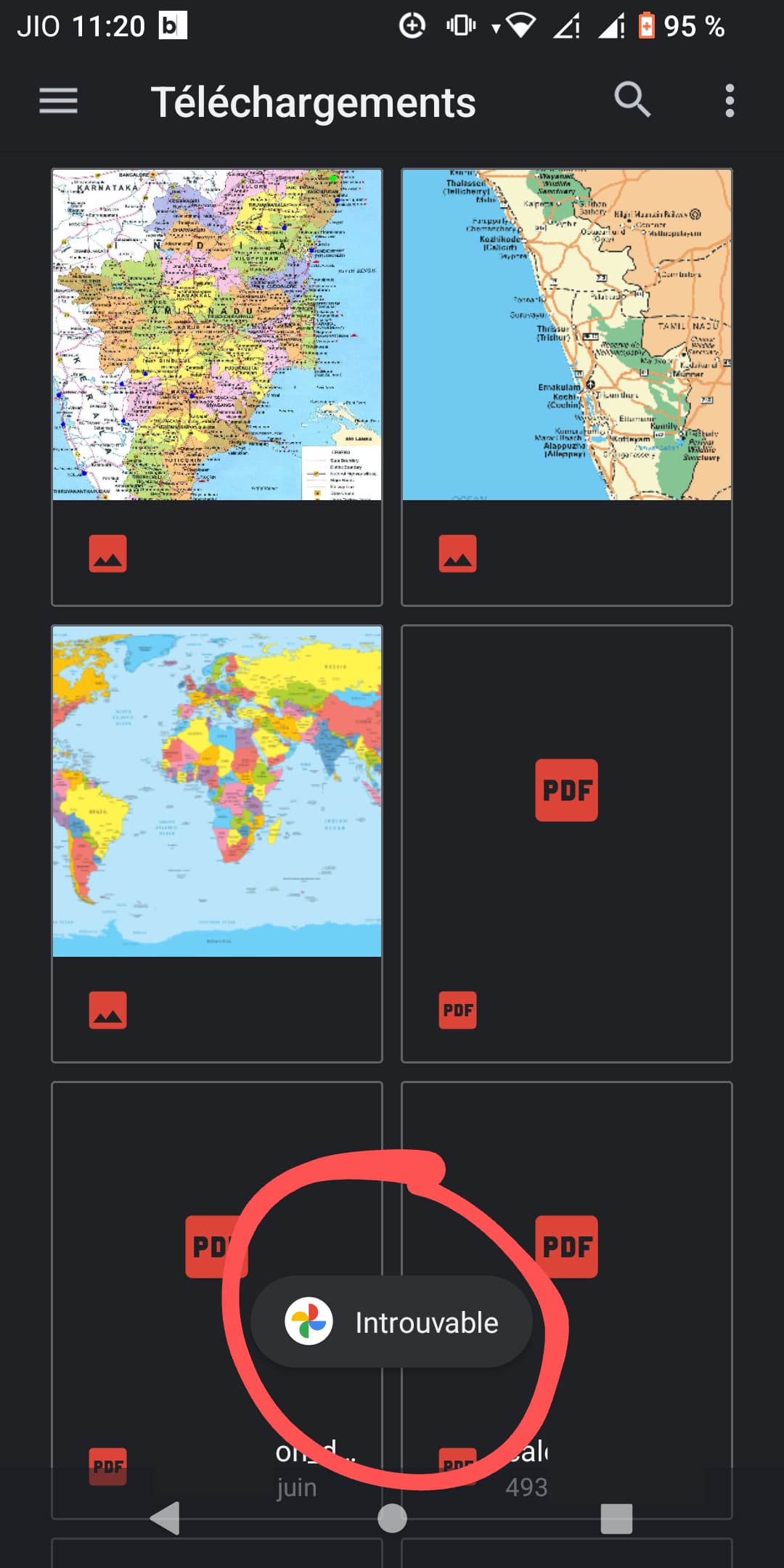
“Téléchargement” means “downloaded”
“Introuvable” means “not found”.
Now, I can’t read downloaded document !
Thanks Incanus for your answer 
It could be a problem of permissions. Can you check them for Fichiers ?
Are those ‘Introuvable’ documents possibly stored on the SD card?
It seems to me that there may be a problem around the association of file types and the apps you’ve installed to open them (“default apps”). Make sure the requisite apps are available and that the right apps are set to be used by default.
To reset all default app preferences and start from scratch, go to:
Settings > Apps > See all nnn apps
Then open the three-dot menu top right of the screen, and choose “Reset app preferences”. From then on, when you tap a PDF file in “Fichiers” you’ll be invited to choose between the suitable apps you’ve installed. To experiment, after taping an app you’ve chosen, tap “Just once” instead of “Always”.
For example, some of the documents you’re having difficulties with are PDFs.
Which app are you using to read PDFs? Personally I would recommend you use “OnlyOffice Documents” which can open many office - type files, including PDF.
I checked, all is good and authorized.
I don’t really know how to check that 
Let’s start at the beginning: Is a SD card installed? If yes, configured as ‘Internal memory’ or ‘Mobile’?
It works !!!
Thanks OldRoutard 
And thanks to all, for your patience and your advices