I have two language keyboards installed on my new FP and also explored the settings for the keyboards. My old phone had an additional line with four arrow/direction keys, that allowed me to move the cursor up/down/left/right without touching the screen. The standard FP keyboard doesn’t provide any direction key, except the back/delete key.
Is there any setting or trick (or app?), that would give me direction keys? I really miss those keys, I am so clumsy on those mouse-sized keyboards…
Ah! Swiping the space bar! Never thought of that, but it works. I couldn’t find a way to configure the volume buttons other than Screenshot yes/no, but the swiping helps a lot. Thank you :-).
Yes, I looked there, but I don’t have “buttons”, only “keyboard”, under “system”. Keyboard menu doesn’t contain anything relating to keyboard cursor (I am using FP in German, with most recent updates installed). Nothing in “sound” menu either, to reconfigure the volume buttons.
That explains it, I am using Android 15. Pity, that would have been very nice to have, but the swiping helps, too. Thank you for pointing me in the right direction.
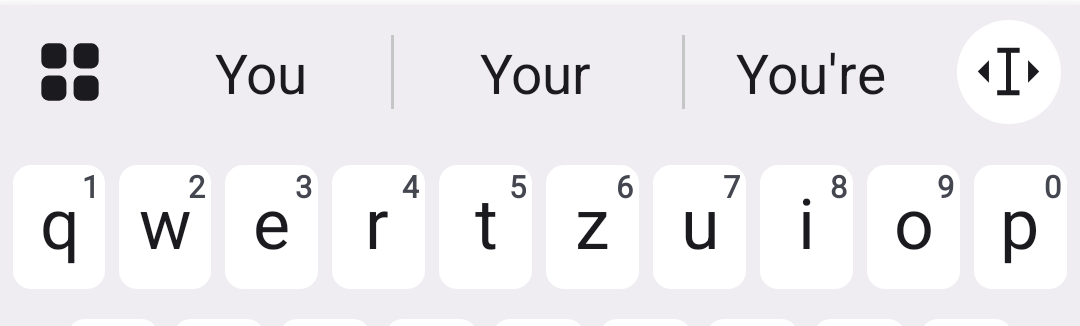
You can drag&drop the text editing icon to where the Microphone is (if you don’t use that icon). Then you have the direction arrow keyboard always on one fingertip.
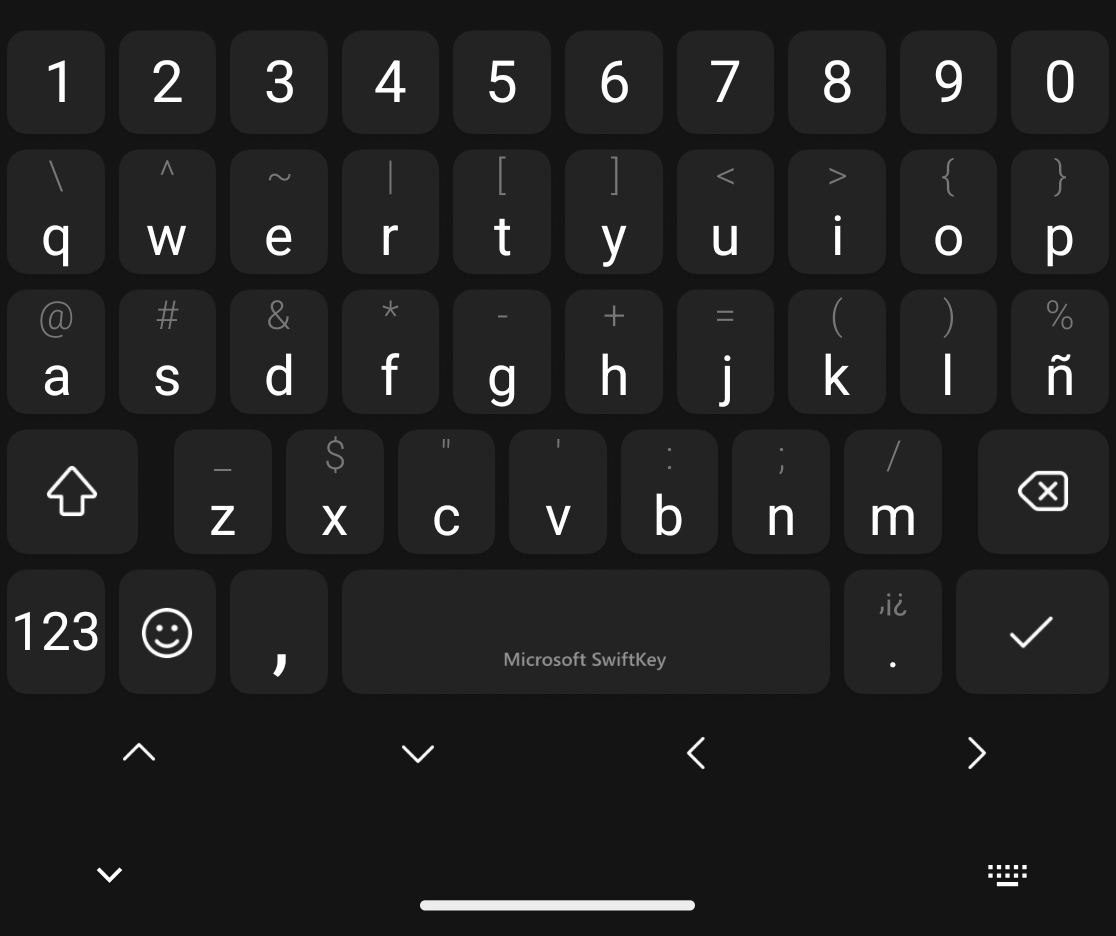
Yes, indeed I was! I never thought about the make of the keyboard, but checked if SwiftKey was available as an app. I found that the app had been transferred from my old phone during setup! So I only needed to configure it, and am now using SwiftKey with arrow keys .


 .
.