the Universal Method détailled
DO NOT APPLY FACTORY-RESET → do not format /data
Install the platform-tools on your computer :
Install adb and fastboot on a computer running macOS or Linux
Install adb and fastboot on a computer running Windows
On the computer,
download the latest /e/OS build for your device as seen before in post 1
and put it into the platform-tools folder
Boot the phone into recovery mode.
Select Apply Update,
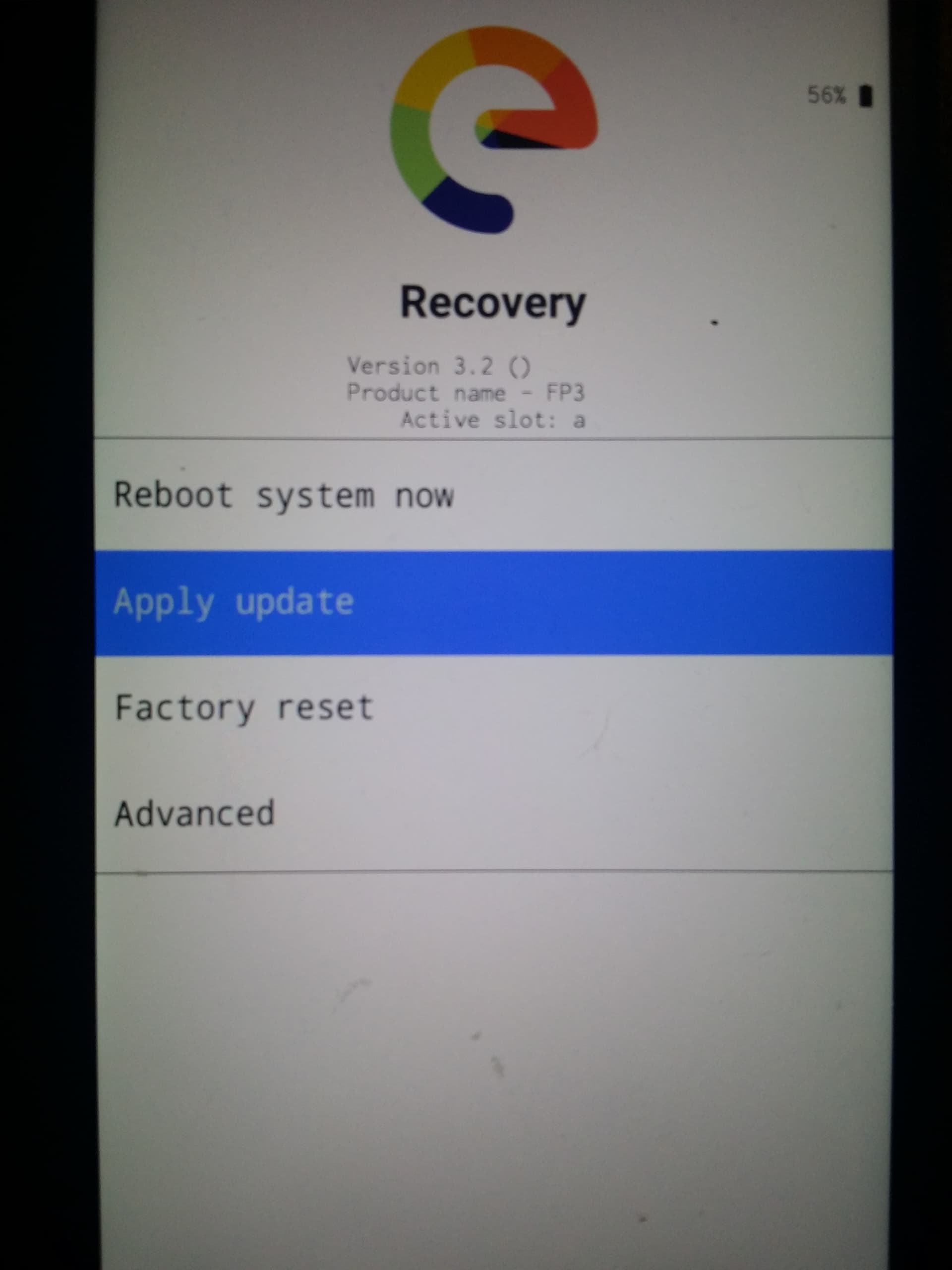
then Apply from ADB
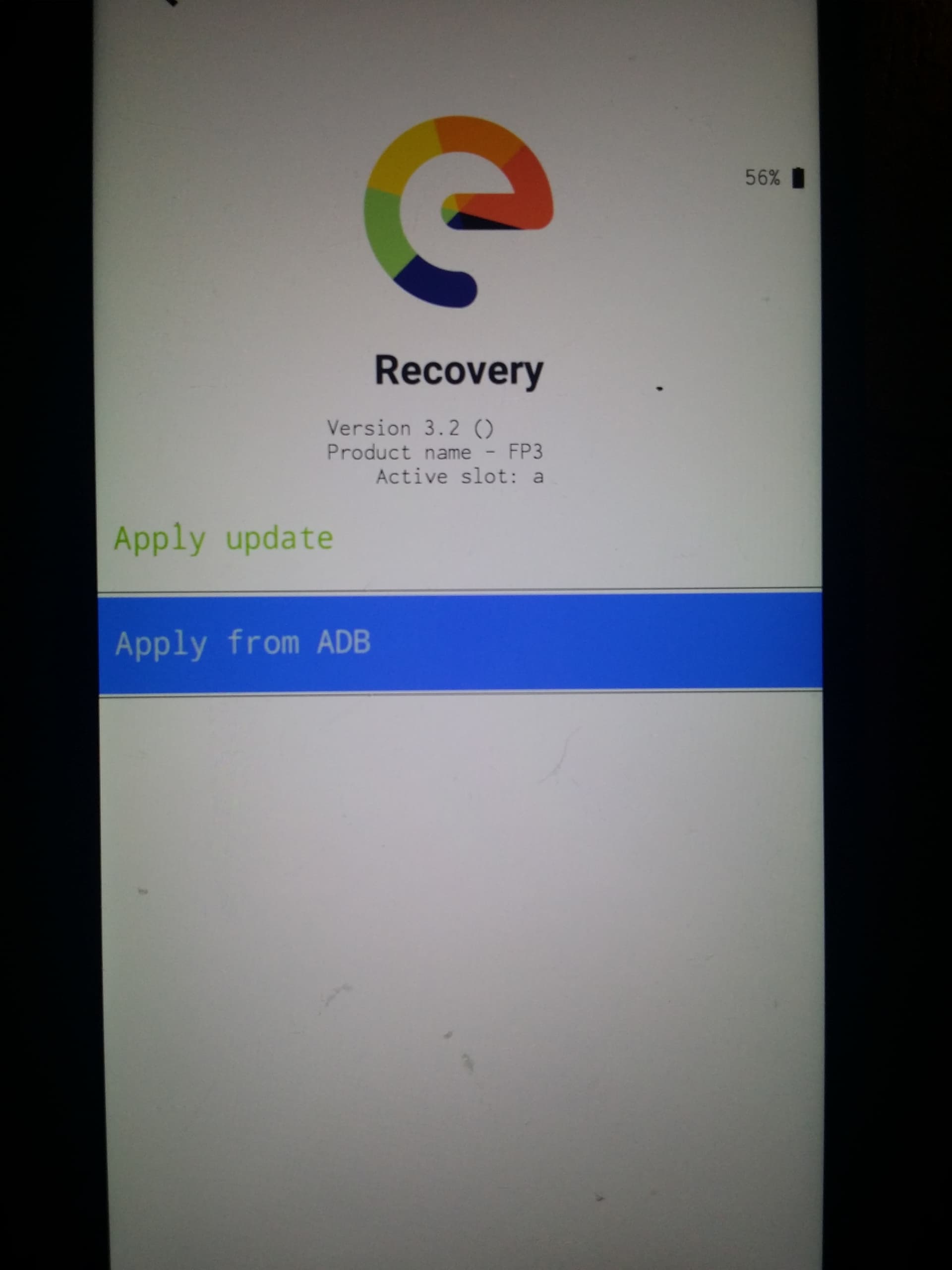
The screen should now change and the output at the bottom ask you to send the package from your computer.
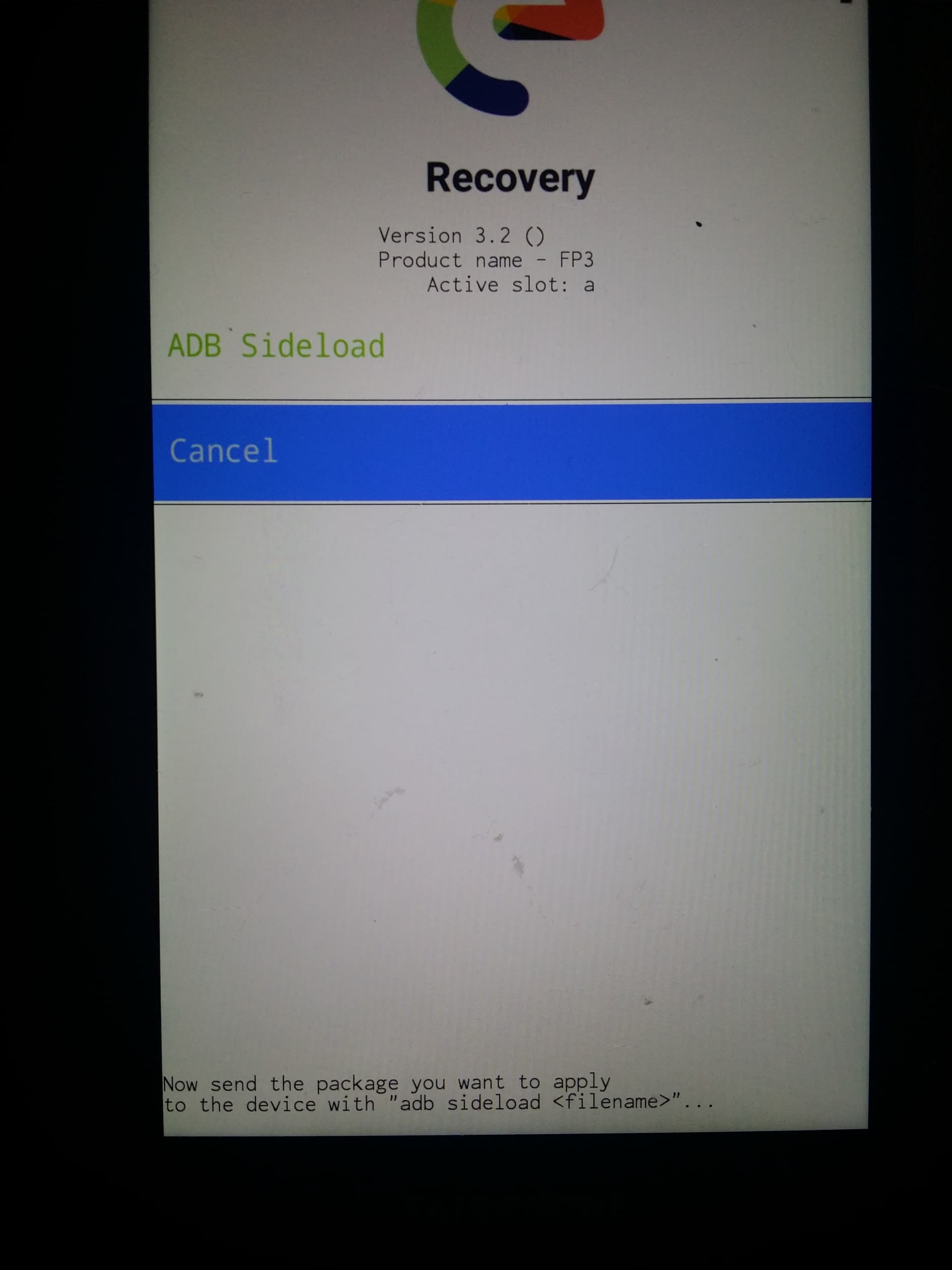
On the computer,
Use the right clic to open a terminal from the /platform-tools folder, and
issue the command to sideload the latest /e/OS-T installation zip.
adb sideload e-3.2-a15-20251022539003-official-FP6.zip
the phone screen will be mostly blank with just the output at the bottom showing progress.
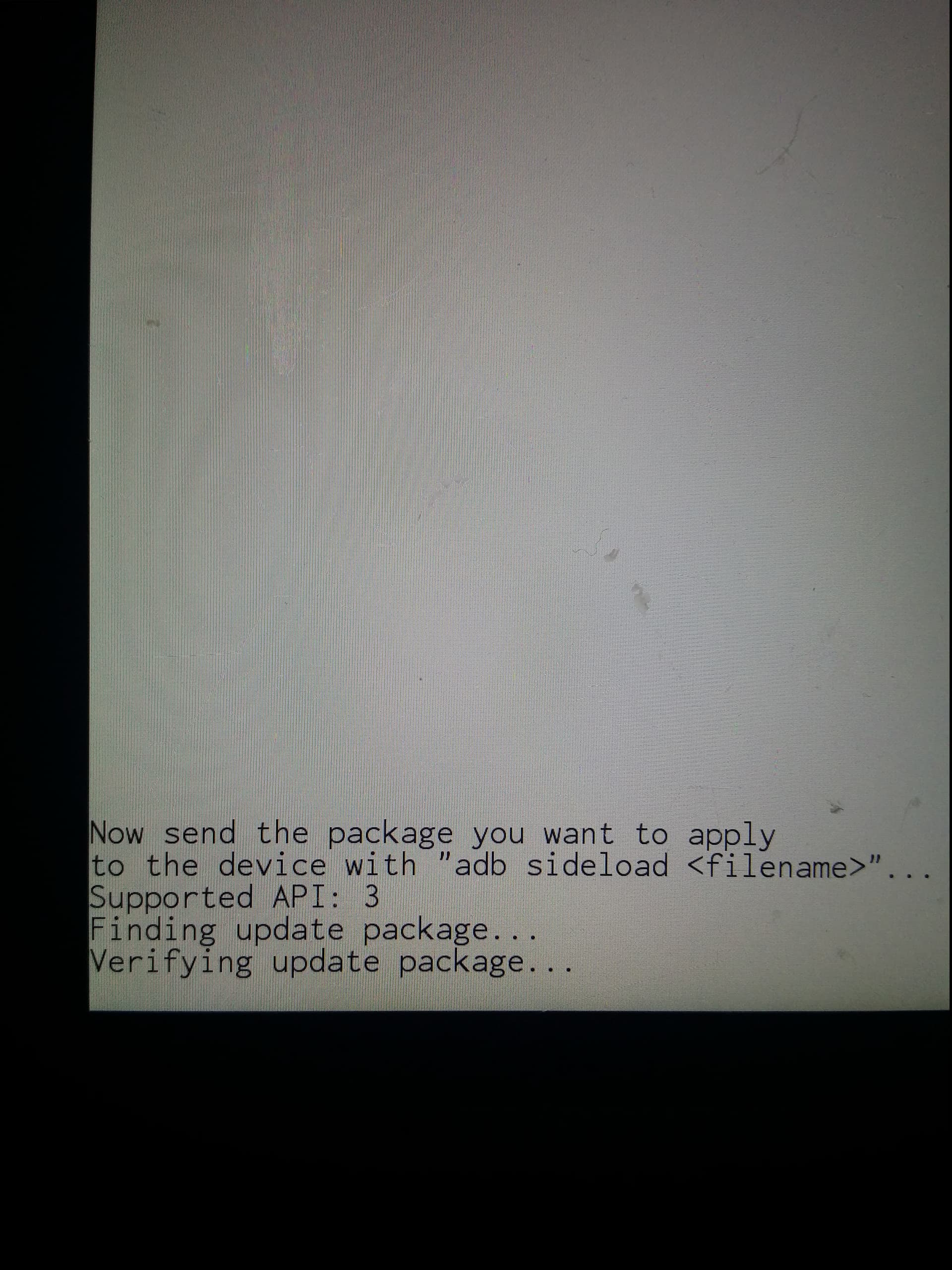
On the computer the sideloading shows progress as a percentage figure that will stop at 47%.
For a long time…
The phone will still be installing though it might feel like nothing is happening
and you can expect to see the following screen
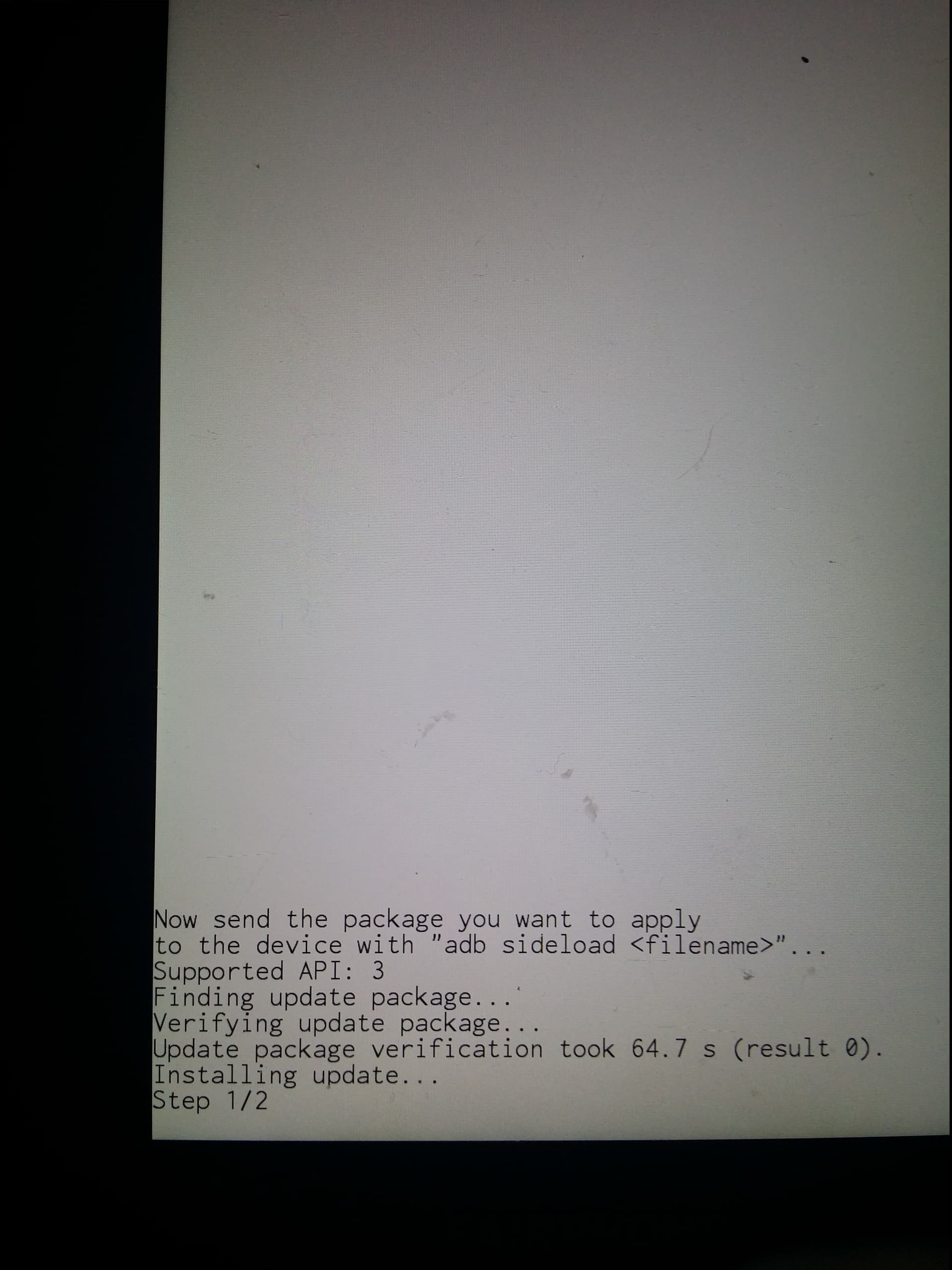
For a very, very, long, long time…
Then
success message comes on the computer : Total xfer: 1.00x
success message comes on the device screen : install completed with status 0.
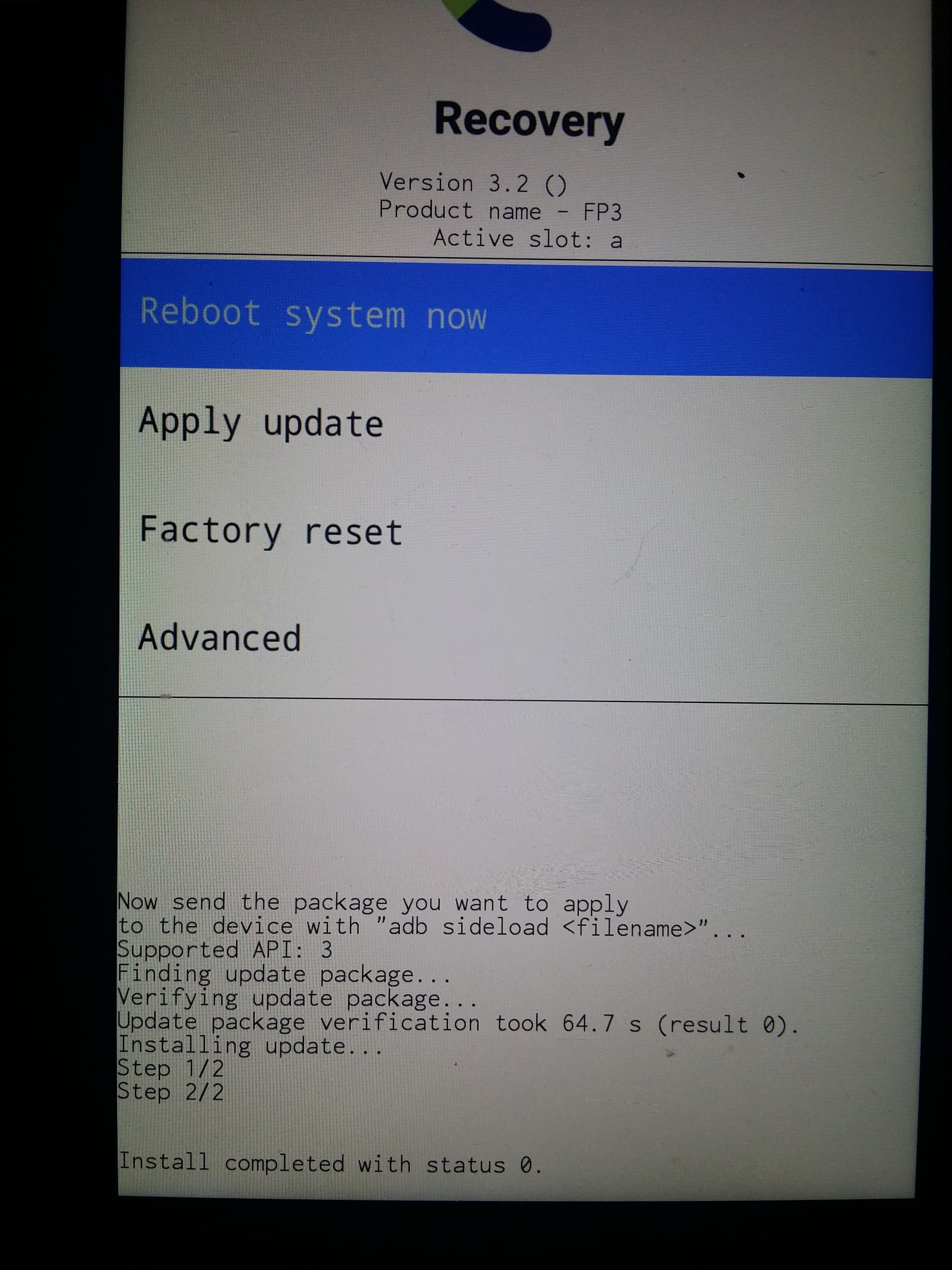
Tap Reboot system now to boot into your newly upgraded /e/OS.
Tip :
if not properly "installed in your path” as explained in Installing adb and fastboot on Windows PC, or in Installing adb and fastboot on macOS or Linux PC,
simply add ./ at the beginning of all your adb or fastboot commands,
it will use the version included into the relative folder (the latest) instead of the one installed on your system (that can be outdated)