Fairphone standard app
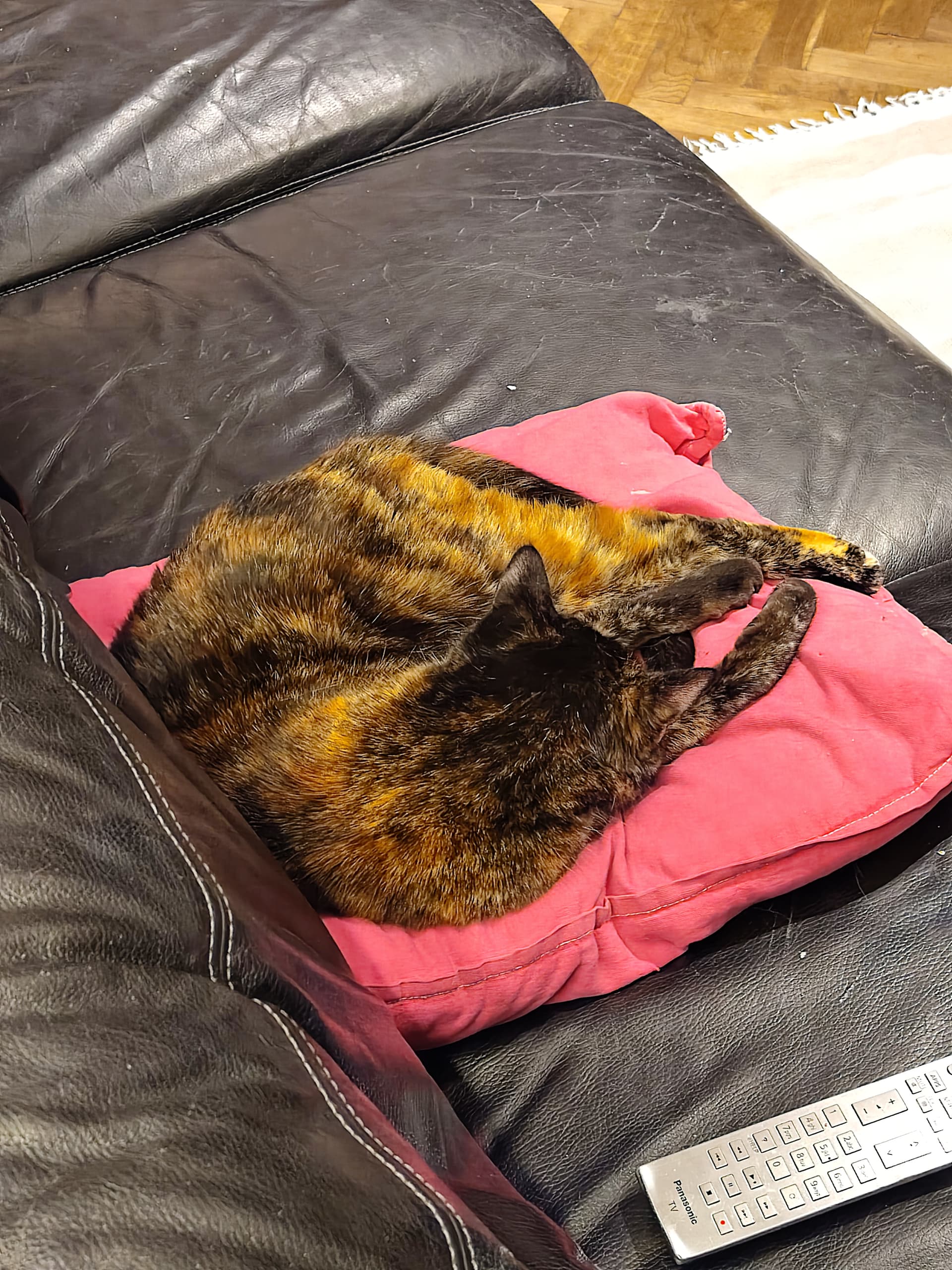

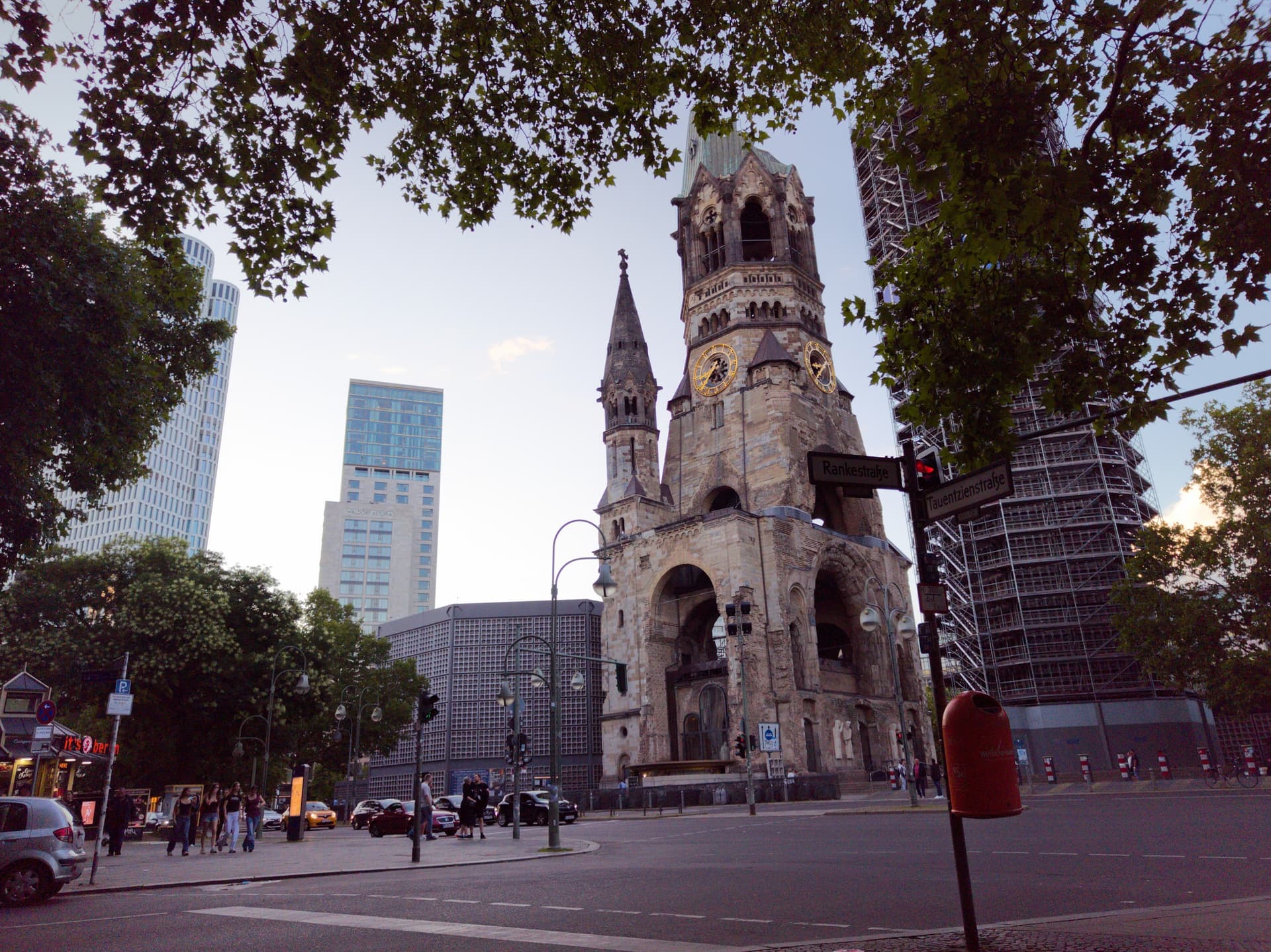
Think you mixed up the pics.
The second one seems overexposed (although I have the expression so far stock cam rather underxposes compared to the FP5 which tends to overexpose) and therefore loosing details like the little cloud…even in the normal mode you can influence a bit which part of the pic is used for focus/brightness etc… And the stock cam has raw mode? Havent noticed this yet.
I did not mix them up. I rushed it with snapseed just to get an idea of how details could come out, and I think it looks nicer when zoomed on the phone. But you can have a different opinion, that’s why I put them both up.
Here are some pictures from my FP6 with (super) night modus.
OS Version: FP6.QRREL.15.105.0
camera app version: v8.01.01.0009.4.1
The pictures were taken with 50MP mode and only resized.
night modus (F/1.9 | 1/13 sec | ISO 10020)
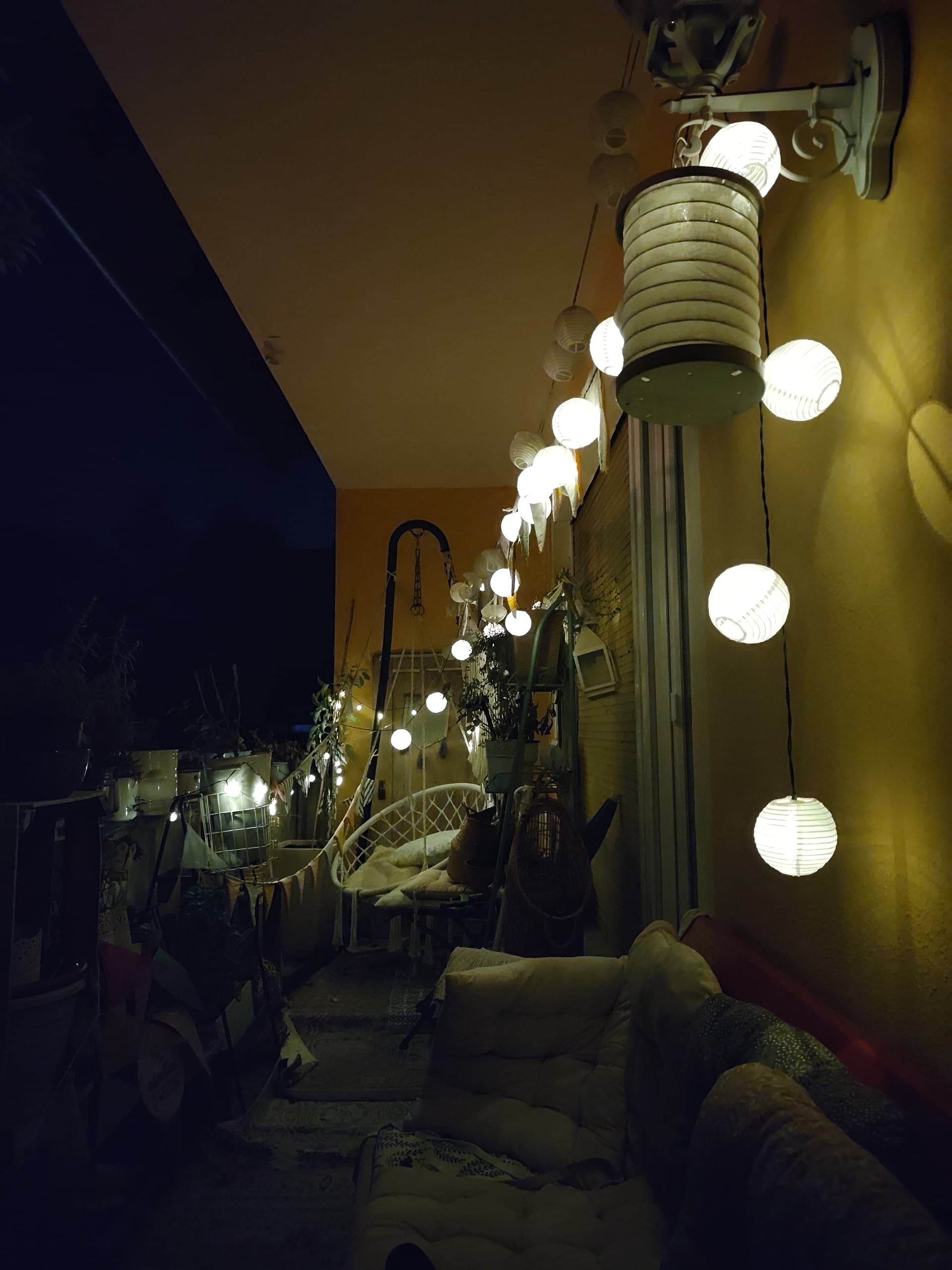
super night modus (F/1.9 | 1/13 sec | ISO 20070)

Hm… Now that I finally have a chance to look at them from a PC monitor, I have to say that’s odd. The picture from the standard photo mode looks way better from a PC than it does from the phone, both in terms of color and detail.
And the colors of the raw I developed are all over the place: the screen doesn’t seem to be neutral. I don’t think you can fiddle with the colors on it. Furthermore, the raw has a noise issue, because I couldn’t find a proper mobile way to get rid of it. AND because either I or the camera app decided to under-expose when shooting the raw (I think I had everything on auto, but I may be wrong).
As for the small detail, I still think the photo mode overprocesses, but this forum’s compression doesn’t make it visible. This is somehow good news, because all social platforms do some compression. It means the pictures straight out of the camera app are ok for that purpose.
Here’s one case where I think the camera app is really missing the spot: food photography
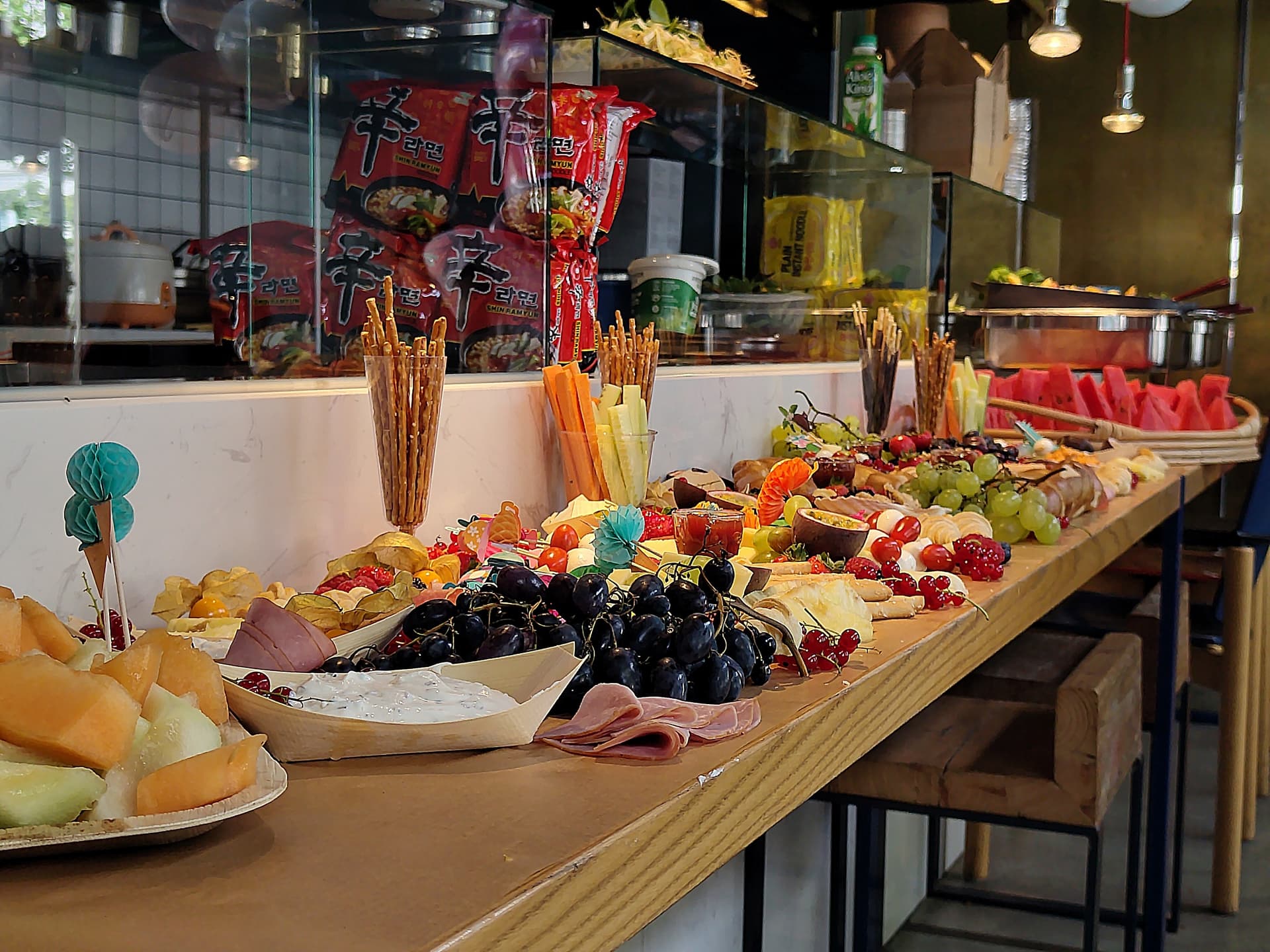
It just spits out watercolor paintings
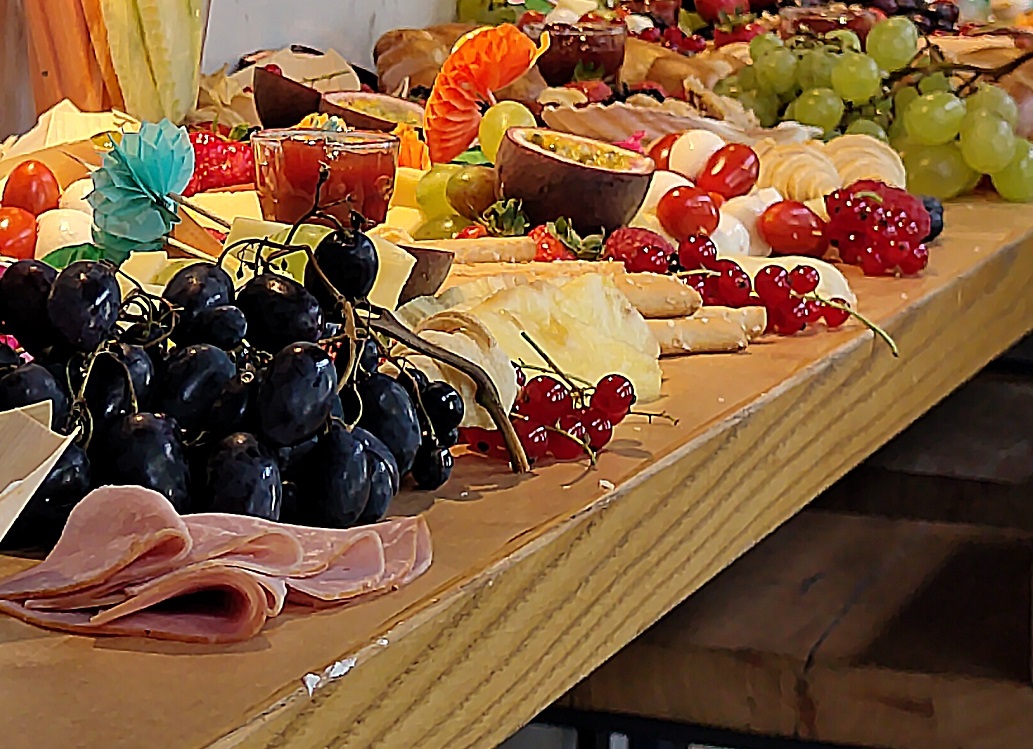
(picture from the default foto mode of the FP camera app, and crop thereof)
The picture from the standard photo mode looks way better from a PC than it does from the phone, both in terms of color and detail.
I saw the difference on the phone, hence my comment.
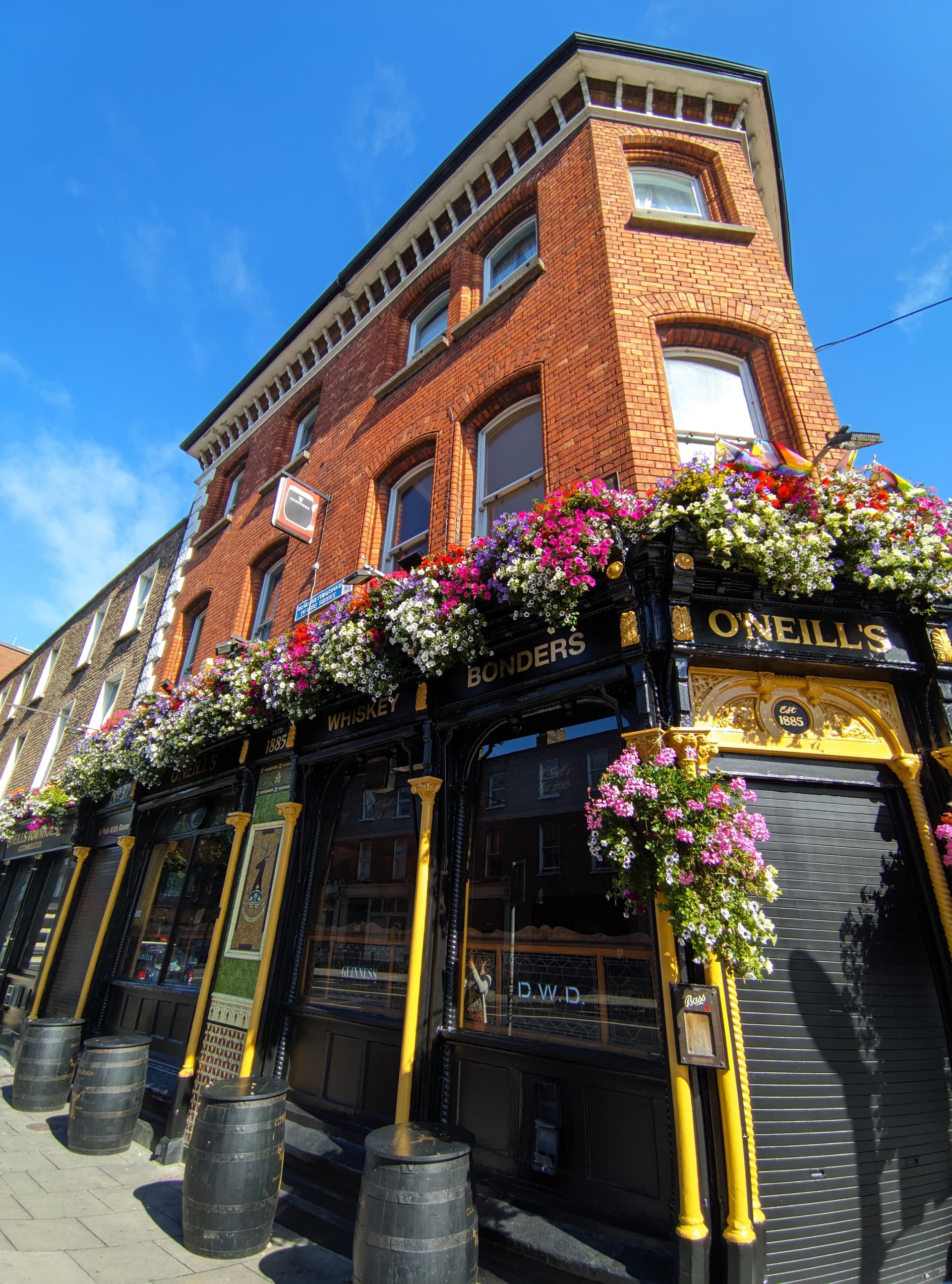
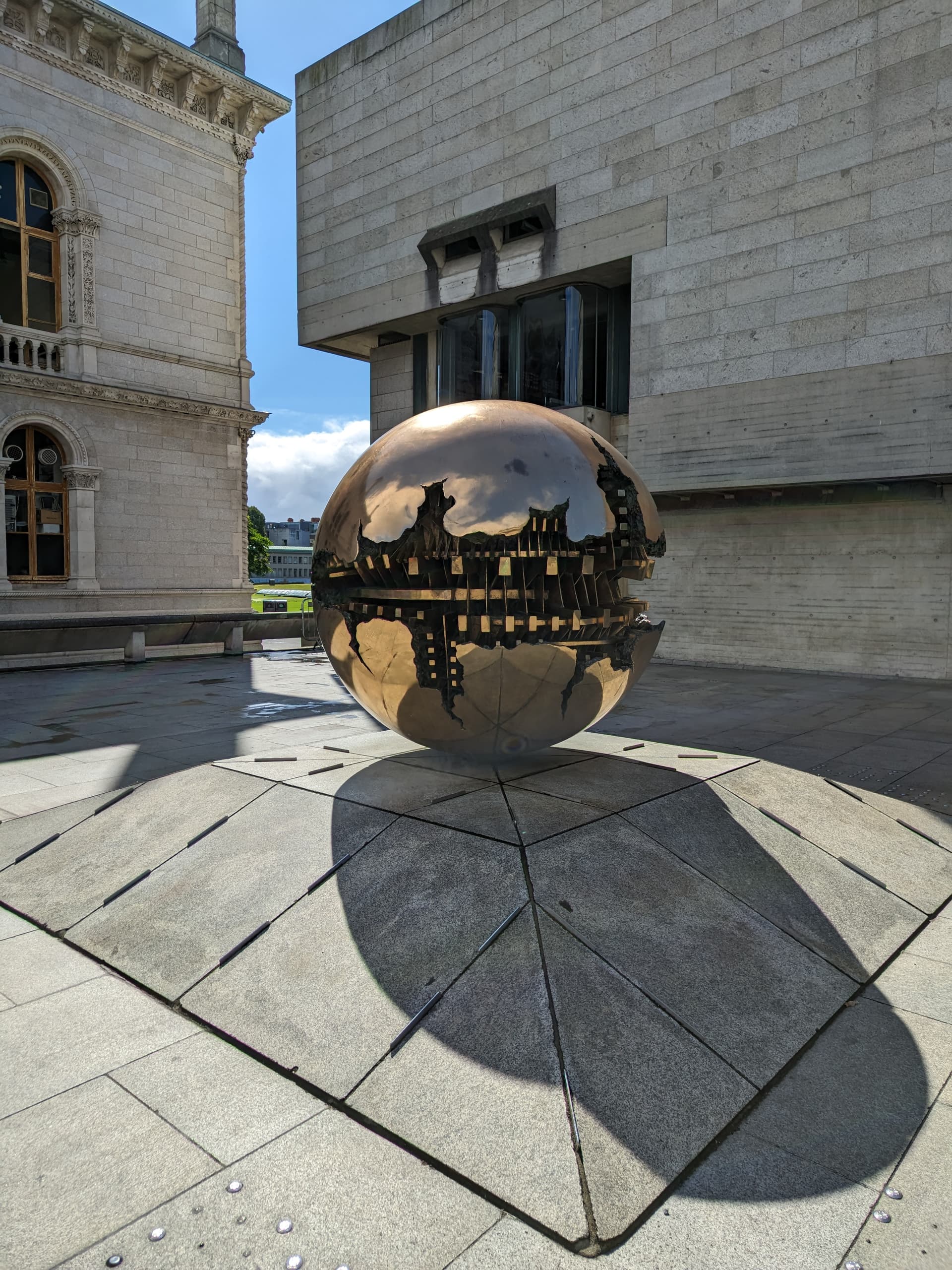
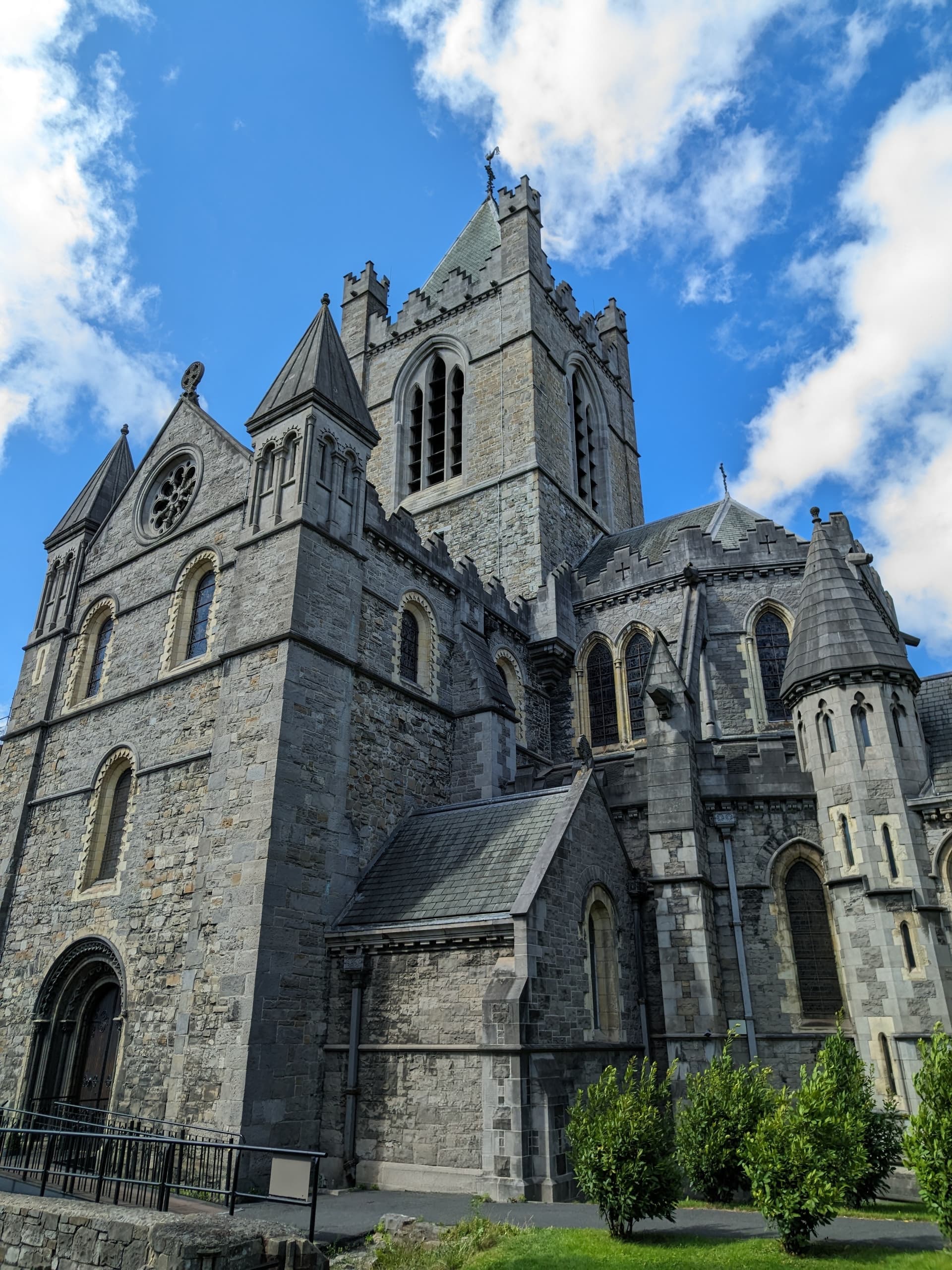
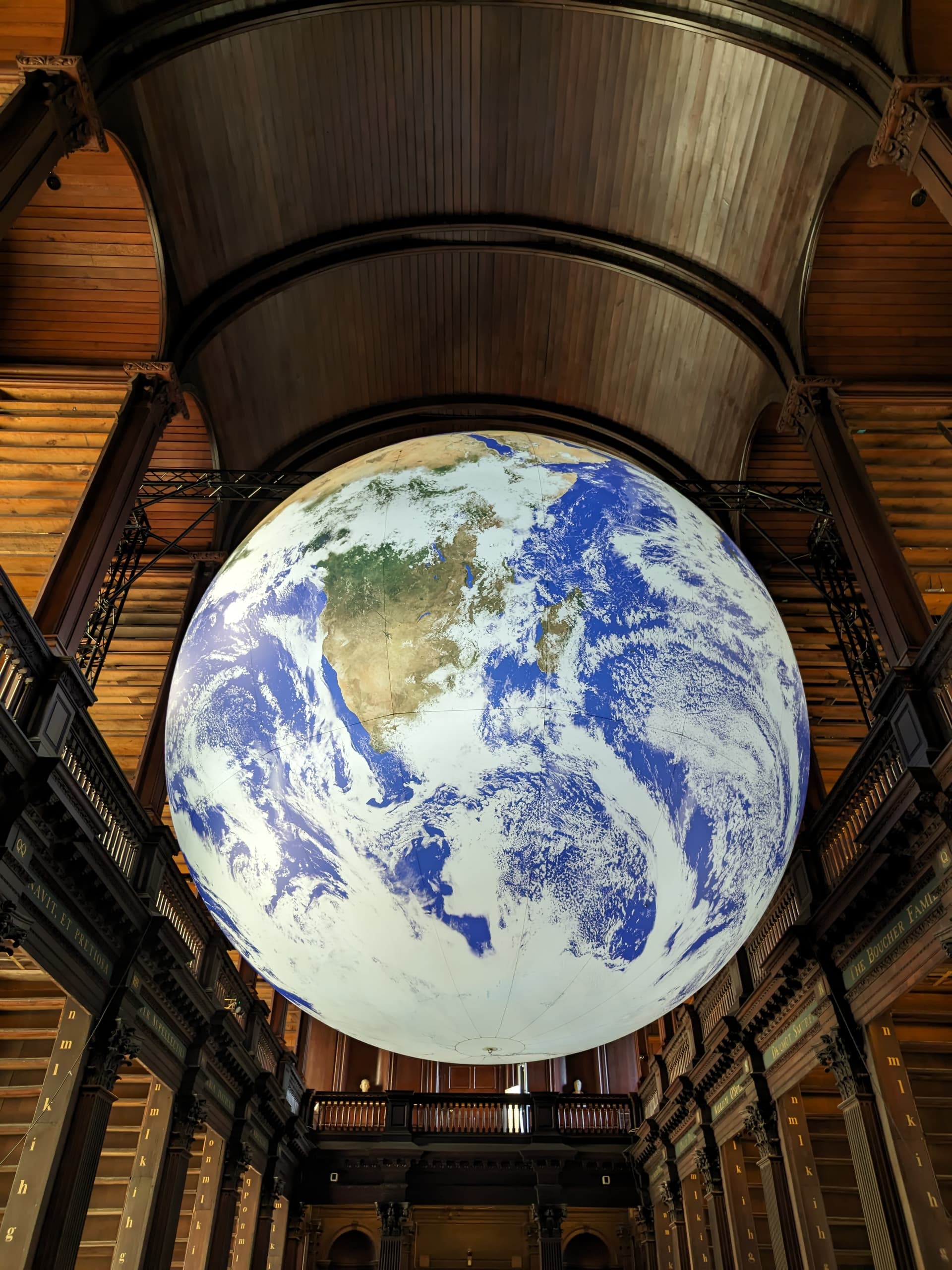
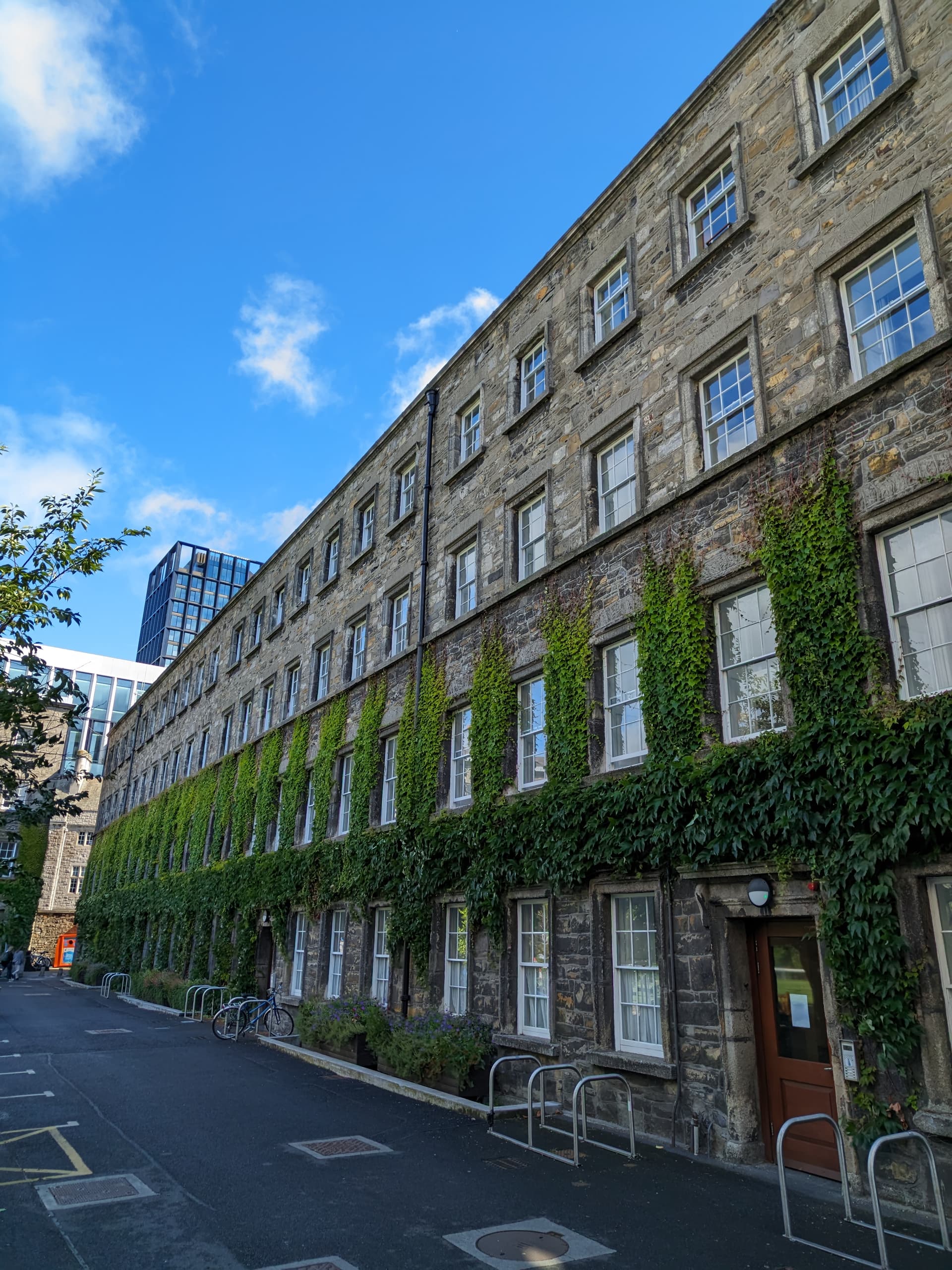
@all please add the gcam version you use when posting pictures.
@having questions around GCam Ports I kindly as you to use this topic here.
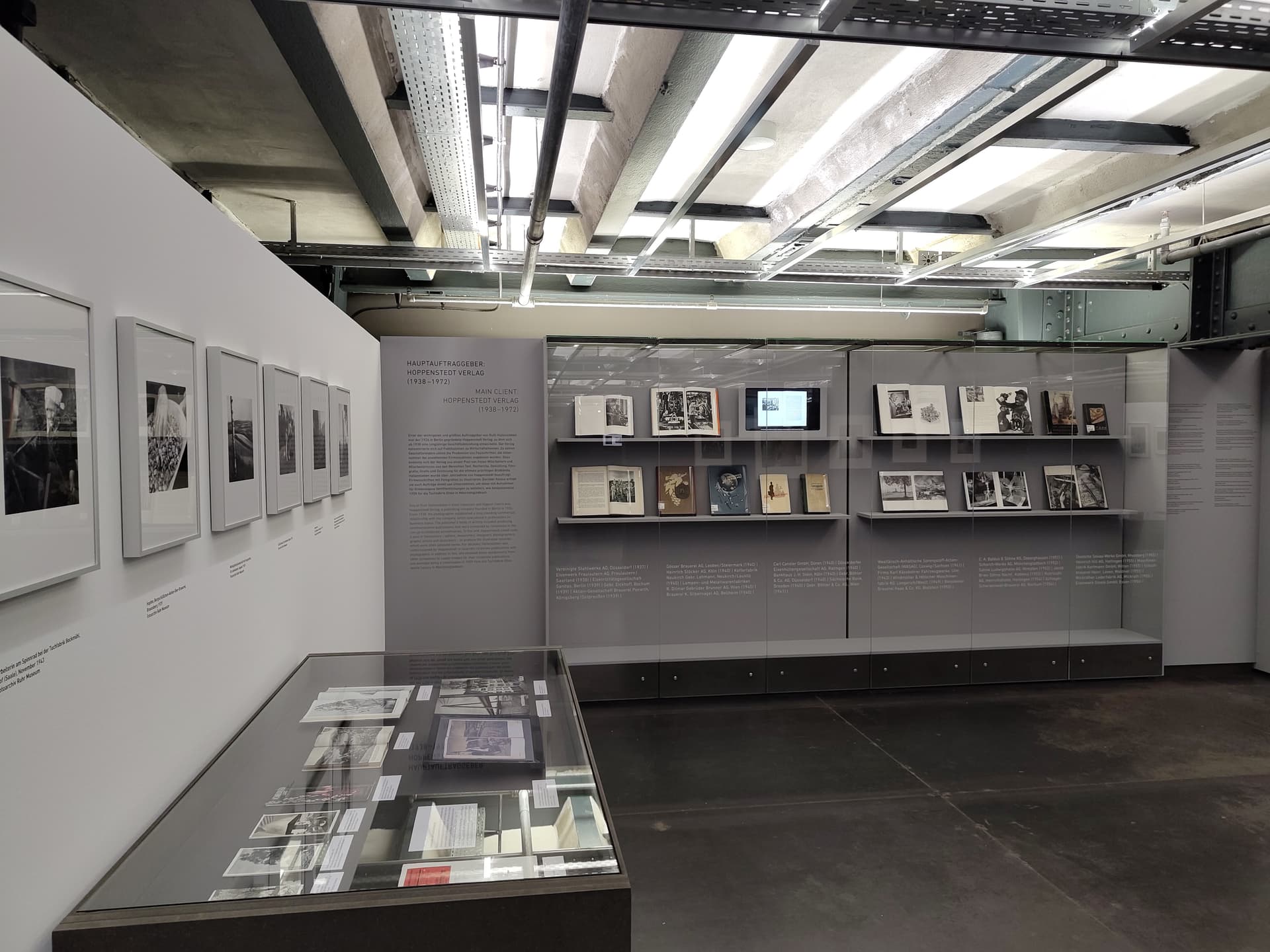
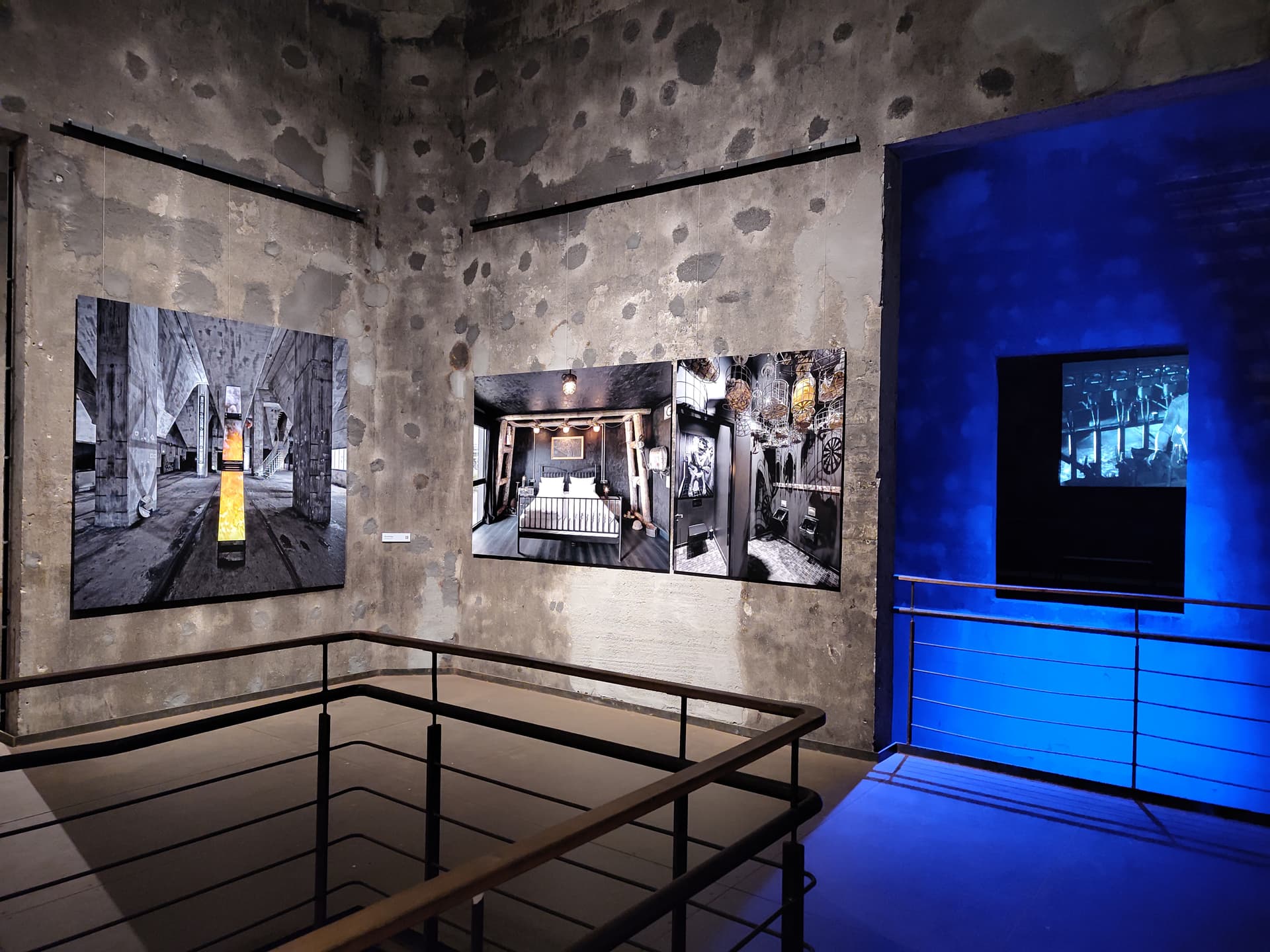
Hi, thanks for sharing pictures! Would anyone be willing to share any pictures of people, with the front and back cameras? Thanks!
It’s really interesting how differently the camera apps handle certain situations. For me, the Gcam-port covered much more detail, so I used this app more. Now, in low light conditions the Gcam does not work good for me, compared to the stock camera app.
Here is a photo comparison from inside a very dark church, taken within a few seconds with Gcam, Fairphone stock app and also the iPhone 14 Pro with stock app. None of them proceeded in any way. No night mode.
G-cam Port BSG 9.2/MGC)
App-version: 9.2.113.604778888.19
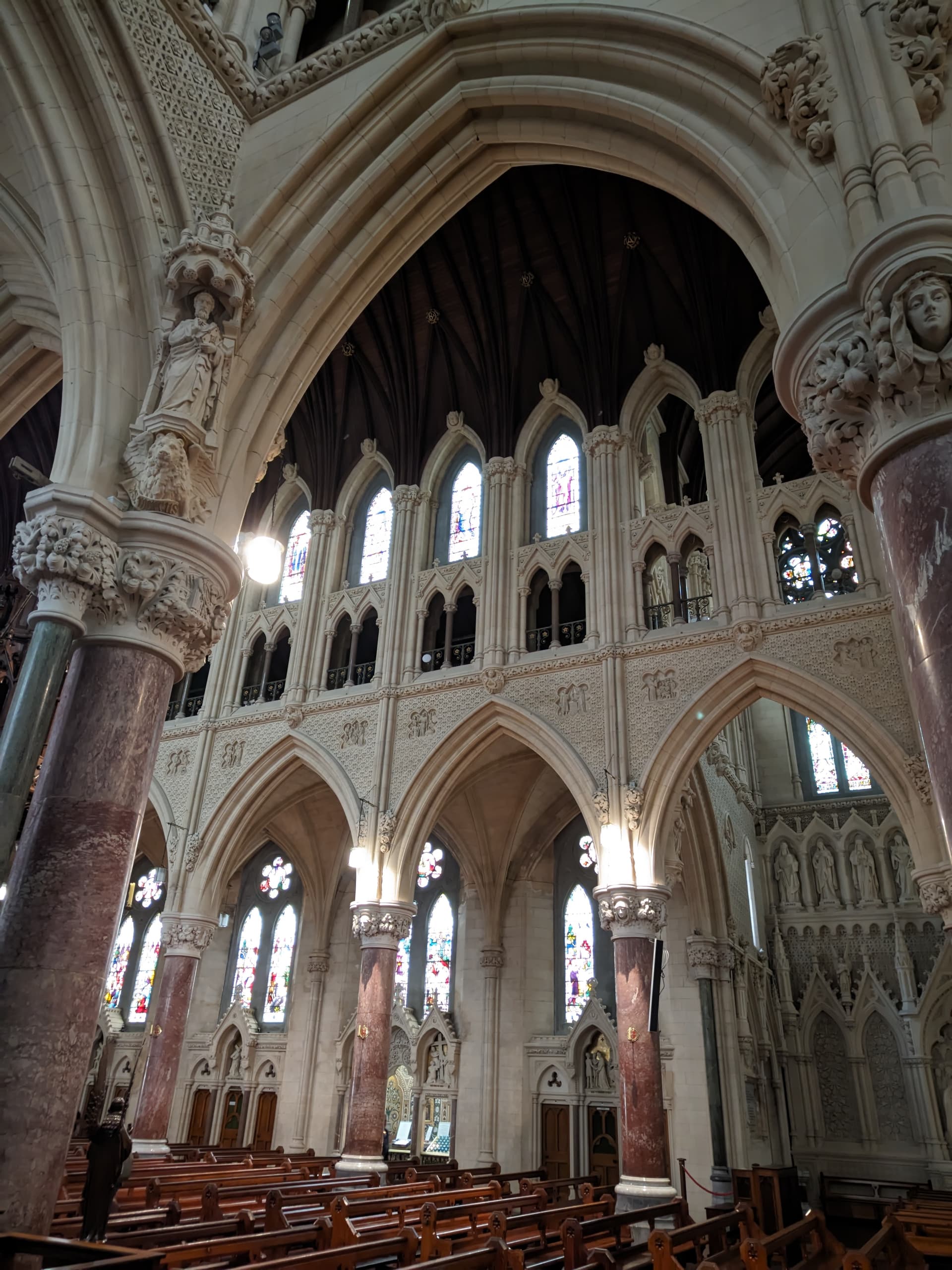
Fairphone camera app:
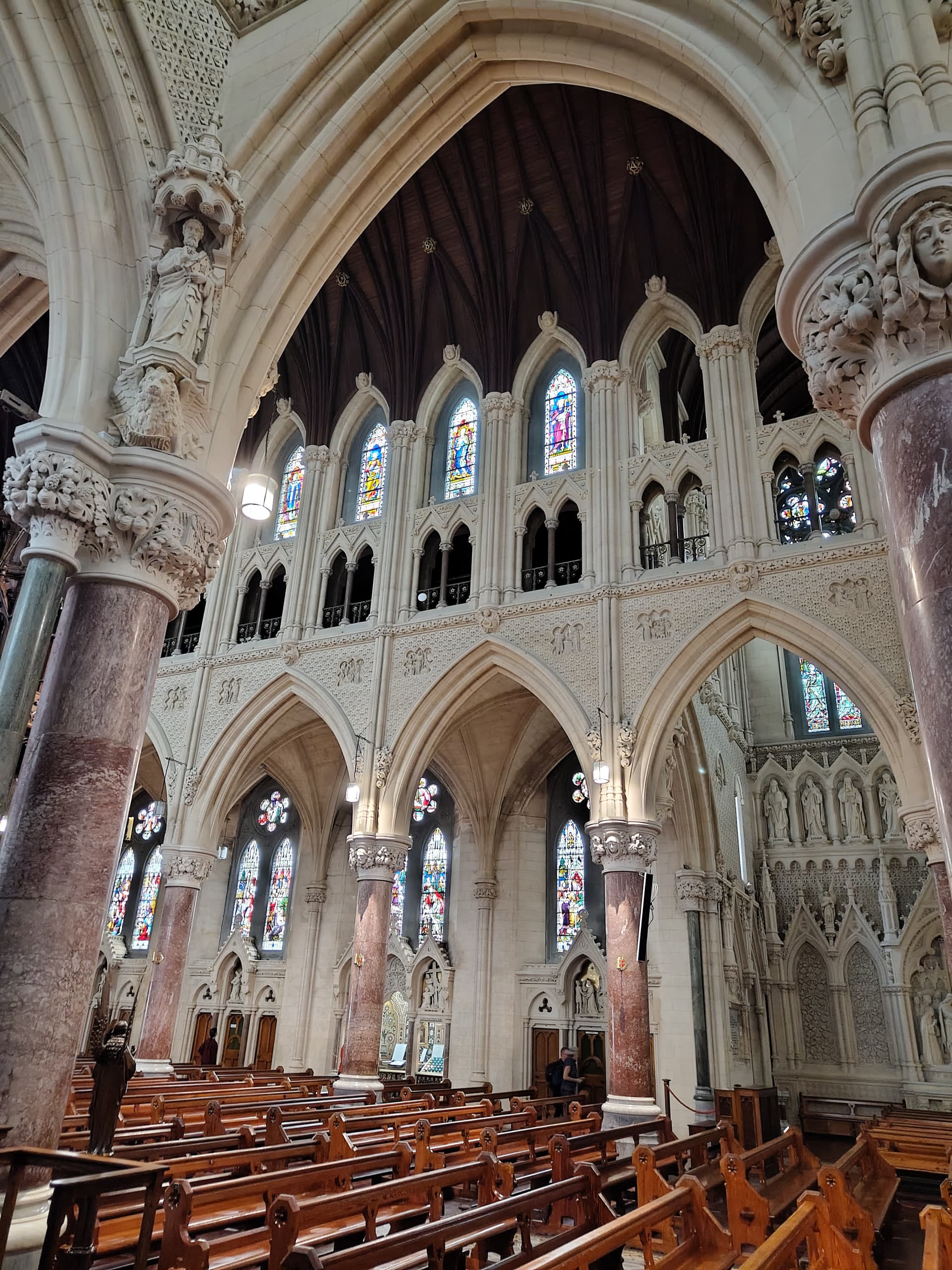
iPhone 14 Pro: (exported as JPEG because of the HEIC Format)
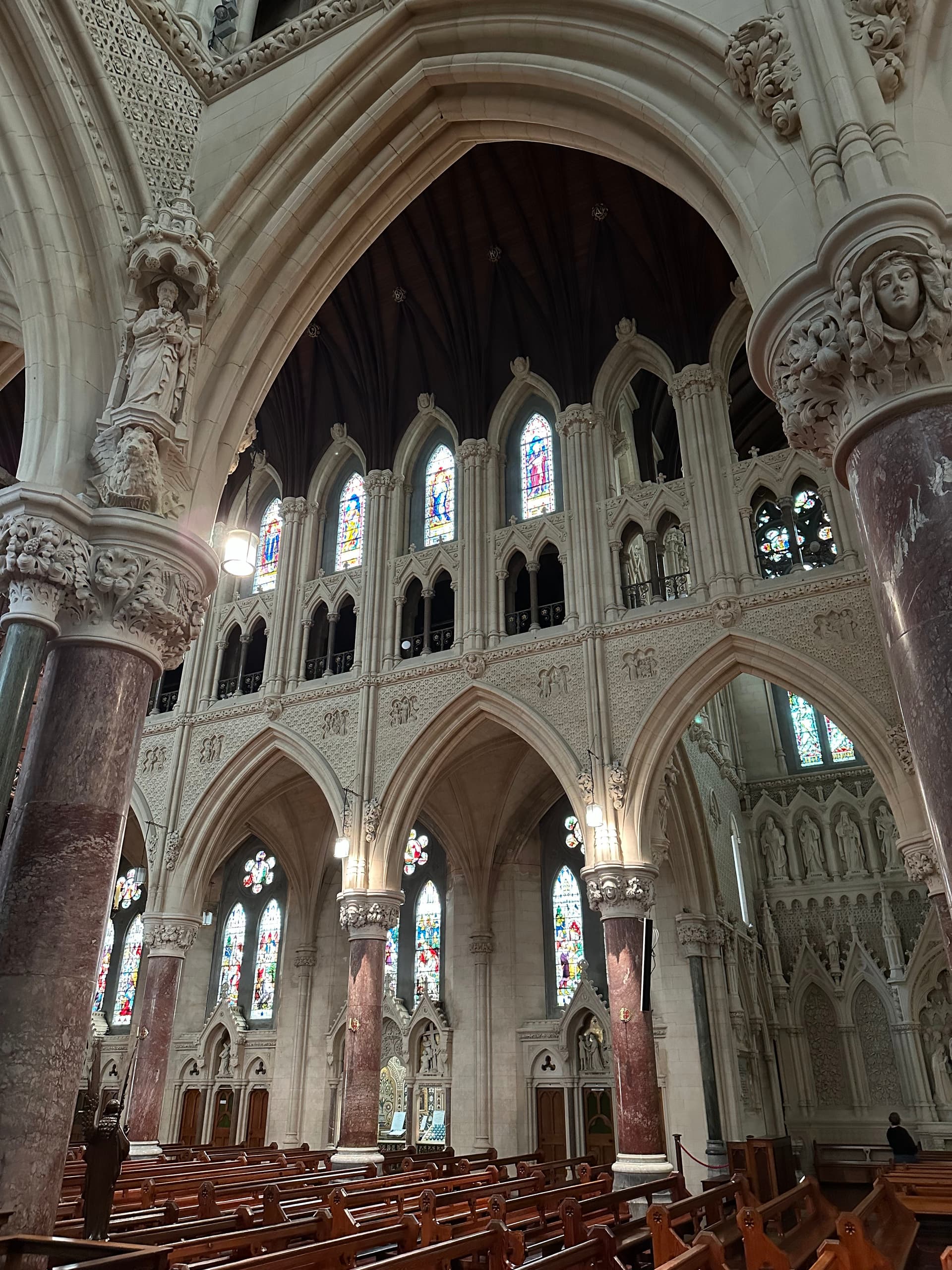
There are different ports from different modders like BSG, Wichaya, Nikita and so on creating ports. So it would be great to add e.g. BSG and or the name of the port like MGC…
Winner: stock app (light above the utmost right column).
I think i had found the camera edge issues tonight.
When recording flashing lights its focus can just randomly die.
Also some stock vs Gcamport BSG MGC_9.4.103_V5_snap
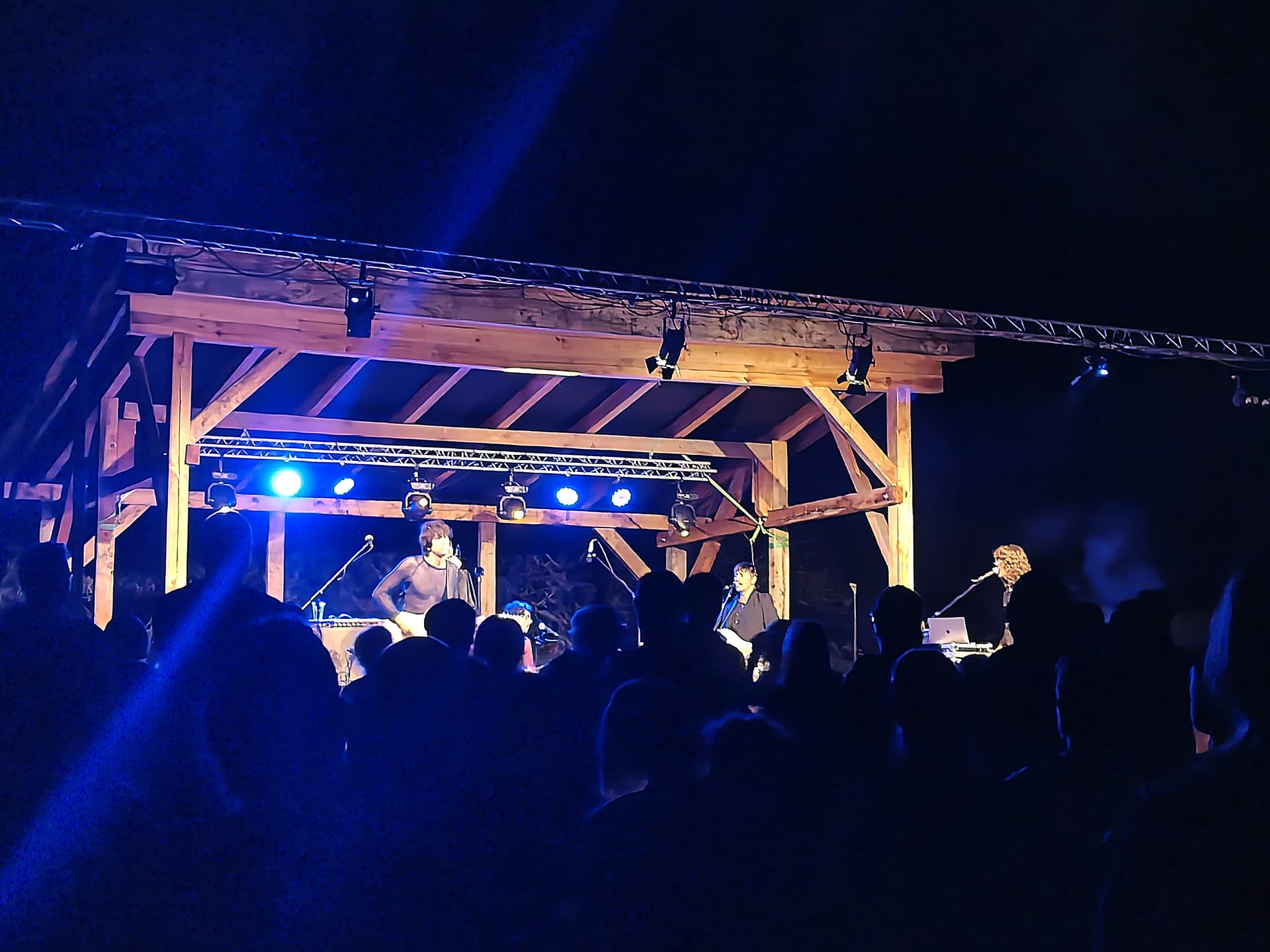
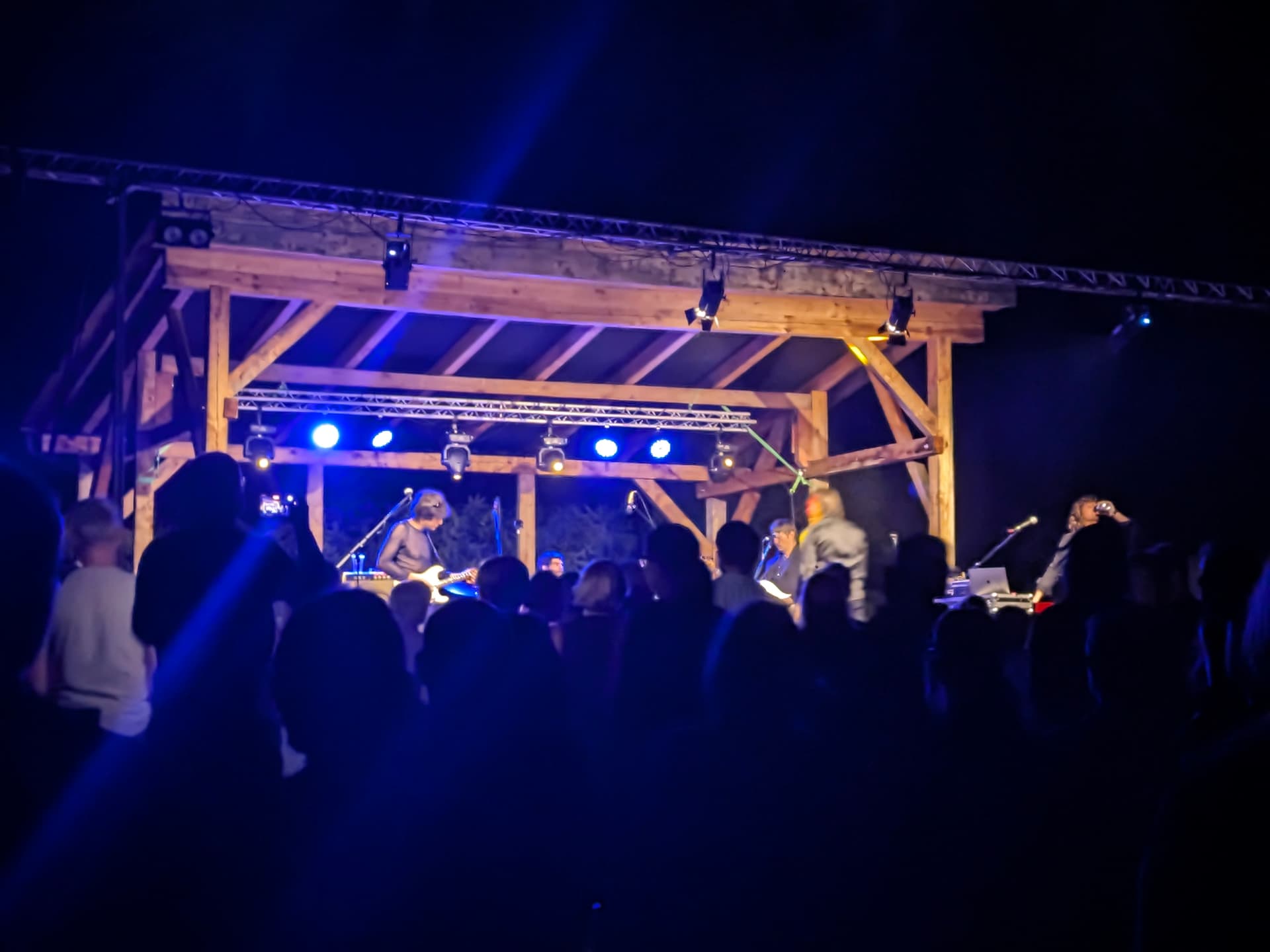
Stock lowlight on concert
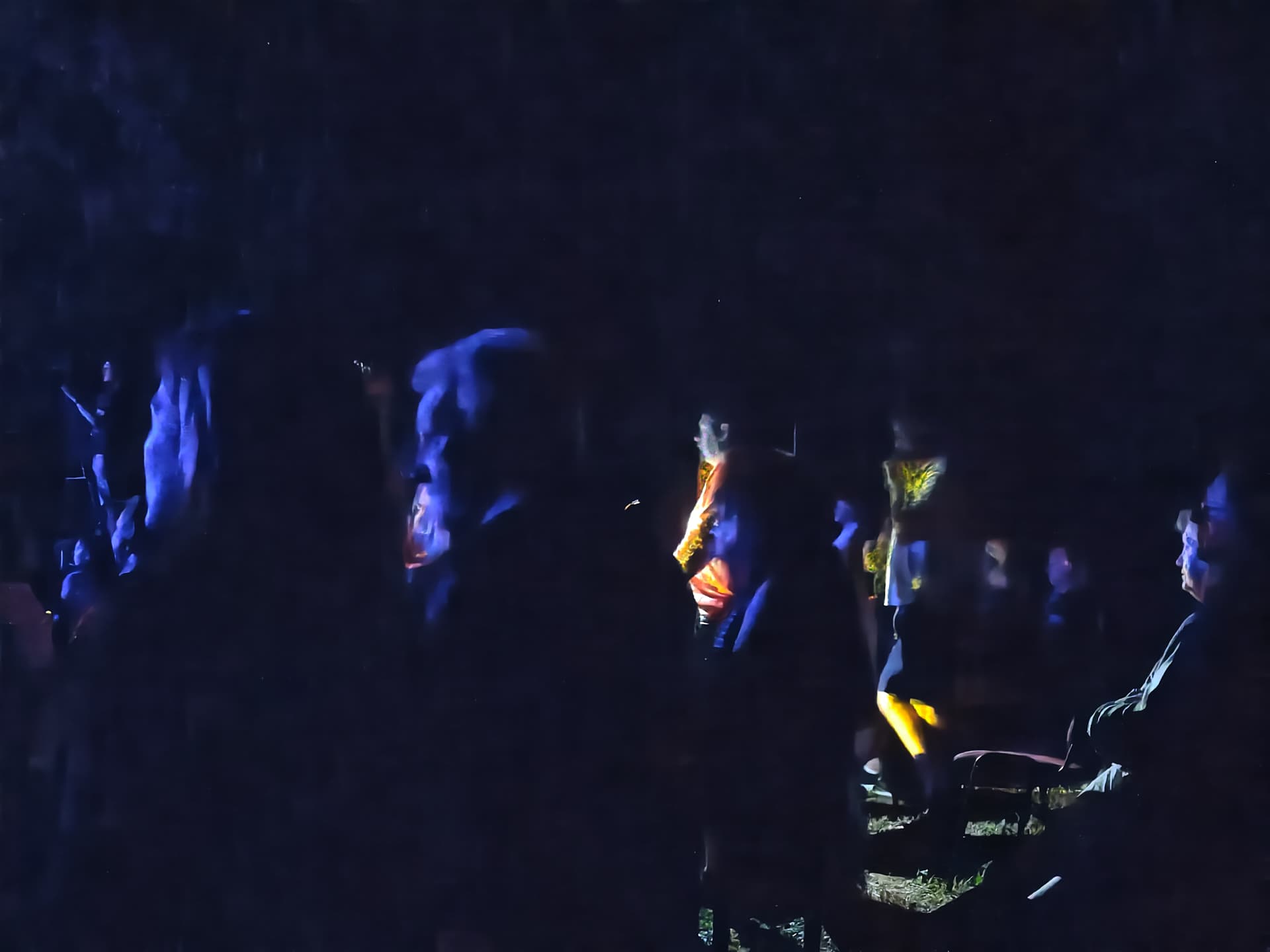
Gcam same time (lights were just static blue for a minute or two)

Gcam port night time mode

Stock “super night mode”, only 1x compared to all other 2x pics because zoom is not availbe on that mode.
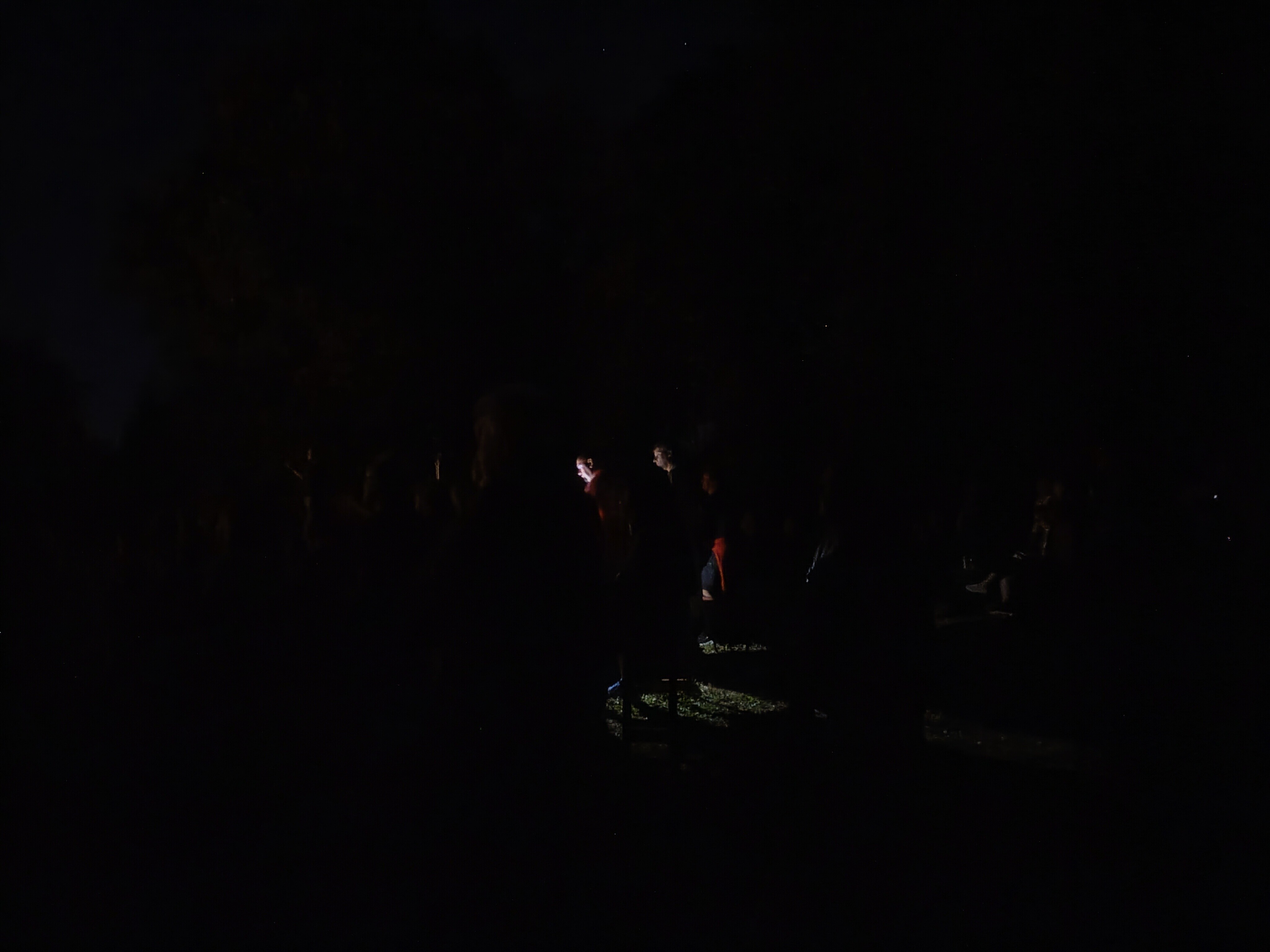
Also pictures to show how bad stock oversharpening can me
Stock
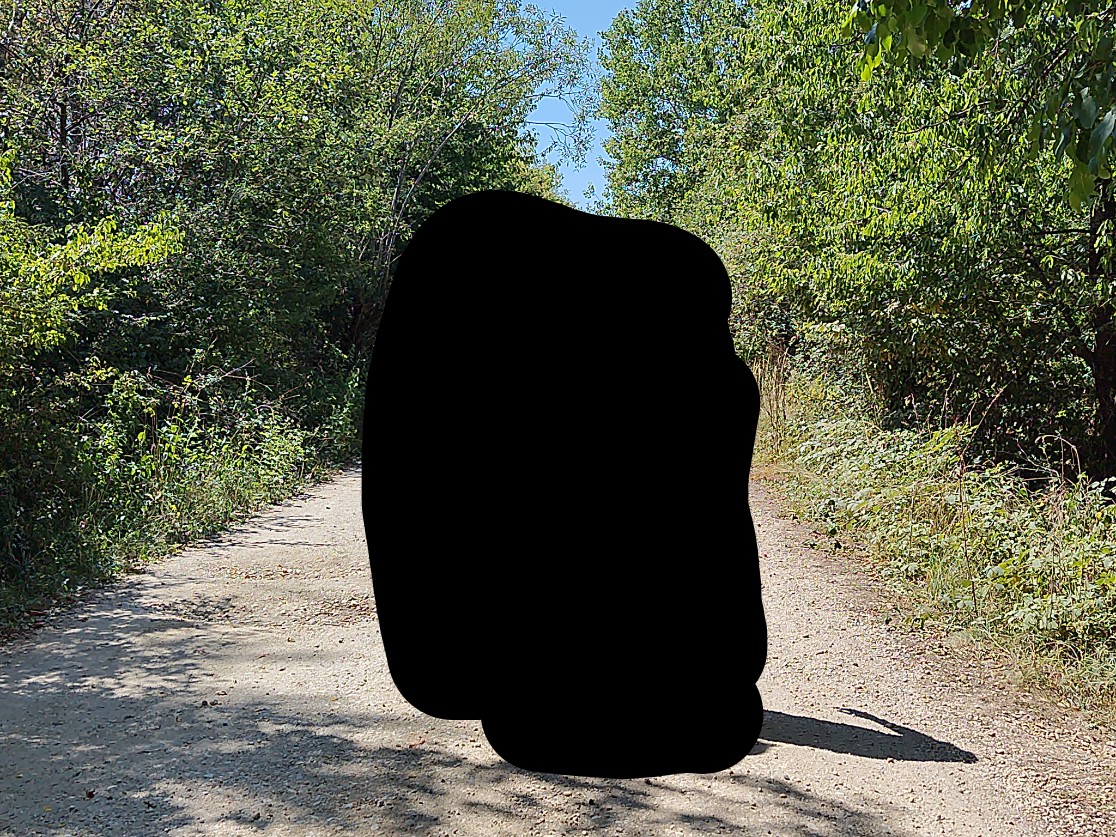
Gcam
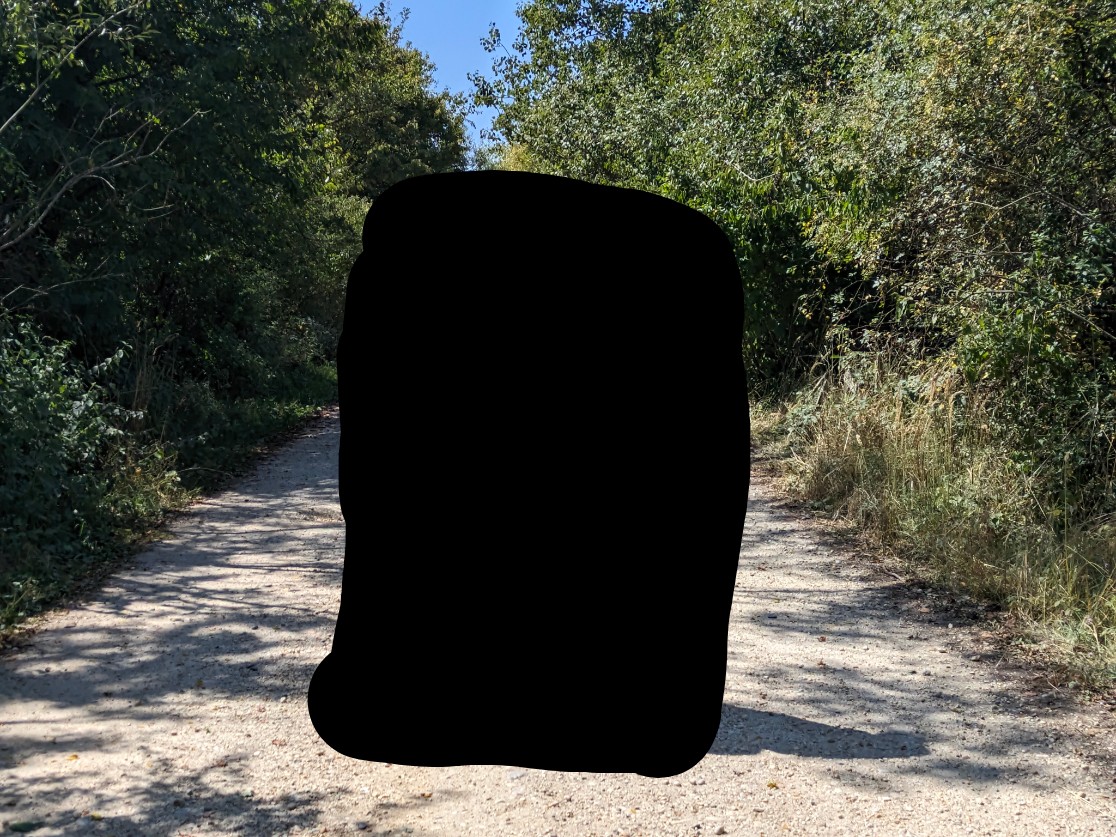
Gcam vs stock direct light
Stock
Gcam
Stock has visibly more noise.
Yep. But GCam lacks focus. Choose your poison…
So, the video sample is really bad!  But at least the audio seems to be recorded in a kind of decent quality. I‘ll try the video out at my next concert attendance too.