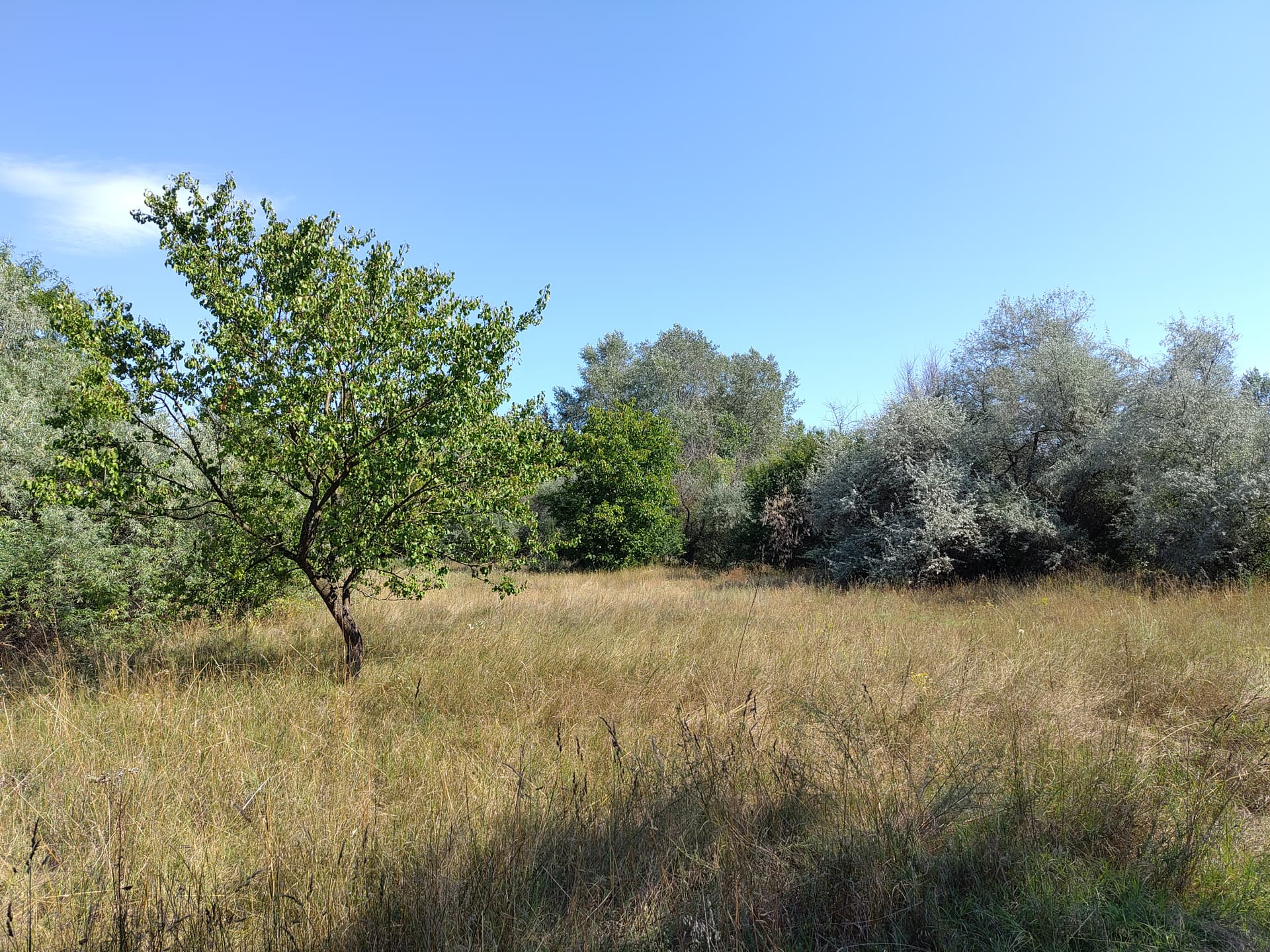
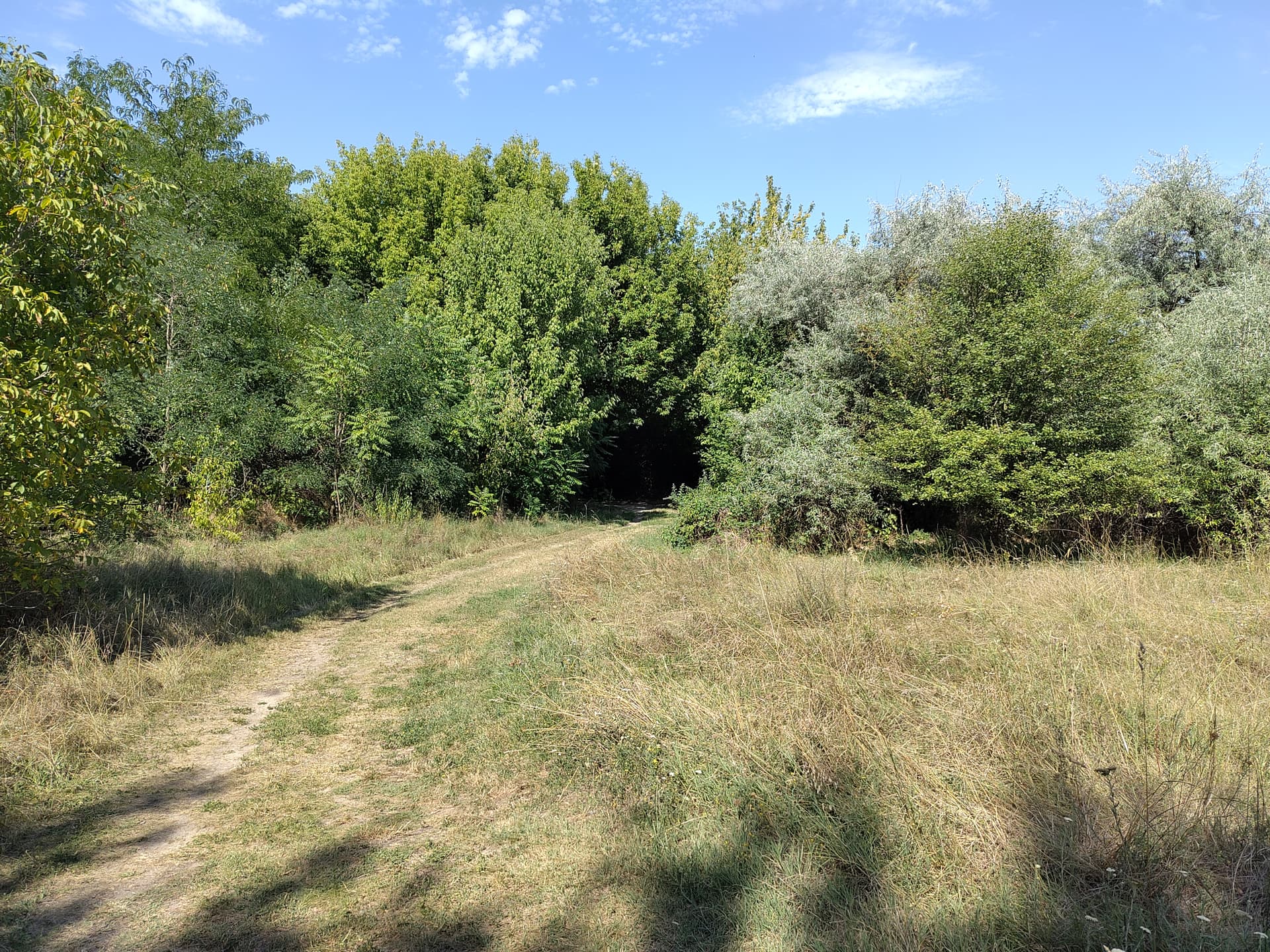
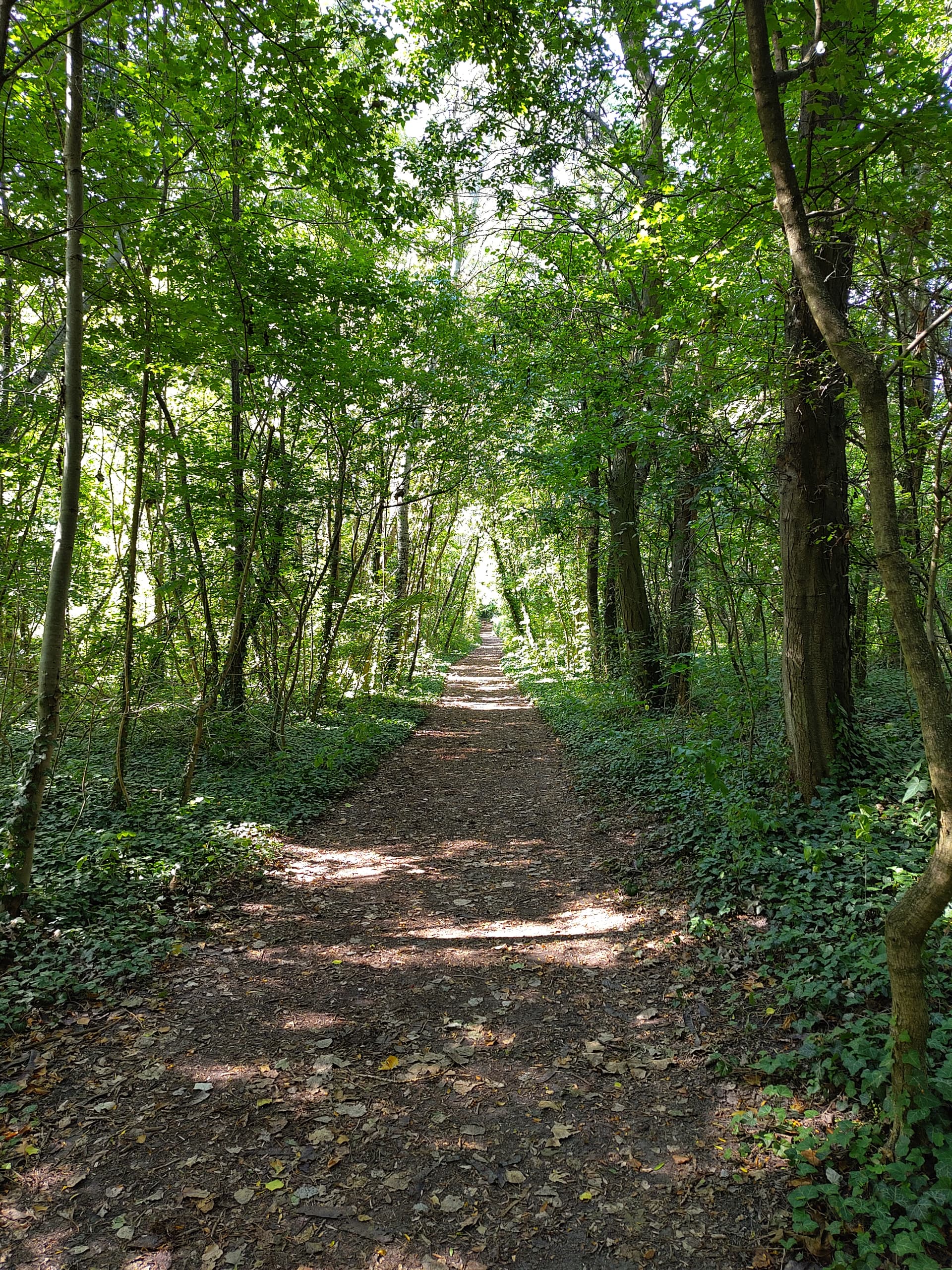
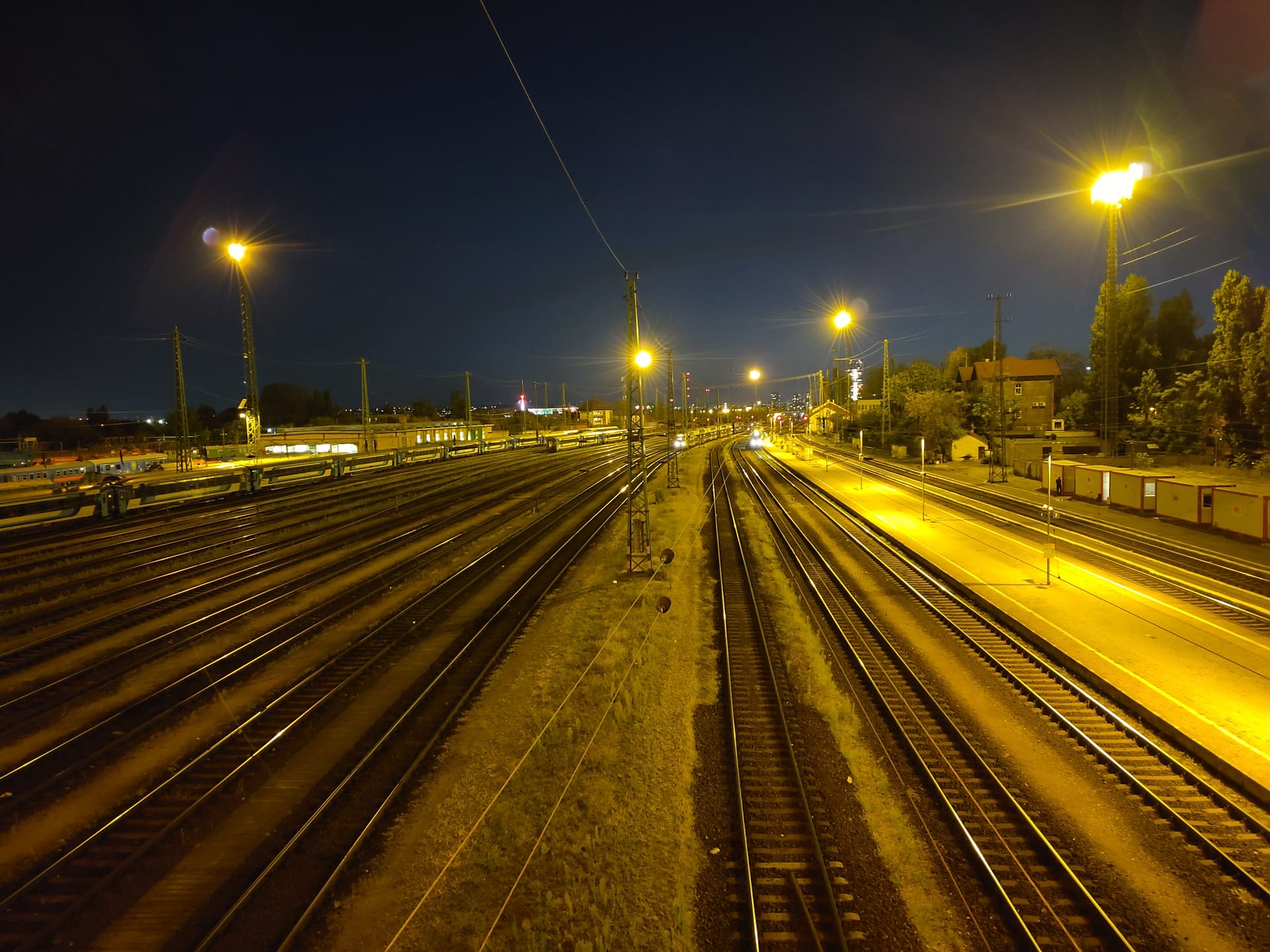
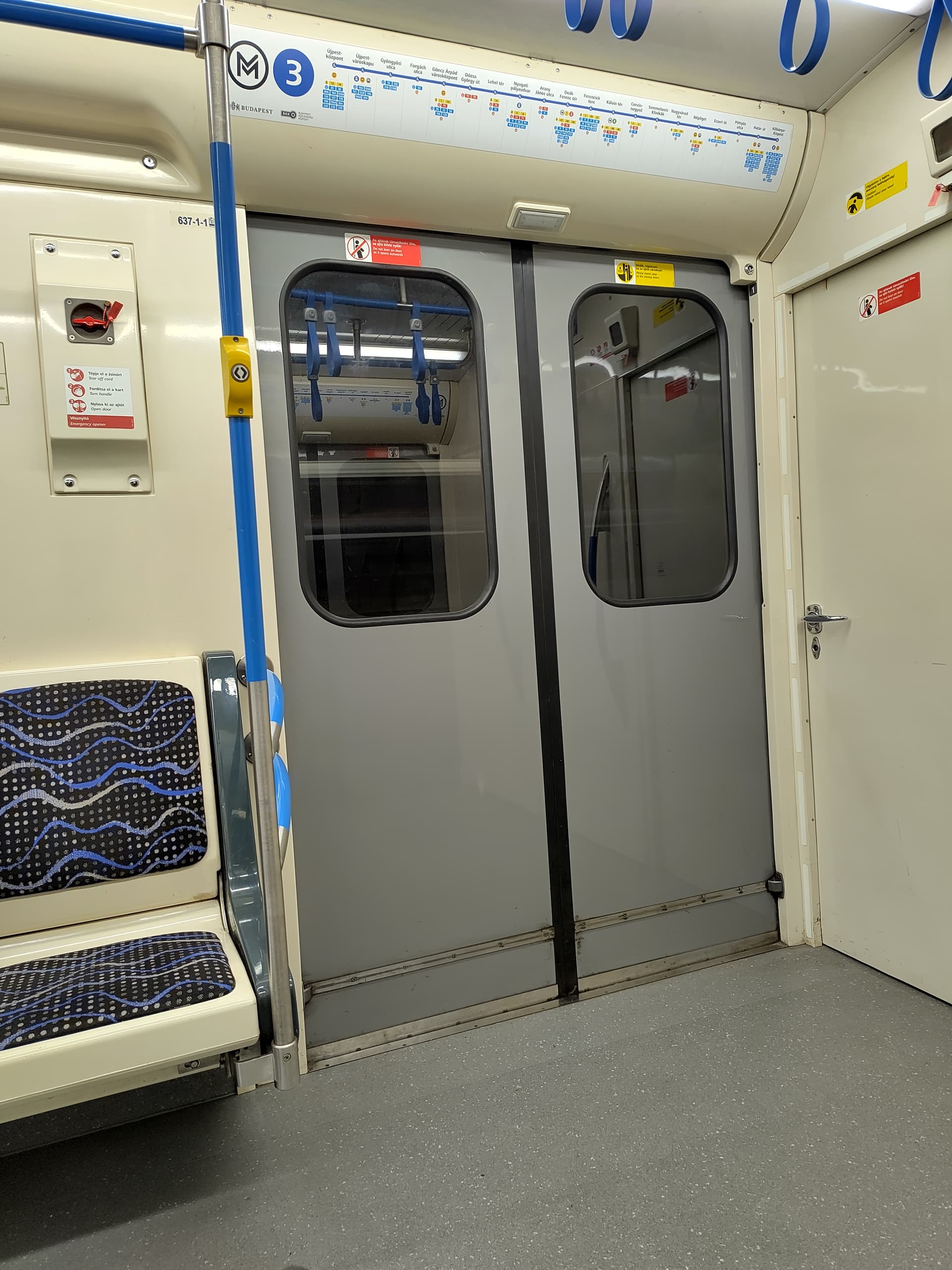
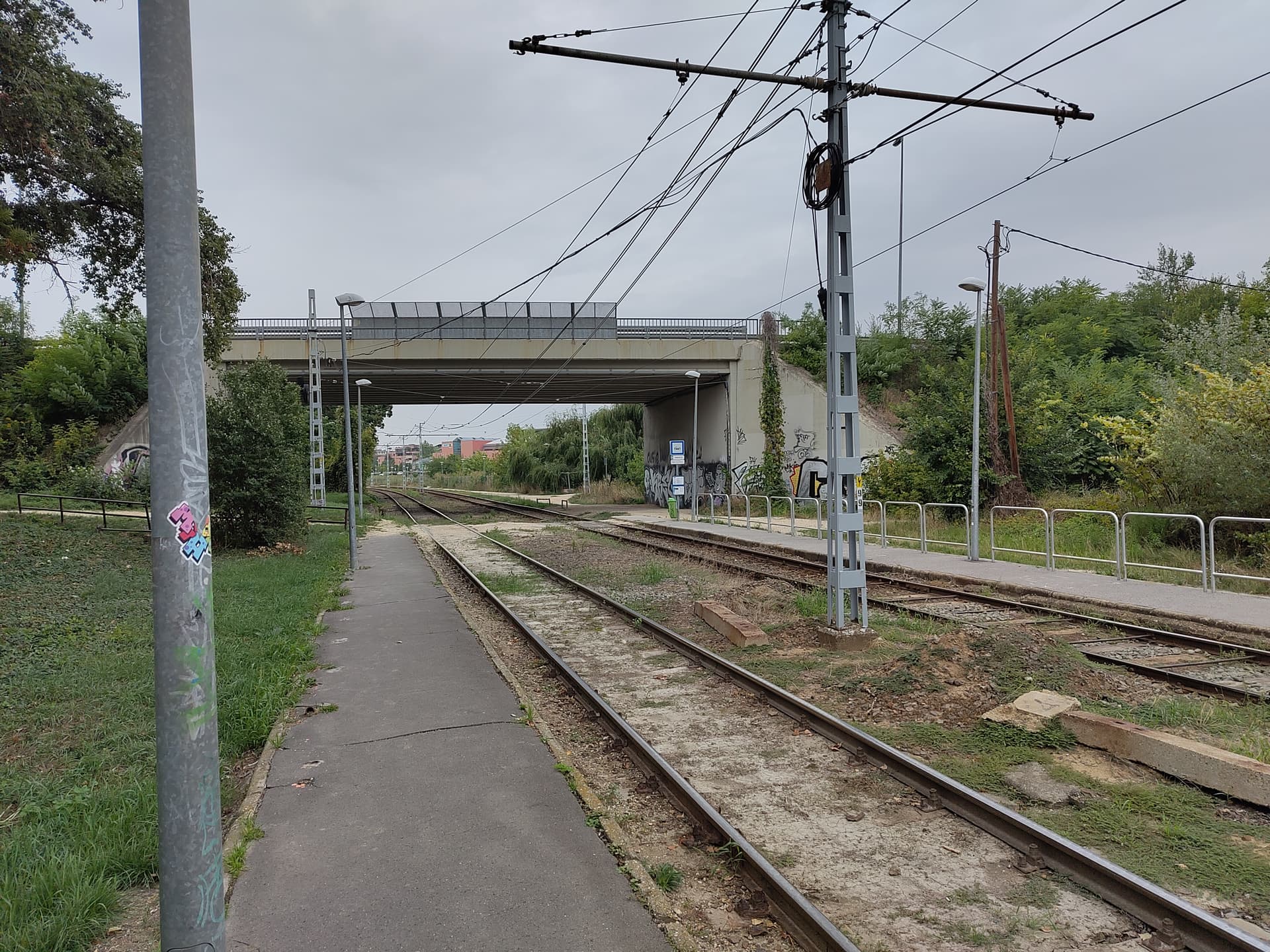
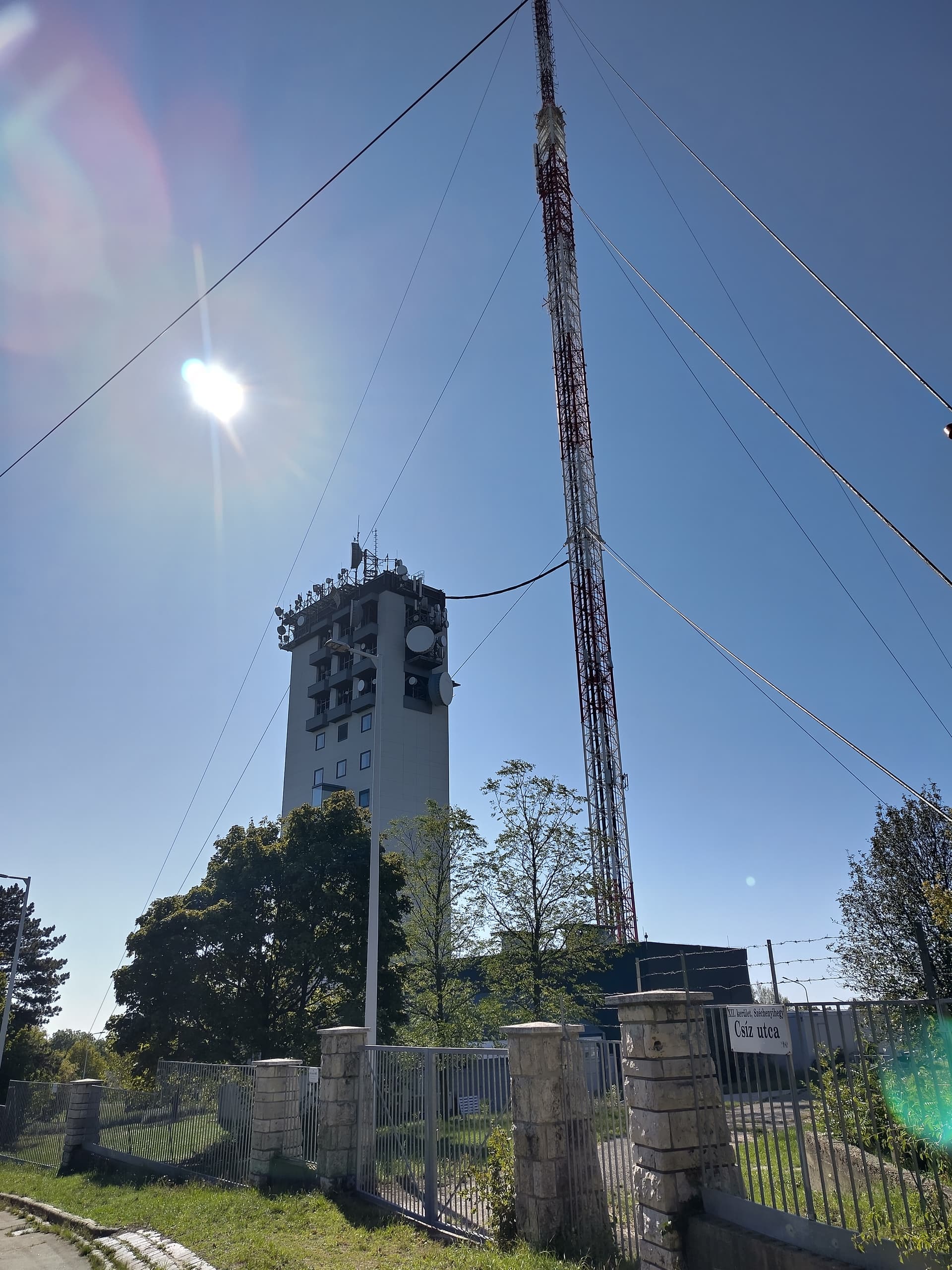
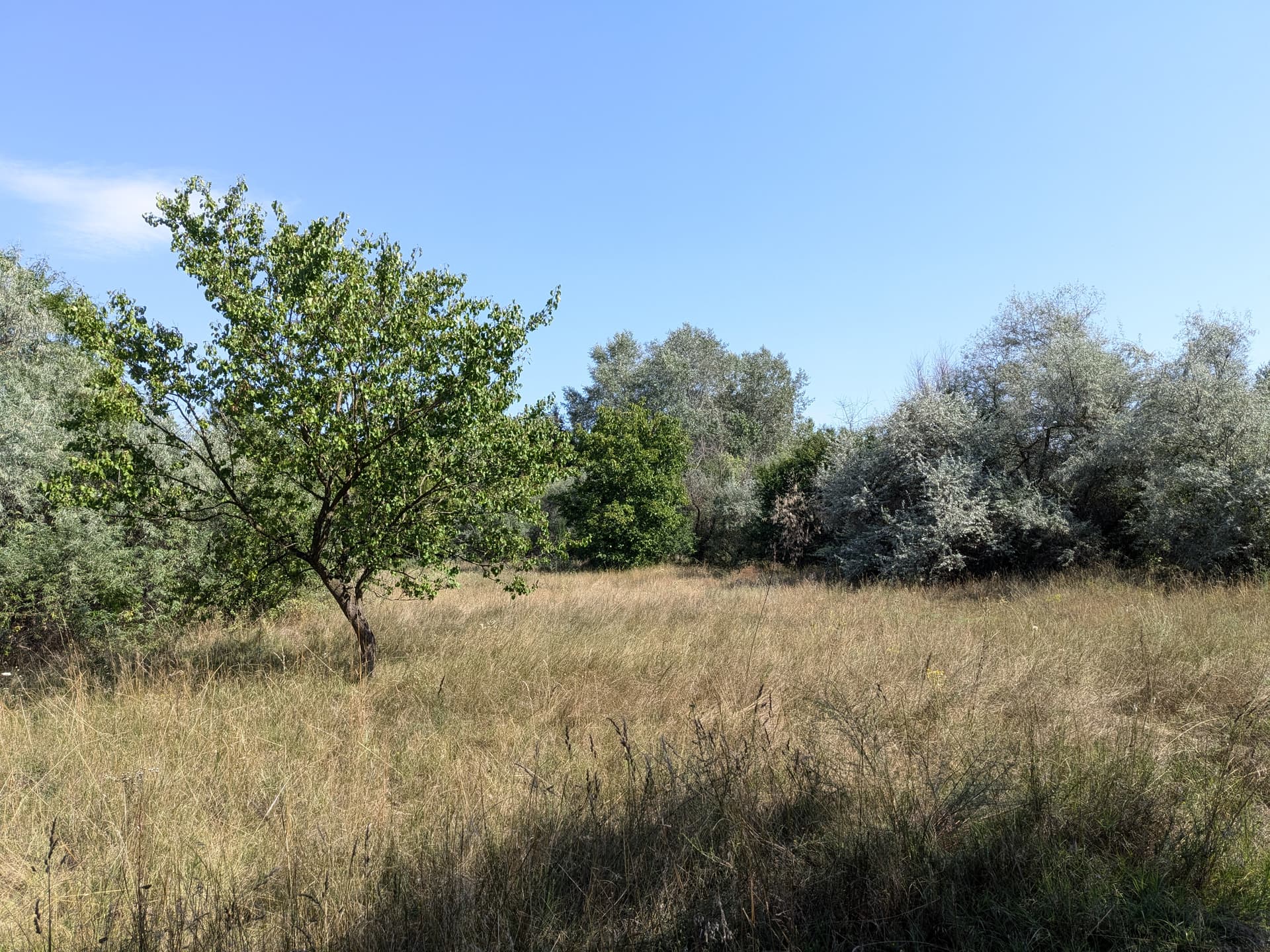
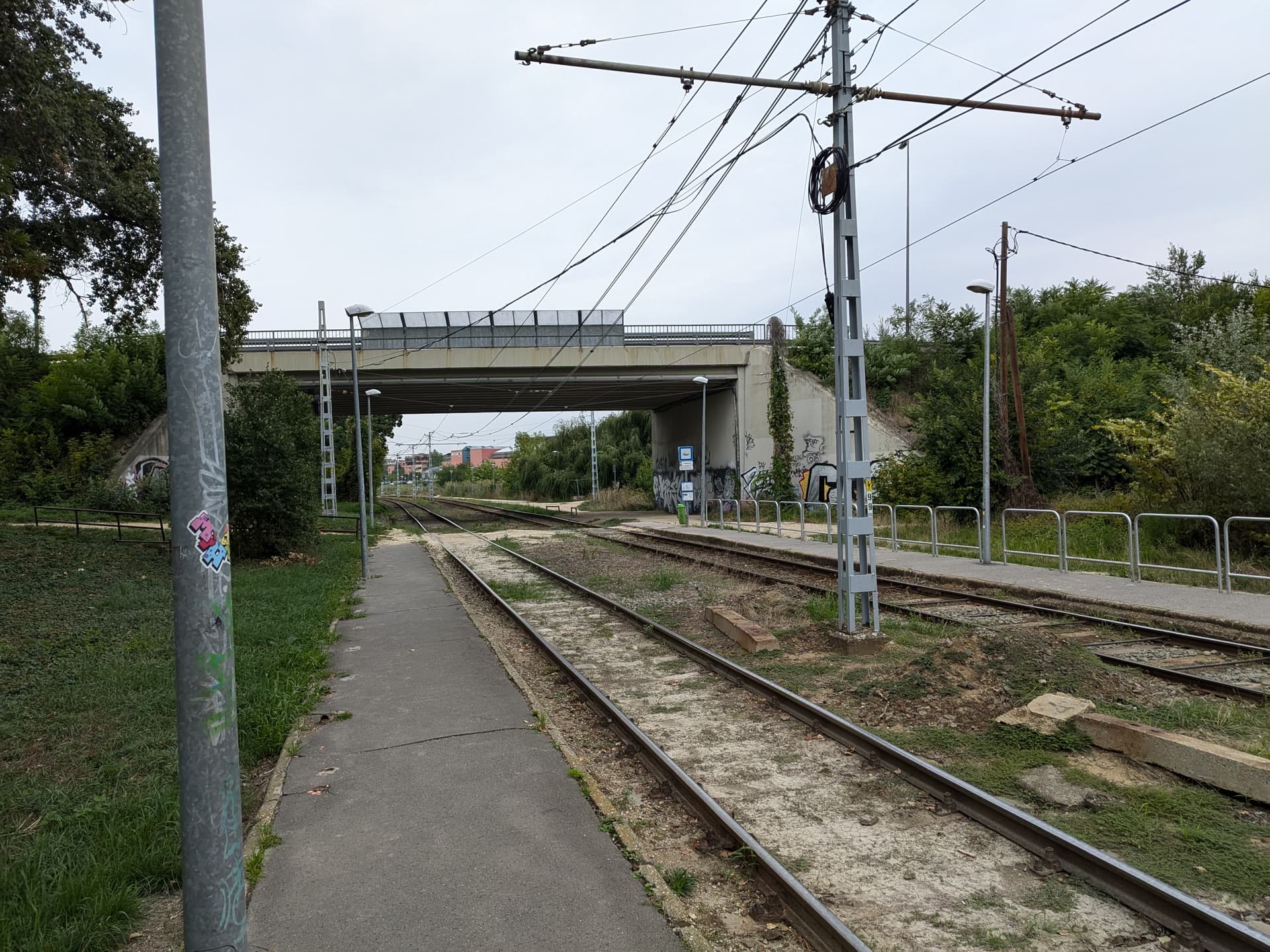
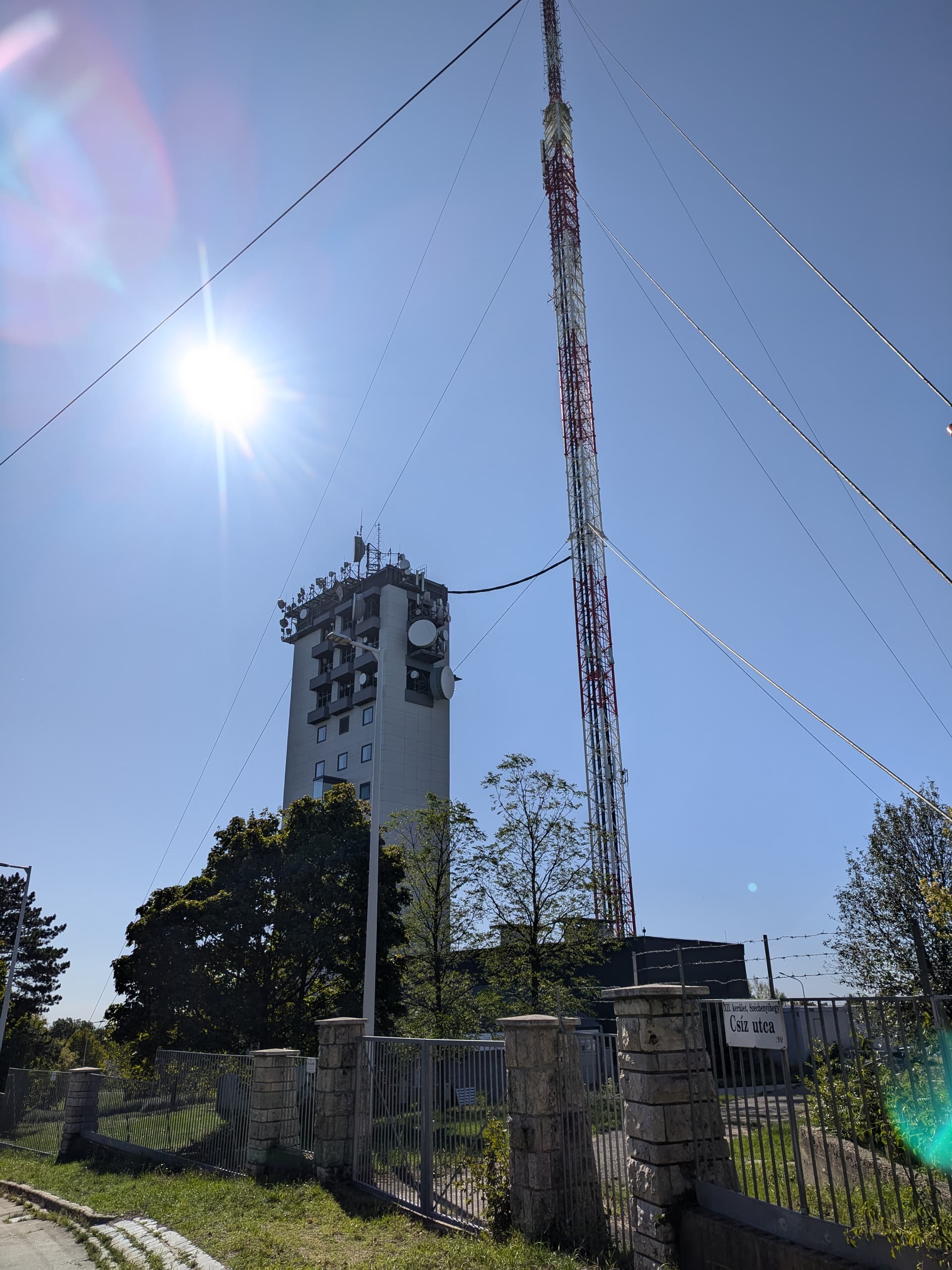
Looks a lot like Alkmaar… 
6 Likes
@Martin_Anderseck is correct, I was in Alkmaar yesterday 
4 Likes
That’s why it looked so familar.
2 Likes


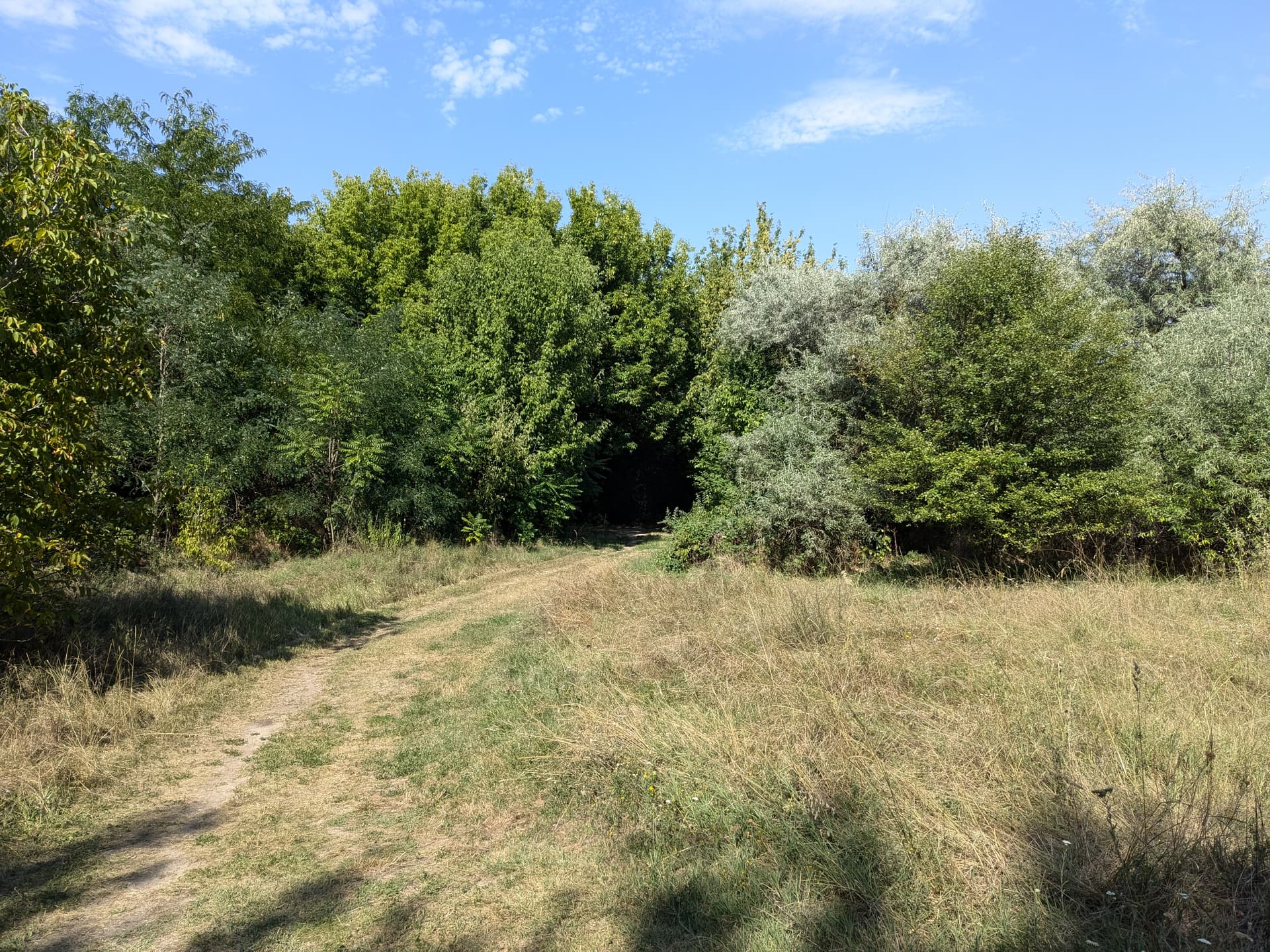
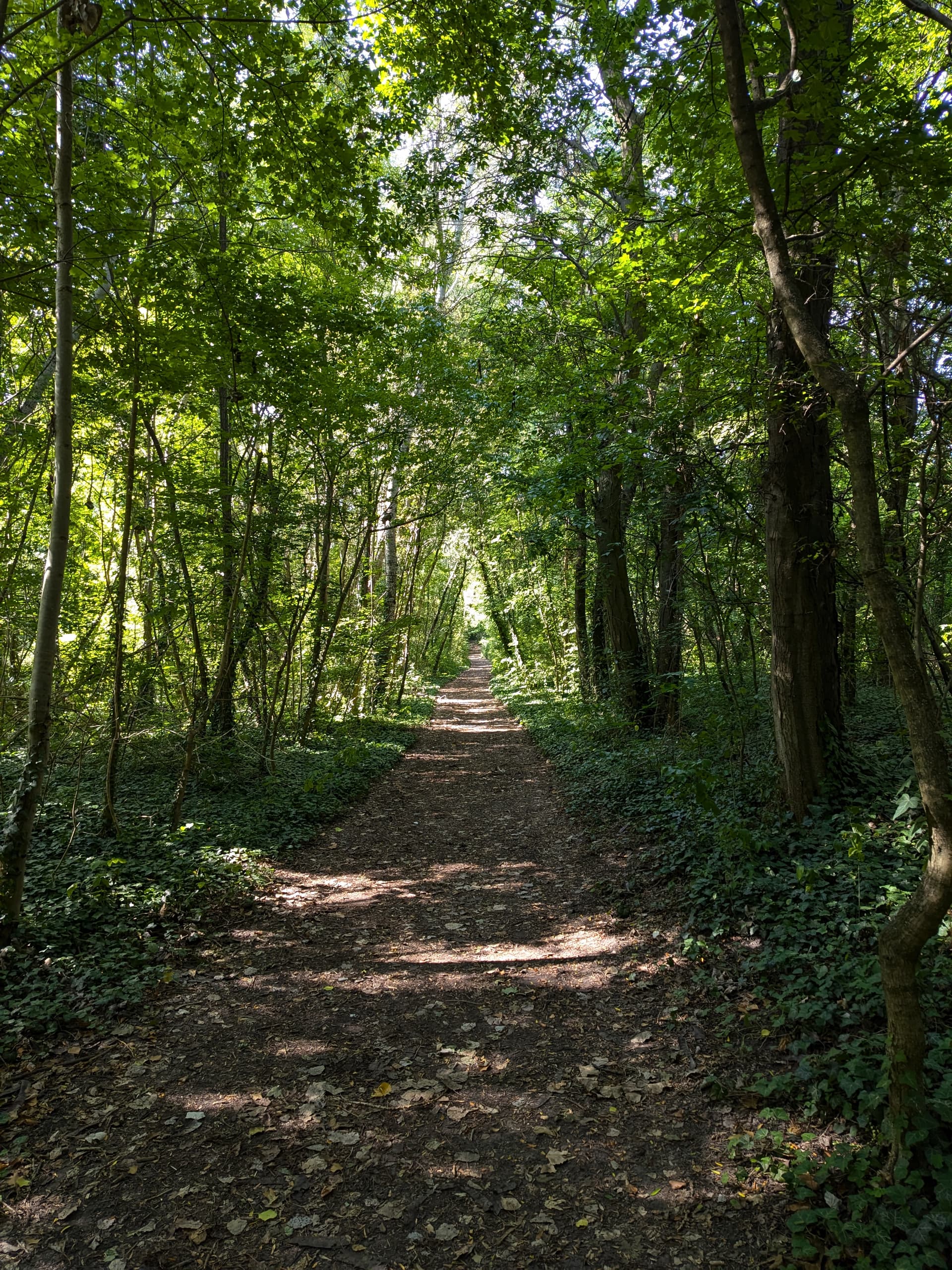
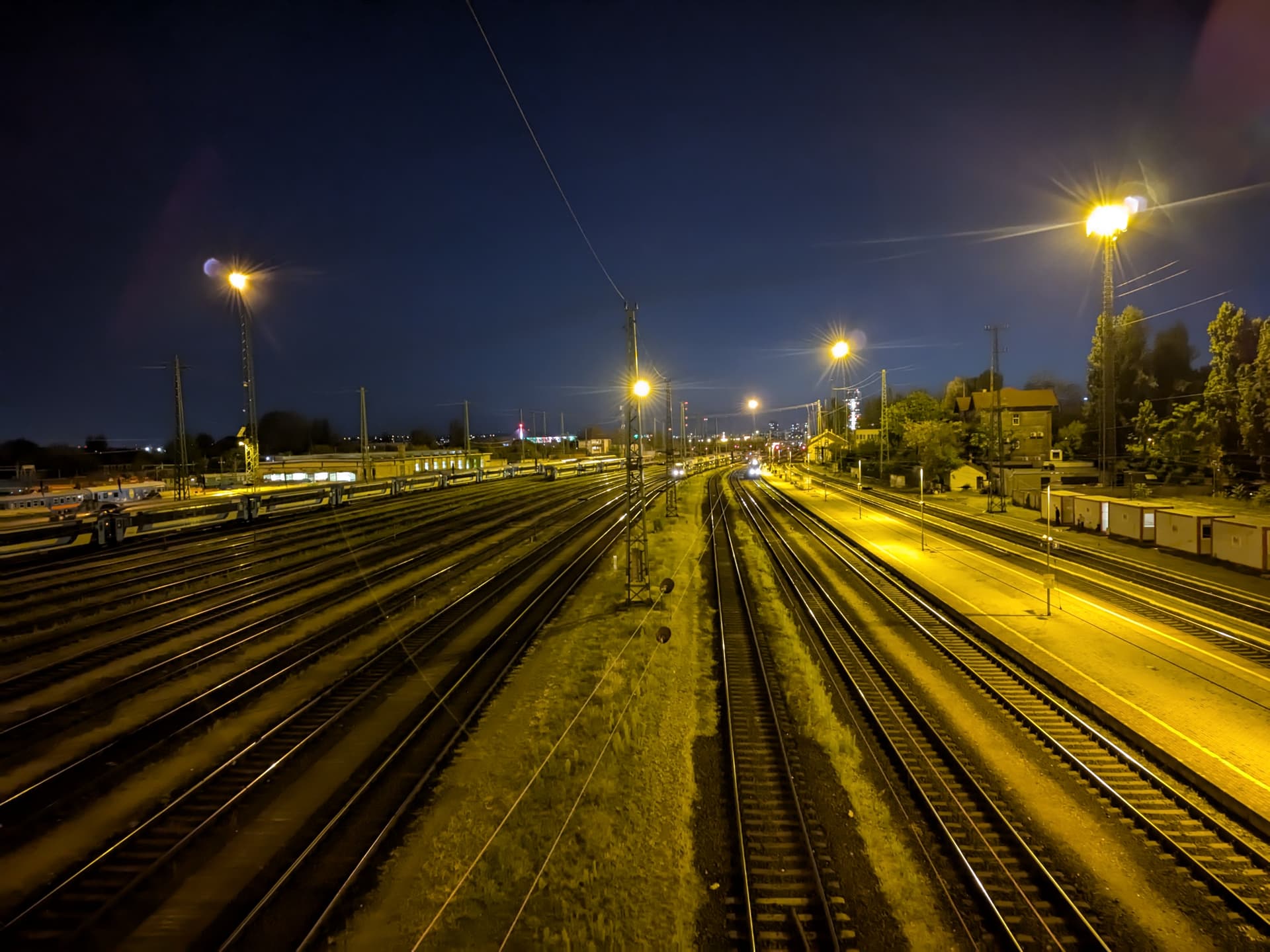
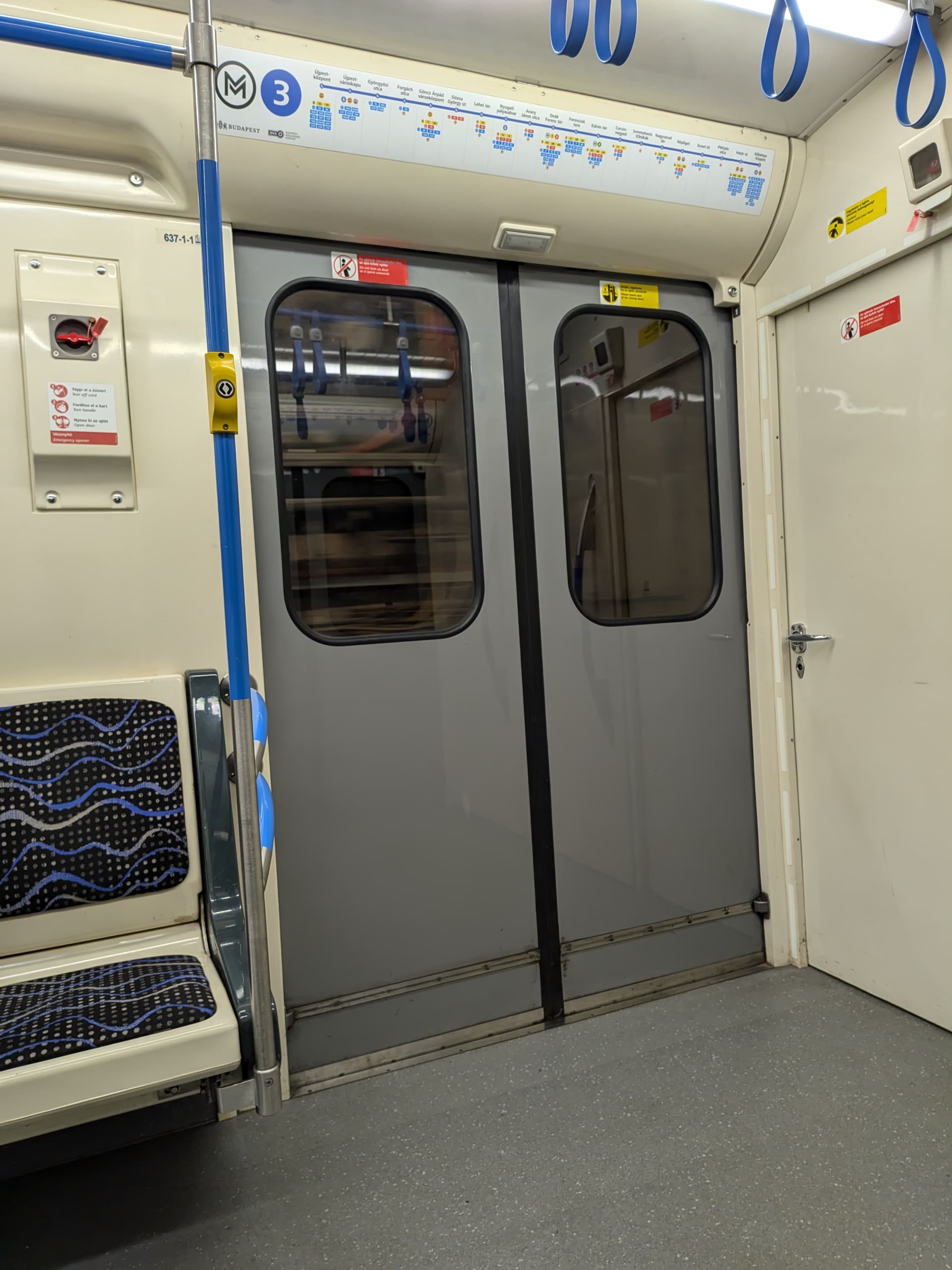
I moved your pics here, I think you find some examples above. I mainly use it for macro pictures, as the quality is otherwise often not so good. I think following pictures were taken with wide angle


4 Likes


6 Likes
that soup effect of the wide camera on the above images looks very similar to what generative AIs produce when asked to produce an image. its terrible
1 Like
That is called “noise” on images
yes but it is usually not like that. I have never seen noise like this
Not sure if this is a video or a photo but using the stop motion mode in video makes pings when the shutter fires. I used it to make this time lapse film of a novelty clock I made:

4 Likes
FP5 camera still really bad in low brightness/night, but now not because of underlit photoes but instead because the phone wants MAXIMAL BRIGHTNESS F YEAH all the time.
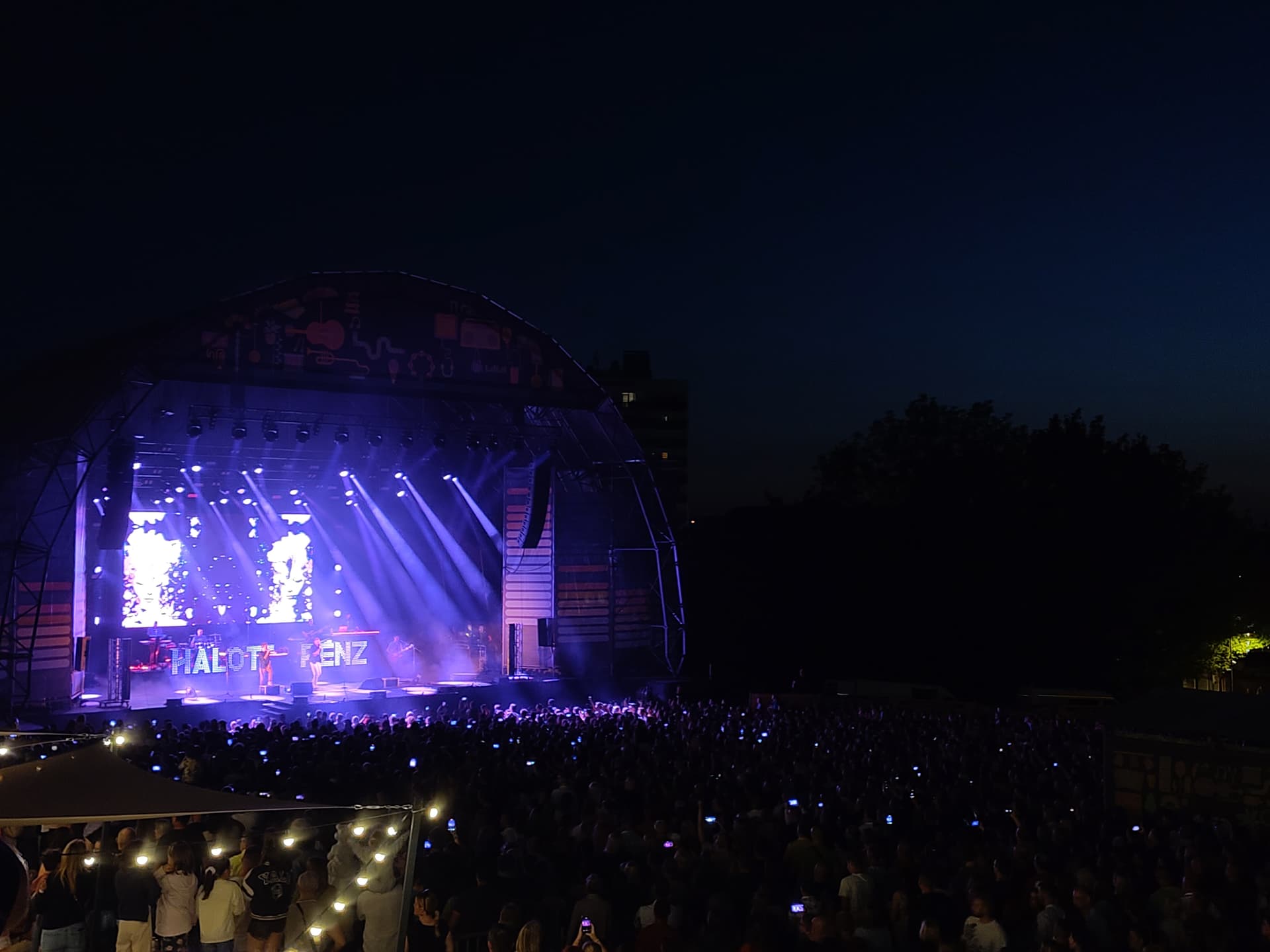
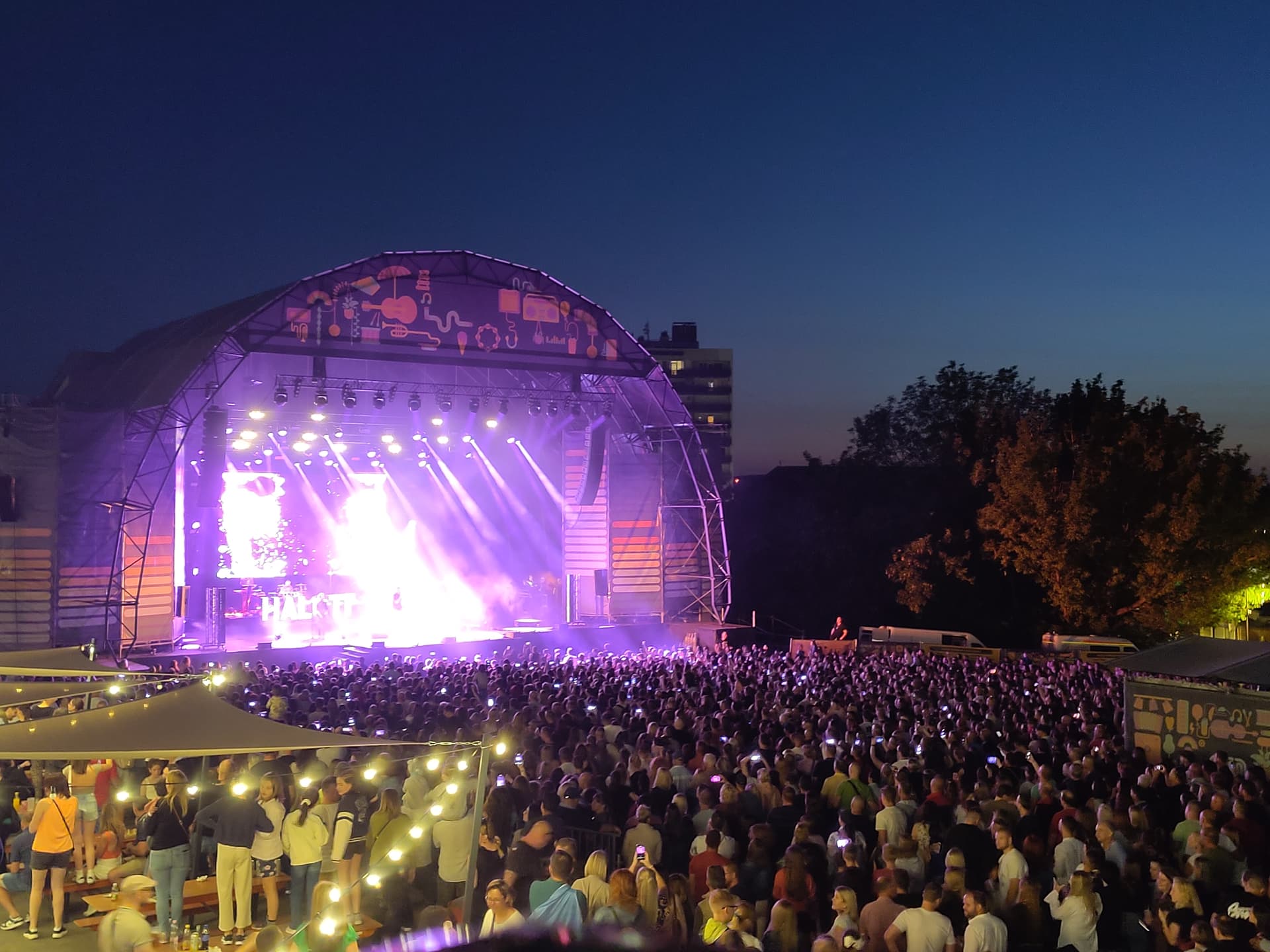
Same lighting on stage (~3s difference) but EV - 3 (looks a lot like IRL) and second one is auto tapped to stage.
Also 10/10 video brightness memory. In this recording I repeatedly tapped at the stage. Nice memory of like 3s from the phone
2 Likes
Also another example of the FP5 camera over exposure and bad coloring.
Default photo mode:

Manualy finetuned to look more like IRL (pro mode):

Auto:

Pro mode:

The walls were green ish not blue
2 Likes
Was HDR used in auto mode? If not you should be able to lock AE/AF and adjust brightness from there if still needed. Even with HDR you can influence brightness by selecting the refernece spot and lock AE/AF
No, it wasn’t used. I realised thanks to your comment that you can change brightness in normal photo mode by: long press - > pull small sun icon up/down
edit: well… That feature is broken. Why did i thought that something works fine in FP software department 
1 Like
When HDR is not in use (what you cant influence)
For reference here a discussion
Do you really use pro mode for that? When I have to adjust the brightness/focus it is most of the time enough to tap on a darker or brighter spot, then it recalibrates to that.
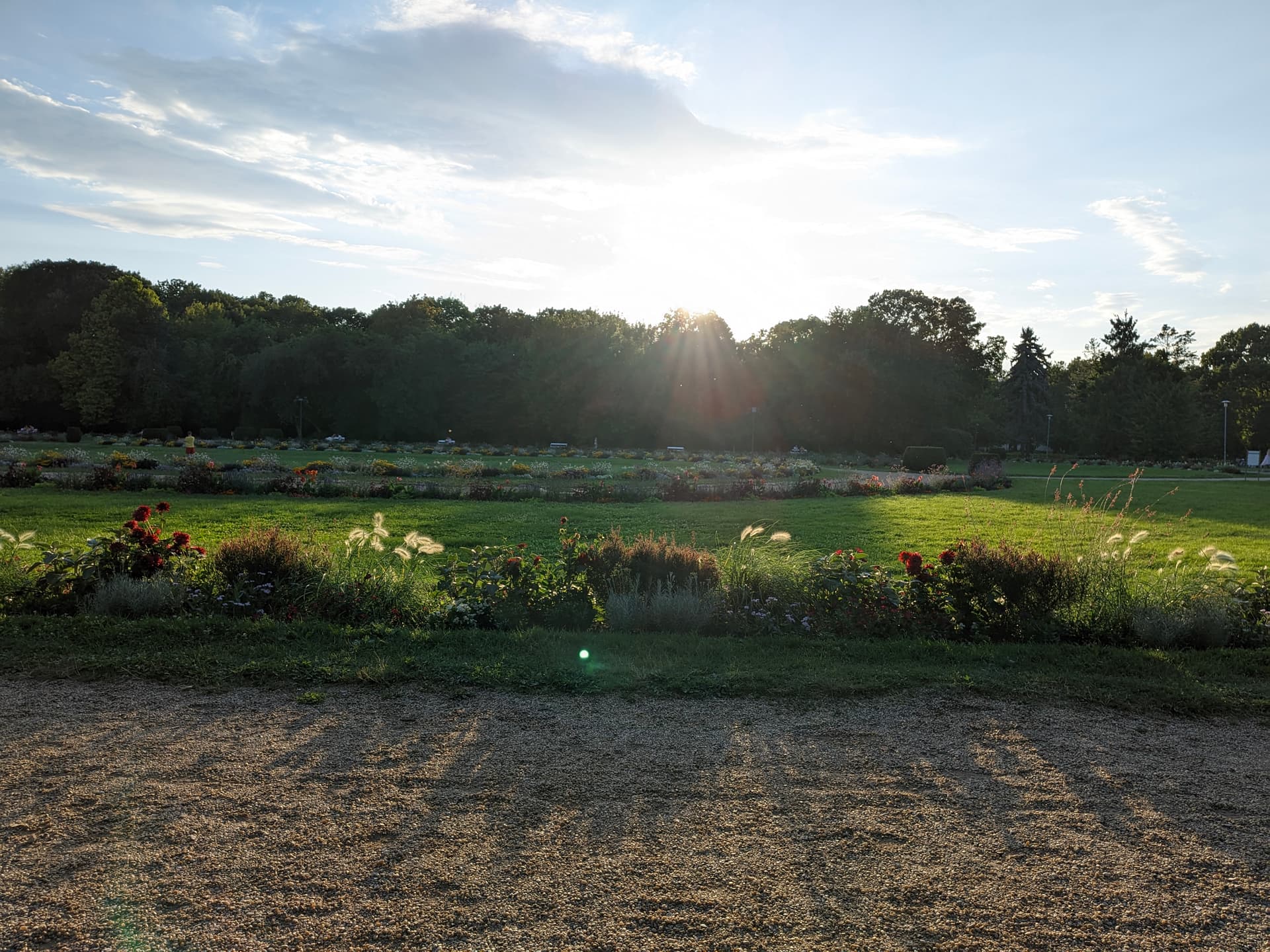

I decided to update my GCam today. Just as a sanity check I compared it to the stock camera app. And holy molly since when is stock camera so good? I’ll confess, I’ve promptly ignored any of Fairphone’s camera improvement updates. Pixels are kings, and it’s all about the software. And I kinda wrote off Fairphone shortly after I purchased the phone. Let’s be honest, it was pretty subpar at launch.
But it’s gnawing at the heels of gcam now.
Colors are neck and neck. Sharpness, while I’d call gcam better, is really close. Gcam has that usual processed smartphone camera look, while the stock camera app applies some gentle sharpening which gives the illusion of more detail. Kind of up to taste, really.
As of dynamic range, the stock app just generally tries to make everything the same brightness, so that no detail is lost. But in the process, dark areas are kinda grainy and washed. Gcam isn’t afraid to leave dark parts of the image dark.
And while I prefer GCam’s approach, MKBHD’s blind smartphone camera tests proved time and time again, that the average user prefers to just see everything nice and clearly. No need for fancy high dynamic range trickery.
Good job Fairphone 
Edit: all this " testing" was carried out indoors. Now I’m tempted to go out and stress test them a little in various environments.
8 Likes