Hi,
I am releasing a new GrapheneOS-based operating system, DiamaneOS. It is a privacy and security focused OS for the Fairphone 6. It is not endorsed by GrapheneOS and not as secure as GrapheneOS would be on GrapheneOS-supported devices.
It has most of the features from GrapheneOS except for the known limitations mentioned below. It also adds some of its own features:
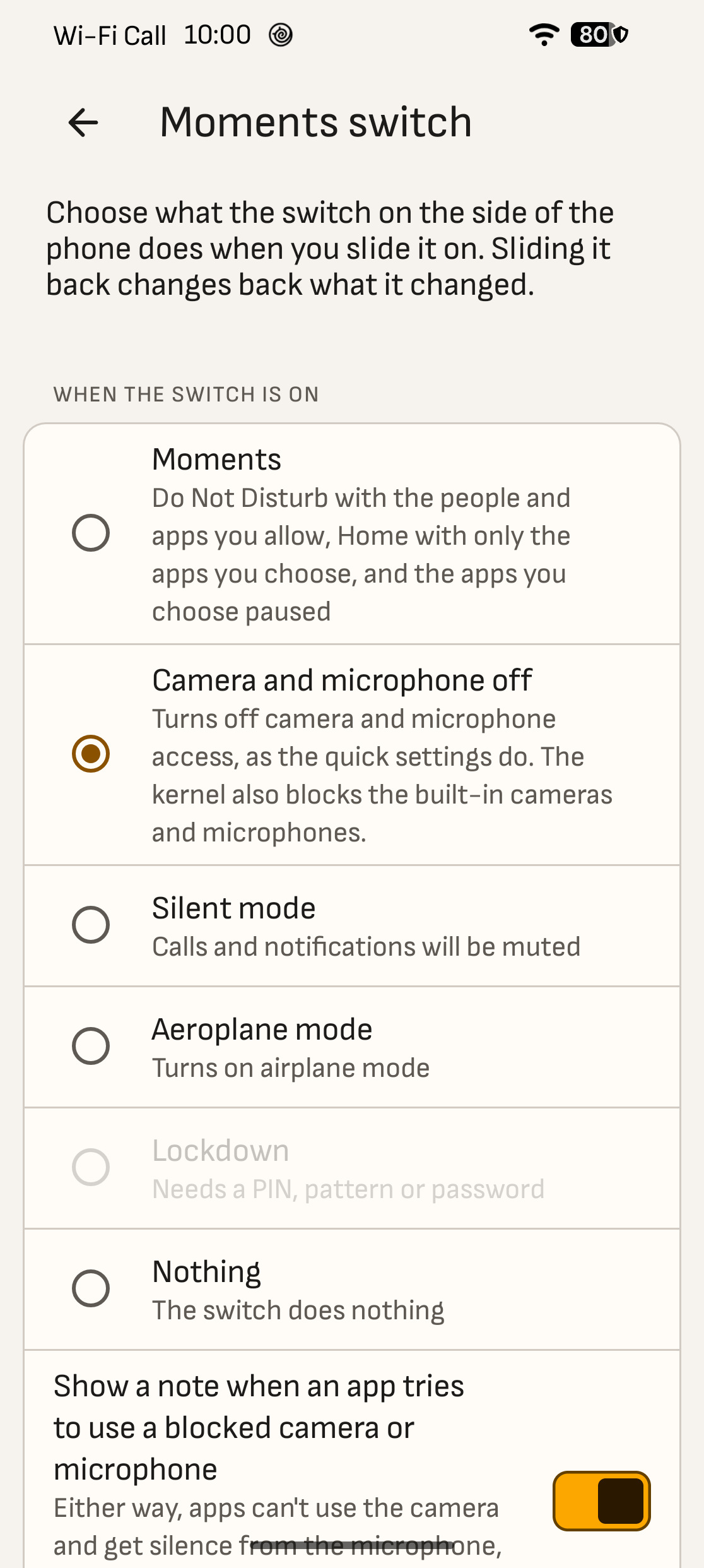
- Moments switch: The Fairphone 6’s side switch runs one action you pick. One of them turns the camera and microphone off, enforced by the kernel and not only by Android.
- Passphrase first: Since Fairphone does not have a separate secure element unlike Pixels, setup recommends a generated passphrase or long generated PIN and each guess at the lock screen costs 256 MiB of memory and about a second. For the first two weeks the phone asks for the new passphrase once a day to help with learning the passphrase.
- Open code instead of closed services for VoLTE and Wi-Fi calling data, call audio, power management, the modem helpers and GPS.
- Hardening: a locked bootloader with DiamaneOS’s own verified boot key, hidden hardware identifiers, SELinux locked enforcing, and sandboxed camera and Bluetooth services.
- There are some other features like our own open-source eSIM manager, encrypted microSD storage, and camera app with JPEG and RAW photos and Night and Portrait processed on the phone. Full feature list can be found here: Features · DiamaneOS
Attestation
While the aim is to provide better security for the Fairphone 6, it comes with limitations. One of those limitations is Attestation. Attestation lets a second phone, or our server, check that your phone runs an unmodified DiamaneOS with a locked bootloader. The proof comes from the phone’s secure hardware, not from Android itself.
On Pixels, GrapheneOS’s Auditor checks that this proof leads back to Google’s root. So even the first check is vouched for by the hardware maker. On the Fairphone 6, the secure hardware only gets those Google-signed keys when the phone boots with a key built into its bootloader(Fairphone’s and official /e/OS’s keys).
So DiamaneOS’s Auditor handles the first pairing differently. It checks the phone’s report against the values published for each release (the signing key, the locked state, the boot image hash and the patch levels), and you need to confirm that you trust how the phone was set up for the first pairing. Every check after that is genuine hardware attestation pinned to that pairing, as on GrapheneOS. After a factory reset, the phone has to be paired again.
Without Remote Key Provisioning Certificate Signing Request working for non-Fairphone approved keys, some other functions also do not work: Play Integrity, Widevine L1(relevant for DRM-protected videos), RCS works and is tested.
Fairphone could fix this for DiamaneOS by adding its key to the bootloader, as it does for /e/OS but the better fix would be to let the secure hardware accept Google’s key provisioning with any verified boot key the user sets, as Pixels do.
How attestation works: Attestation explained · DiamaneOS
All known limitations: Known limitations · DiamaneOS
Installation:
Installation guide can be found here: Install · DiamaneOS (web-installation is recommended).
Releases are available here: Releases · DiamaneOS
FYI AI tools were used to find security and privacy issues and bugs, and to speed up development and documentation.
Important security and privacy findings and some bugs were already reported to Qualcomm, Google, Fairphone and GrapheneOS. They are already fixed in DiamaneOS and remaining lower-priority issues will get reported once they are properly reproduced.
Feedback
Bugs and feature requests: Issues · DiamaneOS/issue-tracker · GitHub
Matrix: https://matrix.to/#/#diamaneos-space:matrix.org
Security issues: Security · DiamaneOS
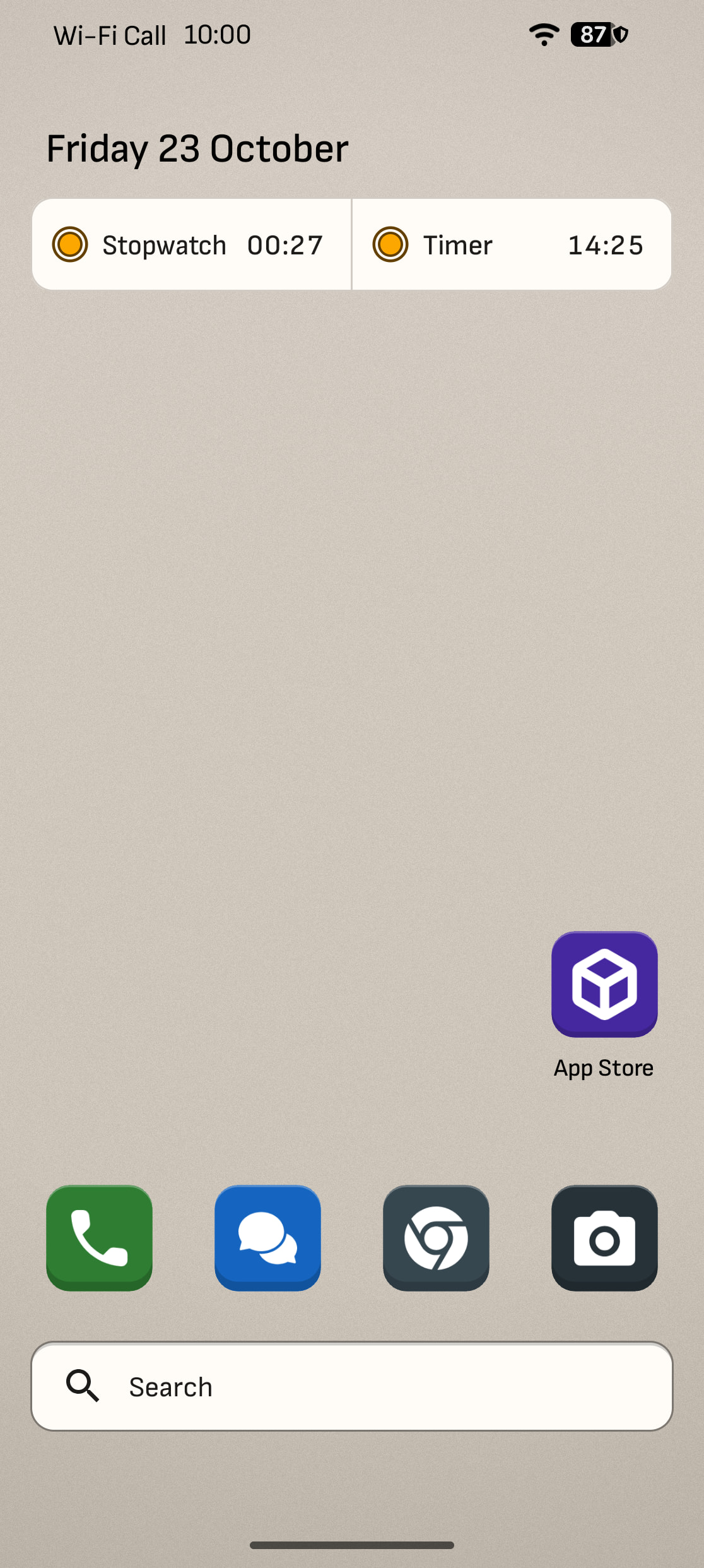
Screenshots

Source code: DiamaneOS · GitHub