Android 16 with gapps for Fairphone FP3(+) (Treble GSI)

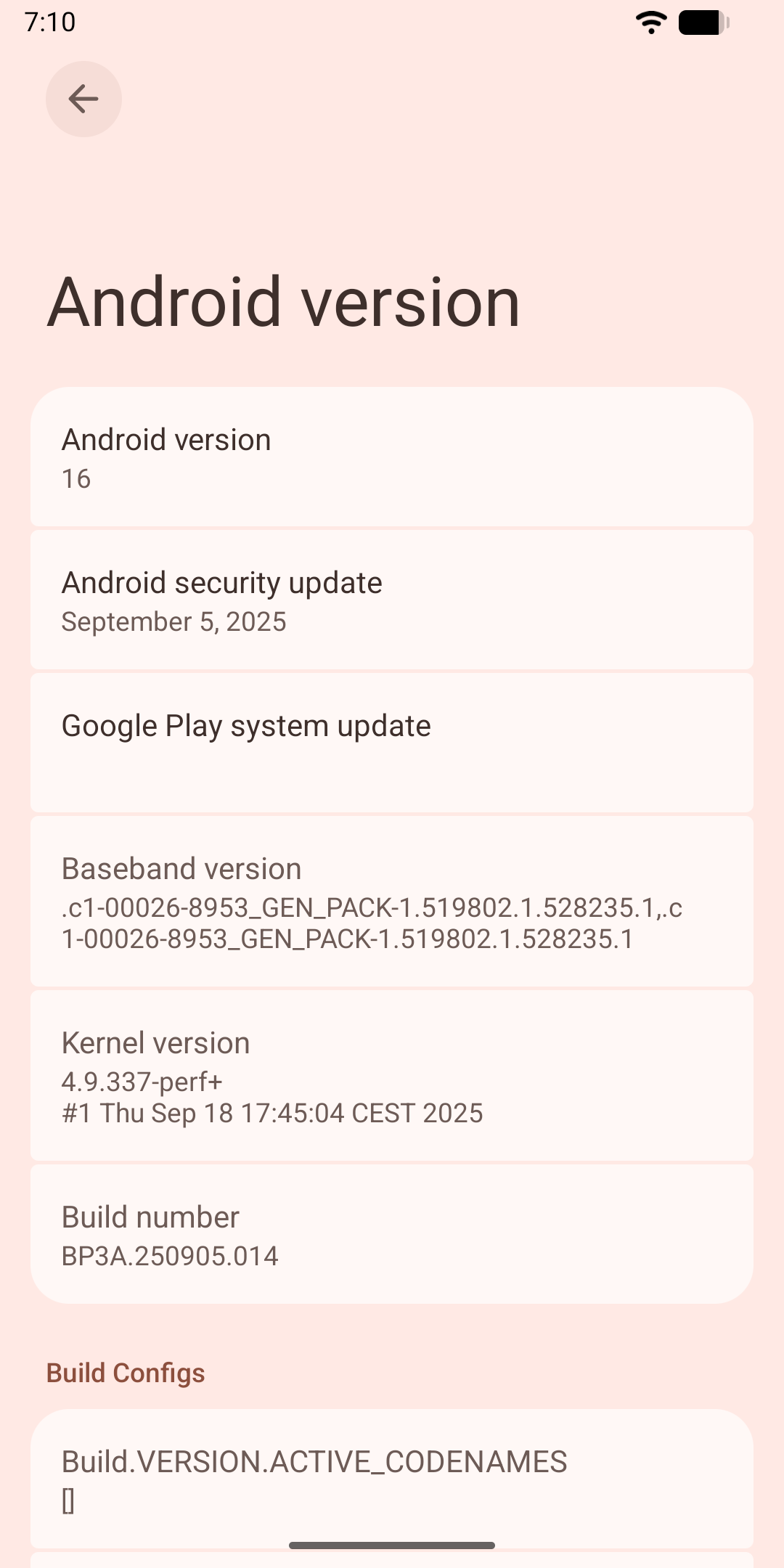
Current version Android 16 release 3 QPR1 security patch September 2025

Status

It works on my FP3+ ™. Use at your own risk.
You can report issues here Issues · danielzhang130/aosp_changes · GitHub , but I’m not going to guarantee a reply.

Download link

https://github.com/danielzhang130/aosp_changes/releases/download/android-16.0.0_r3/FP3TrebleA16R3.zip

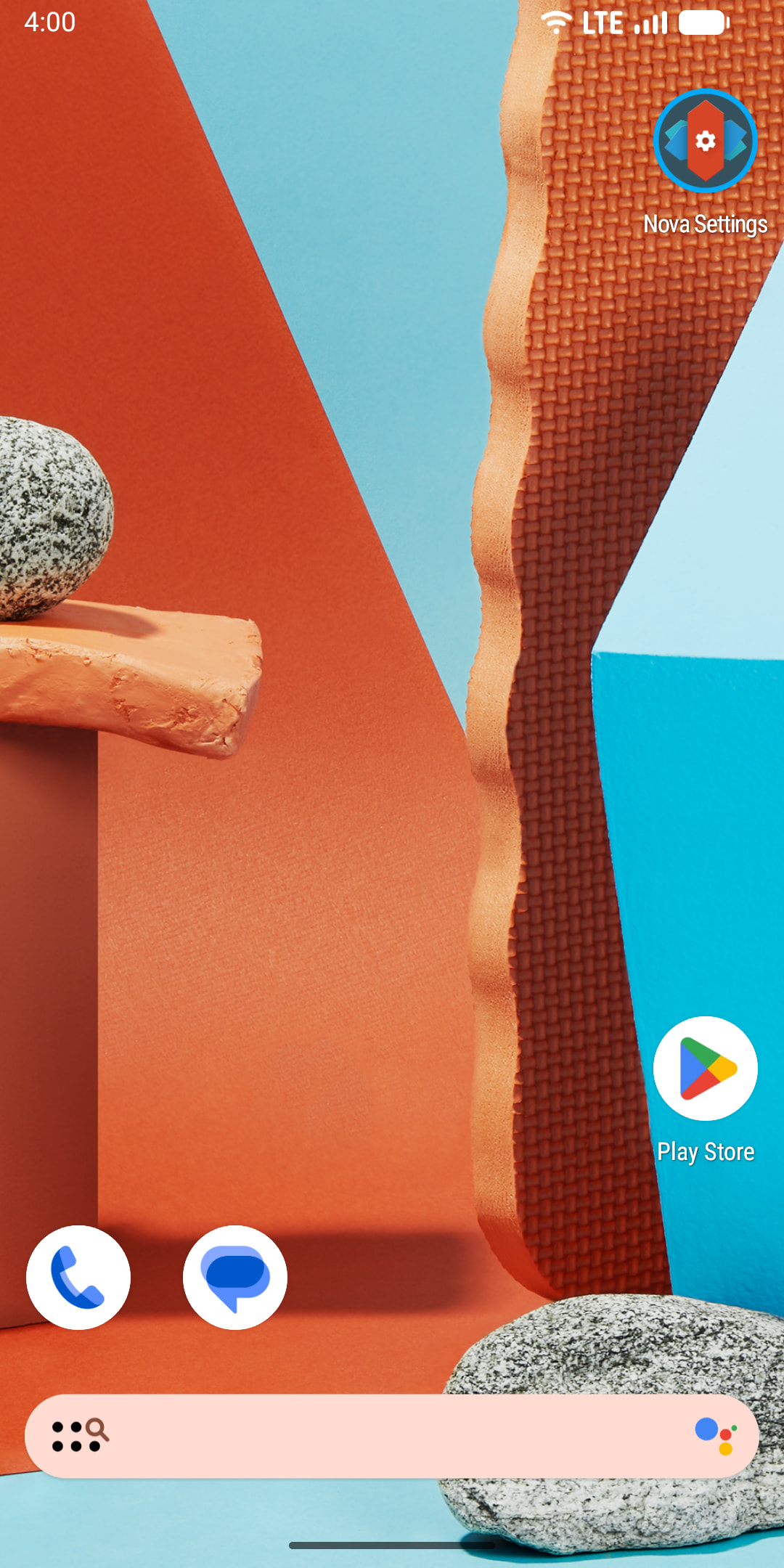
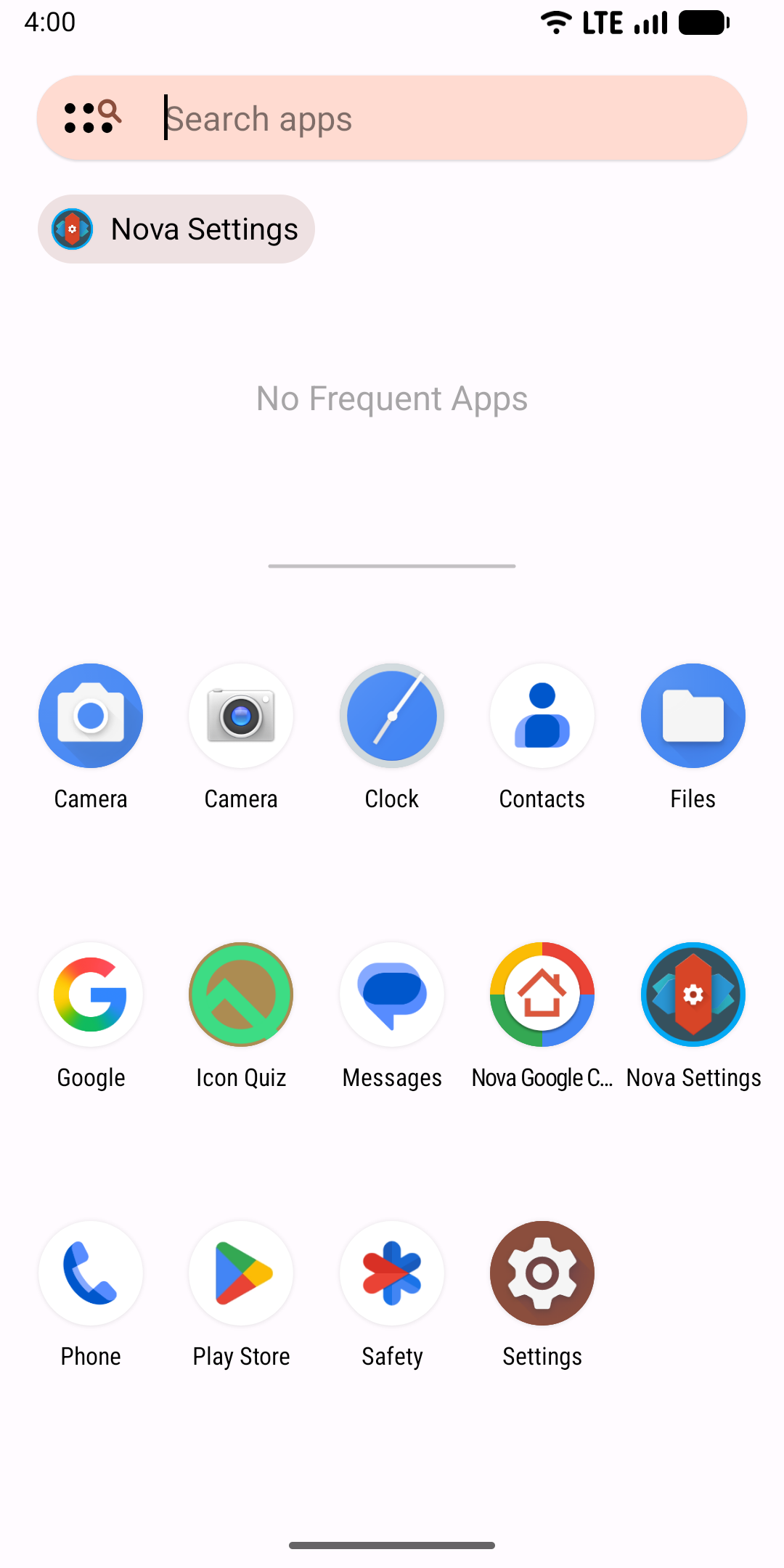
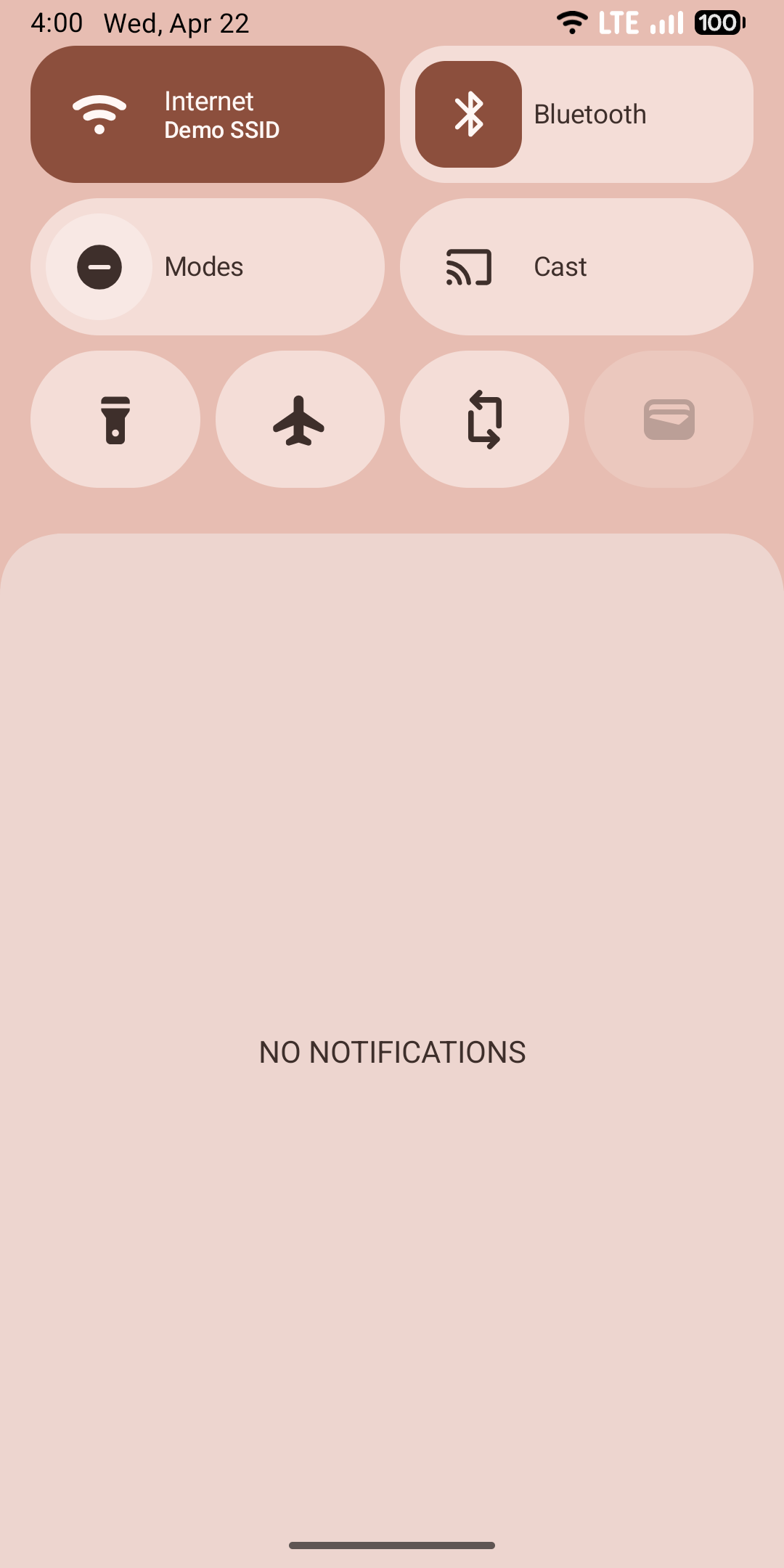
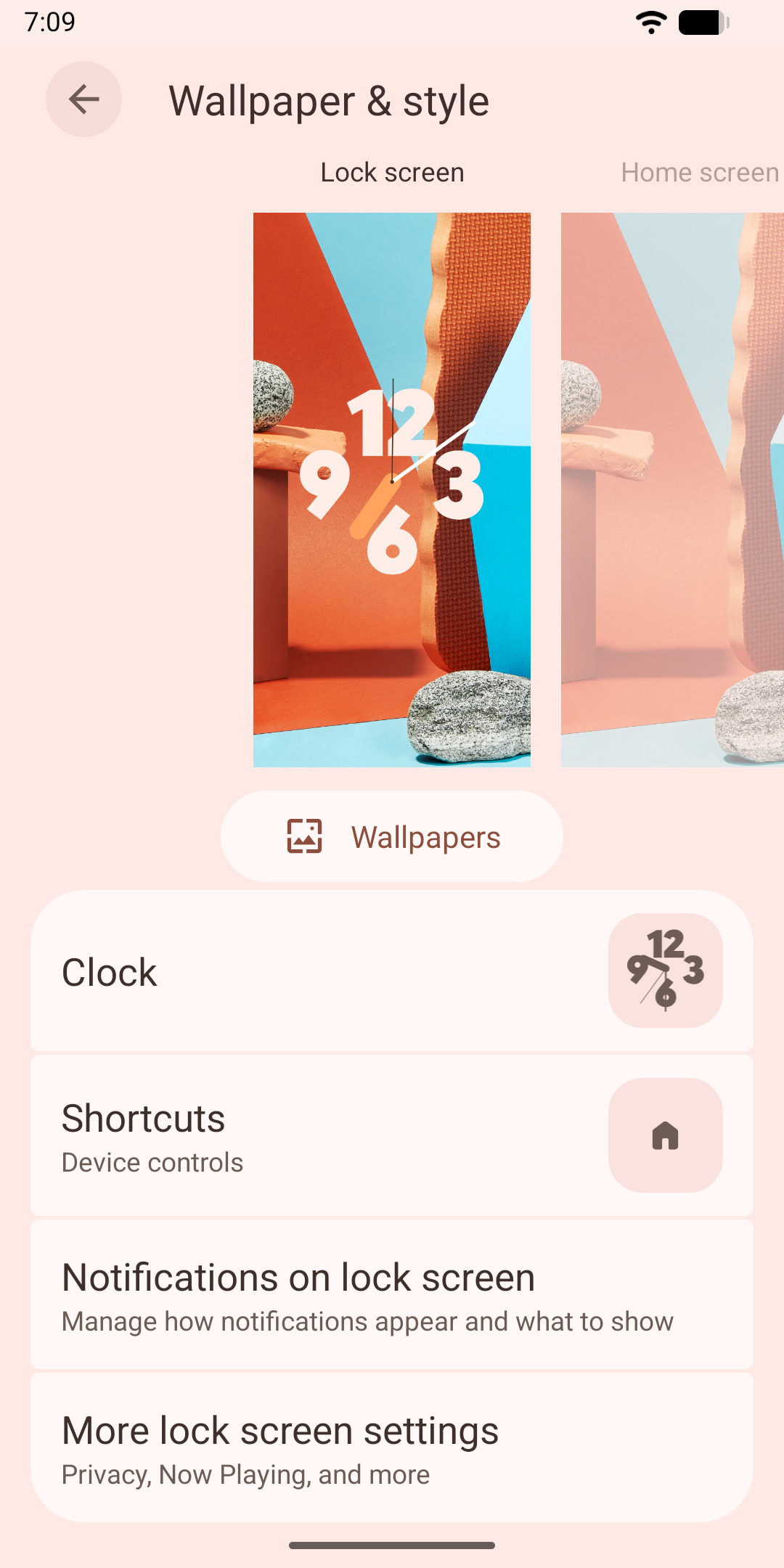
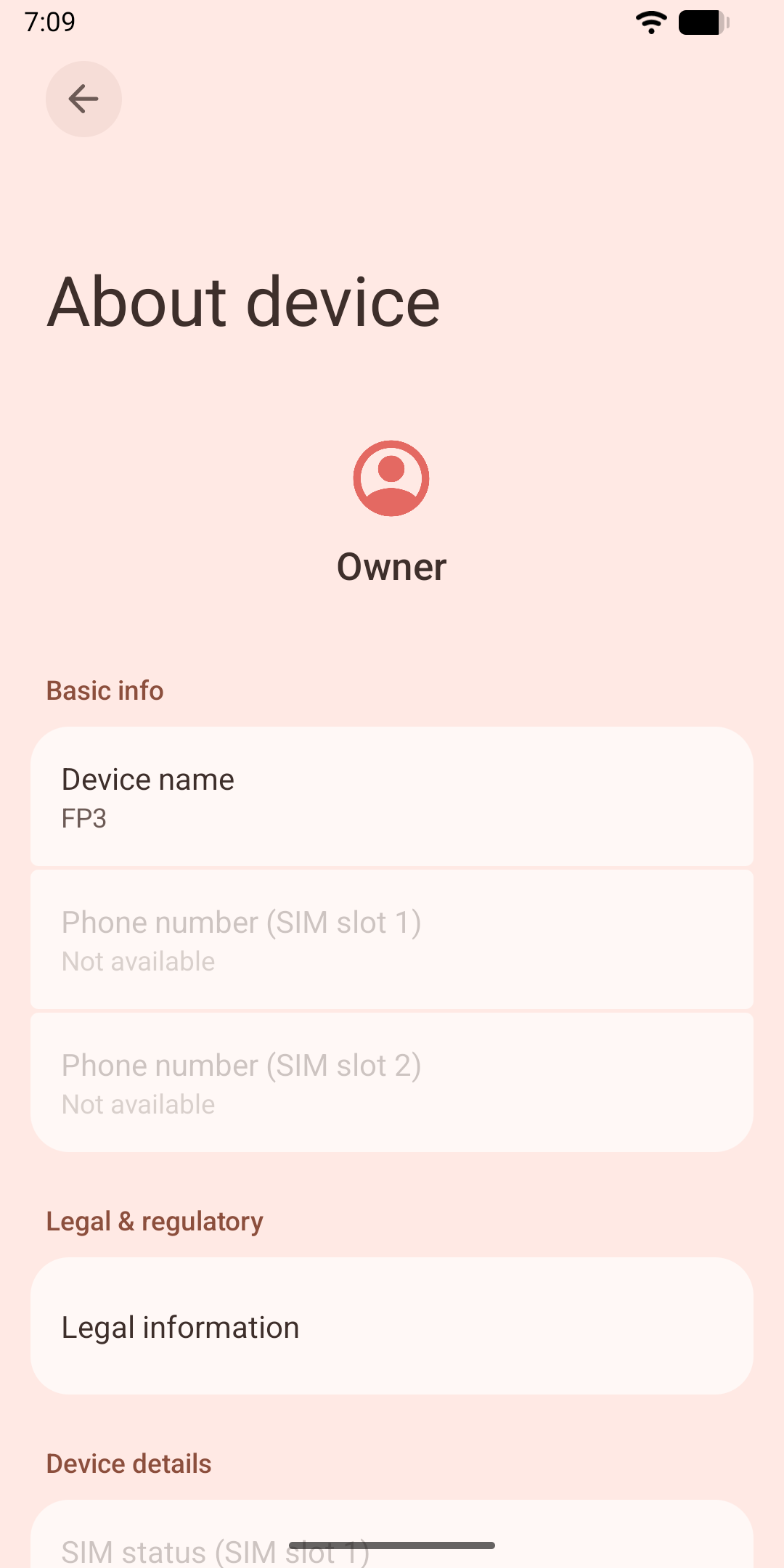
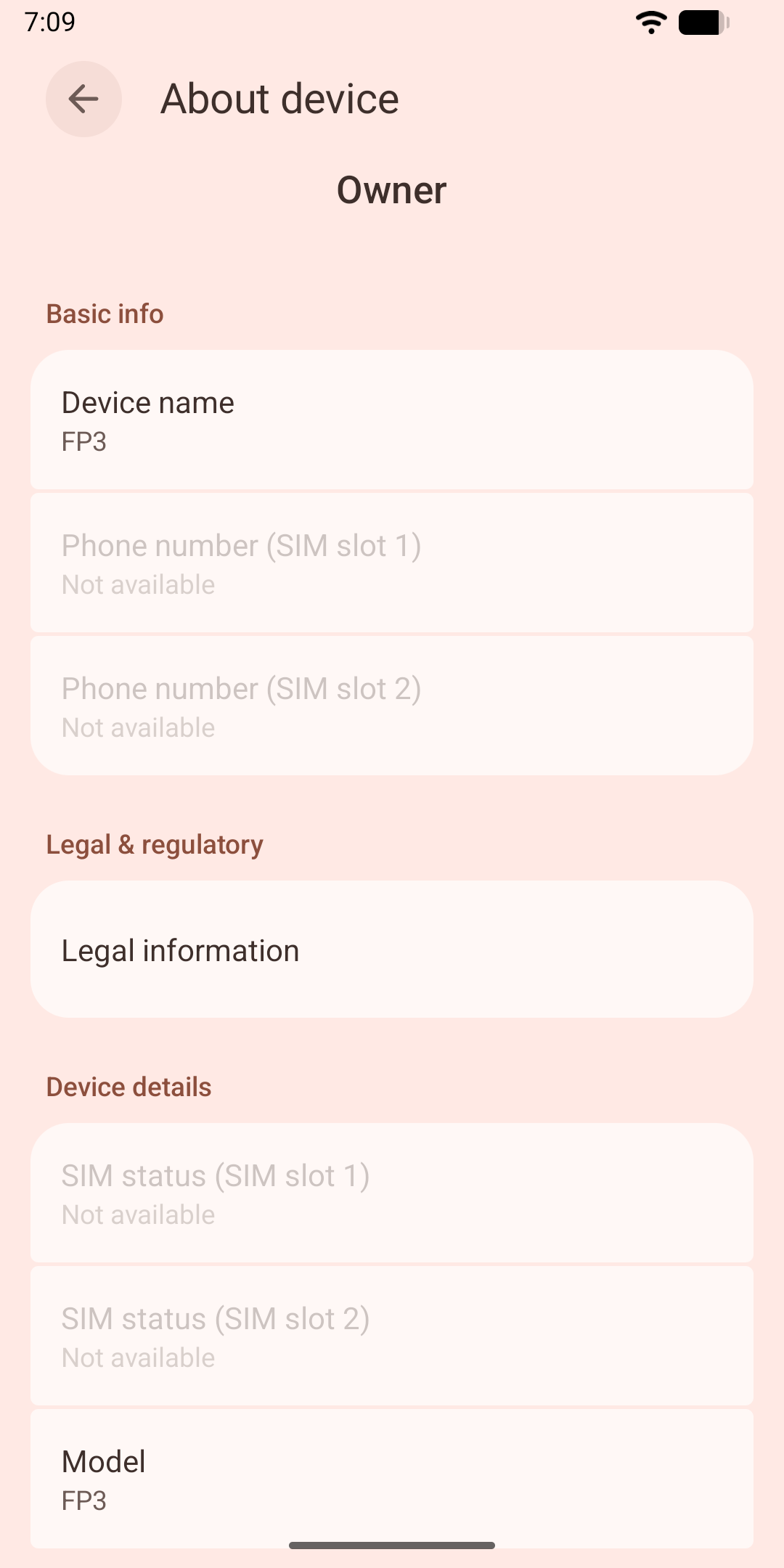
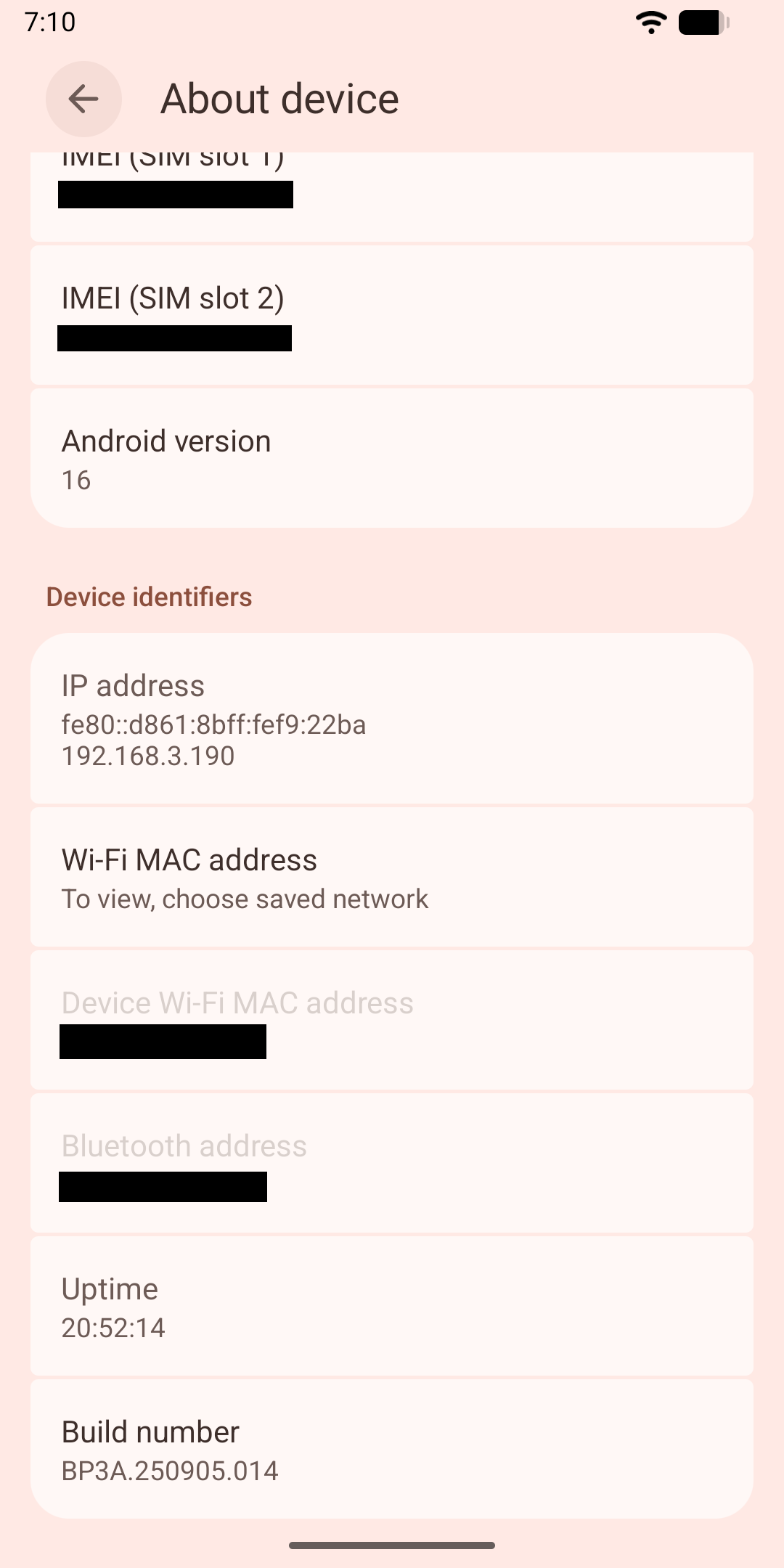
Screenshots


Features working

  • minimal set of included apps

  • built in gapps

  • SD card

  • Nova launcher prime

  • Material You theme picker

  • Bluetooth

  • Nearby share

  • Calling

  • Duo sim

  • Fingerprint sensor

  • No browser forced on you, install your favorite

  • Not rooted

Features not working

Please report issues by creating an issue on Issues · danielzhang130/aosp_changes · GitHub

Flash instructions

  • backup your data and unlock bootloader (see Fairphone support site for unlock code)

  • boot into fastboot (turn phone off, hold down vol-down and plug in usb cable)

  • wipe data with fastboot -w YOUR DATA IS NOW GONE

  • download and unzip image

  • flash images with

fastboot reboot fastboot
fastboot flash system system.img
fastboot flash --disable-verity --disable-verification vbmeta vbmeta.img

  • reboot fastboot reboot

  • good luck!

Build instructions (for experienced users only)

Credits

Congrats on making A16 a thing for FP3. Good luck on your journey :))

You probably meant 2025.

Just a brief hello and :waving_hand: thank you! after I succeeded to install this on our local community’s Fairphone 3 today. :slightly_smiling_face:

A first try on another FP3 (both devices are 2019 FP3s without a plus) kept ending up in Fast Boot Mode after the installation had appeared to be complete. Additional factory resets did not change this pattern on that FP3, unlike on the aforementioned local community FP3. fastboot -w did not work on either device.

Surprisingly, this device now shows an SPL of December, 5th 2025 despite an identical build number.

Additional information: The successful switch was on an FP3 on /e/OS-A15-community version 3.7.1 before, while the failing FP3 was on Android OS Android 13 version FP3.6.A.040.3. While – from my memory – the former at one point after the installation landed in the /e/ recovery and booted after triggering a factory reset from within the recovery, the latter ended up in Fast Boot Mode / AOSP recovery and a factory reset did not break the loop.

Also works

  • File transfer from & to USB-C stick

Anyway, thanks again for this major achievement! :partying_face:

Amazing. At least one other person is using my build!

If one of your devices didn’t boot but another did, try flashing a factory image first, try the latest release. Then Flash my build on top.

Regarding security patch date, that’s a mistake on my part. The build has the September security patch. But the displayed date is wrong.

I wanted to give it a try but I run into this error while flashing

$ fastboot flash --disable-verity --disable-verification vbmeta vbmeta.img
fastboot: error: Failed to find AVB_MAGIC at offset: 0
$ fastboot --version
fastboot version 37.0.0-14910828

Immediately before that I reflashed the stock ROM version 6.A.040.2 from March. I had tried iode before but always ran into the corrupted device error after locking the bootloader, even though the iode SPL was newer than the one from stock ROM.
Maybe something is wrong with my FP3 that causes the above error…

Edit: found fastboot: error: Failed to find AVB_MAGIC at offset: 0 · Issue #1 · gogopowerjackets/razer-edge-gsi · GitHub which tells to use an older version of fastboot
Then I can flash vbmeta but end up in the same fastboot loop that Urs described.

@urs_lesse @Ingo

I think you all are missing a critical flashing step, which I did not document, since the FP 3 partition table changed a while ago in version 4.A.0021.0 and later. e/OS probably did not have this.

We retrofitted a new way of managing the system storage (dynamic partitions). This affects system partition and images only, it does not affect user data.

  1. Go in to fastboot (Vol, power button combo or adb reboot fastboot)
  2. fastboot reboot fastboot this may seem redundant, but there are two different fastboot versions that behave differently.

For your bricked devices, please Flash the stock firmware, then try this. You also need `fastboot delete-logical-partition product_a` after restoring to stock firmware.

From what I understand, you can’t lock the bootloader after flashing a custom ROM because the digital signatures are different, not related to SPL.

Correct me if that’s wrong.

For some custom ROM/phone model combinations it is indeed possible to re-lock the bootloader.
See for example the docs for /e/ and iode

Ok, I now first flashed stock ROM 6.A.040.2 again and kept the bootloader unlocked. Booted into the system to see if all looks well.

Then I rebooted into the bootloader mode (the classic fastboot, not the new fastbootd) and did the following commands:

fastboot -w
fastboot reboot fastboot
fastboot delete-logical-partition product
fastboot flash system system.img

But flashing system fails with

Resizing ‘system_a’ FAILED (remote: ‘Not enough space to resize partition’)
fastboot: error: Command failed

What does seem to work (explicitly specifying the slot with the partition name):

fastboot delete-logical-partition product_a
fastboot flash system_a system.img
fastboot flash --disable-verity --disable-verification vbmeta_a vbmeta.img

Even though the current slot was “a” to begin with (as confirmed by fastboot getvar current-slot).

Then it boots fine. :slight_smile:
Currently setting up the system…

On /e/OS,

The bootloader is lockable in official builds only.

It is mostly dependent on ROM signing signatures. They have to match whatever Fairphone expects/hardcodes into the bootloader. As such, regular community builders like me cannot produce builds with such signatures.